
From my experience with Offorte, I found it excels at simplifying the proposal creation process with its intuitive drag-and-drop editor and real-time tracking features. After spending time with the platform, I can say it’s particularly well-suited for sales teams and small businesses looking to streamline their sales workflows and improve client engagement. However, there’s a trade-off: Offorte is only available as a web application without mobile apps, which might limit on-the-go access. Overall, if you need a reliable and collaborative proposal tool integrated with CRM systems, Offorte delivers solid results.
Offorte Proposal Software for Sales Teams and Business Growth
Offorte is a web-based proposal software designed to help sales teams create, customize, and track professional sales proposals efficiently with collaboration and CRM integration features.
What is Offorte?
Offorte is a cloud-based proposal software designed to help sales teams and businesses create, manage, and track professional sales proposals efficiently. It streamlines the proposal process by offering customizable templates, collaboration features, and analytics to improve sales performance.

Key Features of Offorte
Drag-and-Drop Proposal Editor
Easily customize proposals with a user-friendly editor without needing design skills.
Real-Time Proposal Tracking
Receive notifications when clients open or interact with your proposals.
Customizable Templates
Use and modify templates to maintain brand consistency and speed up proposal creation.
CRM Integration
Connect Offorte with CRM systems to synchronize client data and sales activities.
Collaboration Tools
Allow multiple team members to edit and comment on proposals before sending.
Pros and Cons of Offorte
Pros
- Intuitive drag-and-drop editor simplifies proposal creation
- Real-time tracking helps improve client follow-up
- Customizable templates maintain brand consistency
- Collaboration features support team workflows
- CRM integrations streamline sales processes
Cons
- Limited platform availability—only web-based
- Pricing details for teams require contacting sales
- No mobile app currently available
Key Use Cases for Offorte
Create Professional Sales Proposals
Offorte enables sales teams to quickly create visually appealing and customizable proposals to win more deals.
Manage and Track Proposals
Users can track when proposals are opened and viewed, helping salespeople follow up effectively.
Collaborate on Proposal Content
Teams can collaborate on proposal documents ensuring consistency and accuracy before sending to clients.
Automate Proposal Creation
Templates and reusable content blocks speed up the proposal creation process, reducing manual work.
Integrate with CRM Systems
Offorte integrates with popular CRM platforms to streamline sales workflows and data synchronization.
How Offorte Works
-
1
Sign Up
Create an account on Offorte’s web platform to access proposal tools.
-
2
Choose or Create a Template
Select from pre-built templates or design your own proposal layout.
-
3
Customize Proposal Content
Add text, images, pricing, and terms tailored to your client’s needs.
-
4
Send and Track
Send proposals directly to clients and monitor when they open and interact with them.
-
5
Collaborate and Close
Work with your team to refine proposals and follow up to close deals.
Who's Using Offorte
Sales teams
Small and medium businesses
Marketing agencies
Freelancers and consultants
Business development professionals
Offorte Pricing
Free Trial
$0 for 14 days
Access all features for 14 days to evaluate the platform.
Professional
€39/month
Full access to proposal tools, templates, and tracking for individual users.
Team
Custom pricing
Advanced collaboration and CRM integrations for sales teams.
Frequently Asked Questions About Offorte
Yes, Offorte offers a 14-day free trial with full access to all features.
Yes, Offorte supports integrations with popular CRM platforms to streamline sales workflows.
Limits depend on the subscription plan; the Professional plan offers generous usage suitable for most users.
This tool is designed to help users accomplish its core tasks more efficiently. It is typically used by individuals or teams looking to improve productivity and workflow.
Some tools offer a free plan or trial with limited features. Availability can vary, so confirm on the official website.
Integration support depends on the tool and its available connectors or API. Check the official documentation or integrations page to confirm what is supported.
Share your review
Reviews are limited to one per logged-in user and are published after moderation.
You need an account to review this tool.
0.0
★
★
★
★
★
0 reviews
5 star
0
4 star
0
3 star
0
2 star
0
1 star
0
No reviews yet
Be the first to share how this tool worked for you.
Questions from the community
Read questions and answers about this tool, or ask your own.
No questions yet
Start the conversation by asking the first question about this tool.
Is this tool helpful?
Alternative Tools
Explore similar AI tools that might fit your needs
Free
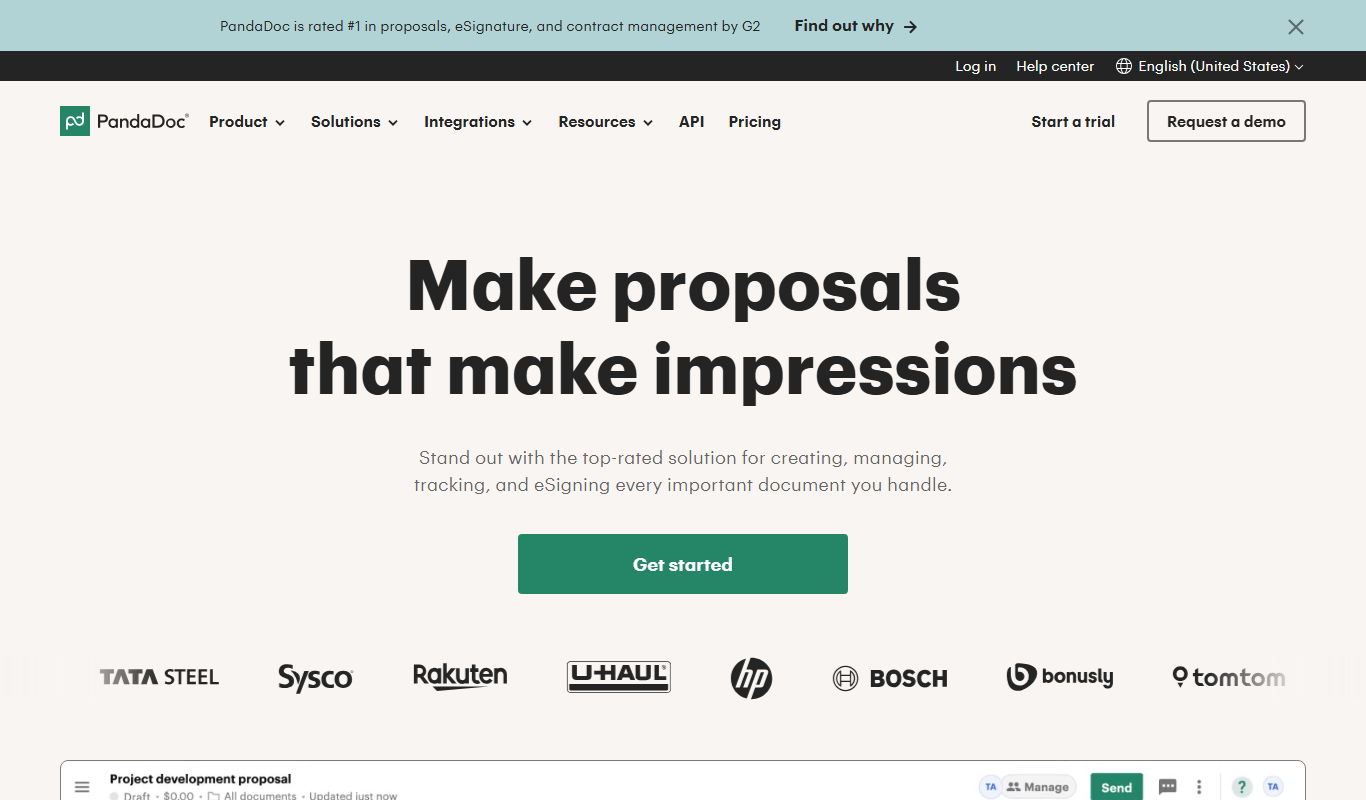
PandaDoc
PandaDoc is a cloud-based platform that automates document creation, approval workflows, and electronic signatures to help businesses streamline proposals, contracts, and payments.
Free Trial
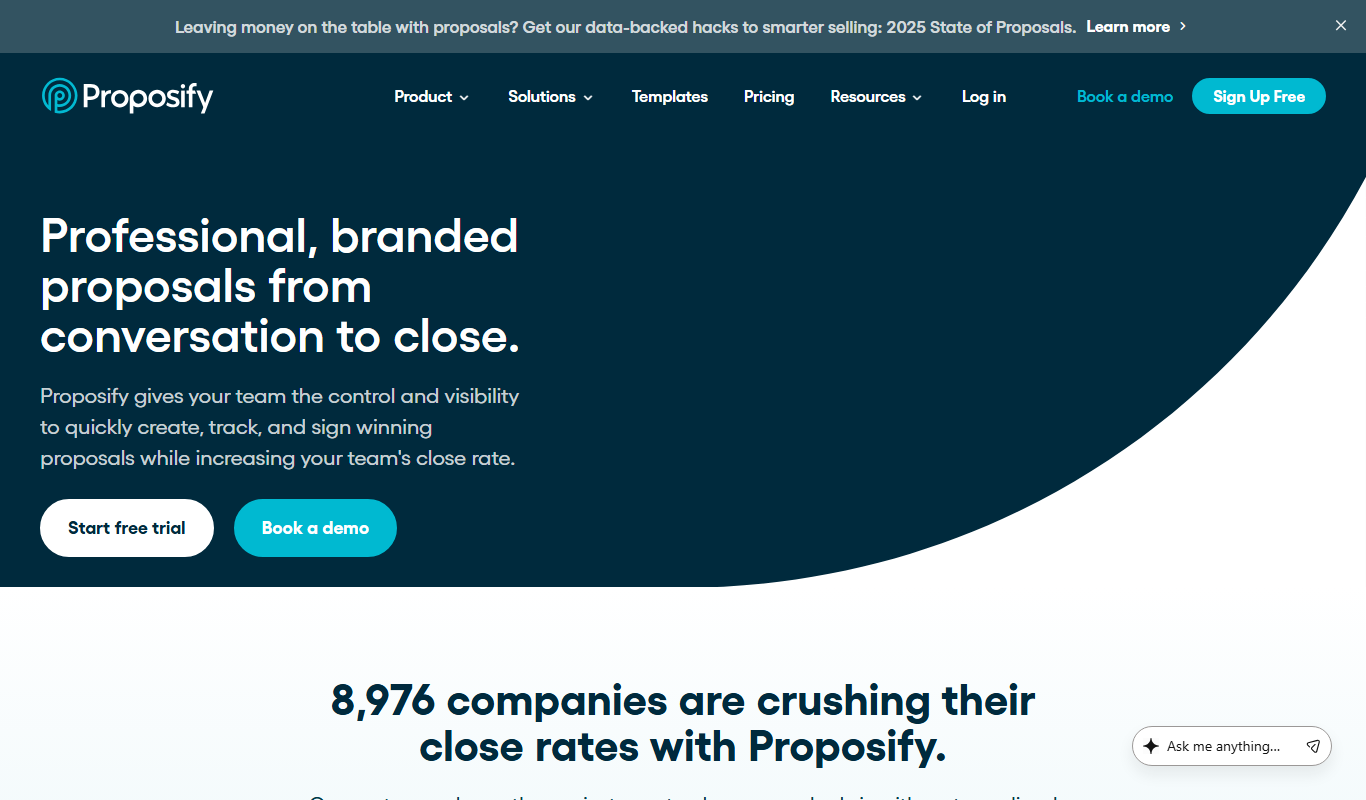
Proposify
Proposify is a cloud-based proposal software that enables businesses to create, customize, send, and track professional proposals with features like e-signatures and analytics to close deals faster.
Free
Name Fighters
Name Fighters is an AI-based tool that generates unique brand names and checks domain availability, helping startups and businesses find the perfect name quickly.

Free
Namelix
Namelix is an AI-powered tool that generates unique business and brand names based on your keywords, checks domain availability, and offers logo design services.
Free
Namefinder.ai
Namefinder.ai is an AI-driven tool that generates creative brand names and checks domain availability to help businesses find unique and memorable names.

Free
Namewizard.ai
Namewizard.ai is an AI-driven platform that helps users generate unique business and brand names with integrated domain availability checks and customizable filters.

Free
200+ ChatGPT Mega-Prompts for Business
200+ ChatGPT Mega-Prompts for Business is a free online collection of over 200 ready-to-use prompts designed to help businesses generate content, strategies, and operational tools using ChatGPT.

Free
AI Names Generator
AI Names Generator is a free online tool that uses AI to create unique business and brand name ideas with domain availability checks.

Free
Naming Magic
Naming Magic is an AI-driven platform that helps users generate unique business and brand names with integrated domain availability checks, ideal for startups and entrepreneurs.
Free
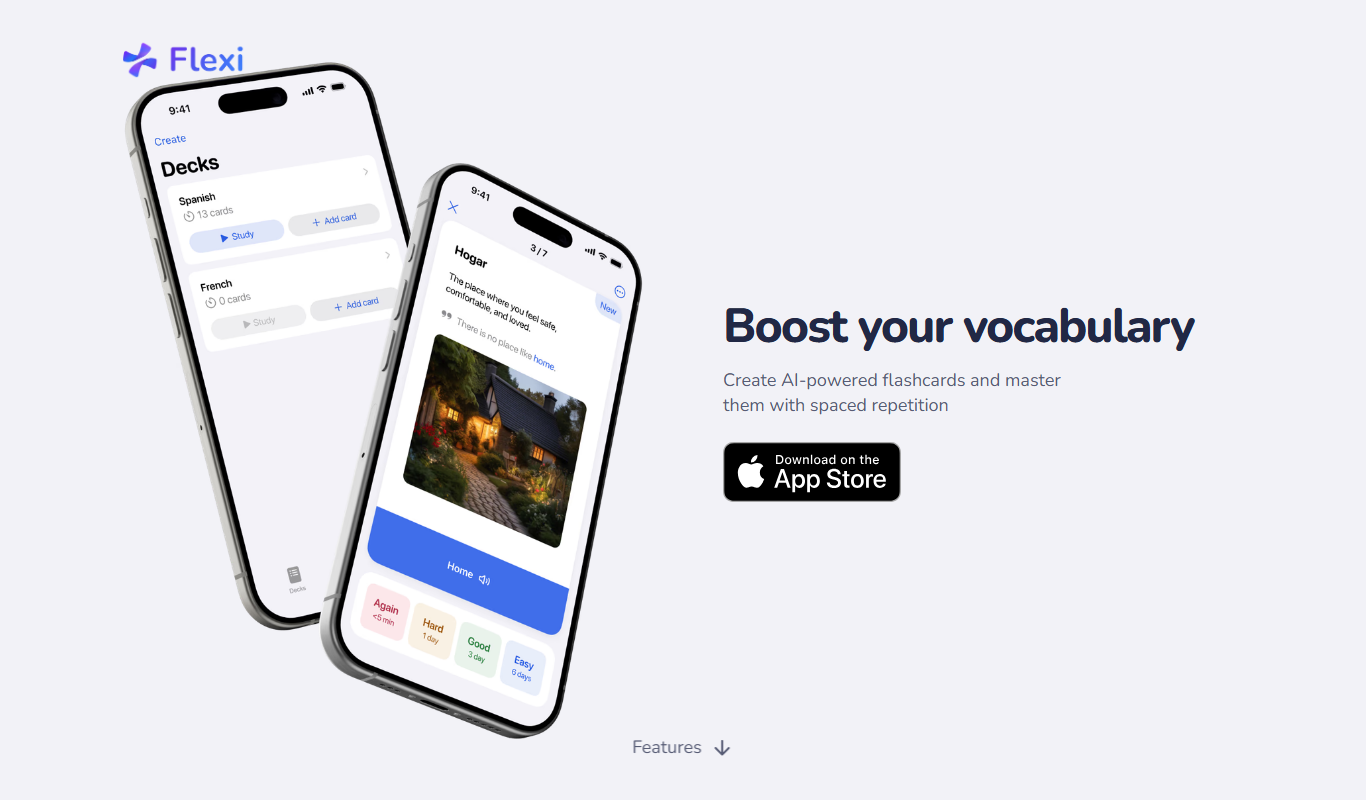
Flexi
Flexi Cards is a digital business card platform that allows users to create customizable cards and share them via QR codes or links to enhance professional networking.