

From my experience with Octie, I found it excels at simplifying complex business workflows by centralizing task management and automating repetitive tasks through AI-powered data extraction. After spending time with the platform, I can say it’s particularly well-suited for small to medium-sized businesses looking to improve operational efficiency without juggling multiple apps. However, there’s a trade-off: Octie currently supports only English and lacks a mobile app, which might limit accessibility for some users. Overall, if you need a robust AI assistant to streamline your business processes and enhance team collaboration, Octie delivers solid results.
Octie AI Assistant for Business Automation and Workflow Integration
Octie is an AI-powered assistant that automates business workflows by integrating with various apps, extracting data from communications, and centralizing task management to improve productivity.
- Best for
- Automate Business Workflows
- Key capability
- Multi-Platform Integration

Do you recommend this tool?
What is Octie?
Octie is an AI-powered assistant designed to automate and streamline business workflows by integrating with multiple apps and services. It centralizes task management, automates repetitive processes, and facilitates team collaboration, enabling businesses to save time and reduce manual effort.
Key features of Octie
Octie offers features such as multi-app integration, automated data extraction, centralized task management, workflow automation, and AI-driven communication handling to enhance business productivity.
Multi-Platform Integration
Seamlessly connects with various business apps to unify workflows.
AI-Powered Data Extraction
Automatically extracts relevant information from emails and documents.
Centralized Task Dashboard
Provides a single interface to manage tasks and communications.
Custom Workflow Automation
Enables creation of tailored automation rules to fit specific business needs.
Team Collaboration Tools
Facilitates communication and coordination within teams.
Pros and cons of Octie
Pros
- Simplifies complex workflows by centralizing tasks
- Reduces manual data entry with AI extraction
- Supports integration with multiple business apps
- Improves team collaboration and communication
- Offers a free trial to evaluate features
Cons
- Limited language support (English only)
- Pricing may be high for small businesses
- No mobile app currently available
Key use cases for Octie
Automate Business Workflows
Octie helps automate repetitive business tasks by integrating with various tools and platforms, streamlining operations.
Centralized Task Management
Users can manage tasks and communications from multiple apps in one place, improving efficiency and reducing context switching.
Data Extraction and Processing
Octie can extract data from emails and documents, then process it automatically to update systems or trigger actions.
Team Collaboration
Facilitates team collaboration by syncing information and automating notifications across different communication channels.
Customer Support Automation
Automates responses and workflows related to customer inquiries, improving response times and consistency.
How Octie works
- 1
Connect Your Apps
Link Octie with your existing business tools and communication platforms to enable data flow.
- 2
Define Automation Rules
Set up workflows and triggers that automate tasks like data extraction, notifications, and task creation.
- 3
Monitor and Collaborate
Use Octie’s centralized dashboard to track tasks, communicate with team members, and manage workflows.
Who is using Octie
Small to medium-sized businesses
Marketing and sales teams
Customer support departments
Project managers
Business operations professionals
Octie pricing
Free Trial
$0 for 14 days
Access to core features to evaluate the platform.
Pro
$49/month
Full feature access with higher usage limits and priority support.
Plans and prices are as published by the vendor and can change. Check the official site before you buy. Open the pricing page (opens in a new tab)
Frequently asked questions about Octie
Octie integrates with popular business tools such as email platforms, CRMs, project management apps, and communication tools.
Octie offers a 14-day free trial to test its features before subscribing.
Yes, Octie can extract data from emails and automate related workflows.
Yes, it provides tools to facilitate communication and task coordination among team members.
It depends on your specific needs and how you plan to use the tool. The official website and documentation are the best sources for the latest details.
Integration support depends on the tool and its available connectors or API. Check the official documentation or integrations page to confirm what is supported.
It depends on your specific needs and how you plan to use the tool. The official website and documentation are the best sources for the latest details.
Some tools offer a free plan or trial with limited features. Availability can vary, so confirm on the official website.
Sign in to review this tool.
Sign In to ReviewNo reviews yet
Be the first to share how this tool worked for you.
Ask about pricing, limits, or how it compares — or answer someone else.
Sign In to AskNo questions yet
Have a question about using or paying for this tool? Be the first to ask.
Featured on TiorAI



More Business Automation tools
Other tools in the same category, for when this one is not quite the fit.

Free Trial
Naturobot RPA
Naturobot RPA is an AI-driven robotic process automation platform that helps businesses automate repetitive tasks, integrate with enterprise systems, and optimize workflows through a user-friendly visual interface.
Freemium
GPT service for business automation
Ferman is a GPT-based AI platform that enables businesses to automate workflows and processes using no-code tools and API integrations, supporting English and Russian languages.

Free Trial
Setups AI
Setups AI is a no-code platform that uses AI to automate business setup workflows, helping companies streamline onboarding and task management without programming.
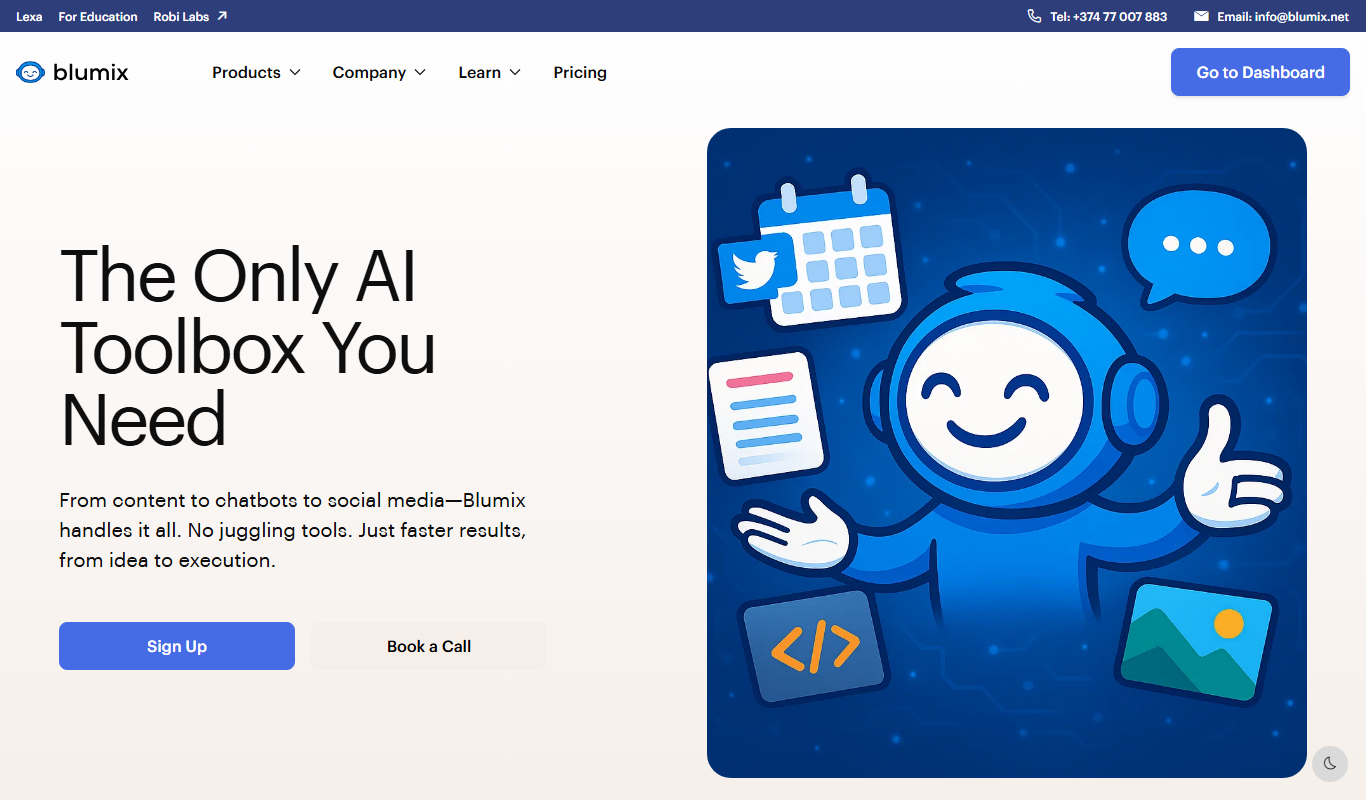
Free Trial
Robi AI
Robi AI is an AI-powered virtual assistant that automates scheduling, task management, and email workflows to enhance business productivity.

Freemium
Zaayve AI
Zaayve AI is a cloud-based platform that uses artificial intelligence to automate business workflows, analyze data, and enhance customer engagement, helping businesses improve efficiency and decision-making.

Freemium
Jaeves
Jaeves is an AI-powered assistant designed to automate business workflows, manage tasks, and optimize productivity by integrating with various tools and providing intelligent automation.
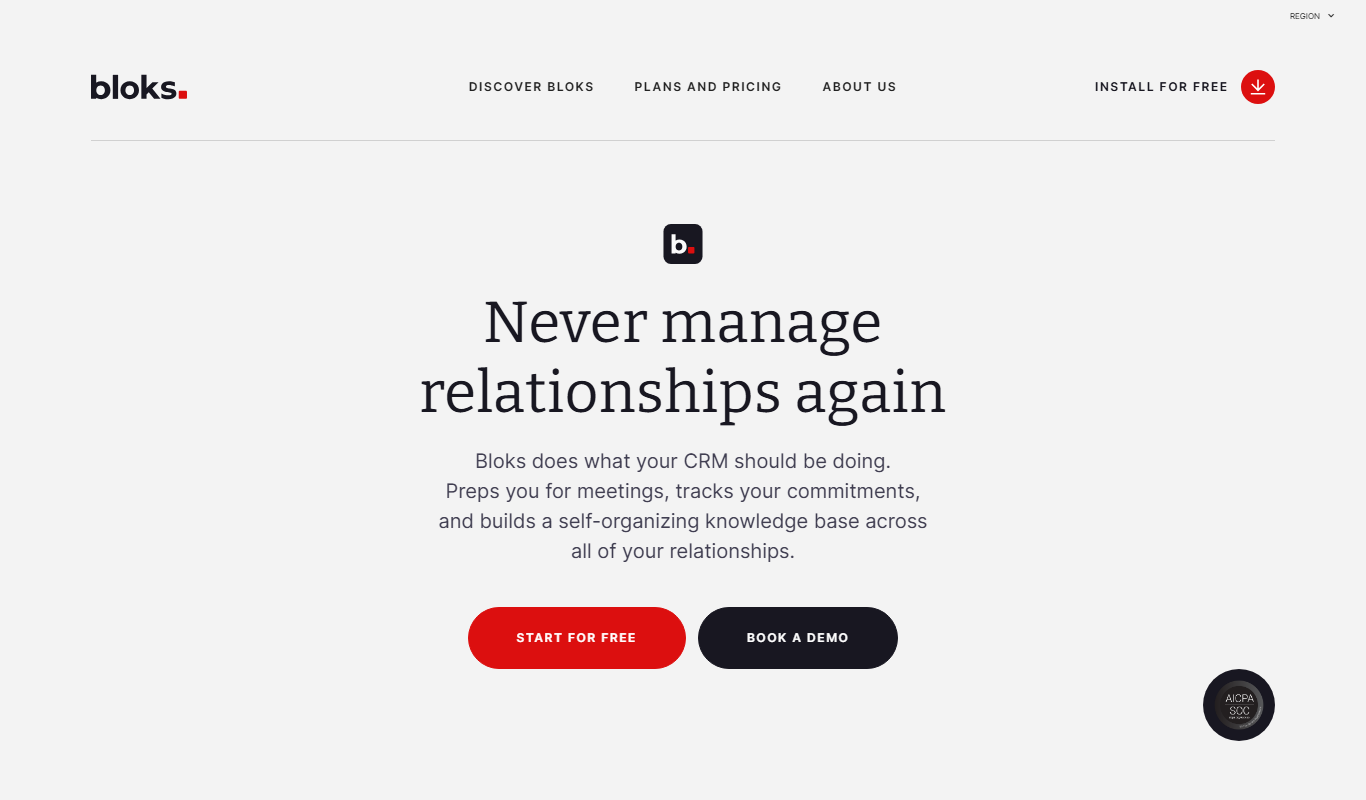
Free
Bloks
Bloks is a no-code platform that allows users to build custom web applications with drag-and-drop tools, data integration, and workflow automation, enabling businesses to create tailored digital solutions without programming.

Freemium
GooGPT
GooGPT is an AI chatbot platform that uses GPT technology to help businesses automate customer interactions, improve support efficiency, and engage website visitors through customizable chatbots.