

From my experience with NoCodeCMS, I found it excels at simplifying website creation for users without technical skills. The drag-and-drop editor combined with an integrated CMS makes managing content straightforward, which is ideal for small businesses and marketers who want to launch sites quickly. However, the platform has limited advanced customization and lacks e-commerce features, which might be a drawback for users needing more complex functionality. Overall, if you need a fast, no-code solution for building CMS-driven websites or landing pages, NoCodeCMS delivers a practical and affordable option.
NoCodeCMS - Easy No-Code Website Builder for CMS and Landing Pages
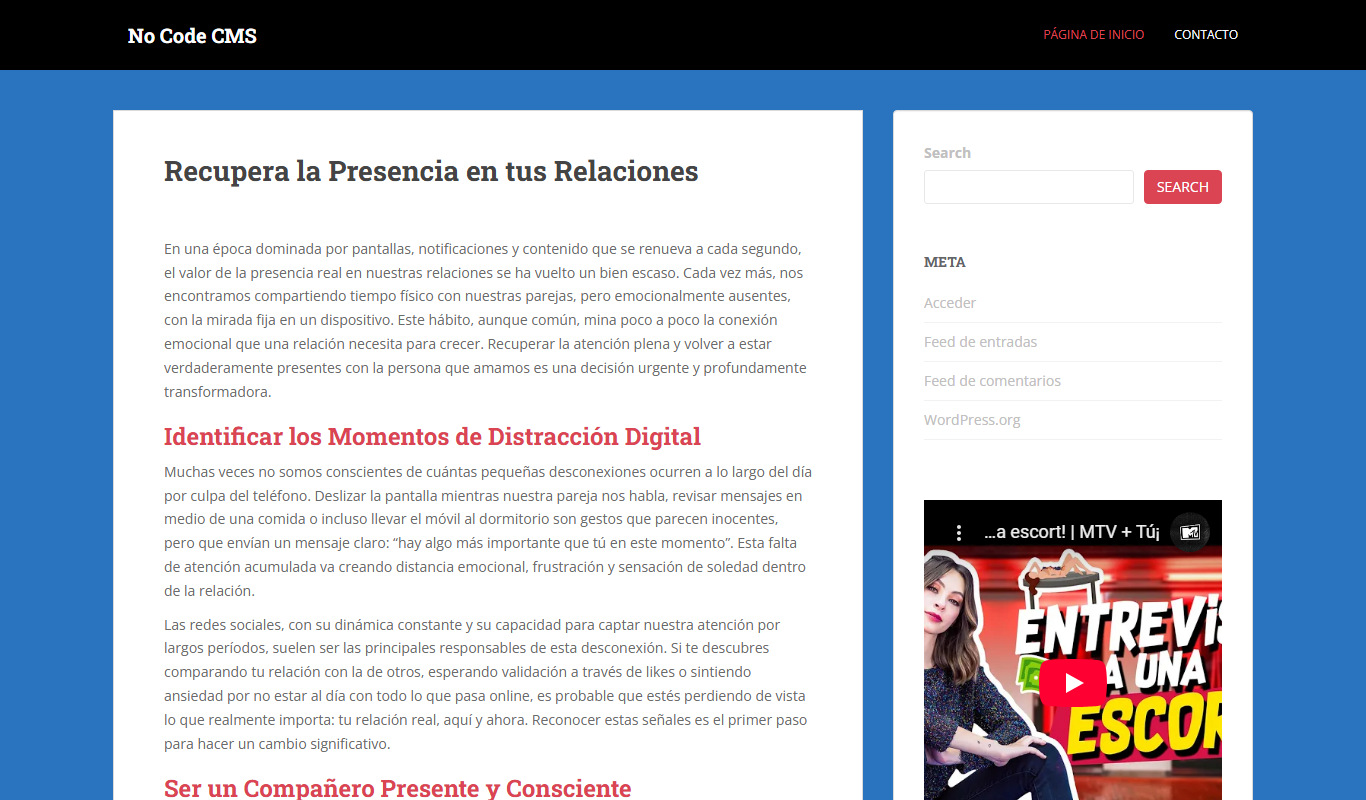
NoCodeCMS is a no-code website builder and CMS platform that allows users to create and manage websites and landing pages without coding, using an intuitive drag-and-drop editor and customizable templates.
- Best for
- Build Custom Websites
- Key capability
- Drag-and-Drop Editor
What is NoCodeCMS?
NoCodeCMS is a no-code website builder platform that enables users to create and manage websites and landing pages without any programming knowledge. It offers an intuitive drag-and-drop interface combined with CMS capabilities, allowing marketers, designers, and small business owners to build professional websites quickly and efficiently.
Key features of NoCodeCMS
NoCodeCMS provides a visual editor for designing pages, integrated CMS for content management, customizable templates, and easy publishing options. It focuses on simplicity and speed, making website creation accessible to non-technical users.
Drag-and-Drop Editor
Intuitive visual editor to build and customize websites without coding.
Built-in CMS
Manage website content dynamically with an integrated content management system.
Responsive Templates
Access a variety of mobile-friendly templates to speed up website creation.
Custom Domain Support
Connect your own domain name to publish your website professionally.
SEO Friendly
Tools and settings to optimize your website for search engines.
Pros and cons of NoCodeCMS
Pros
- User-friendly drag-and-drop interface
- Integrated CMS for easy content updates
- Affordable pricing with a free tier
- Responsive and customizable templates
Cons
- Limited advanced customization options
- No native e-commerce support
Key use cases for NoCodeCMS
Build Custom Websites
Create fully customizable websites without writing any code using drag-and-drop tools.
Create Landing Pages
Design and launch landing pages quickly for marketing campaigns or product launches.
Manage Content Easily
Use the built-in CMS features to organize and update website content without developer help.
Prototype Website Designs
Rapidly prototype website layouts and designs to visualize concepts before development.
How NoCodeCMS works
-
1
Sign Up
Create a free account on the NoCodeCMS platform to get started.
-
2
Choose a Template or Start from Scratch
Select a pre-designed template or build your website layout from a blank canvas.
-
3
Customize Your Website
Use the drag-and-drop editor to add elements, edit content, and style your pages.
-
4
Manage Content with CMS
Organize and update your website content easily using the built-in content management system.
-
5
Publish Your Website
Launch your website live with a single click and connect your custom domain if desired.
Who is using NoCodeCMS
Small business owners
Marketing professionals
Freelance designers
Content creators
Startups
NoCodeCMS pricing
Free
$0/month
Basic website building features with NoCodeCMS branding and limited pages.
Pro
$15/month
Remove branding, connect custom domains, and access advanced features.
Plans and prices are as published by the vendor and can change. Check the official site before you buy. Open the pricing page (opens in a new tab)
Frequently asked questions about NoCodeCMS
No, NoCodeCMS is designed for users without any coding experience.
Yes, custom domain connection is available on the Pro plan.
Yes, you can start with the free plan which has basic features.
Currently, NoCodeCMS focuses on CMS and landing pages and does not offer built-in e-commerce.
This tool is designed to help users accomplish its core tasks more efficiently. It is typically used by individuals or teams looking to improve productivity and workflow.
Some tools offer a free plan or trial with limited features. Availability can vary, so confirm on the official website.
Yes, it can help with that use case depending on how you configure it and what features are available. You’ll get the best results with clear inputs and a defined goal.
Sign in to review this tool.
Sign In to ReviewNo reviews yet
Be the first to share how this tool worked for you.
Ask about pricing, limits, or how it compares — or answer someone else.
Sign In to AskNo questions yet
Have a question about using or paying for this tool? Be the first to ask.
Featured on TiorAI



More AI Content Management Tools tools
Other tools in the same category, for when this one is not quite the fit.
Free
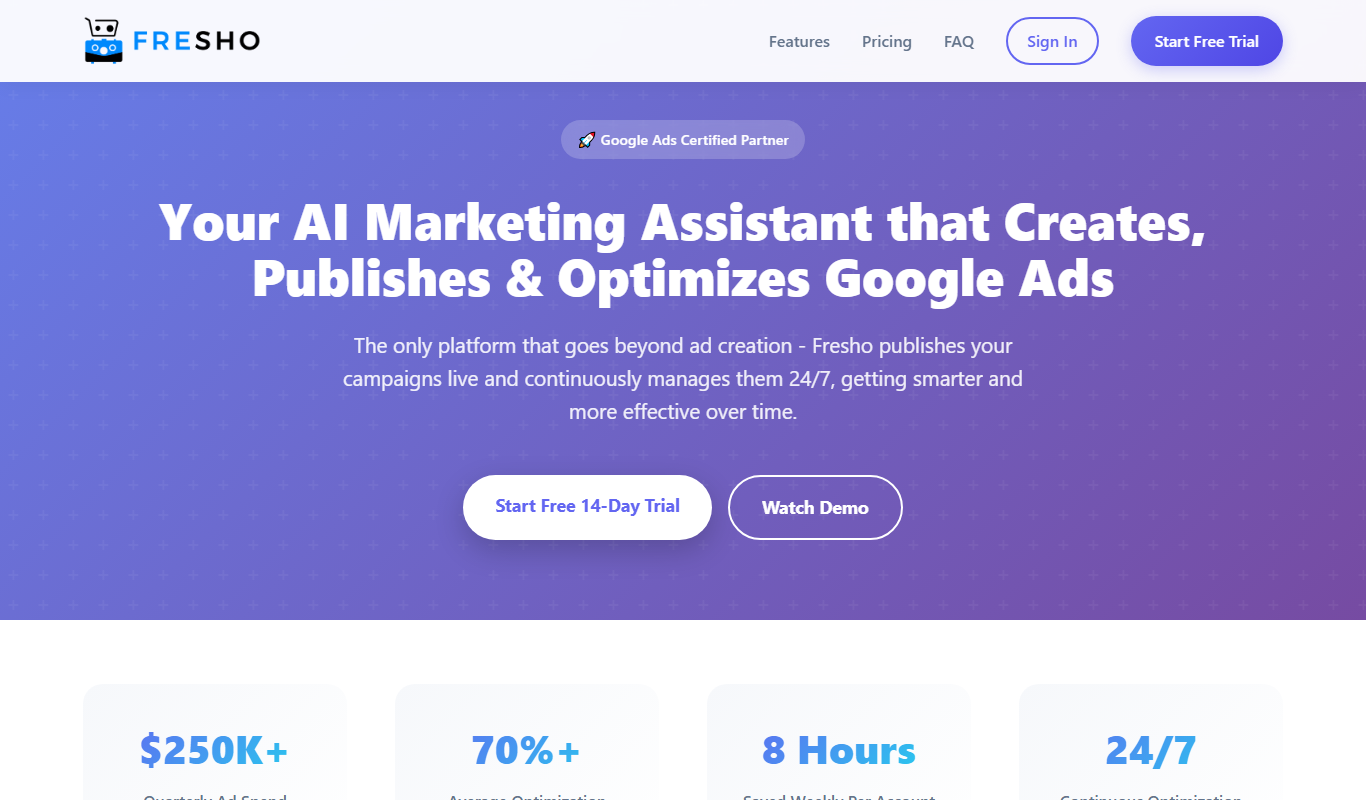
Fresho
Fresho is a modern headless CMS designed for developers to manage and deliver content via REST and GraphQL APIs, supporting scalable and flexible content infrastructure.

Free
Bakery By Bagel
Bakery By Bagel is a developer-focused headless CMS that provides API-first content management with REST and GraphQL APIs, enabling flexible content delivery for websites, apps, and other digital platforms.