

From my experience with NewsDeck, I found it excels at delivering real-time news updates from a broad range of sources in a clean, customizable interface. It’s particularly well-suited for journalists, PR professionals, and content curators who need to monitor news efficiently without clutter. However, the lack of a dedicated mobile app and limited language support can be a drawback for users who require on-the-go access or multilingual content. Overall, if you want a straightforward, web-based news aggregator with useful alert features, NewsDeck offers solid value.
NewsDeck by OneSub - Real-Time News Aggregator and Media Monitoring Tool
NewsDeck is a web-based platform by OneSub that aggregates real-time news from multiple sources, offering customizable news streams and keyword alerts for efficient media monitoring and content curation.
- Best for
- Real-Time News Monitoring
- Key capability
- Real-Time News Aggregation
Your actions
Save NewsDeck (from OneSub), follow its updates and vote on it — everything stays in your account.
Sign in or create a free account
What is NewsDeck (from OneSub)?
NewsDeck is a web-based news aggregation and media monitoring platform developed by OneSub. It collects and organizes news from a wide range of sources, providing users with real-time updates and customizable news streams. The tool is designed to help professionals, journalists, marketers, and businesses stay on top of relevant news and trends efficiently.
Key features of NewsDeck (from OneSub)
NewsDeck offers real-time news aggregation, customizable news feeds, keyword-based alerts, and a clean, user-friendly interface. It supports filtering by topics, sources, and regions, enabling users to tailor their news consumption to their specific interests and needs.
Real-Time News Aggregation
Aggregates news from multiple sources instantly to keep users updated.
Customizable News Feeds
Allows users to tailor news streams based on keywords, topics, and sources.
Keyword Alerts
Sends notifications when news matching user-defined keywords is published.
Clean and Intuitive Interface
Provides an easy-to-navigate dashboard for efficient news consumption.
Pros and cons of NewsDeck (from OneSub)
Pros
- Real-time aggregation from diverse sources
- Customizable news streams and alerts
- User-friendly and clean interface
Cons
- No dedicated mobile app
- Limited language support
- Pricing details not extensively transparent
Key use cases for NewsDeck (from OneSub)
Real-Time News Monitoring
Track breaking news and updates from multiple sources in real time to stay informed.
Media Monitoring for PR and Marketing
Monitor media mentions and industry news to manage brand reputation and market trends.
Content Curation for Newsletters and Social Media
Curate relevant news stories efficiently for newsletters, blogs, or social media channels.
Competitive Intelligence
Gather news about competitors and industry developments to inform business strategies.
How NewsDeck (from OneSub) works
- 1
Create an Account
Sign up on the NewsDeck website to access the platform.
- 2
Set Up News Streams
Customize your news feeds by selecting topics, keywords, and preferred sources.
- 3
Receive Real-Time Updates
Monitor incoming news articles and alerts as they are published.
- 4
Analyze and Share
Use the platform’s tools to analyze news trends and share relevant content.
Who is using NewsDeck (from OneSub)
Journalists and reporters
PR and marketing professionals
Business analysts
Content curators
Small to medium enterprises
NewsDeck (from OneSub) pricing
Free
$0/month
Basic access with limited news streams and features.
Pro
$15/month
Expanded features including more news streams, alerts, and priority support.
Plans and prices are as published by the vendor and can change. Check the official site before you buy. Open the pricing page (opens in a new tab)
Frequently asked questions about NewsDeck (from OneSub)
Yes, NewsDeck allows you to select preferred news sources and filter content accordingly.
Currently, NewsDeck is available as a web platform; no dedicated mobile app is offered.
The platform primarily supports English-language news and interface.
This tool is designed to help users accomplish its core tasks more efficiently. It is typically used by individuals or teams looking to improve productivity and workflow.
It depends on your specific needs and how you plan to use the tool. The official website and documentation are the best sources for the latest details.
Yes, it can help with that use case depending on how you configure it and what features are available. You’ll get the best results with clear inputs and a defined goal.
Sign in to review this tool.
Sign In to ReviewNo reviews yet
Be the first to share how this tool worked for you.
Ask about pricing, limits, or how it compares — or answer someone else.
Sign In to AskNo questions yet
Have a question about using or paying for this tool? Be the first to ask.
Featured on TiorAI



Alternative Tools
Explore similar AI tools that might fit your needs

Free
Mention
Mention is a social media monitoring and brand reputation management tool that tracks online mentions across social media, news, blogs, and forums in real-time, providing sentiment analysis and competitive insights.
More AI Data Mining tools
Other tools in the same category, for when this one is not quite the fit.

Free Trial
Rose AI
Rose AI is an AI-driven platform that automates data analytics and predictive modeling to help businesses extract actionable insights and optimize decision-making.

Custom Pricing
XenonStack
XenonStack is an enterprise technology company offering AI, cloud migration, cybersecurity, and DevOps automation services to help organizations modernize IT infrastructure and secure digital assets.

Free Trial
Trade Foresight
Trade Foresight is an AI-driven platform that aggregates global trade data to provide real-time analytics, forecasting, and market intelligence for importers, exporters, and trade analysts.
Free
Wand AI
Wand AI is an AI writing assistant that uses GPT-3 to help users generate creative and professional text content efficiently through a user-friendly web platform.

Free Trial
5-Out
5-Out is an AI-driven sales assistant that automates cold email outreach, follow-ups, and lead qualification to help sales teams increase efficiency and conversion rates.
Free
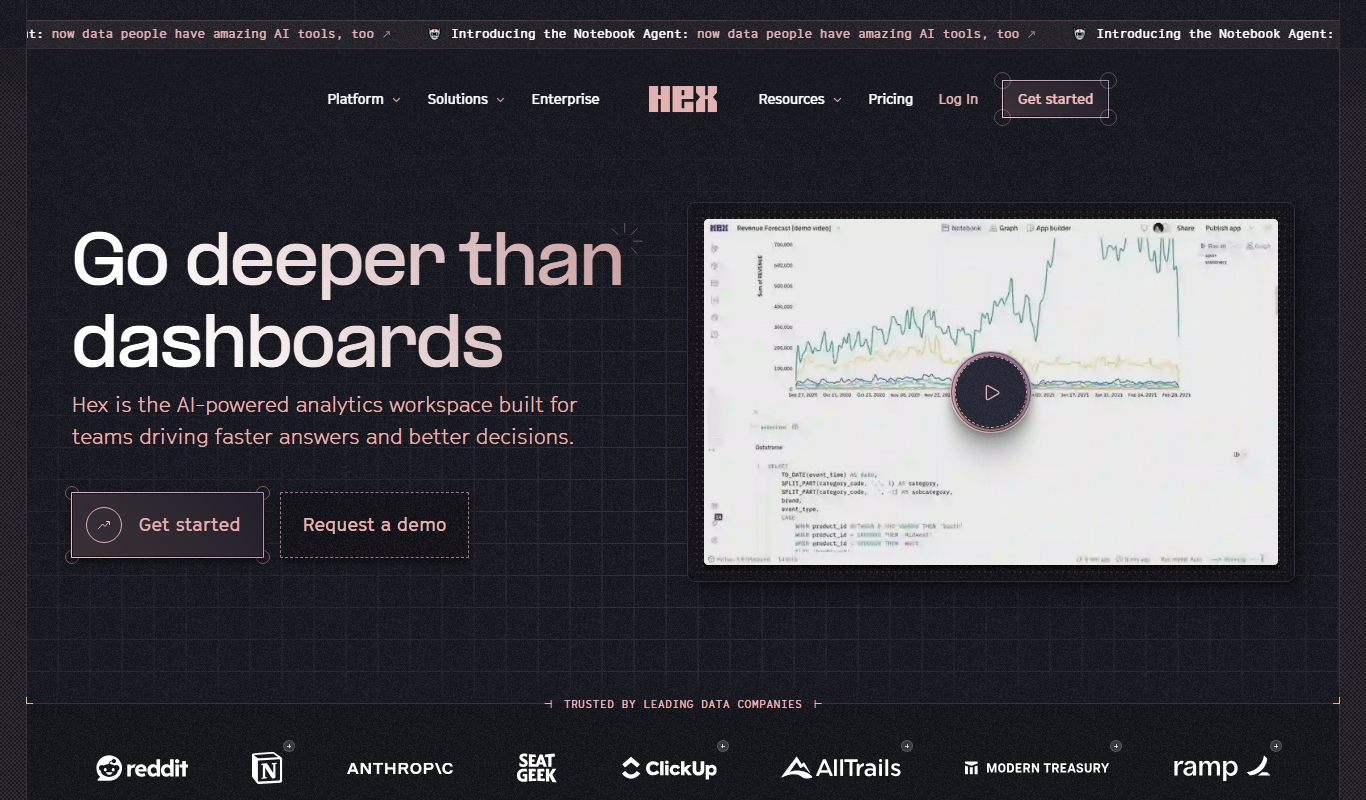
Hex
Hex is a web-based data science platform that enables teams to collaboratively build interactive notebooks combining SQL, Python, and R code, with integrated visualizations and data source connections.

Custom Pricing
Warehouse Optimization
Keebo Warehouse Optimization is an AI-driven software that helps warehouses maximize space utilization, optimize inventory slotting, and improve order picking efficiency through advanced machine learning and real-time analytics.

Free
Mineflow (YC S24)
Mineflow is an AI-powered no-code platform that enables users to automate workflows and integrate data across multiple applications using a visual builder.