

From my experience with Namique, I found it excels at quickly generating creative and persuasive content with minimal effort. The platform’s straightforward interface makes it accessible for users without technical backgrounds, which is a big plus for marketers and small business owners. However, the lack of detailed information on premium plans and limited language support are notable constraints. Overall, if you need an easy-to-use AI writing assistant for English content creation and copywriting, Namique offers solid basic functionality with room to grow.
Namique AI Writing Assistant for Creative Content and Copywriting
Namique is an AI writing assistant that generates creative and marketing content to help writers and marketers produce engaging text efficiently.
- Best for
- Creative Content Writing
- Key capability
- AI Content Generation
Do you recommend this tool?
What is Namique?
Namique is an AI-powered writing assistant designed to help users create high-quality written content effortlessly. It leverages advanced language models to generate creative and persuasive text, making it a useful tool for writers, marketers, and content creators seeking inspiration or assistance in copywriting and content development.
Key features of Namique
Namique offers features such as AI-generated content suggestions, creative writing prompts, copywriting assistance, and content refinement tools. Its user-friendly web interface allows users to quickly generate and edit text tailored to their specific needs.
AI Content Generation
Automatically create original and engaging text for various writing needs.
Creative Writing Prompts
Receive inspiration and ideas to overcome writer's block.
Copywriting Assistance
Generate persuasive marketing copy tailored to your audience.
User-Friendly Interface
Simple and intuitive web platform for easy content creation.
Pros and cons of Namique
Pros
- Easy to use with no technical knowledge required
- Generates creative and persuasive content quickly
- Free plan available for basic usage
Cons
- Limited information on premium pricing and features
- Currently supports only English language
- No mobile app or desktop version available
Key use cases for Namique
Creative Content Writing
Generate engaging and original creative content for blogs, stories, and marketing materials.
Copywriting
Produce persuasive copy for advertisements, social media posts, and product descriptions.
Idea Generation
Brainstorm new ideas and concepts for content projects or campaigns.
Content Enhancement
Improve existing text by making it more compelling and polished.
How Namique works
- 1
Access the Platform
Visit the Namique website and create a free account to start using the AI writing assistant.
- 2
Input Your Requirements
Provide a brief description or keywords related to the content you want to generate.
- 3
Generate Content
Let Namique’s AI produce creative or copywriting content based on your input.
- 4
Edit and Refine
Review the generated text and make any necessary adjustments to fit your style and purpose.
Who is using Namique
Content creators
Marketing professionals
Small business owners
Freelance writers
Social media managers
Namique pricing
Free
$0/month
Access to basic AI writing features with usage limits.
Premium
N/A
Details not publicly disclosed; likely includes higher usage limits and advanced features.
Plans and prices are as published by the vendor and can change. Check the official site before you buy. Open the pricing page (opens in a new tab)
Frequently asked questions about Namique
Namique offers a free plan with basic features and usage limits.
Namique can generate creative writing, marketing copy, social media posts, and more.
No, Namique is designed with a user-friendly interface suitable for all skill levels.
This tool is designed to help users accomplish its core tasks more efficiently. It is typically used by individuals or teams looking to improve productivity and workflow.
It depends on your specific needs and how you plan to use the tool. The official website and documentation are the best sources for the latest details.
Sign in to review this tool.
Sign In to ReviewNo reviews yet
Be the first to share how this tool worked for you.
Ask about pricing, limits, or how it compares — or answer someone else.
Sign In to AskNo questions yet
Have a question about using or paying for this tool? Be the first to ask.
Featured on TiorAI



More AI Anime Generator tools
Other tools in the same category, for when this one is not quite the fit.

Free
MangaDex
MangaDex is a free online platform for reading manga and engaging with a global manga community, offering a vast library of titles in multiple languages and interactive features.

Free
VRoid Studio
VRoid Studio is a free 3D character modeling software focused on anime-style avatars, offering easy customization and VRM export for VTubing and game development.
Free
Anime4K
Anime4K is an open-source AI upscaling tool designed to enhance anime videos by increasing resolution and detail in real-time using lightweight neural networks.

Free
Waifu Labs
Waifu Labs is a free AI-powered web tool that generates custom anime-style avatars through an interactive selection process, allowing users to create unique high-resolution anime characters without artistic skills.

Free
Emoji Generator AI
Emoji Generator AI is a web-based tool that uses artificial intelligence to create custom emojis from text descriptions, allowing users to generate unique emoji designs quickly without design skills.

Free Trial
AI Kungfu Video Generator
AI Kungfu Video Generator is a web-based tool that uses AI to convert text scripts into videos quickly and easily, ideal for marketers and content creators.

Free
AI OTAKU LABO
AI OTAKU LABO is a web-based AI art generator focused on creating anime-style images using text prompts and style customization, suitable for anime fans and creators.
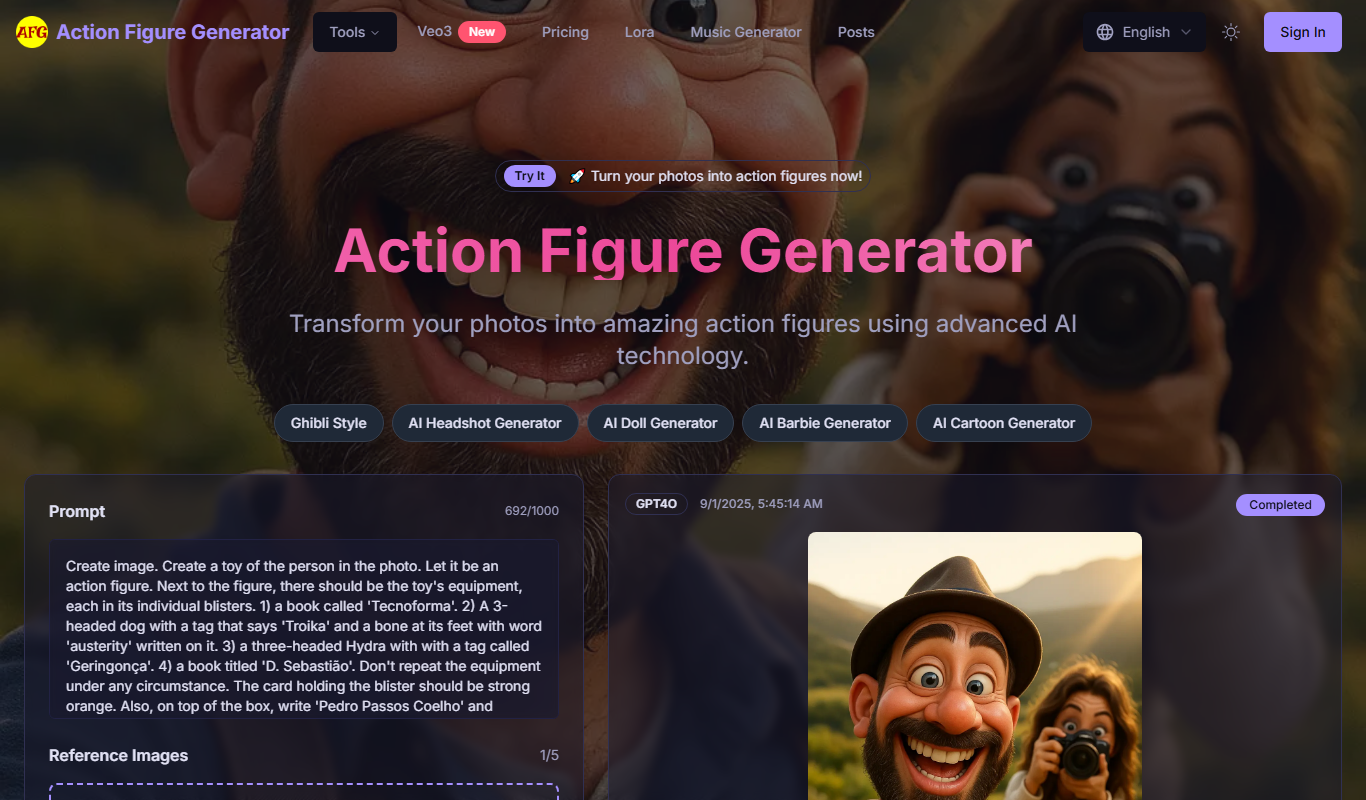
Free Trial
Action Figure
Action Figure is an AI-powered writing assistant designed to help users create marketing copy, blog posts, and SEO-optimized content efficiently through an intuitive web platform.