

NameMesh Domain Name Generator for Creative and SEO-Friendly Ideas
NameMesh is a free online domain name generator that helps users find creative and SEO-optimized domain names with instant availability checks across multiple extensions.
- Best for
- Startup Naming
- Key capability
- Multiple Naming Categories
Save NameMesh, follow its updates and vote on it — everything stays in your account.
Sign in or create a free account
What is NameMesh?
NameMesh is a web-based domain name generator that helps entrepreneurs, marketers, and businesses find available and creative domain names. It combines multiple naming techniques such as common, new, short, fun, and SEO-focused suggestions to provide a wide range of options. Users can filter results by domain extensions and check domain availability instantly.
Key features of NameMesh
NameMesh offers a simple interface to generate domain name ideas by entering keywords. It categorizes suggestions into groups like Common, New, Short, Fun, SEO, and Mix. The tool also checks domain availability in real-time and supports multiple domain extensions, making it easier to find the perfect domain for your brand or project.
Multiple Naming Categories
Suggestions are grouped into Common, New, Short, Fun, SEO, and Mix categories.
Real-Time Domain Availability
Check if domain names are available across various extensions instantly.
Support for Multiple Domain Extensions
Includes popular TLDs like .com, .net, .org, and many new domain extensions.
SEO-Focused Name Suggestions
Generates domain names optimized for search engine visibility.
User-Friendly Interface
Clean and intuitive design for quick and easy domain name brainstorming.
Pros and cons of NameMesh
Pros
- Free and easy to use without registration
- Generates diverse and creative domain name ideas
- Real-time domain availability checking
- Supports many domain extensions
- Categorizes suggestions for better filtering
Cons
- Does not provide domain registration directly
- Limited to English language keyword input
- No mobile app version available
Key use cases for NameMesh
Startup Naming
Generate creative and unique domain names for new startups and businesses.
Brand Name Discovery
Find brandable and SEO-friendly names for products, services, or projects.
Domain Availability Checking
Quickly check the availability of domain names across multiple extensions.
SEO Optimization
Discover domain names optimized for search engines to improve online visibility.
Creative Brainstorming
Use various filters and name generation techniques to spark creative naming ideas.
How NameMesh works
- 1
Enter Keywords
Input one or more keywords related to your business or idea.
- 2
Generate Name Suggestions
NameMesh generates a list of domain name ideas categorized by style and SEO potential.
- 3
Filter and Select
Use filters to narrow down suggestions by domain extensions or categories.
- 4
Check Availability
Instantly see which domain names are available for registration.
- 5
Register Domain
Proceed to register your chosen domain through recommended registrars.
Who is using NameMesh
NameMesh pricing
Free
$0
Access to all domain name generation features and availability checks.
Plans and prices are as published by the vendor and can change. Check the official site before you buy. Open the pricing page (opens in a new tab)
Frequently asked questions about NameMesh
Yes, NameMesh offers its domain name generation and availability checking services for free.
NameMesh provides links to domain registrars but does not handle domain registration itself.
Yes, it supports a wide range of domain extensions including country-code TLDs.
Absolutely, NameMesh is suitable for generating domain names for any type of project.
It depends on your specific needs and how you plan to use the tool. The official website and documentation are the best sources for the latest details.
Yes, it can help with that use case depending on how you configure it and what features are available. You’ll get the best results with clear inputs and a defined goal.
Yes, it can help with that use case depending on how you configure it and what features are available. You’ll get the best results with clear inputs and a defined goal.
Conclusion
NameMesh takes one or more keywords and returns domain name ideas grouped into Common, New, Short, Fun, SEO and Mix categories. Each group reflects a different naming technique, and the SEO suggestions are generated for search engine visibility. Filters narrow the list by extension or category, and availability is checked instantly across popular TLDs like .com, .net and .org as well as country-code and new extensions. That real-time check can help users avoid shortlisting names that are not available for registration.
Generation and availability checking services are free, and no user registration is needed to use them. The ideas can serve new startups and businesses as well as products and services that need brandable, SEO-friendly names. Filters and name generation techniques are also meant to spark creative naming ideas for any type of project. It is aimed at entrepreneurs and startups, along with digital marketers and brand strategists.
NameMesh does not handle domain registration itself; it links to recommended registrars where the chosen name can be registered. Keyword input is limited to the English language, and the service is web-based with no mobile app version.
Sources
Sign in to review this tool.
Sign In to ReviewNo reviews yet
Be the first to share how this tool worked for you.
Ask about pricing, limits, or how it compares — or answer someone else.
Sign In to AskNo questions yet
Have a question about using or paying for this tool? Be the first to ask.
Featured on TiorAI



More AI SEO Tools tools
Other tools in the same category, for when this one is not quite the fit.

SellerApp
SellerApp is a SaaS platform that provides Amazon sellers with tools for product research, keyword optimization, competitor analysis, and sales analytics to improve listing performance and increase sales.

Exploding Topics
Exploding Topics is a trend research platform that identifies rapidly growing topics and niches early, helping marketers and businesses capitalize on emerging opportunities.

Rank Math
Rank Math is a WordPress SEO plugin that helps optimize website content, perform SEO audits, add schema markup, and track SEO performance to improve search engine rankings.
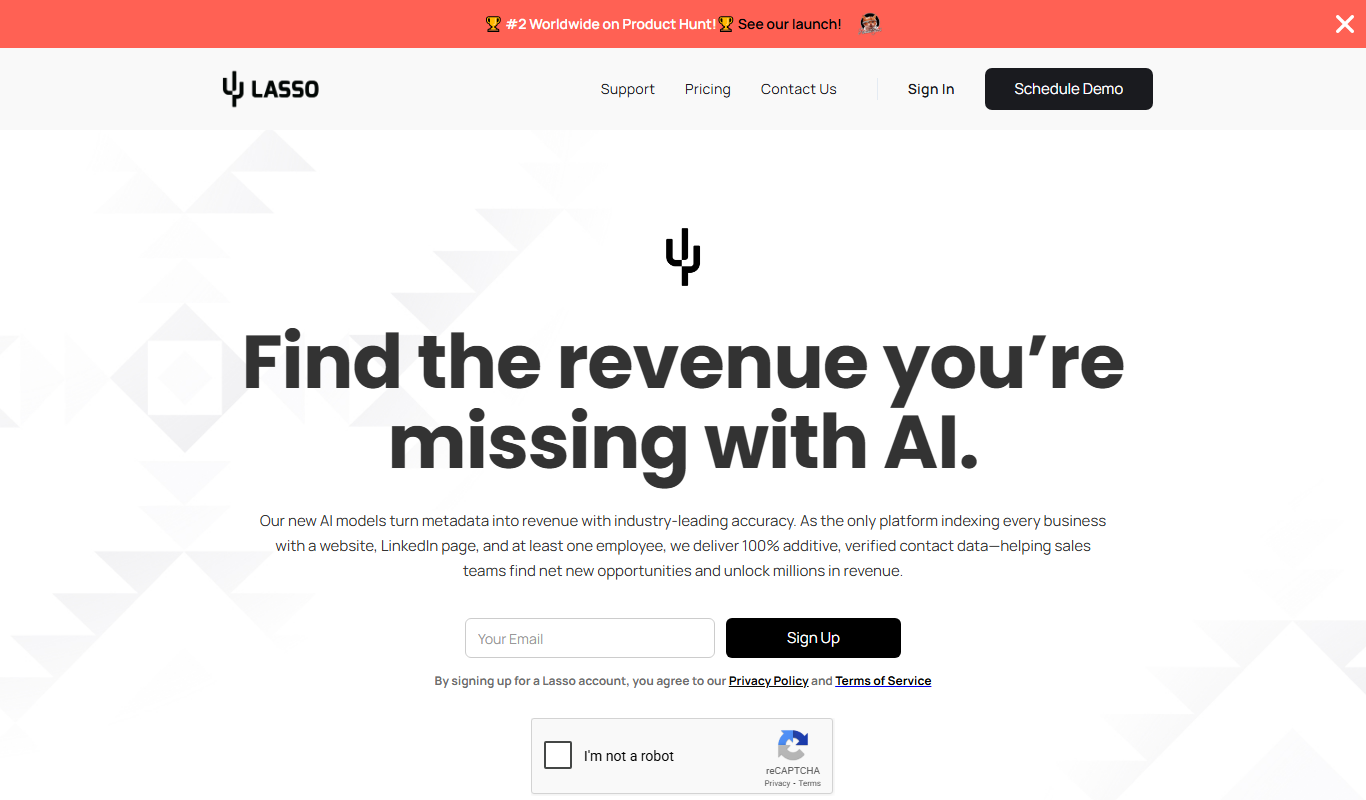
Lasso
Lasso is an AI-powered affiliate link management tool that helps bloggers and marketers organize, cloak, and track affiliate links to improve SEO and increase monetization.

Siteimprove Accessibility Checker
Siteimprove Accessibility Checker is a tool that automates website accessibility audits to help organizations comply with WCAG and ADA standards by identifying and reporting accessibility issues.

WebFX
WebFX is a full-service digital marketing agency offering SEO, PPC, content marketing, web design, and analytics services to help businesses grow online.

BestReviews
BestReviews is a free online platform offering unbiased product reviews and buying guides to help consumers make informed purchasing decisions.
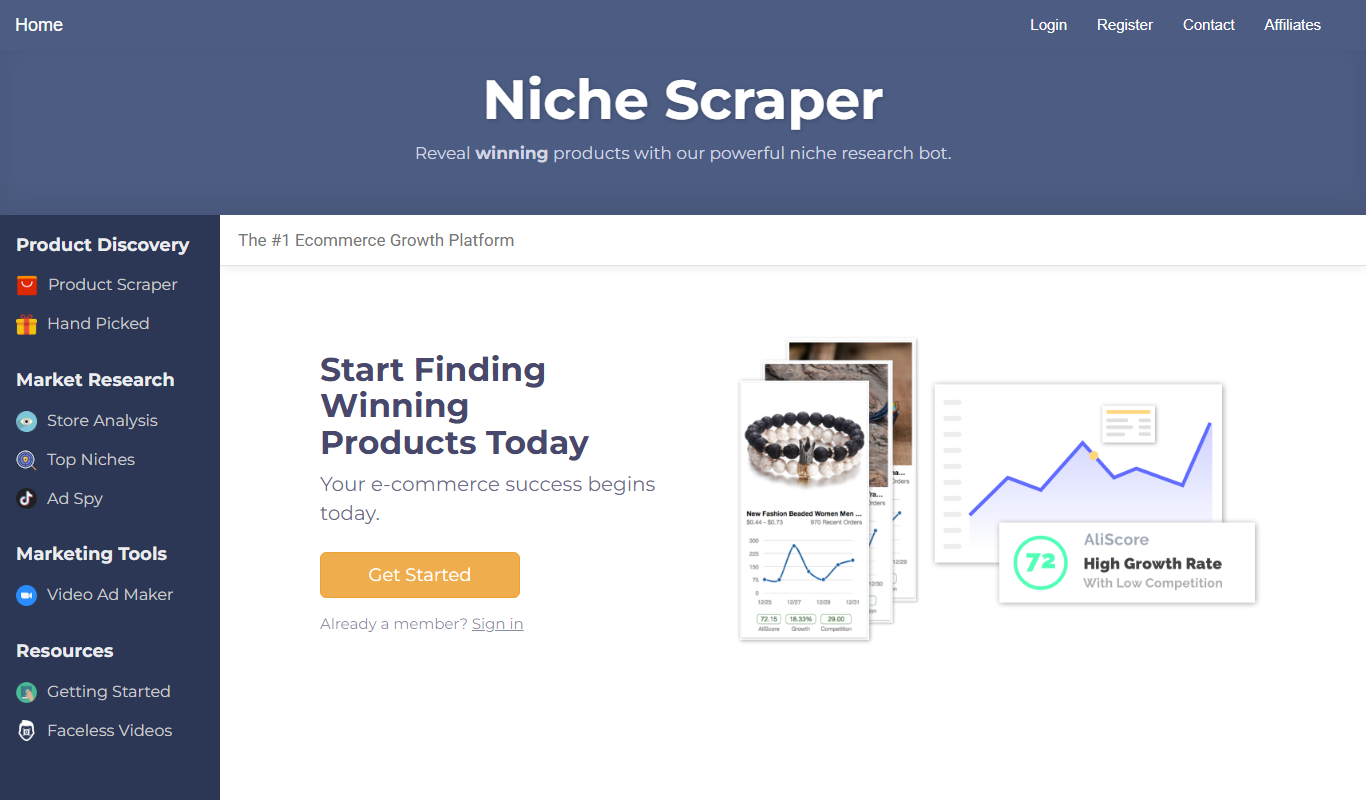
Niche Scraper
Niche Scraper is a web-based tool that helps dropshipping entrepreneurs find trending products and analyze competitor Shopify stores to build profitable ecommerce businesses.