

From my experience with Moodplaylist, I found it excels at quickly generating music playlists that genuinely match your mood or activity, making music discovery effortless and enjoyable. The AI-driven approach offers a fresh way to explore songs beyond typical genre filters. It’s particularly well-suited for casual listeners and content creators who want mood-specific soundtracks without spending time curating manually. However, the platform is currently limited to web use and the free plan restricts some customization features. Overall, if you want personalized, mood-based playlists with easy sharing options, Moodplaylist delivers a practical and user-friendly solution.
AI Powered Moodplaylist Generator for Personalized Music Playlists
Moodplaylist is an AI-powered web tool that creates personalized music playlists based on your mood or activity, helping you discover and enjoy music tailored to your emotional state.
- Best for
- Personalized Music Playlists
- Key capability
- AI-Powered Playlist Generation
Your actions

Do you recommend this tool?
What is Moodplaylist – AI Powered Playlists?
Moodplaylist is an AI-powered web application that creates personalized music playlists based on your mood or activity. By leveraging artificial intelligence, it analyzes your inputs and music preferences to generate playlists that fit your emotional state or desired ambiance, helping users discover new music and enhance their listening experience.
Key features of Moodplaylist – AI Powered Playlists
The platform offers mood-based playlist generation, AI-driven music recommendations, easy playlist customization, and social sharing options. It simplifies music discovery by tailoring playlists to individual moods and preferences.
AI-Powered Playlist Generation
Automatically creates playlists that align with your mood or activity using advanced AI algorithms.
Mood and Activity Selection
Offers a wide range of moods and activities to tailor playlists precisely to your current feelings or context.
Playlist Customization
Allows users to modify generated playlists by adding or removing tracks for a personalized experience.
Social Sharing Integration
Enables easy sharing of playlists on social media platforms or with friends.
Pros and cons of Moodplaylist – AI Powered Playlists
Pros
- Easy to use with intuitive mood selection
- AI generates relevant and personalized playlists
- Supports playlist customization
- Allows social sharing of playlists
Cons
- Limited platform availability (web only)
- No mobile app currently available
- Free plan has restricted features
Key use cases for Moodplaylist – AI Powered Playlists
Personalized Music Playlists
Generate music playlists tailored to your current mood or activity using AI-driven recommendations.
Music Discovery
Discover new songs and artists that match your mood preferences and listening habits.
Mood-Based Listening
Create playlists that fit specific moods such as relaxing, energetic, or focused to enhance your listening experience.
Social Sharing
Share your AI-generated playlists with friends or on social media platforms.
How Moodplaylist – AI Powered Playlists works
- 1
Select Your Mood or Activity
Choose from a variety of moods or activities that best describe your current state or listening intent.
- 2
AI Generates Playlist
The AI analyzes your selection and curates a playlist with songs that match the mood or activity.
- 3
Listen and Customize
Enjoy the playlist and adjust it by adding or removing songs to better fit your taste.
- 4
Share Your Playlist
Share your personalized playlist with friends or on social media directly from the platform.
Who is using Moodplaylist – AI Powered Playlists
Music enthusiasts seeking personalized playlists
Casual listeners wanting mood-based music
Content creators needing mood-specific soundtracks
Social media users sharing music
People exploring new music discovery
Moodplaylist – AI Powered Playlists pricing
Free
$0/month
Access to basic playlist generation features with limited customization and sharing options.
Premium
$4.99/month
Unlocks full playlist customization, unlimited AI-generated playlists, and enhanced sharing capabilities.
Plans and prices are as published by the vendor and can change. Check the official site before you buy. Open the pricing page (opens in a new tab)
Frequently asked questions about Moodplaylist – AI Powered Playlists
Moodplaylist uses AI algorithms to analyze your selected mood or activity and curates songs that fit that emotional or situational context.
Yes, users can add or remove songs from the generated playlists to better suit their preferences.
Yes, Moodplaylist offers a free plan with basic features and limited customization.
Yes, the platform supports sharing playlists on social media or directly with friends.
It depends on your specific needs and how you plan to use the tool. The official website and documentation are the best sources for the latest details.
Some tools offer a free plan or trial with limited features. Availability can vary, so confirm on the official website.
Yes, it can help with that use case depending on how you configure it and what features are available. You’ll get the best results with clear inputs and a defined goal.
Yes, it can help with that use case depending on how you configure it and what features are available. You’ll get the best results with clear inputs and a defined goal.
Sign in to review this tool.
Sign In to ReviewNo reviews yet
Be the first to share how this tool worked for you.
Ask about pricing, limits, or how it compares — or answer someone else.
Sign In to AskNo questions yet
Have a question about using or paying for this tool? Be the first to ask.
Featured on TiorAI



More AI Lyrics Generator tools
Other tools in the same category, for when this one is not quite the fit.
Free
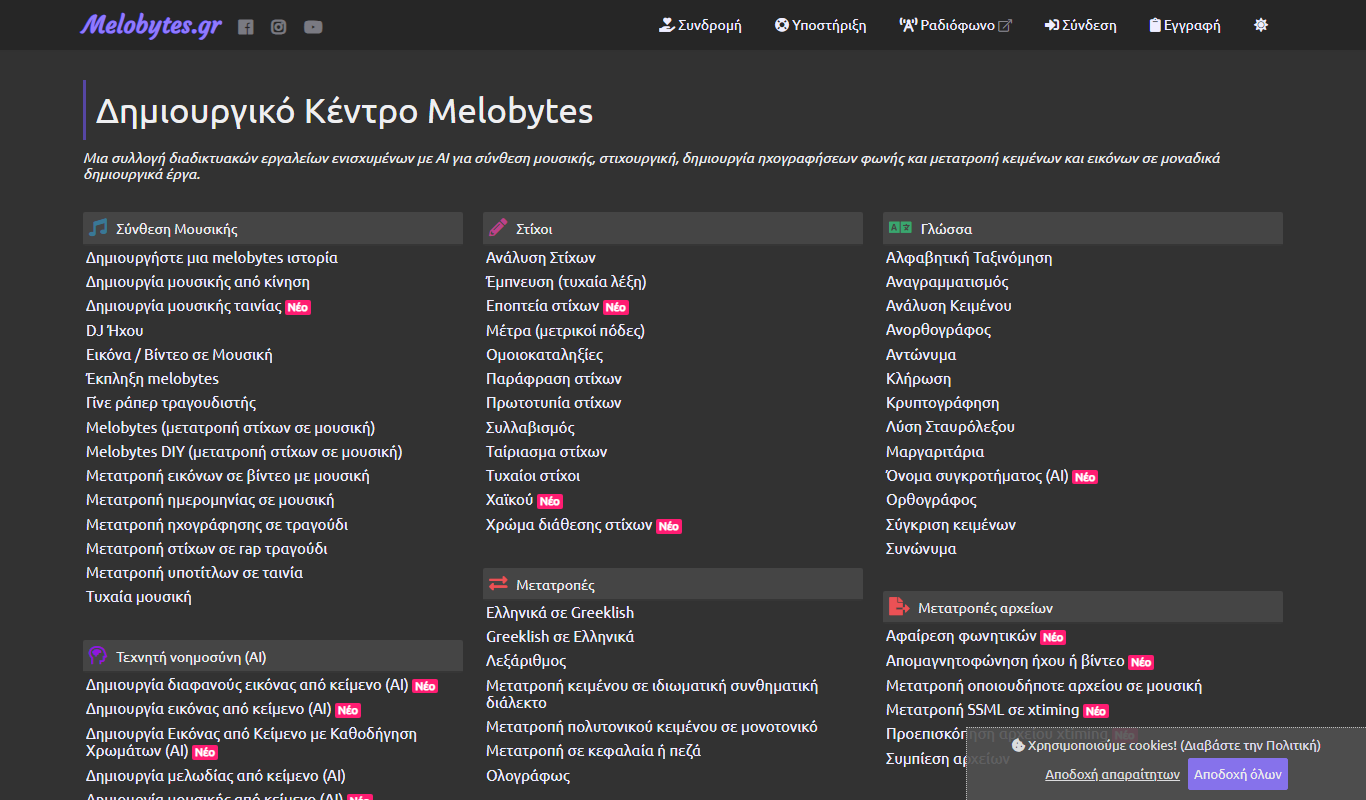
Melobytes.gr
Melobytes.gr is a free web-based AI platform that generates music and audio from images, text, audio, and video inputs, enabling creative sound creation without musical expertise.
Free
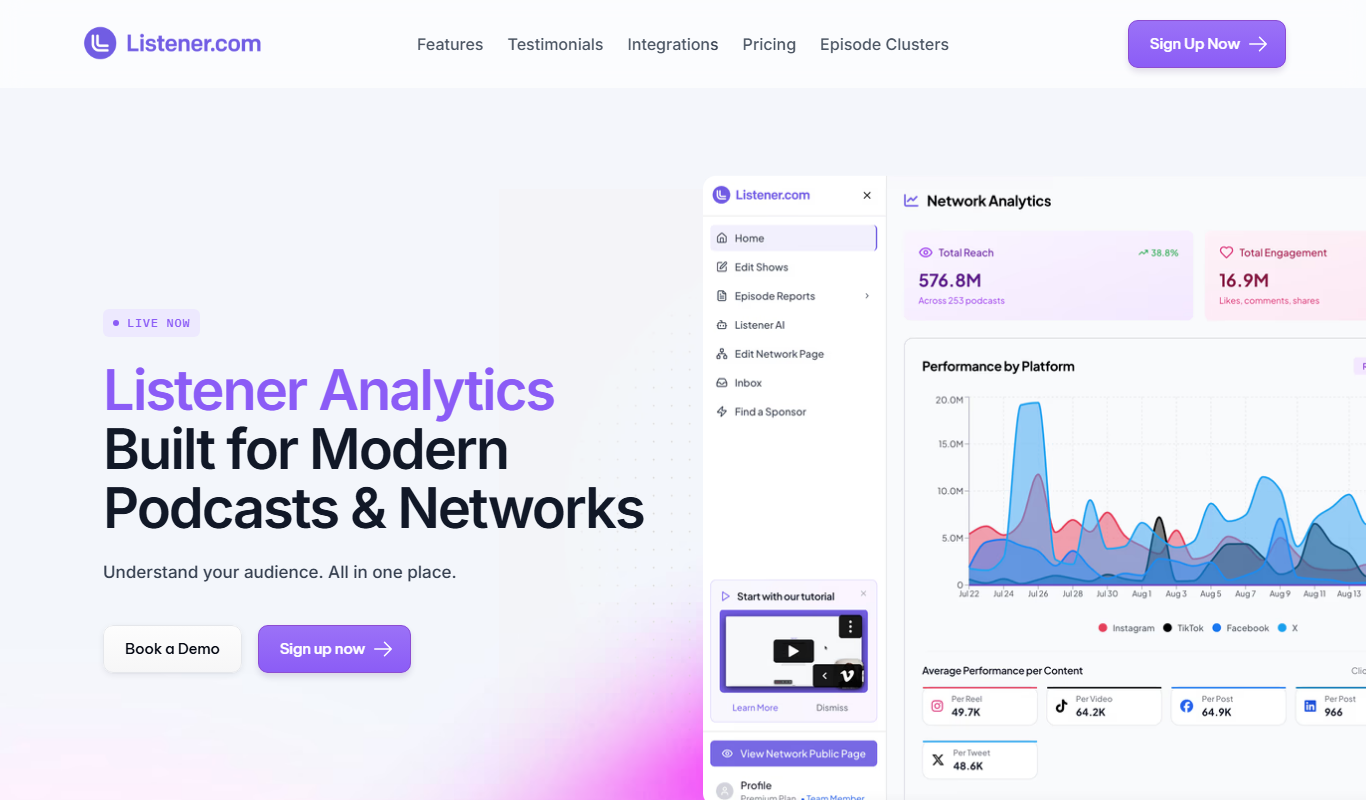
Listener.fm
Listener.fm is a podcast analytics platform that provides podcasters with detailed audience demographics, episode performance metrics, and growth tracking to optimize content and attract sponsors.

Free
Songle AI
Songle AI is an AI-powered platform that generates custom music tracks based on user-selected styles and parameters, ideal for creators needing unique audio content.
Freemium
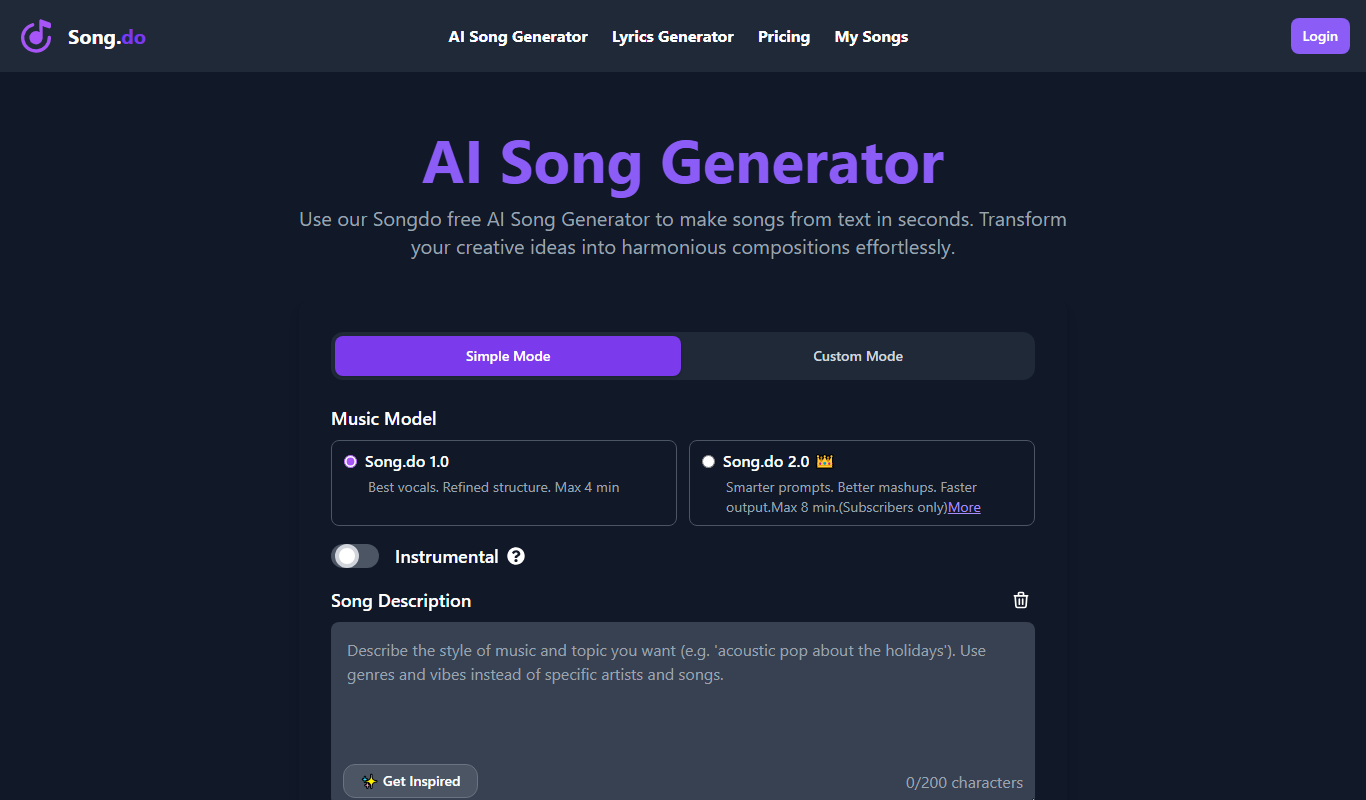
Song.do
Song.do is an AI-powered platform that helps users create custom songs by generating melodies and lyrics based on user inputs, suitable for various creative and marketing needs.
Free
SynthTrails – Make a Song from Anything
SynthTrails is an AI-powered web tool that converts any uploaded sound into a full music track, allowing users to create unique songs without musical expertise.

Freemium
MusicStar.AI
MusicStar.AI is an AI-driven platform that generates custom, royalty-free music tracks across various genres and moods, suitable for creators and marketers needing quick, original soundtracks.

Freemium
Lycris.io
Lycris.io is an AI-powered platform that generates original music compositions and song lyrics, allowing users to customize style, mood, and genre to create unique soundtracks and lyrics for various projects.

Free
Songtell
Songtell is a web-based music analysis tool that provides detailed interpretations of song lyrics and meanings, helping users understand the themes and stories behind songs.