

Moning Stock Market Tracker App for Real-Time Portfolio Management
Moning is a stock market tracking application that helps investors monitor their portfolios in real-time, manage watchlists, and analyze market data via web and mobile platforms.
- Best for
- Portfolio Tracking
- Key capability
- Real-Time Portfolio Tracking
Save Moning, follow its updates and vote on it — everything stays in your account.
Sign in or create a free account

What is Moning?
Moning is a stock market tracking application designed to help investors monitor their portfolios and stay updated with real-time market data. It offers intuitive visualizations, comprehensive analytics, and personalized watchlists to empower users in making informed investment decisions.
Key features of Moning
Moning provides real-time portfolio tracking, detailed stock analytics, customizable watchlists, and market news integration, all accessible via web and mobile platforms.
Real-Time Portfolio Tracking
Track your investments with up-to-date market prices and performance metrics.
Interactive Charts and Analytics
Visualize portfolio allocation, stock performance, and historical trends with interactive charts.
Custom Watchlists
Create personalized watchlists to keep an eye on stocks of interest.
Market News Integration
Stay informed with relevant financial news integrated into the platform.
Multi-Platform Access
Use Moning on web browsers and mobile devices (iOS and Android) for seamless tracking.
Pros and cons of Moning
Pros
- User-friendly interface with clear visualizations
- Cross-platform availability on web and mobile
- Customizable watchlists for personalized tracking
Cons
- Limited free plan features
- No direct trading capabilities within the app
Key use cases for Moning
Portfolio Tracking
Monitor your stock portfolio performance in real-time with detailed analytics and visualizations.
Market Research
Access comprehensive market data and news to make informed investment decisions.
Watchlist Management
Create and manage watchlists to track potential investment opportunities.
Investment Planning
Analyze historical data and trends to plan and optimize your investment strategy.
How Moning works
- 1
Create an Account
Sign up on Moning’s platform using your email or social login.
- 2
Add Your Investments
Input your stock holdings manually or import portfolio data to start tracking.
- 3
Customize Watchlists
Add stocks to watchlists to monitor potential investments and market movements.
- 4
Analyze and Monitor
Use Moning’s analytics tools and real-time data to review portfolio performance and market trends.
Who is using Moning
Moning pricing
Free
$0/month
Basic portfolio tracking with limited features and watchlists.
Pro
€4.99/month
Advanced analytics, unlimited watchlists, and priority support.
Plans and prices are as published by the vendor and can change. Check the official site before you buy. Open the pricing page (opens in a new tab)
Frequently asked questions about Moning
Yes, Moning allows manual input and supports importing portfolio data for easier tracking.
Yes, Moning offers apps for both iOS and Android platforms.
Moning provides near real-time market data to keep your portfolio updated.
It depends on your specific needs and how you plan to use the tool. The official website and documentation are the best sources for the latest details.
Some tools offer a free plan or trial with limited features. Availability can vary, so confirm on the official website.
Yes, it can help with that use case depending on how you configure it and what features are available. You’ll get the best results with clear inputs and a defined goal.
Conclusion
Holdings go in either manually or through an import of portfolio data, and from then on investments are tracked with up-to-date market prices and performance metrics. Interactive charts visualize portfolio allocation, stock performance and historical trends, while watchlists keep potential investments in view. Relevant financial news is integrated into the platform as well, and the market data is described as near real-time.
It is aimed at individual investors and financial enthusiasts, with portfolio managers and investment advisors also in scope. Historical data and trends can support planning an investment strategy. A free plan offers basic tracking with limited features, and paid subscriptions are also available.
Sources
Sign in to review this tool.
Sign In to ReviewNo reviews yet
Be the first to share how this tool worked for you.
Ask about pricing, limits, or how it compares — or answer someone else.
Sign In to AskNo questions yet
Have a question about using or paying for this tool? Be the first to ask.
Featured on TiorAI



Alternative Tools
Explore similar AI tools that might fit your needs

Sharesight
Sharesight is a cloud-based portfolio tracking tool that helps investors monitor performance, dividends, and tax obligations with automated reporting and multi-currency support.

Yahoo Finance
Yahoo Finance is a financial platform offering real-time market data, news, portfolio management, and investment research tools accessible via web and mobile apps.
More AI Finance & Accounting Tools tools
Other tools in the same category, for when this one is not quite the fit.
Vic.ai
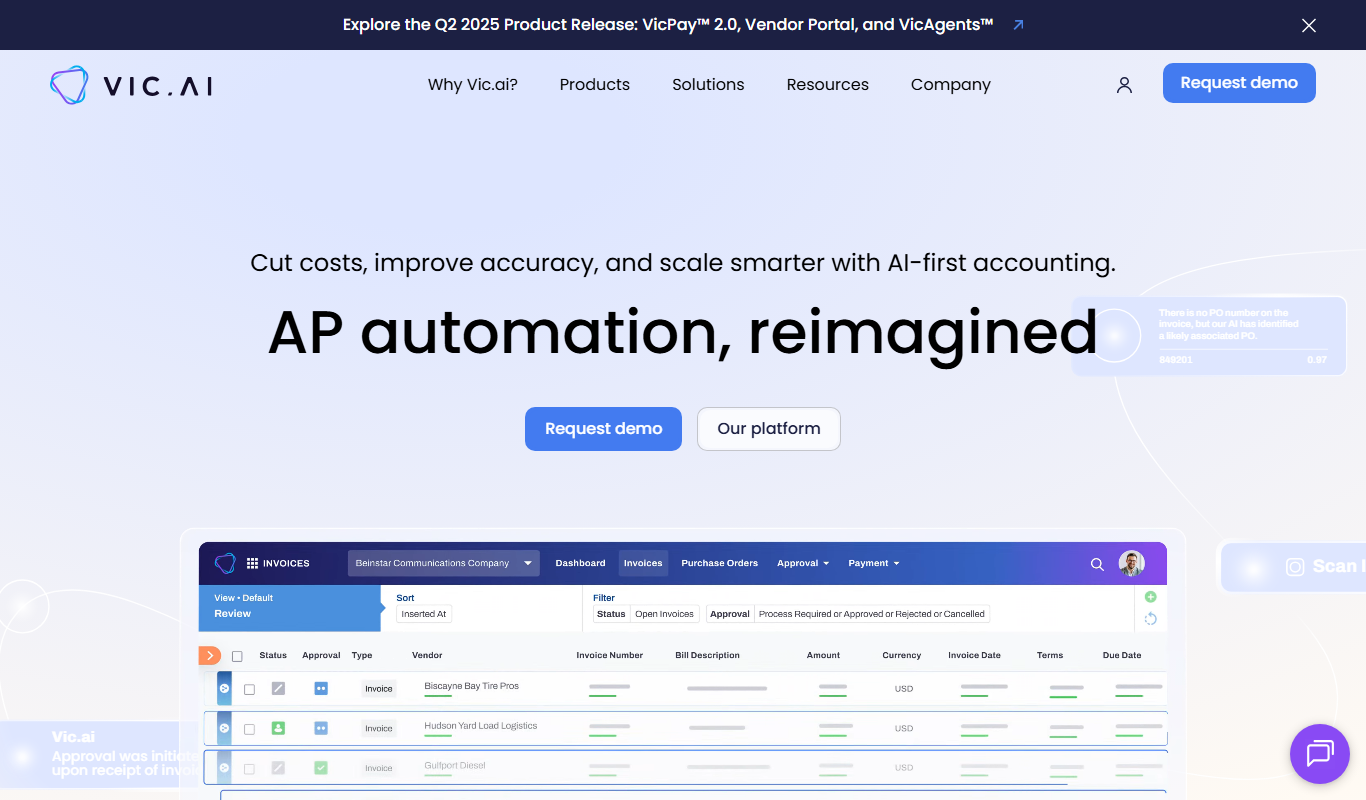
Vic.ai is an AI-powered accounting automation platform that automates invoice processing, coding, and approvals to streamline accounts payable workflows and improve accuracy.

TradingPlatforms.ai
TradingPlatforms.ai is a reviews site for AI trading platforms, bots and tools, and it also covers brokers and promotions.

Keenai Wealth
Keenai Wealth is a wealth management platform for accredited investors and family offices, available with iOS and Android apps.

TaxGPT
TaxGPT is an AI tax platform for accountants and tax professionals, with tax research, writing, return review and preparation tools, plus AI tax assistants for businesses and individuals.

AstroStock AI
AstroStock AI (astrostock) is a stock charting and technical analysis workspace to find stocks, understand the chart, compare ideas with market history and set alerts.

Auto Market Scanner
Auto Market Scanner is a web platform that automates stock market scanning using customizable technical filters to help traders identify potential trades quickly.
Sorted Wallet
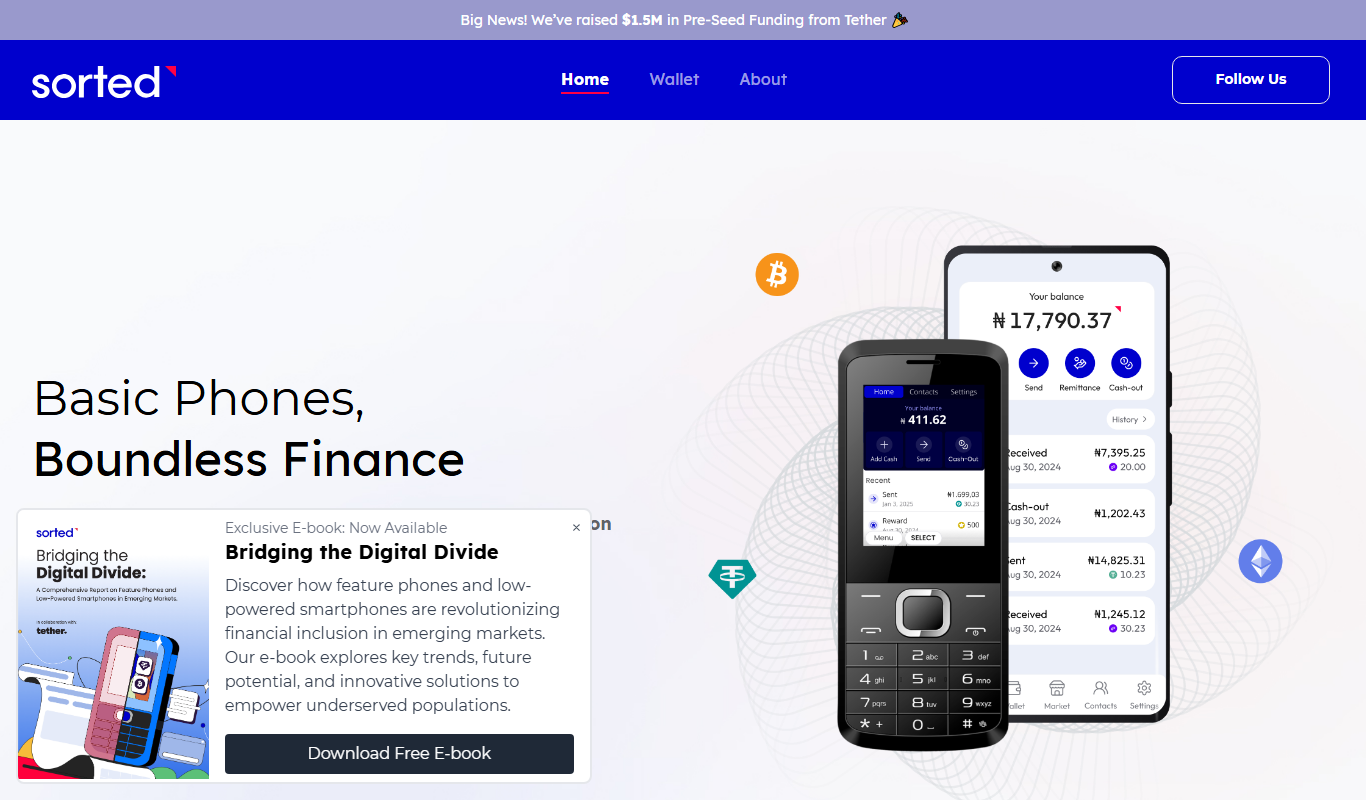
Sorted Wallet is a web-based cryptocurrency portfolio tracker that aggregates multiple wallets and exchanges, providing real-time portfolio valuation, performance analysis, and tax reporting tools.
Credit Chip
Credit Chip is a free mobile app that provides real-time credit score monitoring, detailed credit reports, and instant alerts for suspicious credit activity to help users manage their personal finances securely.