

Mirai Translate AI: Advanced Multilingual Translation Platform for Businesses
Mirai Translate is an AI-driven translation platform providing accurate, context-aware translations across multiple languages with API integration and customizable glossaries for business use.
- Best for
- Business Document Translation
- Key capability
- Neural Machine Translation
Save miraitranslate.com, follow its updates and vote on it — everything stays in your account.
Sign in or create a free account
What is miraitranslate.com?
Mirai Translate is a Japanese AI machine translation service for organizations, certified to ISO27017, offering secure text and file translation, real-time voice translation for meetings, video subtitle translation and an API.
Key features of miraitranslate.com
Mirai Translate offers high-quality neural machine translation with support for multiple languages, customizable glossaries to maintain brand terminology, API integration for automation, and secure data handling suitable for enterprise use.
Neural Machine Translation
Utilizes advanced AI models to produce natural and contextually accurate translations.
Custom Glossary Support
Allows users to define specific terminology to maintain brand voice and consistency.
API Integration
Provides API access for seamless integration into business workflows and applications.
Multi-language Support
The FLaT edition for organizations covers 20 languages with legal and patent models, voice translation and API functions, with no limit on translation volume.
Data Security
Ensures secure handling of sensitive business documents with privacy compliance.
Meeting translation
Transcribes and translates meetings in 10 languages in real time with subtitles, and results can be downloaded as minutes.
Video subtitles
Upload a video file and translation and subtitles are generated automatically and can be edited.
Pros and cons of miraitranslate.com
Pros
- High-quality neural machine translation with contextual accuracy
- Customizable glossaries for brand consistency
- API access enables automation and integration
- Supports multiple major global languages
- Strong focus on data security and privacy
Cons
- Pricing details are not fully transparent without contacting sales
- Limited information on offline or desktop applications
Key use cases for miraitranslate.com
Business Document Translation
Translate contracts, reports, and other business documents accurately to support international operations.
Website Localization
Localize website content to reach global audiences with culturally appropriate translations.
Customer Support
Enable multilingual customer support by translating inquiries and responses in real-time.
E-commerce Expansion
Translate product descriptions and marketing materials to expand e-commerce reach internationally.
Technical Manual Translation
Translate technical manuals and user guides with high accuracy for global product distribution.
How miraitranslate.com works
- 1
Create an Account
Sign up on the Mirai Translate website to access the platform.
- 2
Upload Content
Upload documents or input text that needs translation via the web interface or API.
- 3
Customize Glossary
Add specific terms to the glossary to ensure consistent and accurate translations.
- 4
Translate
Use the AI engine to translate content instantly with options to review and edit.
- 5
Download or Integrate
Download translated files or integrate translations directly into your systems via API.
Who is using miraitranslate.com
miraitranslate.com pricing
Free
JPY 0
Plus edition free plan: text translation up to 5,000 characters with a daily limit, 1 file per month, glossary, no secondary use of input text.
Starter
JPY 550 per user per month, or JPY 495 per month billed annually
Text translation up to 20,000 characters, 10 files per month, glossary, website translation via Chrome Extension, up to 10 users.
Standard
JPY 2,970 per user per month, or JPY 2,475 per month billed annually
Unlimited text translation, website translation via Chrome Extension, up to 50 users.
Premium
JPY 5,940 per user per month, or JPY 4,950 per month billed annually
Unlimited text translation, website translation via Chrome Extension, up to 50 users.
Plans and prices are as published by the vendor and can change. Check the official site before you buy. Open the pricing page (opens in a new tab)
Frequently asked questions about miraitranslate.com
Mirai Translate supports over 10 languages including English, Japanese, Chinese, Korean, Spanish, French, German, Portuguese, Russian, and Italian.
Yes, Mirai Translate offers API access that allows integration with various business applications and workflows.
Yes, Mirai Translate implements strict data security measures to protect your documents and comply with privacy standards.
Yes, users can create custom glossaries to ensure consistent use of specific terms and brand language.
Yes, it can help with that use case depending on how you configure it and what features are available. You’ll get the best results with clear inputs and a defined goal.
Integration support depends on the tool and its available connectors or API. Check the official documentation or integrations page to confirm what is supported.
Data handling and security practices vary by provider. Review the official privacy policy to understand how your data is stored and used.
Conclusion
Security leads the pitch: this Japanese AI machine translation service for organizations is certified to ISO27017. Beyond text and file translation, it offers meeting translation that transcribes and translates 10 languages in real time with subtitles, and video subtitles generated automatically from an uploaded video file. For organizations, the FLaT edition covers 20 languages with legal and patent models, voice translation and API functions, with no limit on translation volume.
Individuals and teams can use the Plus edition instead, which has a Free plan with a daily text limit and paid Starter, Standard and Premium plans billed per user. Paid plans raise the monthly file allowance and add website translation through a Chrome Extension. Input text is not reused for secondary purposes, even on the free plan.
Sources
Sign in to review this tool.
Sign In to ReviewNo reviews yet
Be the first to share how this tool worked for you.
Ask about pricing, limits, or how it compares — or answer someone else.
Sign In to AskNo questions yet
Have a question about using or paying for this tool? Be the first to ask.
Featured on TiorAI



More AI Ai Tools tools
Other tools in the same category, for when this one is not quite the fit.

16x Prompt
16x Prompt is a desktop tool for AI coding that manages code context, customizes prompts and works with multiple LLM API integrations.

PageOn.ai
PageOn.AI is an AI presentation and infographic maker where AI agents research your topic, plan the structure and design interactive pages beyond static slides.

Slideflow AI
Slideflow AI is a web-based tool that uses artificial intelligence to automate the creation of professional slide presentations from text or data inputs.

Contentdrips
Contentdrips is an AI-driven platform that simplifies social media content creation by providing customizable templates, AI-generated captions, and multi-channel publishing to help marketers and businesses streamline their social media marketing.

GenPPT – AI PowerPoint Generator
GenPPT is an AI presentation generator that turns notes, an outline or a PDF into presentation slides: approve the outline, edit in chat and export to PowerPoint or PDF.
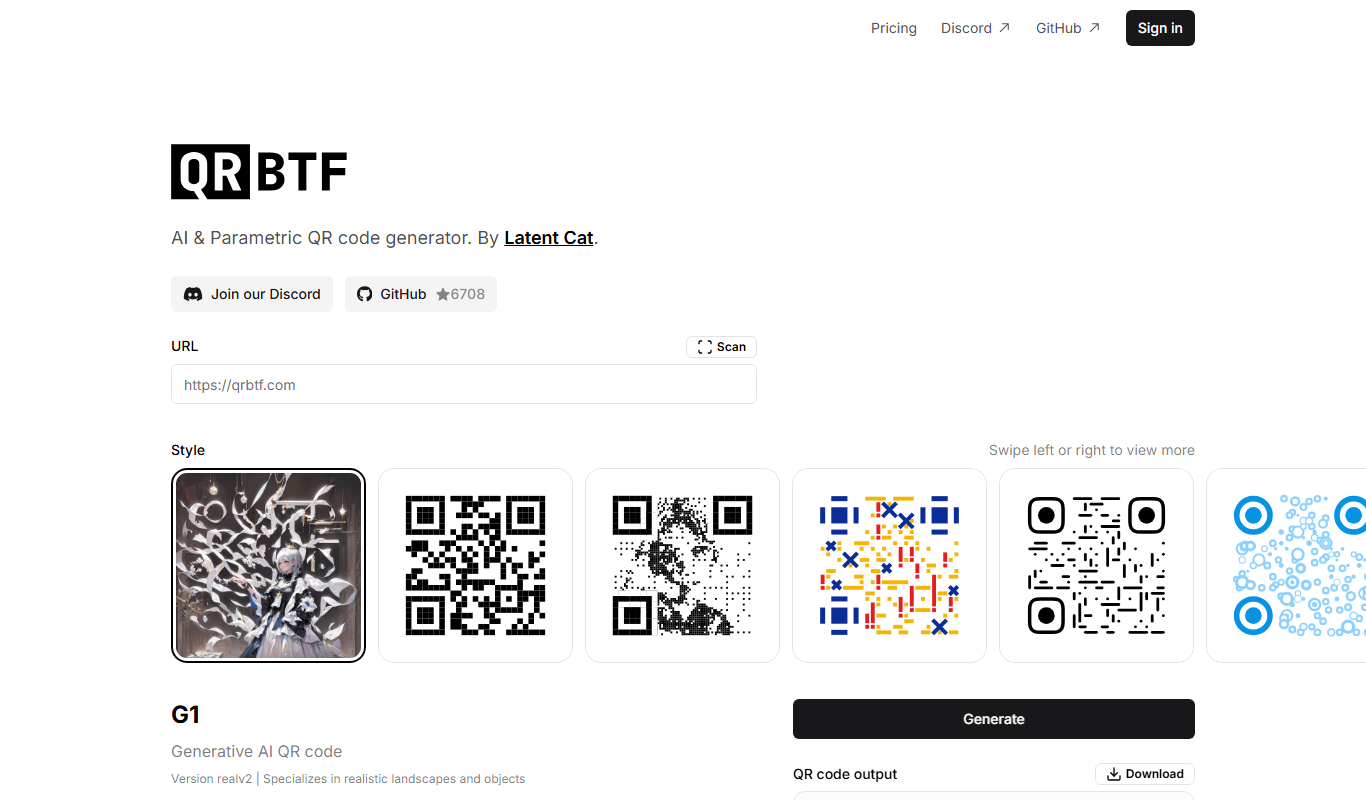
QRBTF – AI QR Code Generator
QRBTF is an AI and parametric QR code generator by Latent Cat that generates QR code images from keywords in any language.

Value Proposition Canvas AI
Value Proposition Canvas AI generates a Value Proposition Canvas for your company based on its description, with editable fields and download as an image.

DishGen
DishGen is an AI-driven platform that generates customized recipes and meal plans based on user-input ingredients and dietary preferences, helping home cooks create meals easily and reduce food waste.