
From my experience with Mevo, I found it excels at simplifying professional live streaming with its wireless setup and intuitive mobile app. The ability to switch camera angles and stream directly to social platforms makes it a strong choice for event producers and content creators who need portability without sacrificing quality. However, relying on a stable internet connection and limited battery life can be constraints during longer sessions. Overall, if you want a compact, user-friendly live streaming camera that integrates well with social media, Mevo delivers reliable performance.
Mevo Live Streaming Camera for Professional Video Production and Broadcasting
Mevo is a wireless live streaming camera that enables professional-quality video production with multi-angle switching and direct streaming to social media platforms via a mobile app.
What is Mevo?
Mevo is a compact, wireless live streaming camera designed to simplify professional video production and broadcasting. It integrates with a mobile app that allows users to control multiple camera angles, add graphics, and stream directly to popular platforms. Mevo is ideal for creators, event producers, and businesses seeking high-quality live video without complex setups.

Key Features of Mevo
Wireless HD Streaming
Stream high-definition video wirelessly without the need for cables or complex hardware.
Multi-Angle Editing
Switch between multiple camera angles and zoom dynamically during live broadcasts.
Integrated App Control
Control camera settings, add graphics, and manage streams from a mobile device.
Direct Social Media Integration
Stream live directly to Facebook, YouTube, Twitch, and other platforms.
Compact and Portable Design
Small form factor allows easy transport and setup for on-the-go streaming.
Pros and Cons of Mevo
Pros
- Easy wireless setup and operation
- Intuitive mobile app for live editing
- Compact and portable design
- Direct integration with major streaming platforms
Cons
- Limited advanced production features without subscription
- Dependent on stable internet connection for best performance
- Battery life may limit longer streaming sessions
Key Use Cases for Mevo
Live Event Streaming
Stream concerts, conferences, sports, and other live events with professional quality.
Remote Video Production
Produce multi-camera video content remotely using Mevo’s wireless camera and app.
Social Media Broadcasting
Broadcast live directly to platforms like Facebook, YouTube, and Twitch with ease.
Corporate Communications
Use Mevo for internal meetings, webinars, and corporate announcements.
Education and Training
Stream lectures, workshops, and training sessions live or record for later use.
How Mevo Works
-
1
Set Up Camera
Power on the Mevo camera and connect it to your Wi-Fi or mobile hotspot.
-
2
Connect to App
Open the Mevo app on your iOS or Android device and pair it with the camera.
-
3
Configure Stream
Choose your streaming destination, set up scenes, and customize overlays.
-
4
Go Live
Start streaming live with multi-angle switching and real-time controls.
Who's Using Mevo
Event producers
Content creators
Small businesses
Educators and trainers
Corporate communication teams
Mevo Pricing
Mevo Start Camera
$399 one-time
Purchase the Mevo Start camera with built-in streaming capabilities.
Mevo Plus Subscription
$9.99/month
Access advanced features like cloud storage, multi-camera support, and enhanced analytics.
Frequently Asked Questions About Mevo
Yes, with the Mevo Plus subscription, you can simulcast to multiple destinations.
Yes, the Mevo app supports both iOS and Android devices.
Yes, a stable Wi-Fi or mobile hotspot connection is needed for live streaming.
Yes, Mevo Start supports local recording to an SD card.
It depends on your specific needs and how you plan to use the tool. The official website and documentation are the best sources for the latest details.
Yes, it can help with that use case depending on how you configure it and what features are available. You’ll get the best results with clear inputs and a defined goal.
It depends on your specific needs and how you plan to use the tool. The official website and documentation are the best sources for the latest details.
Share your review
Reviews are limited to one per logged-in user and are published after moderation.
You need an account to review this tool.
0.0
★
★
★
★
★
0 reviews
5 star
0
4 star
0
3 star
0
2 star
0
1 star
0
No reviews yet
Be the first to share how this tool worked for you.
Questions from the community
Read questions and answers about this tool, or ask your own.
No questions yet
Start the conversation by asking the first question about this tool.
Is this tool helpful?
Alternative Tools
Explore similar AI tools that might fit your needs

Free
OBS Studio
OBS Studio is a free and open-source software for live streaming and video recording that supports multiple platforms and customizable scenes.

Free
StreamYard
StreamYard is a web-based live streaming platform that allows users to host multi-guest broadcasts, add custom branding, and stream simultaneously to multiple social media platforms without software downloads.

Paid
Wirecast
Wirecast is a professional live streaming and video production software that enables users to capture, switch, and stream live video to multiple platforms simultaneously with features like multi-camera switching, graphics overlays, and chroma key.

Free
Universe
Universe is a mobile-first no-code website builder that enables users to create simple, responsive websites using a block-based editor optimized for phones and desktops.
Free Trial
Prisms AI
Prisms AI is a web platform that uses artificial intelligence to automate data analysis and visualization, helping users quickly gain insights from complex datasets without needing coding skills.
Free
Kyugo
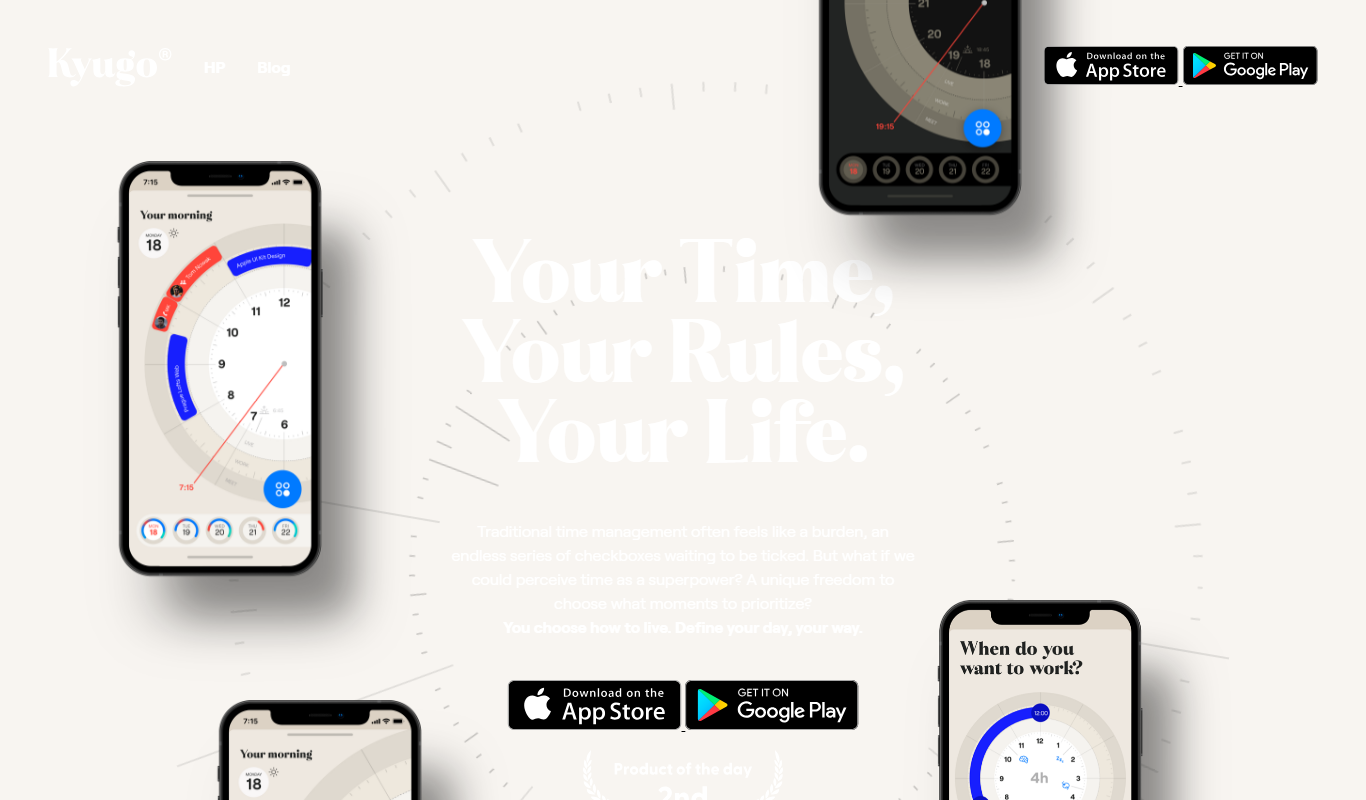
Kyugo is an AI-powered writing assistant that helps users create and edit content efficiently by providing real-time grammar and style suggestions through a web-based platform.

Free
Heroku
Heroku is a cloud platform as a service (PaaS) that enables developers to deploy, manage, and scale applications easily without managing infrastructure.

Free
Kolibri for SwiftUI
Kolibri for SwiftUI is an open source library providing reusable UI components designed to accelerate SwiftUI app development on iOS and macOS platforms.

Free
aasaan
Aasaan is a no-code admin panel builder that enables users to create customizable backend dashboards for web applications without coding, featuring drag-and-drop design, data integration, and role-based access control.
Custom Pricing
ZAPT
ZAPT is a web-based platform that enhances audience engagement for virtual and hybrid events through live polling, moderated Q&A, and networking features.

Free
Bubble
Bubble is a no-code platform that enables users to create complex web applications visually without writing code, using drag-and-drop design, workflows, and database management.