
From my experience with Menukite, it stands out as a straightforward and effective solution for restaurants looking to transition to digital menus quickly. The drag-and-drop builder makes menu creation accessible even for those without technical skills, and the ability to update menus in real-time is a practical advantage that saves time and printing costs. It’s particularly well-suited for small to medium-sized eateries aiming to offer contactless dining experiences. However, the lack of a dedicated mobile app and some feature limitations on the free plan may require consideration depending on your needs. Overall, Menukite delivers a solid, user-friendly platform for managing digital restaurant menus.
Menukite Online Menu Builder for Restaurants and Food Businesses
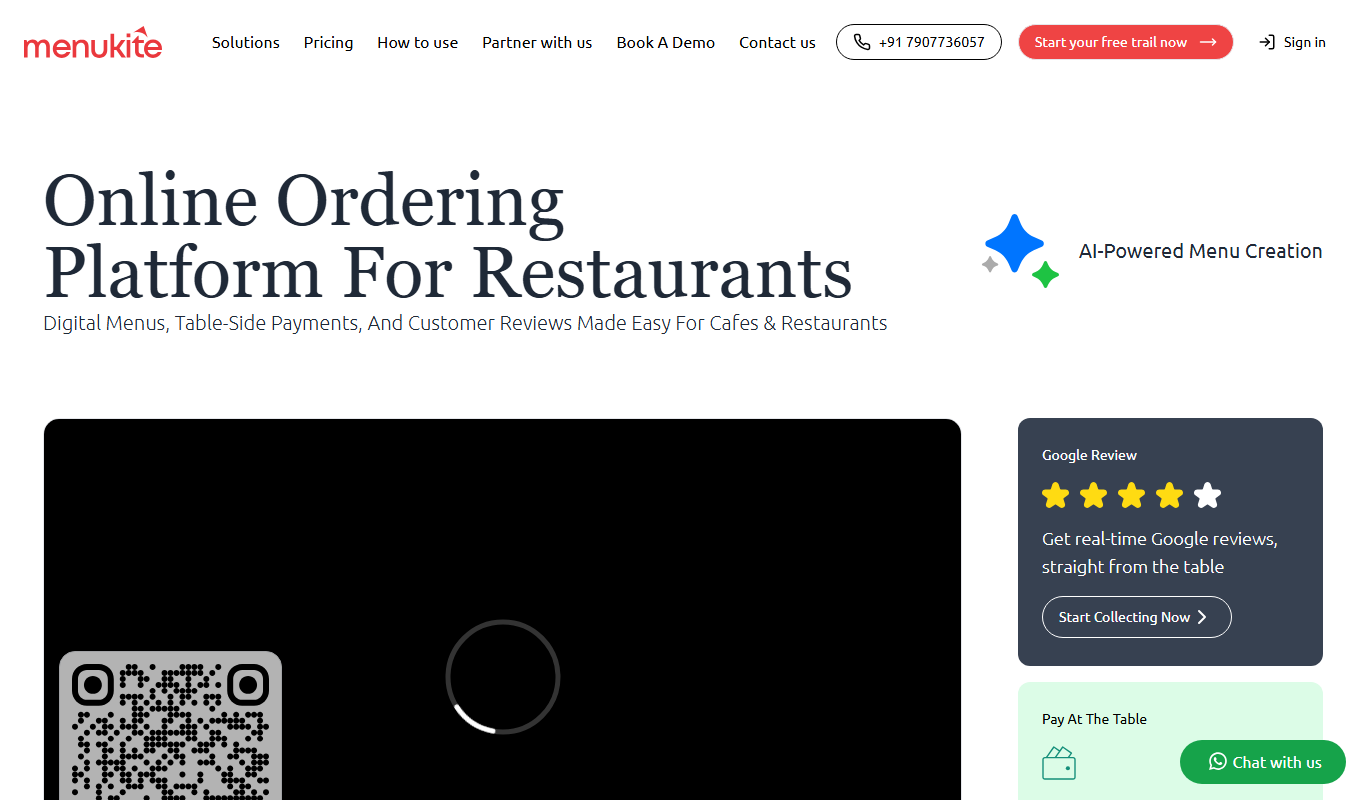
Menukite is a web-based platform that enables restaurants to create customizable digital menus accessible via QR codes, supporting contactless ordering and real-time updates.
What is Menukite?
Menukite is a web-based digital menu builder designed for restaurants and food businesses. It allows users to create, customize, and share interactive menus accessible via QR codes, facilitating contactless dining experiences and easy menu management.
Key Features of Menukite
Drag-and-Drop Menu Builder
Easily create and customize menus without technical skills.
Real-Time Menu Updates
Instantly change menu items, prices, or descriptions with no printing needed.
QR Code Generation
Automatically generate QR codes for easy customer access to menus.
Multi-language Menus
Support for multiple languages to serve diverse customers.
Promotion Highlighting
Feature special offers or new dishes prominently on your menu.
Pros and Cons of Menukite
Pros
- User-friendly drag-and-drop interface
- Supports contactless dining with QR codes
- Multi-language menu options
- Real-time menu updates without printing
- Affordable pricing with a free tier
Cons
- Limited features on the free plan
- No dedicated mobile app, web-based only
- Advanced analytics only on paid plans
Key Use Cases for Menukite
Create Digital Menus
Restaurants can build and customize digital menus accessible via QR codes to replace traditional printed menus.
Menu Updates and Management
Easily update menu items, prices, and descriptions in real-time without reprinting physical menus.
Contactless Ordering
Enable customers to view menus on their smartphones, supporting contactless dining experiences.
Marketing and Promotions
Highlight special offers or new dishes directly on the digital menu to attract customer attention.
Multi-language Support
Provide menus in multiple languages to cater to diverse customer bases.
How Menukite Works
-
1
Sign Up
Create an account on Menukite’s website to start building your digital menu.
-
2
Build Your Menu
Use the drag-and-drop interface to add dishes, descriptions, prices, and images.
-
3
Generate QR Code
Create a unique QR code linked to your menu for customers to scan.
-
4
Share and Update
Display the QR code in your restaurant and update menu items anytime online.
Who's Using Menukite
Small to medium restaurants
Cafes and bistros
Food trucks and pop-ups
Hotel and resort dining services
Catering businesses
Menukite Pricing
Free
$0/month
Basic menu creation with limited customization and QR code generation.
Pro
$9.99/month
Advanced customization, unlimited menu updates, multi-language support, and analytics.
Frequently Asked Questions About Menukite
Yes, Menukite allows real-time updates to your digital menu without needing to reprint anything.
The Free plan has limitations, while the Pro plan offers unlimited menus.
No, menus are accessible via any smartphone browser by scanning the QR code.
Yes, you can manage menus for multiple locations under one account, especially with the Pro plan.
It depends on your specific needs and how you plan to use the tool. The official website and documentation are the best sources for the latest details.
Yes, it can help with that use case depending on how you configure it and what features are available. You’ll get the best results with clear inputs and a defined goal.
Some tools offer a free plan or trial with limited features. Availability can vary, so confirm on the official website.
Yes, it can help with that use case depending on how you configure it and what features are available. You’ll get the best results with clear inputs and a defined goal.
Share your review
Reviews are limited to one per logged-in user and are published after moderation.
You need an account to review this tool.
0.0
★
★
★
★
★
0 reviews
5 star
0
4 star
0
3 star
0
2 star
0
1 star
0
No reviews yet
Be the first to share how this tool worked for you.
Questions from the community
Read questions and answers about this tool, or ask your own.
No questions yet
Start the conversation by asking the first question about this tool.
Is this tool helpful?
Alternative Tools
Explore similar AI tools that might fit your needs

Subscription
UpMenu
UpMenu is an online ordering and restaurant management platform that enables restaurants to create branded websites and apps for direct customer orders, manage digital menus, run loyalty programs, and automate marketing communications.

Custom Pricing
impact360.be
Impact360.be is a Belgian digital marketing platform that combines campaign management, marketing automation, and analytics to help businesses optimize their marketing strategies through data-driven insights.
Custom Pricing
S32
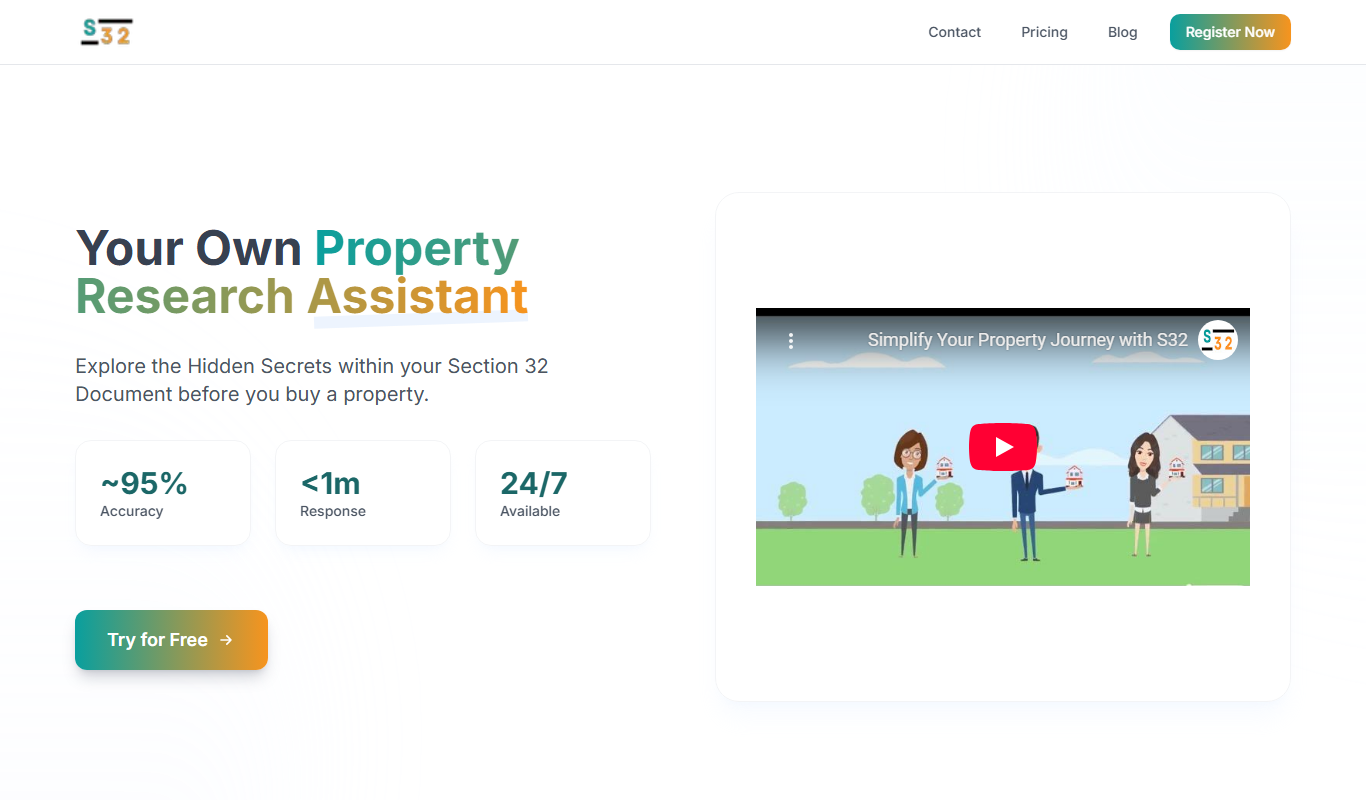
S32 is an Australian digital marketing agency providing SEO, social media marketing, website design, content marketing, and PPC services tailored to help businesses grow their online presence.

Free Trial
Alli AI
Alli AI is an AI-powered SEO automation platform that helps marketers automate keyword research, content optimization, and SEO campaign management to improve organic search performance efficiently.
Pay As You Go
SEOJuice
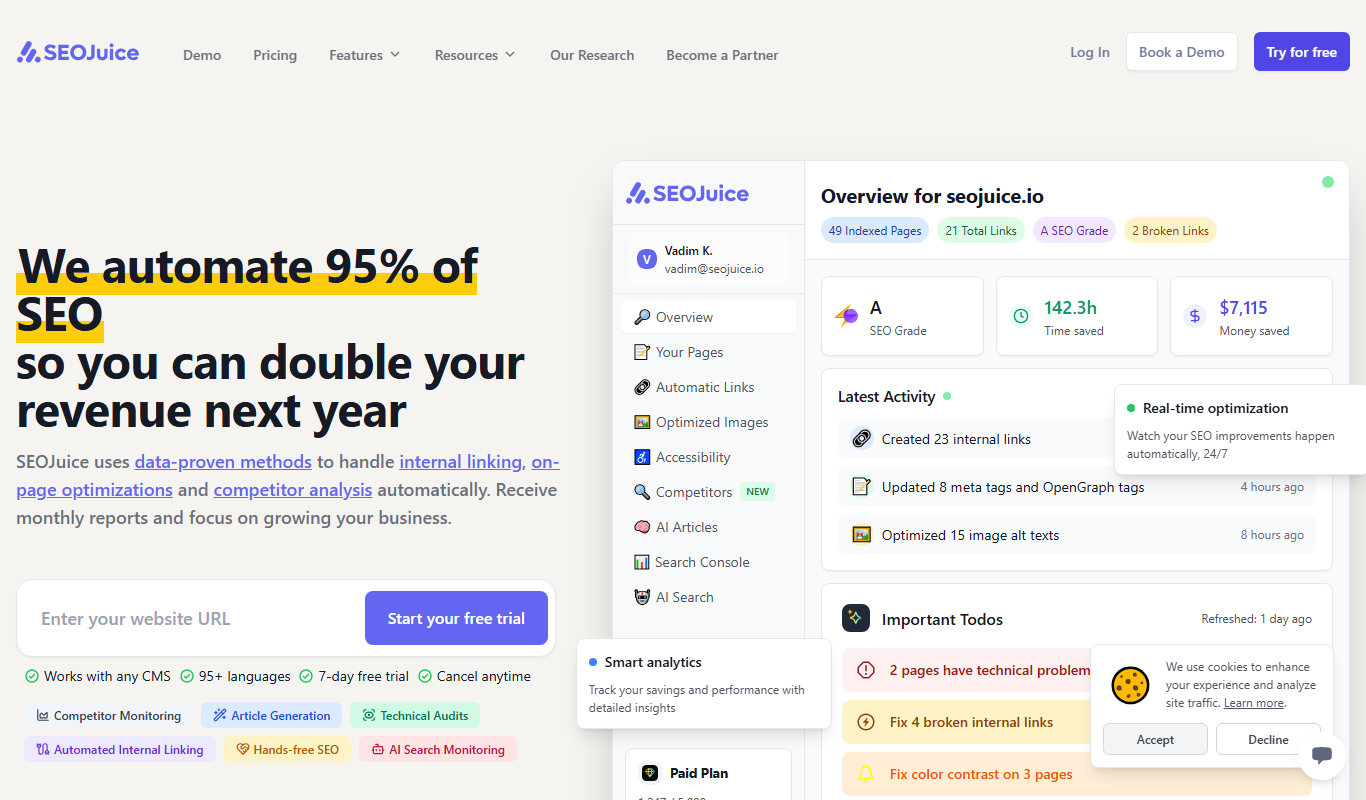
SEOJuice is an SEO link building platform offering a curated marketplace of websites for purchasing backlinks and guest posts, primarily targeting SEO agencies and digital marketers.

Freemium
Noiz
Noiz is a blockchain-based advertising platform that provides transparent, fraud-resistant digital marketing solutions by rewarding users with tokens for ad engagement.

Free Trial
SmartBids.ai
SmartBids.ai is an AI-powered bid management platform that automates bid optimization across multiple advertising channels to improve campaign performance and ROI.
Freemium
Parasite SEO
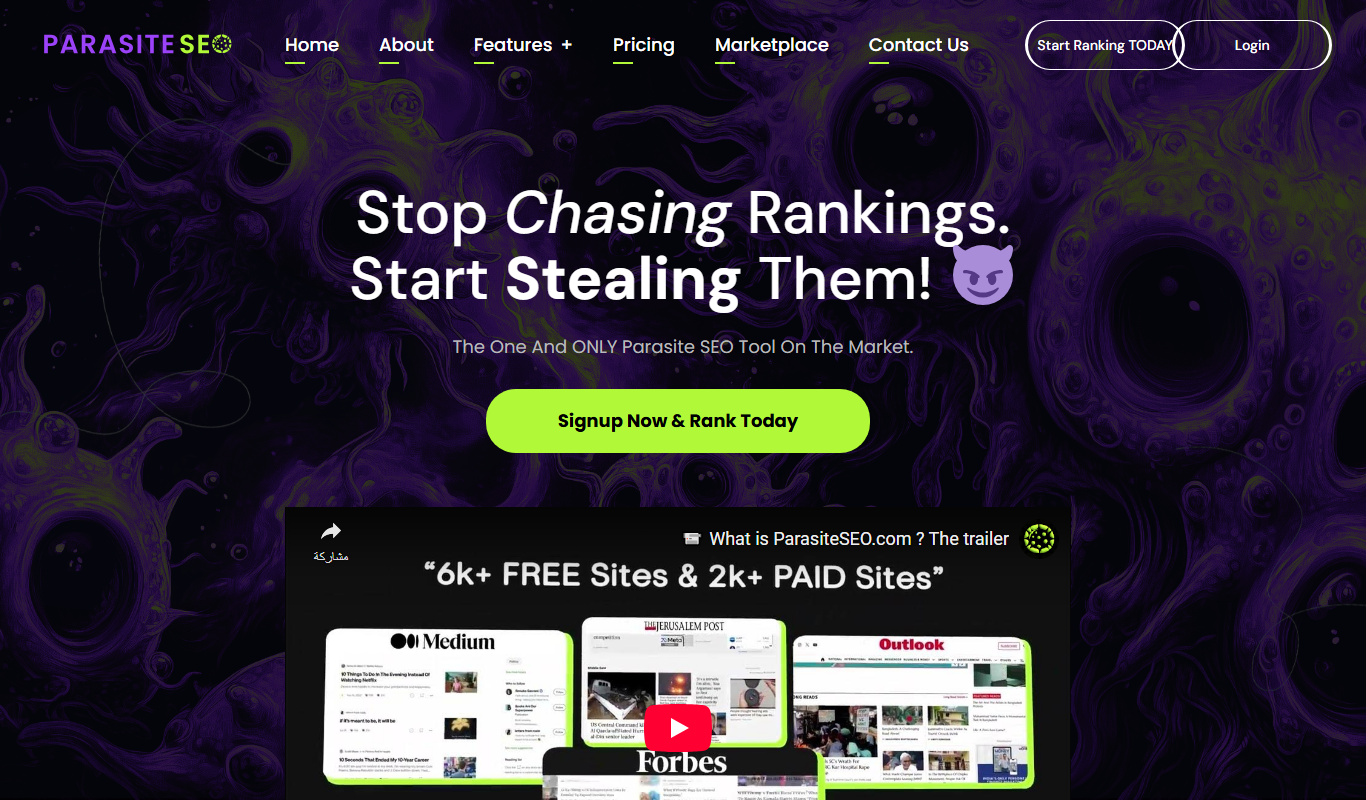
Parasite SEO is a platform that helps marketers build backlinks on authoritative third-party websites to improve their own site's search rankings by leveraging parasite hosting techniques.
Free
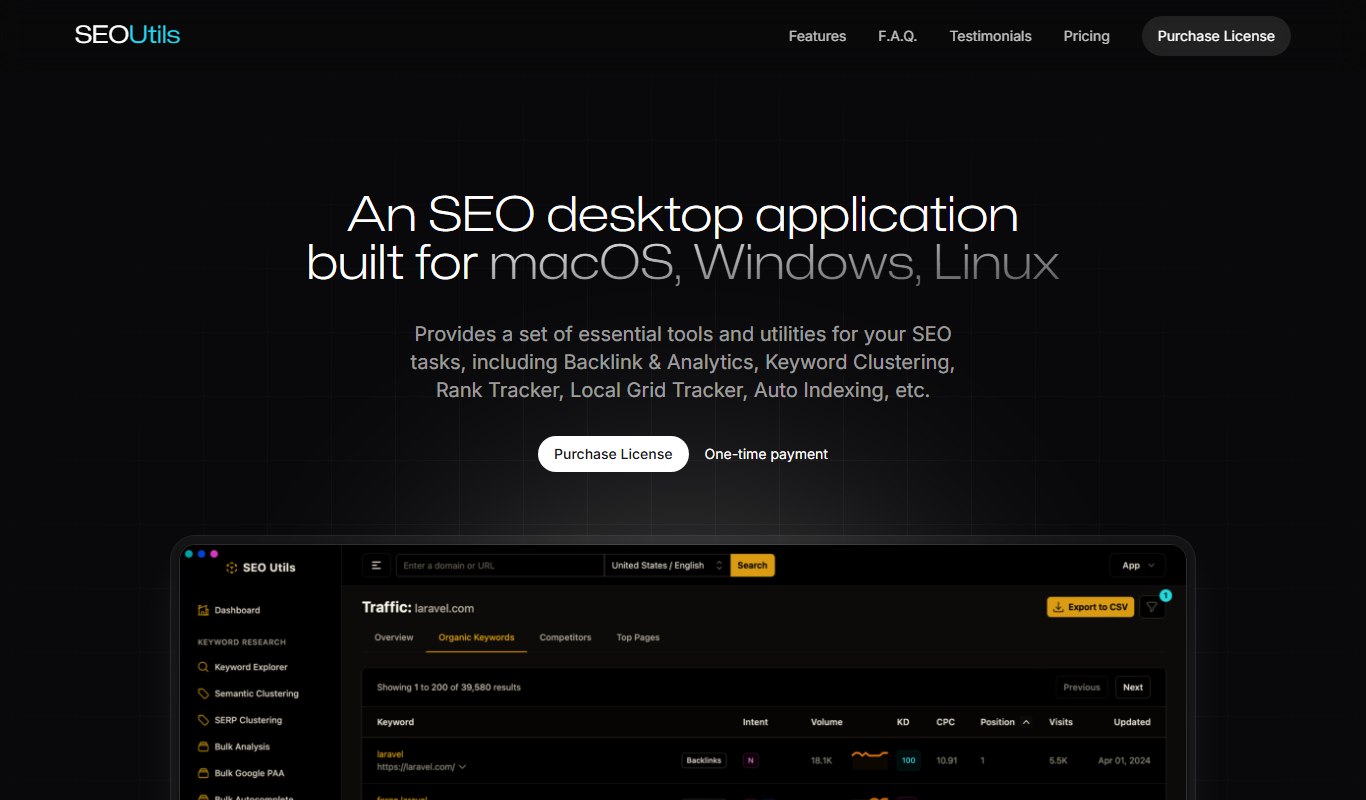
SEO Utils
SEO Utils is a free web-based platform offering multiple SEO tools such as backlink checking, keyword research, page speed testing, and meta tag analysis to help improve website SEO performance.