

Mastodon Decentralized Social Network Platform for Open Communication
Mastodon is a decentralized, open-source social network that allows users to join independent servers and communicate across a federated network with enhanced privacy and control.
- Best for
- Decentralized Social Networking
- Key capability
- Federated Network
Save Mastodon, follow its updates and vote on it — everything stays in your account.
Sign in or create a free account
What is Mastodon?
Mastodon is a free, open-source, decentralized social networking platform that allows users to join independent servers (instances) to communicate and share content without relying on a centralized authority. It operates on a federated model, meaning different servers can interact with each other, creating a broad social network while preserving user control and privacy.
Key features of Mastodon
Mastodon offers microblogging capabilities similar to traditional social media but with a focus on decentralization, privacy, and community moderation. It supports multimedia posts, content warnings, customizable timelines, and federation across servers.
Federated Network
Interact seamlessly across multiple independent servers.
Content Warnings
Add warnings to posts to alert viewers about sensitive content.
Customizable Timelines
Choose between home, local, and federated timelines for content discovery.
Robust Moderation Tools
Instance admins can moderate content and manage user behavior.
Open Source
Source code is publicly available for transparency and customization.
Pros and cons of Mastodon
Pros
- Decentralized with no central authority
- Strong privacy and data ownership
- Open source and customizable
- Active and diverse communities
- Robust moderation and content controls
Cons
- Smaller user base compared to mainstream social networks
- Some instances may have varying moderation policies
- Self-hosting requires technical knowledge and resources
Key use cases for Mastodon
Decentralized Social Networking
Users can join independent servers to connect and communicate without centralized control.
Microblogging
Post short messages, images, and videos to share updates with followers.
Community Building
Create or join communities around shared interests with moderation tools.
Privacy-Focused Communication
Engage in social networking with enhanced privacy and data ownership.
Open Source Collaboration
Contribute to or customize the platform as it is fully open source.
How Mastodon works
- 1
Choose or Create an Instance
Select an existing Mastodon server or create your own to join the network.
- 2
Sign Up and Set Up Profile
Register an account on your chosen instance and customize your profile.
- 3
Follow Users Across Instances
Connect with users on your instance and other federated servers.
- 4
Post and Interact
Share posts, reply, boost, and like content within the federated network.
Who is using Mastodon
Mastodon pricing
Free
$0
Access to Mastodon network via public instances with no cost.
Self-Hosted
Varies
Run your own Mastodon server; costs depend on hosting and maintenance.
Plans and prices are as published by the vendor and can change. Check the official site before you buy. Open the pricing page (opens in a new tab)
Frequently asked questions about Mastodon
Yes, Mastodon is free to use on public instances, and the software itself is open source.
Mastodon is decentralized and federated, meaning no single company controls the network, enhancing privacy and user control.
Yes, Mastodon’s federation allows users on different servers to follow and interact with each other.
No, you can join existing public servers or create your own if you prefer full control.
This tool is designed to help users accomplish its core tasks more efficiently. It is typically used by individuals or teams looking to improve productivity and workflow.
It depends on your specific needs and how you plan to use the tool. The official website and documentation are the best sources for the latest details.
Yes, it can help with that use case depending on how you configure it and what features are available. You’ll get the best results with clear inputs and a defined goal.
Conclusion
To join Mastodon, a user selects an existing server or creates one, then registers an account on the chosen instance. Because servers federate, users on different instances can follow and interact with each other, and home, local and federated timelines separate what appears. Posts carry short messages, images and videos, and content warnings alert viewers to sensitive content.
No single company controls the network; instance admins moderate content and manage user behavior, so moderation policies vary between instances. The software is free and open source and public instances cost nothing, while running a personal server brings hosting and maintenance costs and requires technical knowledge. The platform is oriented toward privacy-conscious social media users, open source advocates and developers interested in federated social networks. Its user base is smaller than those of mainstream social networks.
Sources
Sign in to review this tool.
Sign In to ReviewNo reviews yet
Be the first to share how this tool worked for you.
Ask about pricing, limits, or how it compares — or answer someone else.
Sign In to AskNo questions yet
Have a question about using or paying for this tool? Be the first to ask.
Featured on TiorAI



More Business Management tools
Other tools in the same category, for when this one is not quite the fit.

AutoRFP.ai
AutoRFP.ai is an AI-powered platform that automates RFP response creation, enabling sales teams to quickly generate tailored proposals and manage content efficiently.

WriteMyPRD
WriteMyPRD is an AI-driven tool that automates the creation of product requirement documents, helping teams save time and improve documentation quality.
Fluxx Grant Management
Fluxx Grant Management is a cloud-based platform that helps foundations and nonprofits manage the entire grant lifecycle, including application processing, collaboration, compliance tracking, and reporting.
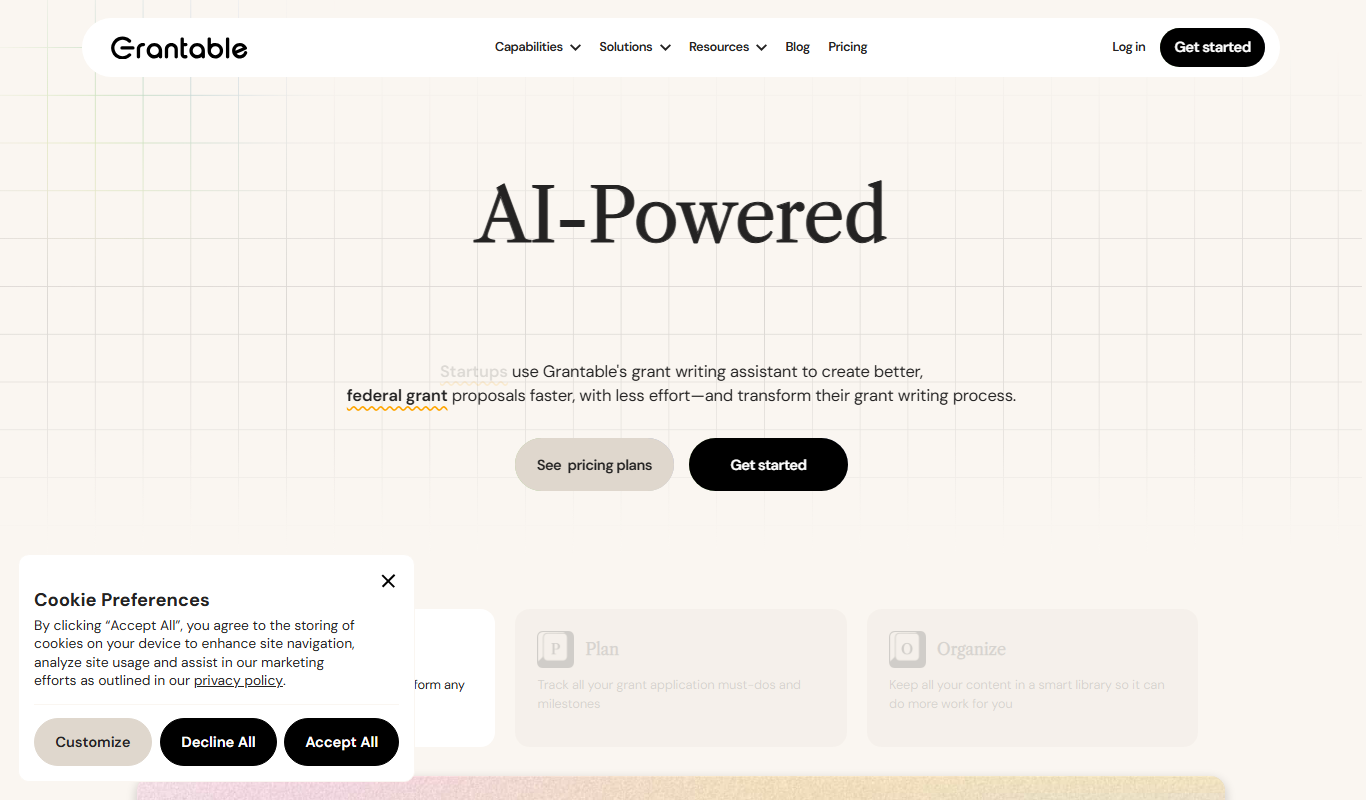
Grantable
Grantable is AI grant writing software for nonprofits and grant writers that finds aligned funders, drafts proposals in your voice and manages the full grant lifecycle.

Jell
Jell is a team collaboration and project management tool that helps teams run daily standups, track OKRs, and improve alignment, especially for remote and agile teams.
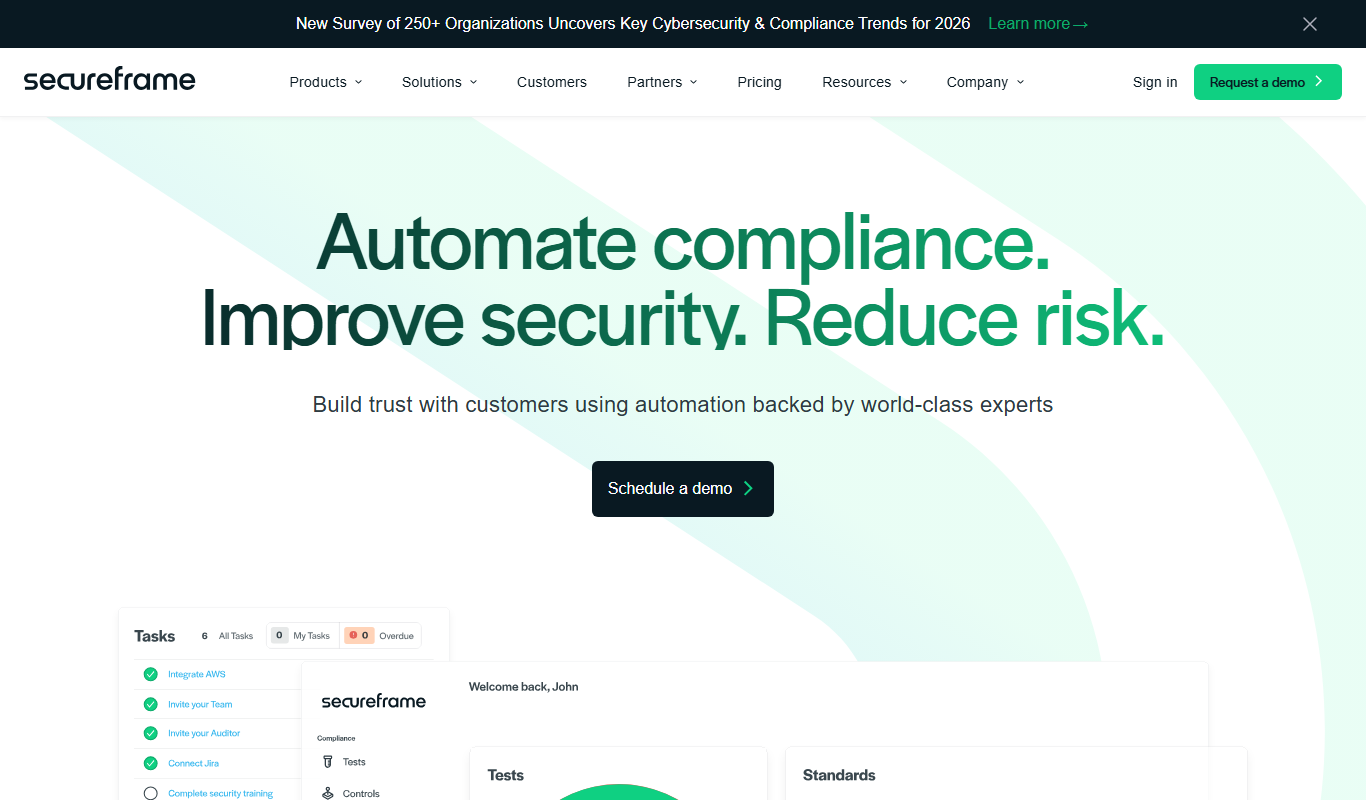
Secureframe
Secureframe is a compliance automation platform that helps businesses achieve and maintain cybersecurity certifications like SOC 2 and ISO 27001 by automating evidence collection, risk assessments, and audit preparation.

Vanta
Vanta is a compliance automation platform that helps businesses automate security monitoring, evidence collection, and audit preparation for standards like SOC 2, ISO 27001, HIPAA, and GDPR.

GetEstimate.ai
GetEstimate.ai is an AI agent that analyzes your project, asks targeted questions and generates detailed construction and software estimates, paid per estimate with no subscription.