

From my experience with Mappedin, I found it excels at delivering highly customizable and detailed indoor maps that significantly improve visitor navigation in complex venues. The platform’s multi-channel deployment options, including web, mobile, and kiosks, make it versatile for various industries like retail, healthcare, and transportation. However, the solution requires a technical setup and custom pricing, which might be a barrier for smaller organizations. Overall, if you manage a large indoor space and need robust wayfinding combined with analytics, Mappedin offers a comprehensive and scalable solution.
Interactive Indoor Mapping Software for Wayfinding and Venue Management
Mappedin is an indoor mapping and wayfinding platform that creates interactive digital maps for complex venues, enabling users to navigate indoor spaces easily via web, mobile, kiosks, and APIs.
- Best for
- Shopping Mall Navigation
- Key capability
- Interactive Indoor Maps
Your actions


Do you recommend this tool?
What is mappedin.com?
Mappedin is an indoor mapping and wayfinding platform designed to create interactive digital maps for complex indoor spaces such as malls, corporate campuses, hospitals, airports, and event venues. It helps organizations improve visitor experience by providing intuitive navigation, location-based services, and real-time updates through web, mobile, kiosks, and APIs.
Key features of mappedin.com
Mappedin offers customizable interactive maps, turn-by-turn indoor navigation, real-time location tracking, analytics, and integration capabilities to enhance venue management and visitor engagement.
Interactive Indoor Maps
Highly detailed, zoomable maps that display multiple floors and complex layouts.
Turn-by-Turn Navigation
Step-by-step directions to guide users to their destinations within indoor environments.
Real-Time Location Tracking
Integration with Wi-Fi, Bluetooth beacons, or other sensors to show user location on the map.
Custom Branding & Theming
Tailor the look and feel of maps to match venue branding and user experience goals.
Analytics Dashboard
Insights into visitor behavior, popular routes, and map usage to optimize space management.
API Access
Flexible API for integrating mapping and navigation features into existing apps or platforms.
Pros and cons of mappedin.com
Pros
- Highly customizable and scalable for large venues
- Supports multiple deployment platforms including kiosks and mobile
- Provides detailed analytics for venue management
Cons
- Pricing is custom and may be expensive for small businesses
- Requires technical setup and integration support
Key use cases for mappedin.com
Shopping Mall Navigation
Helps shoppers find stores, amenities, and parking spots easily within large malls.
Corporate Campus Wayfinding
Assists employees and visitors in navigating complex office campuses and buildings.
Event Venue Management
Enables event organizers to provide interactive maps for attendees to locate sessions, booths, and facilities.
Healthcare Facility Navigation
Supports patients and visitors in finding departments, rooms, and services within hospitals.
Transportation Hubs
Guides travelers through airports, train stations, and transit centers efficiently.
How mappedin.com works
- 1
Map Creation
Upload floor plans or architectural drawings to Mappedin’s platform to create detailed indoor maps.
- 2
Customization
Add points of interest, categories, and branding elements to tailor the map to your venue’s needs.
- 3
Deployment
Publish the interactive maps across web, mobile apps, kiosks, or integrate via API.
- 4
User Interaction
Visitors use the maps for wayfinding, searching locations, and accessing real-time updates.
- 5
Analytics & Updates
Venue managers monitor usage data and update maps as spaces or services change.
Who is using mappedin.com
Shopping mall operators
Corporate facility managers
Event organizers
Healthcare administrators
Airport and transit authorities
mappedin.com pricing
Custom Enterprise
Contact for pricing
Tailored solutions based on venue size, features, and deployment scope.
Plans and prices are as published by the vendor and can change. Check the official site before you buy. Open the pricing page (opens in a new tab)
Frequently asked questions about mappedin.com
Mappedin supports a wide range of indoor venues including shopping malls, corporate campuses, hospitals, airports, and event spaces.
Yes, Mappedin provides APIs that allow seamless integration of indoor maps and navigation into existing mobile applications.
Yes, Mappedin supports real-time location tracking through integration with Wi-Fi, Bluetooth beacons, and other indoor positioning systems.
Mappedin typically offers custom demos and consultations; specific trial availability can be requested through their sales team.
It depends on your specific needs and how you plan to use the tool. The official website and documentation are the best sources for the latest details.
Yes, it can help with that use case depending on how you configure it and what features are available. You’ll get the best results with clear inputs and a defined goal.
Yes, it can help with that use case depending on how you configure it and what features are available. You’ll get the best results with clear inputs and a defined goal.
Sign in to review this tool.
Sign In to ReviewNo reviews yet
Be the first to share how this tool worked for you.
Ask about pricing, limits, or how it compares — or answer someone else.
Sign In to AskNo questions yet
Have a question about using or paying for this tool? Be the first to ask.
Featured on TiorAI



Alternative Tools
Explore similar AI tools that might fit your needs
Custom Pricing
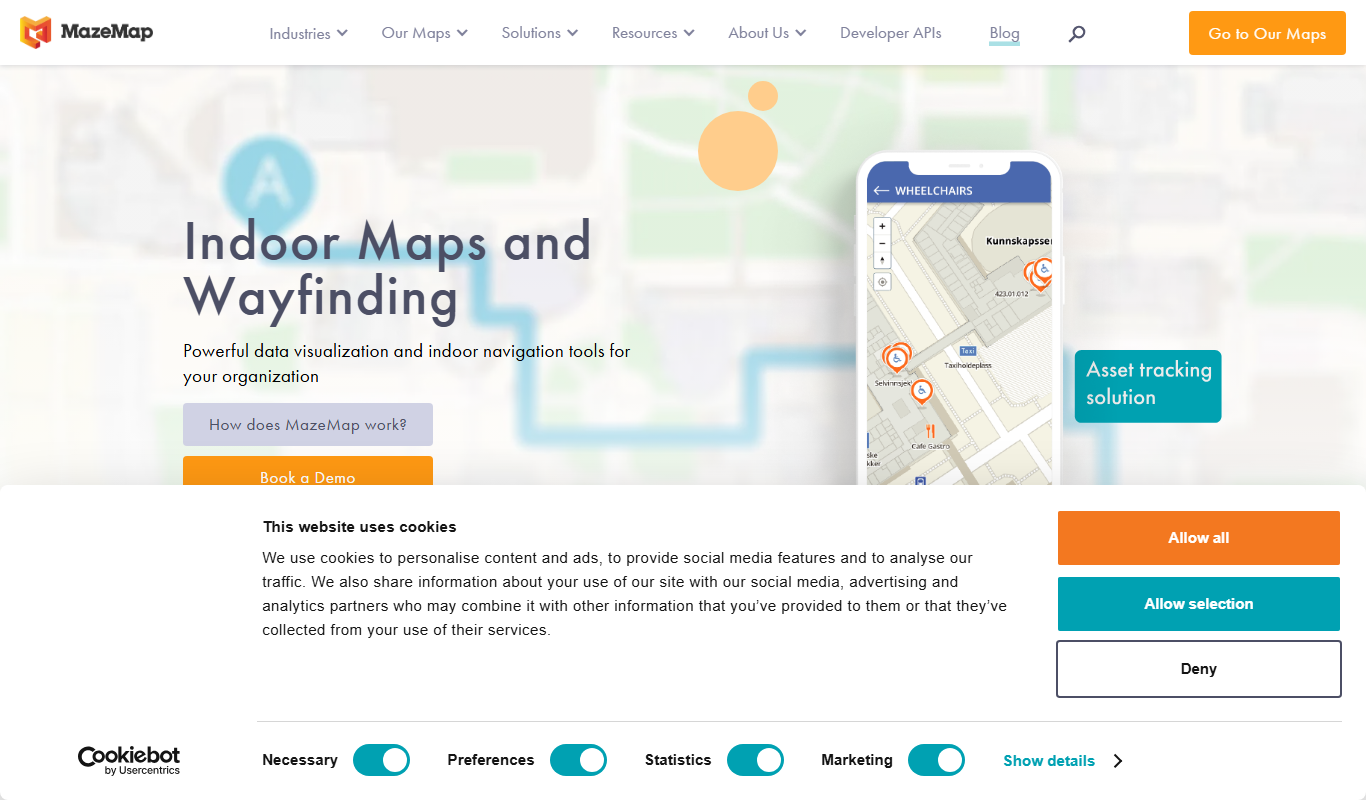
MazeMap
MazeMap is an indoor mapping and wayfinding platform that helps users navigate complex indoor spaces like hospitals and universities with detailed digital maps and turn-by-turn directions.
More AI Room Planner Lite tools
Other tools in the same category, for when this one is not quite the fit.

Free Trial
Biliki AI
Biliki AI is an AI-driven knowledge management platform that integrates with multiple data sources to provide teams with instant, accurate answers via a natural language chat interface, enhancing productivity and collaboration.

Freemium
Turn photos into interior design ideas
Decoratly is an AI-powered web tool that converts your room photos into various interior design ideas, helping you visualize new styles and layouts easily.

Free
Tripper Guide
Tripper Guide is a mobile app that helps travelers create personalized trip itineraries with offline maps and collaborative planning features, available on iOS and Android.
Free Trial
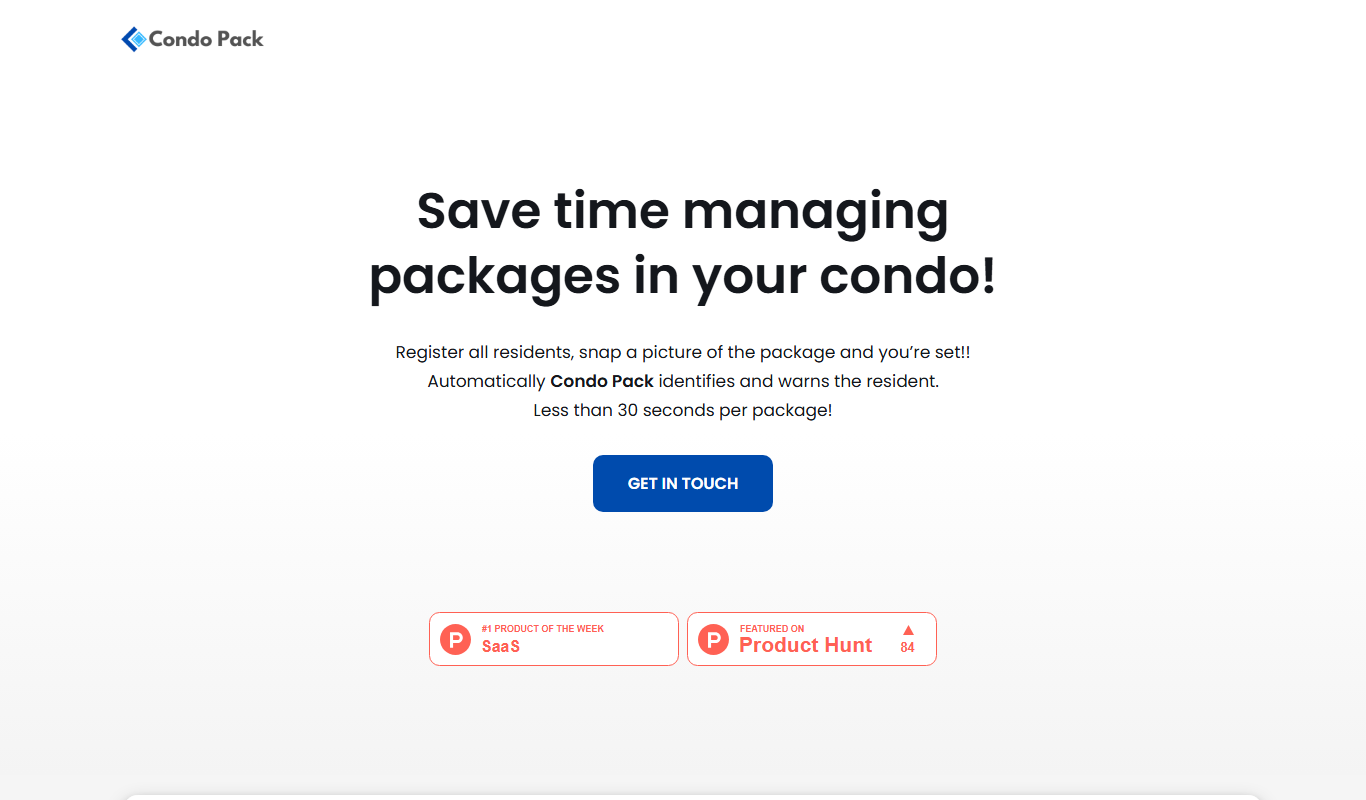
CondoPack
CondoPack is a web-based software designed for real estate developers to perform 3D modeling, financial feasibility studies, and cost estimation to assess residential development projects efficiently.

Freemium
Eat Smart
Eat Smart is a personalized nutrition app that creates custom meal plans and tracks your diet to help you achieve health goals.

Free
Partykit
Partykit is an online platform that provides party theme ideas, planning resources, and an integrated store to buy party supplies, helping users organize events efficiently.

Free
Dreamspace
Dreamspace is a web-based AI art generator that creates unique digital artworks from text prompts with customizable styles and high-resolution outputs.
Subscription
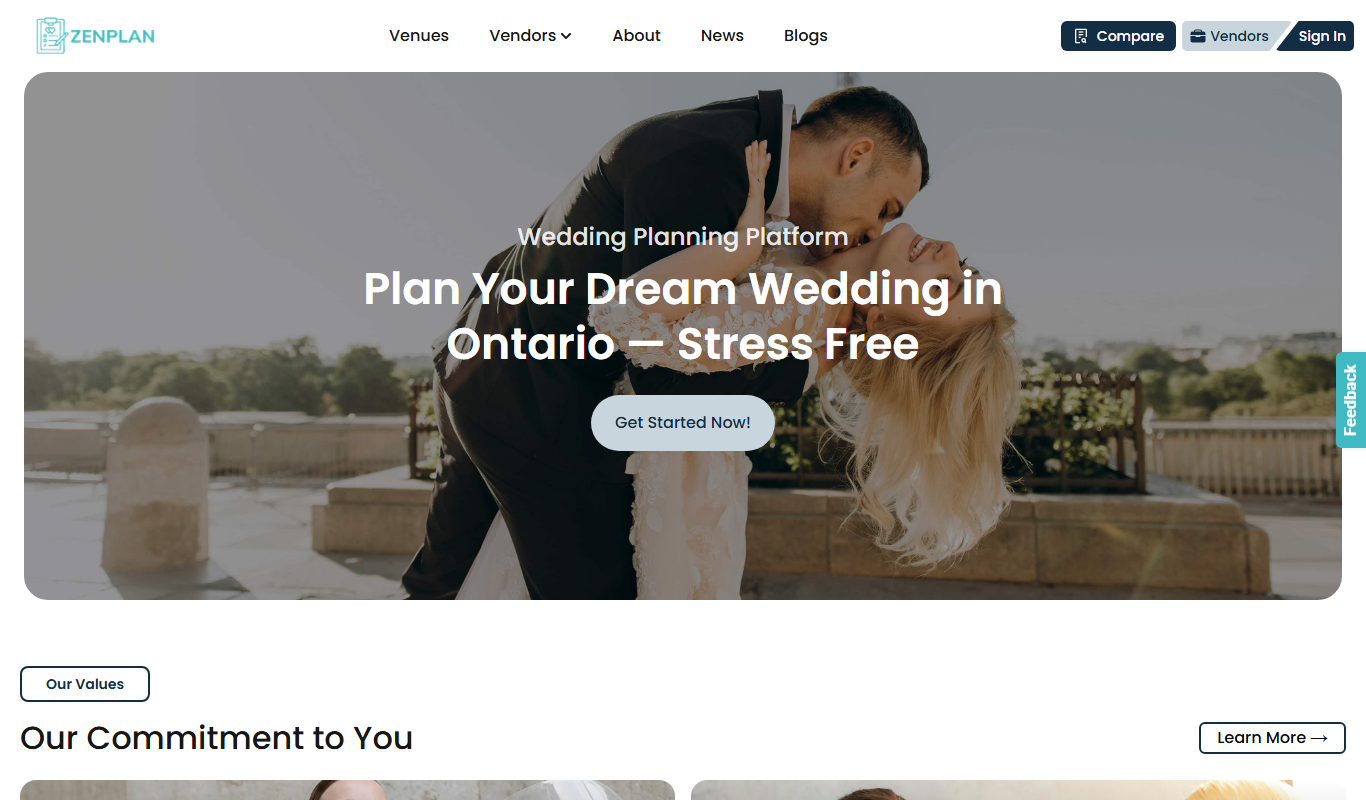
Zenplan
Zenplan is a fitness management software that helps gyms and studios manage memberships, class scheduling, billing, and member engagement through web and mobile apps.