

From my experience with Luxi.Ai, I found it excels at quickly producing diverse and customizable visual content that suits marketing and design needs. The platform’s intuitive interface makes it accessible even for users without graphic design expertise, which is a significant advantage for small businesses and content creators. However, the limited free credits can restrict extensive use unless you opt for a paid plan. Overall, if you need fast, AI-generated images to enhance your marketing campaigns or creative projects, Luxi.Ai offers a practical and efficient solution.
Luxi.Ai AI-Powered Visual Content Generator for Marketing and Design
Luxi.Ai is an AI-based platform that generates custom visual content for marketing and design, enabling users to create images quickly without graphic design skills.
- Best for
- Marketing Campaign Visuals
- Key capability
- AI-Driven Image Generation

Do you recommend this tool?
What is Luxi.Ai?
Luxi.Ai is an AI-powered platform designed to generate high-quality visual content quickly and efficiently. It leverages advanced machine learning models to create images tailored for marketing, design, and content creation purposes, helping users produce engaging visuals without needing extensive graphic design skills.
Key features of Luxi.Ai
Luxi.Ai offers intuitive AI-driven image generation, customizable visual styles, and easy integration into marketing workflows. It supports rapid creation of diverse visual assets, enabling marketers and designers to enhance their content with unique imagery.
AI-Driven Image Generation
Creates unique visuals based on user prompts and style preferences.
Customizable Styles
Offers various artistic and design styles to tailor images to specific branding needs.
User-Friendly Interface
Simplifies the image creation process with an intuitive web platform.
Fast Processing
Delivers generated images quickly to support rapid content workflows.
Pros and cons of Luxi.Ai
Pros
- Easy to use with no design experience required
- Quick generation of diverse visual content
- Customizable styles to fit branding needs
Cons
- Limited free credits may restrict usage
- Currently supports only English language interface
Key use cases for Luxi.Ai
Marketing Campaign Visuals
Create unique and engaging images for social media posts, ads, and email campaigns to boost audience engagement.
Graphic Design Assistance
Generate creative visual concepts and assets to support graphic designers in brainstorming and production.
Content Creation for Websites
Produce tailored images that align with website themes and content to enhance user experience and branding.
Product Visualization
Generate realistic or stylized images of products for e-commerce listings and promotional materials.
How Luxi.Ai works
- 1
Sign Up
Create a free account on the Luxi.Ai website to access the platform.
- 2
Input Visual Requirements
Provide text prompts or select styles to guide the AI in generating images.
- 3
Generate Images
The AI processes inputs and produces multiple visual options for review.
- 4
Download and Use
Select preferred images and download them for use in marketing, design, or content projects.
Who is using Luxi.Ai
Marketing agencies
Content creators
Small businesses
Graphic designers
E-commerce sellers
Luxi.Ai pricing
Free
$0/month
Access to basic image generation with limited credits and features.
Pro
$29/month
Expanded credits, higher resolution images, and priority support.
Plans and prices are as published by the vendor and can change. Check the official site before you buy. Open the pricing page (opens in a new tab)
Frequently asked questions about Luxi.Ai
Yes, images generated through Luxi.Ai can be used for commercial purposes according to their licensing terms.
The free plan has a limited number of image credits, while paid plans offer higher or unlimited credits.
It depends on your specific needs and how you plan to use the tool. The official website and documentation are the best sources for the latest details.
Pricing depends on the plan and included features. For the most accurate and up-to-date details, check the official pricing page.
Sign in to review this tool.
Sign In to ReviewNo reviews yet
Be the first to share how this tool worked for you.
Ask about pricing, limits, or how it compares — or answer someone else.
Sign In to AskNo questions yet
Have a question about using or paying for this tool? Be the first to ask.
Featured on TiorAI



More AI Content Generation Tools tools
Other tools in the same category, for when this one is not quite the fit.
Freemium
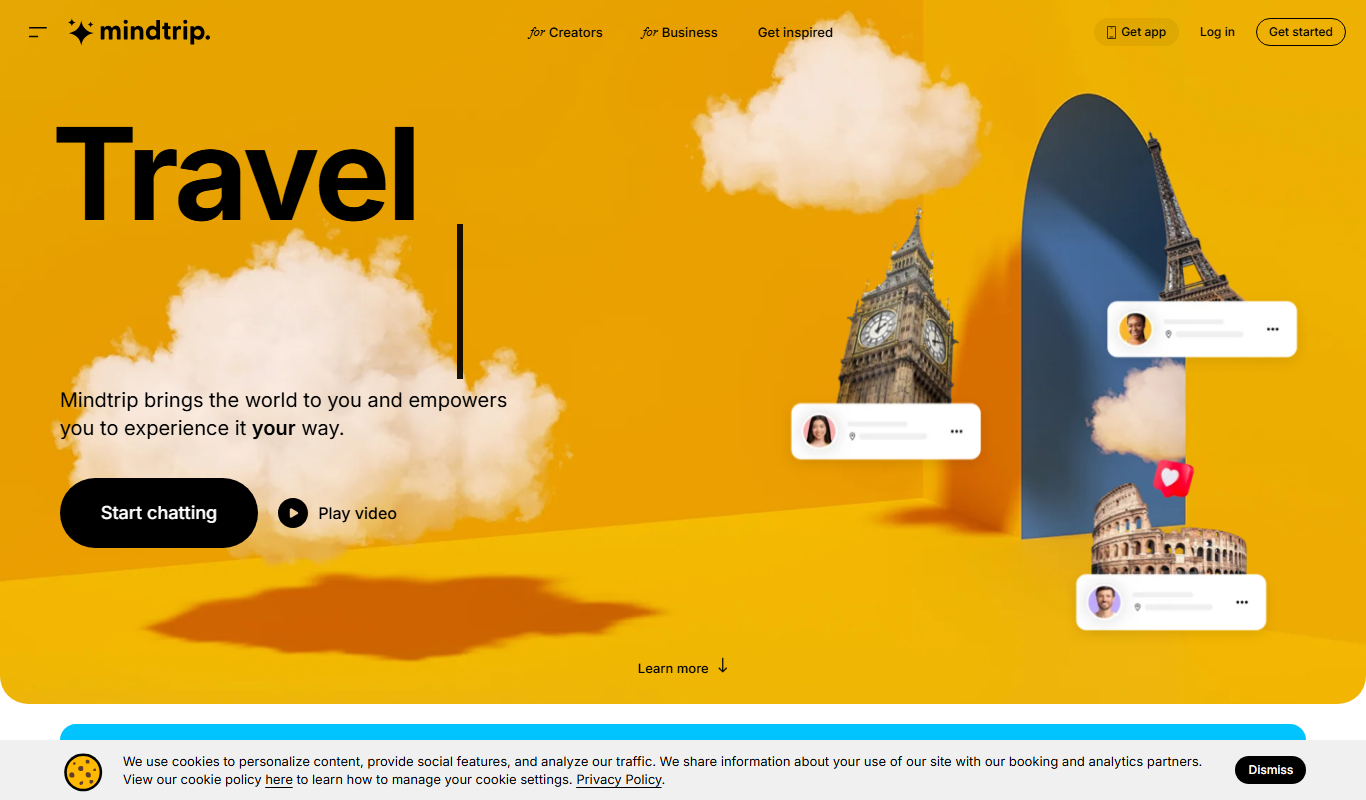
Mindtrip
Mindtrip is an AI-powered writing assistant designed to help users generate creative stories, content ideas, and improve writing flow through AI-driven prompts and text generation.
Free Trial
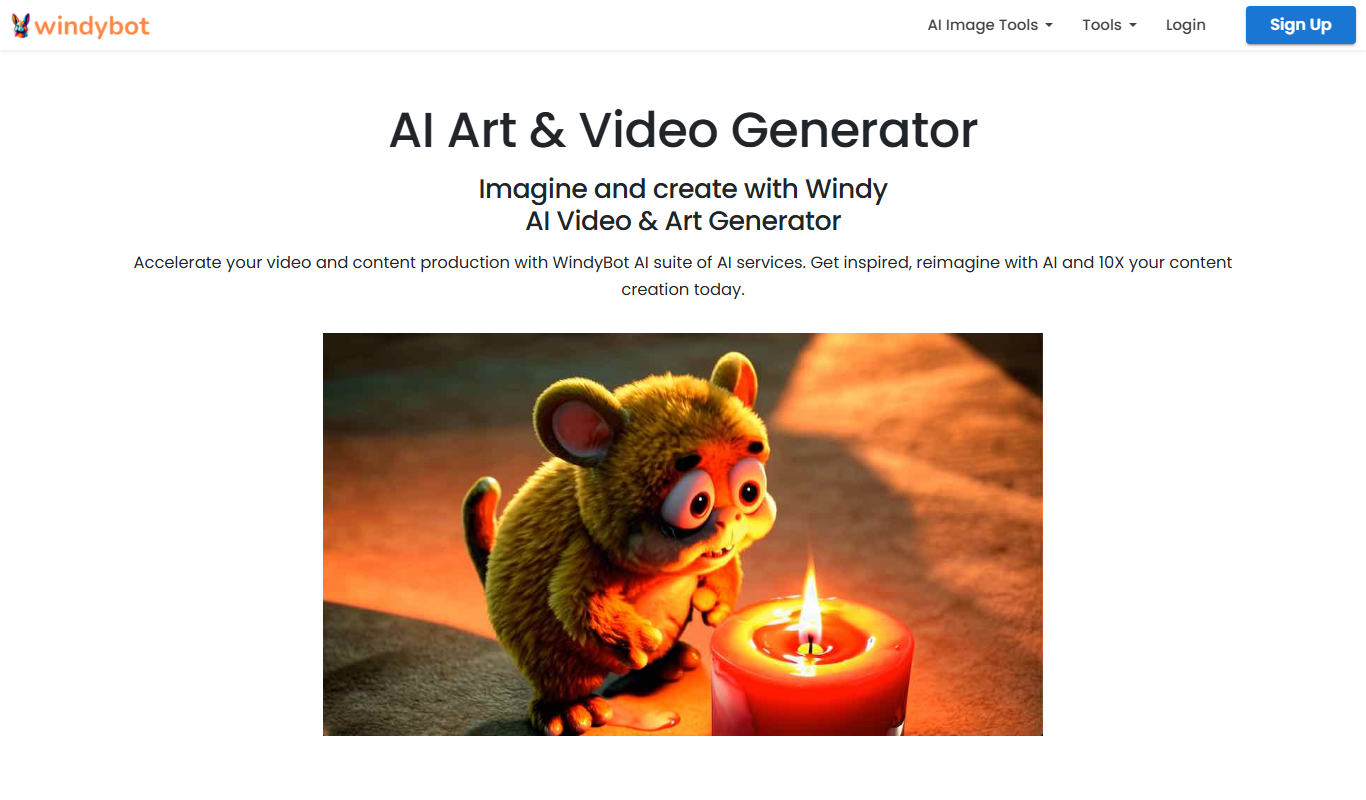
Windy AI Writer
Windy AI Writer is an AI content creation platform designed to help marketers and businesses generate SEO-optimized articles, marketing copy, and social media posts efficiently.

Free
AI Text Editor
AI Text Editor is an online writing assistant that uses AI to improve grammar, style, and tone, helping users create clearer and more polished text.
Free
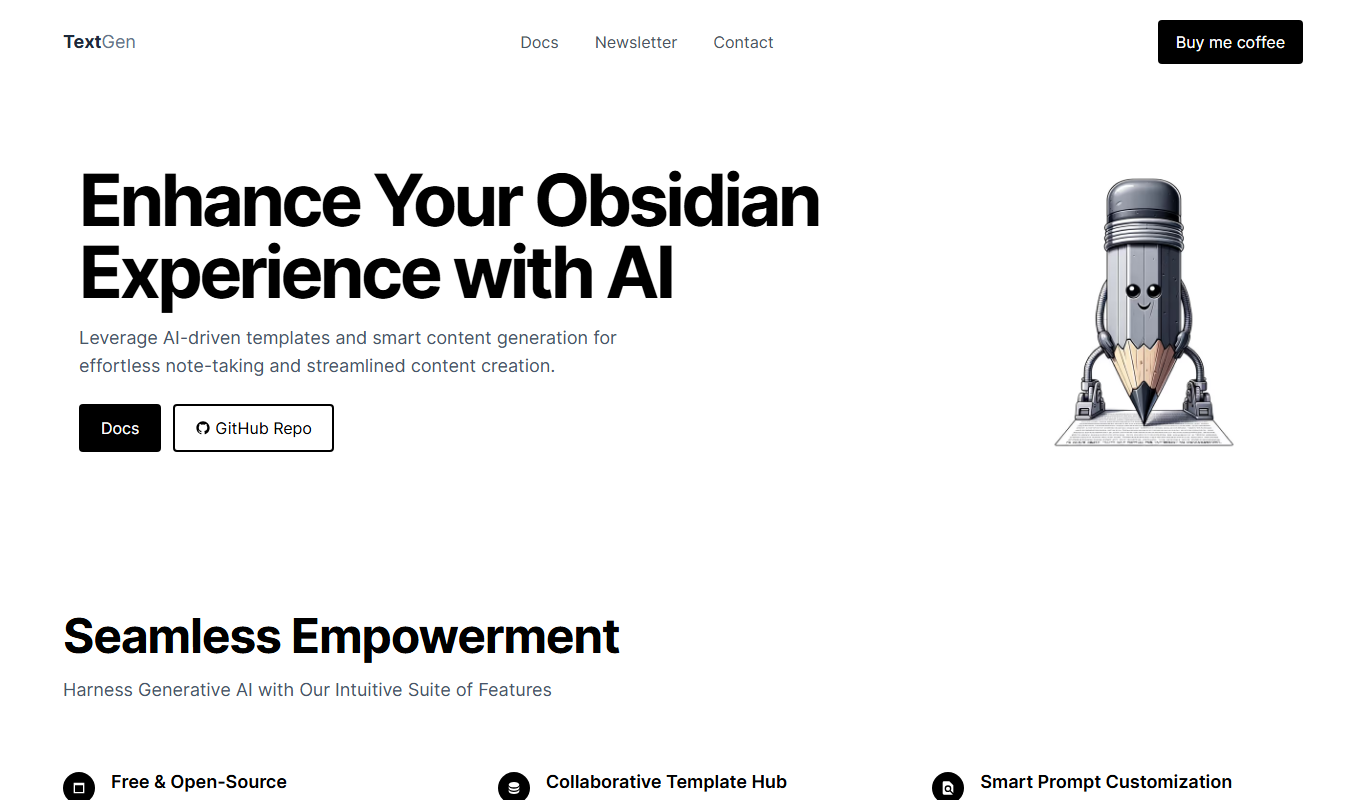
Text Generator Plugin
Text Generator Plugin is an AI-powered WordPress plugin that helps users create SEO-optimized, multi-language content quickly using customizable templates and advanced NLP models.

Freemium
Klart AI
Klart AI is an AI-powered writing assistant that helps users improve clarity, grammar, and tone in their writing through real-time suggestions on a web platform.

Free Trial
Red Panda AI
Red Panda AI is a web-based AI writing assistant that helps users generate blog posts, marketing copy, and product descriptions efficiently using AI technology.

Free
Free Ai text Generator
Free AI Text Generator by Copyson is a web-based tool that allows users to generate written content instantly without registration or payment, supporting English language content creation for various use cases.

Freemium
Roboto – Générateur de contenu
Roboto is a French AI-powered content generator designed to automate and simplify the creation of marketing, SEO, and creative texts.