

Lumosity Brain Training App for Cognitive Skills and Memory Improvement
Lumosity is a brain training platform with personalized games designed to improve cognitive functions like memory and attention through daily practice.
- Best for
- Cognitive Skill Enhancement
- Key capability
- Personalized Training Programs
Save Lumosity, follow its updates and vote on it — everything stays in your account.
Sign in or create a free account
What is Lumosity?
Lumosity is a brain training platform developed by Lumos Labs that offers a variety of scientifically designed games and exercises aimed at improving cognitive functions such as memory, attention, and problem-solving. It leverages principles of neuroplasticity to help users enhance mental performance through daily practice.
Key features of Lumosity
Lumosity provides personalized training programs, progress tracking, and a diverse set of brain games targeting different cognitive skills. It adapts to user performance to maintain an optimal challenge level and motivate continuous improvement.
Personalized Training Programs
Customized daily workouts based on user assessment and progress.
Diverse Brain Games
Over 50 games targeting memory, attention, flexibility, speed, and problem-solving.
Progress Tracking and Insights
Detailed reports and graphs to visualize cognitive improvements.
Adaptive Difficulty
Games adjust in real-time to maintain an optimal challenge level.
Multi-Platform Access
Available on web browsers and mobile apps for iOS and Android.
Pros and cons of Lumosity
Pros
- Wide variety of engaging brain games
- Personalized training plans based on assessments
- Accessible on multiple platforms
- Clear progress tracking and insights
Cons
- Subscription cost may be high for some users
- Scientific evidence on effectiveness is mixed
- Limited features in free version
Key use cases for Lumosity
Cognitive Skill Enhancement
Users can improve various cognitive functions such as memory, attention, flexibility, speed of processing, and problem-solving through targeted brain games.
Memory Improvement
Lumosity offers exercises designed to strengthen short-term and working memory, helping users retain and recall information more effectively.
Mental Fitness Routine
Users can establish a daily mental workout routine to keep their brain active and engaged, promoting long-term cognitive health.
Educational Support
Students and lifelong learners can use Lumosity to sharpen focus and mental agility, aiding academic performance.
Stress Reduction and Mindfulness
Certain games and exercises help users improve focus and reduce mental fatigue, contributing to stress management.
How Lumosity works
- 1
Create an Account
Sign up on Lumosity’s website or app to start your brain training journey.
- 2
Complete Initial Assessment
Take a baseline cognitive test to help Lumosity tailor your training program.
- 3
Engage in Daily Brain Games
Play a set of personalized games each day designed to challenge various cognitive skills.
- 4
Track Your Progress
Monitor improvements and receive insights on your cognitive performance over time.
- 5
Adjust Training as Needed
Lumosity adapts game difficulty based on your performance to keep training effective.
Who is using Lumosity
Lumosity pricing
Free
$0/month
Access to a limited selection of games and basic progress tracking.
Premium
$11.99/month
Full access to all games, personalized training, detailed insights, and progress tracking.
Plans and prices are as published by the vendor and can change. Check the official site before you buy. Open the pricing page (opens in a new tab)
Frequently asked questions about Lumosity
Lumosity’s games are designed based on cognitive science principles, but while some studies support brain training benefits, results can vary among individuals.
Lumosity may help maintain mental fitness, but it is not a medical treatment and should not replace professional advice for cognitive health.
Yes, Lumosity offers a free tier with limited games and features.
Lumosity is accessible via web browsers and has mobile apps for both iOS and Android devices.
It depends on your specific needs and how you plan to use the tool. The official website and documentation are the best sources for the latest details.
It depends on your specific needs and how you plan to use the tool. The official website and documentation are the best sources for the latest details.
It depends on your specific needs and how you plan to use the tool. The official website and documentation are the best sources for the latest details.
Conclusion
Training begins with a baseline cognitive test, which is used to tailor a program of personalized games played each day. The games target memory, attention, flexibility, speed and problem-solving, and their difficulty adjusts to keep an optimal challenge level. Reports and graphs then show how cognitive performance changes over time. It is accessible via web browsers and has mobile apps for iOS and Android.
The platform can suit students and lifelong learners, older adults maintaining mental fitness and professionals who want sharper focus. According to the page, it may help maintain mental fitness but is not a medical treatment and does not replace professional advice. Scientific evidence on its effectiveness is mixed. A free tier with limited games and features is offered next to the paid Premium plan.
Sources
Sign in to review this tool.
Sign In to ReviewNo reviews yet
Be the first to share how this tool worked for you.
Ask about pricing, limits, or how it compares — or answer someone else.
Sign In to AskNo questions yet
Have a question about using or paying for this tool? Be the first to ask.
Featured on TiorAI



Alternative Tools
Explore similar AI tools that might fit your needs

CogniFit
CogniFit is a brain training and cognitive assessment platform that uses validated tests and personalized games to improve mental fitness and monitor cognitive health.
Elevate
Elevate is an AI writing assistant that generates and improves written content, offering grammar correction, tone adjustment, and idea generation primarily in English.
More Daily Life tools
Other tools in the same category, for when this one is not quite the fit.
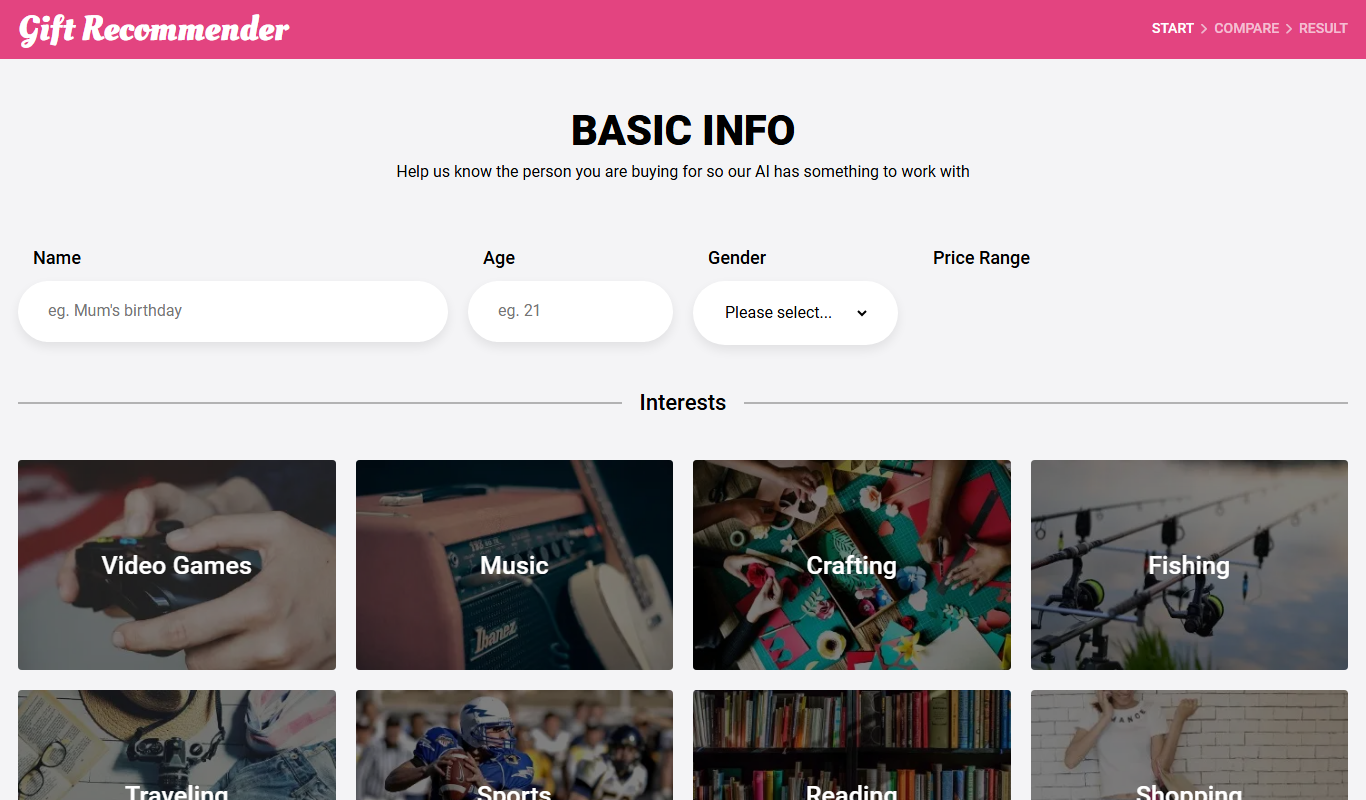
Gift Recommender
Gift Recommender is a free online tool that provides personalized gift ideas based on recipient details and occasion, helping users find unique presents quickly.

Giftron: Personalized Gift finder
Giftron is a free web-based personalized gift finder that helps users discover unique and thoughtful gift ideas tailored to the recipient’s interests and occasion through a simple questionnaire.
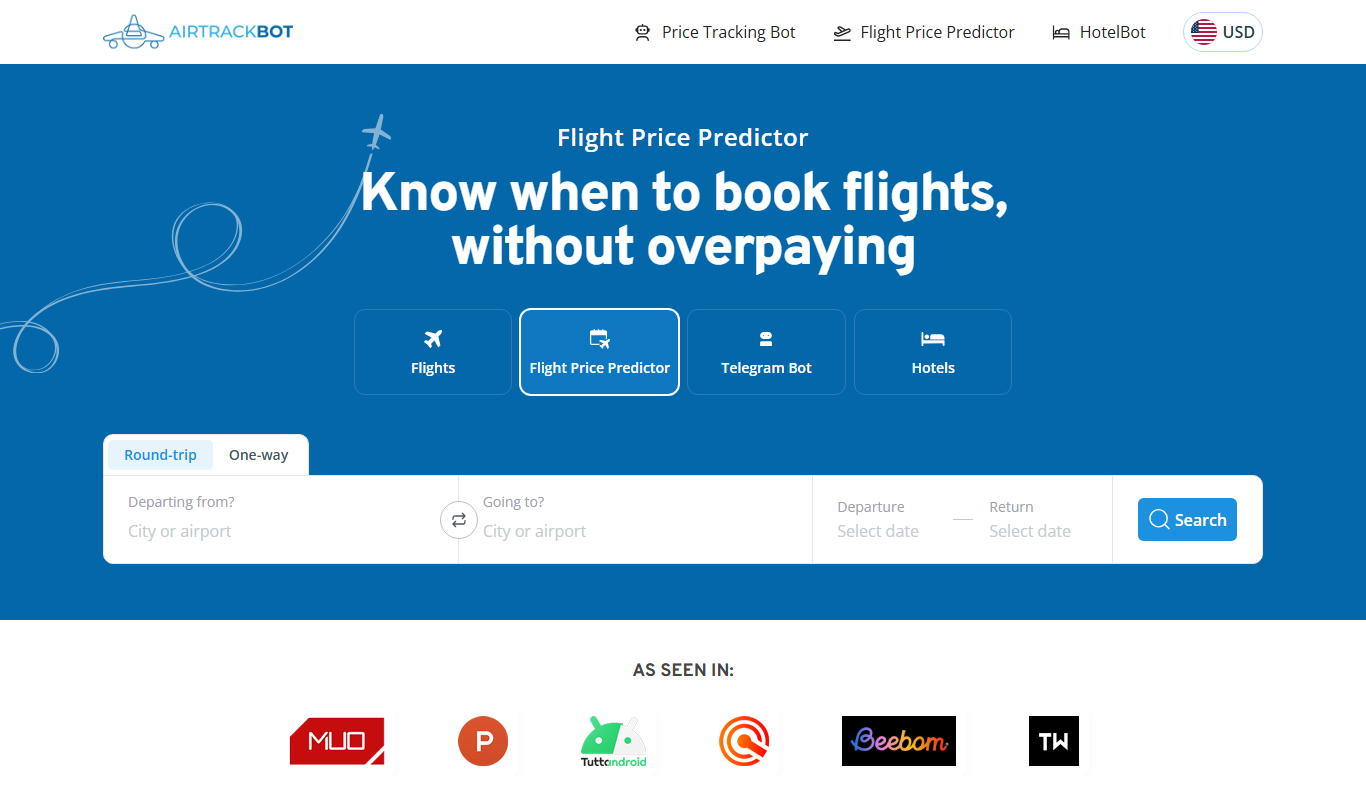
AirTrackBot
AirTrackBot Flight Price Predictor is a free web tool that forecasts airfare price trends using historical data and AI, helping travelers decide the best time to book flights.
MakeMyTrip
MakeMyTrip is an online travel platform that allows users to book flights, hotels, holiday packages, buses, trains, and car rentals with real-time availability and secure payments.
AnkiWeb
AnkiWeb is a free web-based platform that enables users to create, study, and sync flashcards using spaced repetition to improve memory retention.

Roast Me AI
Roast Me AI is a free web-based tool that uses artificial intelligence to generate humorous and witty roasts or insults instantly for entertainment purposes.
Tala
Tala is a credit app offering a credit line and fast loans, presented as AI-native credit infrastructure.

ePassportPhoto
ePassportPhoto is an online tool that helps users create passport, visa, and ID photos compliant with official government standards by uploading a photo, adjusting size and background, and downloading or printing the final image.