

From my experience with LuDe, I found it excels at providing a straightforward drag-and-drop interface that makes WordPress page building accessible to non-technical users. The plugin’s library of pre-built blocks and responsive design controls allow quick creation of professional-looking pages without coding. However, compared to more established page builders, LuDe has fewer advanced features and a smaller community, which might limit complex customizations. Overall, if you want a simple, easy-to-use WordPress page builder for small business or personal sites, LuDe delivers solid results.
LuDe Page Builder for WordPress - Drag-and-Drop Website Design Tool
LuDe is a WordPress plugin that enables users to build and customize websites using a drag-and-drop interface without coding skills.
- Best for
- Website Design
- Key capability
- Drag-and-Drop Editor

What is LuDe?
LuDe is a WordPress page builder plugin that allows users to design and customize websites through an intuitive drag-and-drop interface. It aims to simplify website creation by providing pre-designed blocks and flexible layout options, enabling users with little or no coding experience to build professional-looking pages quickly.
Key features of LuDe
LuDe offers a visual drag-and-drop editor, a library of customizable blocks, responsive design controls, and seamless integration with WordPress. It focuses on ease of use and flexibility to help users create unique website layouts efficiently.
Drag-and-Drop Editor
Intuitive interface to visually build pages without coding.
Pre-Built Blocks
Library of customizable content blocks for quick page assembly.
Responsive Design
Tools to ensure pages look great on desktop, tablet, and mobile.
WordPress Integration
Seamlessly works within the WordPress environment.
No Coding Required
Designed for users without technical skills to create professional pages.
Pros and cons of LuDe
Pros
- Easy drag-and-drop interface
- Free plan available
- Good selection of pre-built blocks
- Responsive design controls
- No coding required
Cons
- Limited advanced features compared to larger page builders
- Smaller community and fewer third-party integrations
Key use cases for LuDe
Website Design
Create and customize WordPress websites easily using drag-and-drop tools without coding.
Landing Page Creation
Build high-converting landing pages quickly with pre-built blocks and templates.
Content Layout Customization
Adjust page layouts and content structure visually to improve user experience and design.
Small Business Websites
Enable small businesses to build professional websites without hiring developers.
How LuDe works
-
1
Install and Activate
Add the LuDe plugin to your WordPress site and activate it from the dashboard.
-
2
Open Page Editor
Create or edit a page and launch the LuDe visual editor to start designing.
-
3
Drag and Drop Blocks
Select from pre-built blocks and drag them onto the page canvas to build your layout.
-
4
Customize Content
Edit text, images, and styles directly within the editor to match your branding.
-
5
Publish Your Page
Save and publish your designed page to make it live on your website.
Who is using LuDe
Small business owners
Freelancers and agencies
Bloggers and content creators
Non-technical users building WordPress sites
LuDe pricing
Free
$0/month
Basic page building features with access to essential blocks.
Pro
$49/year
Advanced blocks, premium templates, and priority support.
Plans and prices are as published by the vendor and can change. Check the official site before you buy. Open the pricing page (opens in a new tab)
Frequently asked questions about LuDe
LuDe works with most WordPress themes, but for best results, use themes optimized for page builders.
No, LuDe is designed for users without coding experience using drag-and-drop tools.
Yes, you can design multiple pages and customize layouts to build a complete website.
This tool is designed to help users accomplish its core tasks more efficiently. It is typically used by individuals or teams looking to improve productivity and workflow.
Some tools offer a free plan or trial with limited features. Availability can vary, so confirm on the official website.
Yes, it can help with that use case depending on how you configure it and what features are available. You’ll get the best results with clear inputs and a defined goal.
Sign in to review this tool.
Sign In to ReviewNo reviews yet
Be the first to share how this tool worked for you.
Ask about pricing, limits, or how it compares — or answer someone else.
Sign In to AskNo questions yet
Have a question about using or paying for this tool? Be the first to ask.
Featured on TiorAI



Alternative Tools
Explore similar AI tools that might fit your needs

Free
Elementor
Elementor is a WordPress plugin that allows users to build websites visually with drag-and-drop tools, templates, and advanced design features without coding.
Freemium
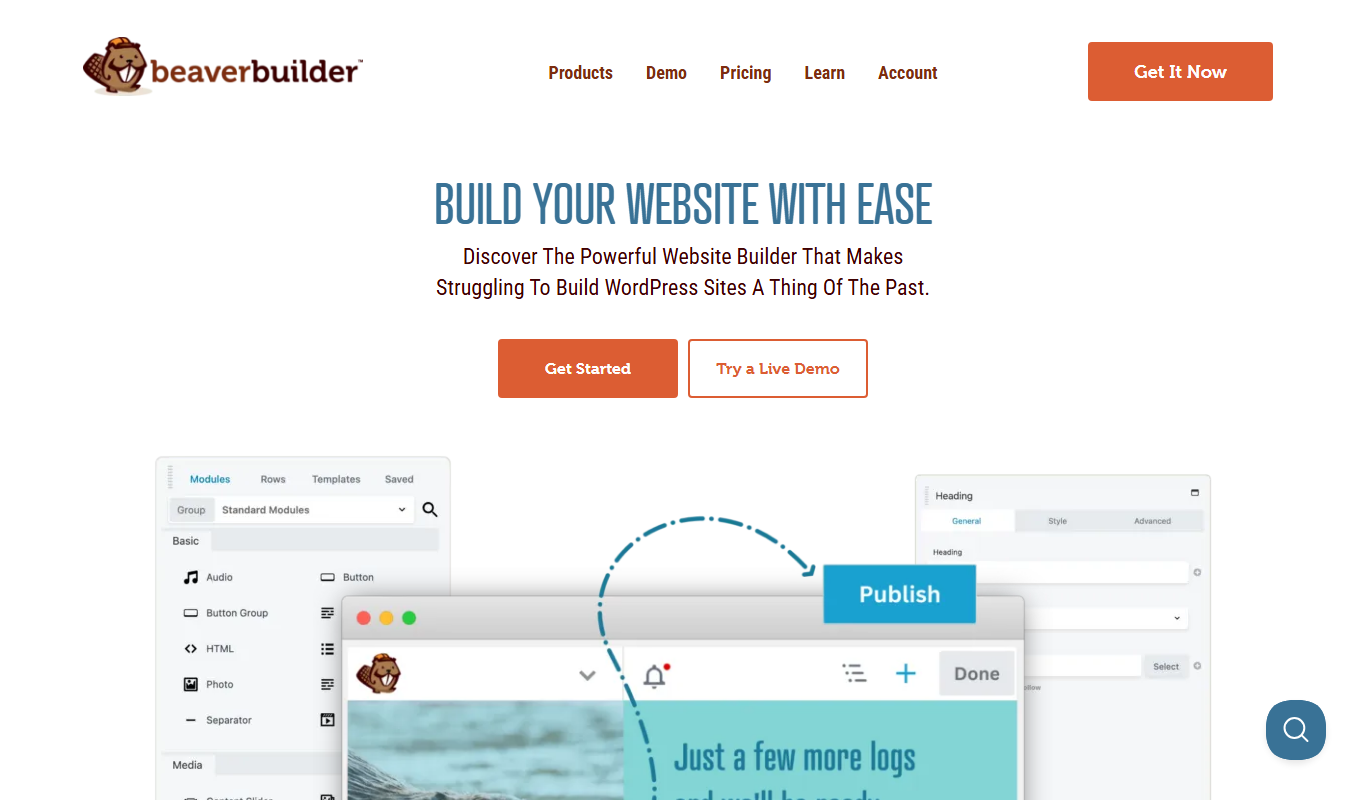
Beaver Builder
Beaver Builder is a WordPress plugin that provides a drag-and-drop front-end page builder for creating responsive websites without coding.

Freemium
Divi Builder
Divi Builder is a WordPress plugin that enables users to design websites visually with drag-and-drop tools, pre-built layouts, and responsive controls, requiring no coding skills.
More AI Personalized Video Generator tools
Other tools in the same category, for when this one is not quite the fit.

Free
Random Movie Generator
Random Movie Generator is a free web tool that instantly suggests random movies to help users decide what to watch without browsing extensive lists.

Freemium
VideoGen – AI Video Generator
VideoGen is an AI video generator that transforms text scripts into fully automated videos with voiceovers and visuals, ideal for marketers and content creators.

Freemium
Customuse
Customuse is an AI-driven platform that automates personalized content creation and marketing campaigns to enhance customer engagement and conversion.

Contact for pricing
Empirical Health
Empirical Health is a healthcare analytics platform that aggregates and analyzes clinical data to generate real-world evidence, supporting clinical trials, patient outcomes analysis, and healthcare research.

Free Trial
getmylp.com
GetMyLP is an AI-powered landing page builder that helps marketers create and optimize landing pages quickly using no-code tools and AI-generated templates.

Subscription
shufflrr.com
Shufflrr is a presentation management platform that centralizes slide content, integrates with PowerPoint, and enables teams to collaborate and maintain brand consistency.

Free Trial
Potion
Potion is an AI-powered no-code website builder that helps users quickly create and publish marketing landing pages and websites without coding.

Free
ByteCap
ByteCap is a cloud-based platform that monitors API uptime, tests API functionality, tracks webhooks, and sends alerts to maintain API reliability and performance.