

Lookback.io User Research Platform for UX Testing and Feedback Analysis
Lookback.io is a user research platform that allows teams to conduct live and recorded remote user testing sessions, capturing video, audio, and screen activity to gather qualitative insights and improve product usability.
- Best for
- Remote User Testing
- Key capability
- Live Moderated Sessions
Save Lookback.io, follow its updates and vote on it — everything stays in your account.
Sign in or create a free accountWhat is Lookback.io?
Lookback.io is a user research platform designed to help teams conduct live and recorded user testing sessions, interviews, and usability studies. It enables product teams to observe real users interacting with their digital products, capturing video, audio, and on-screen activity for detailed analysis. The platform supports remote testing, making it easier to gather qualitative insights from users anywhere in the world.
Key features of Lookback.io
Lookback.io offers features such as live moderated sessions, unmoderated testing, session recording with video and audio, screen sharing, note-taking, and team collaboration tools. It integrates with popular product management and analytics tools to streamline the research workflow.
Live Moderated Sessions
Interact with users in real-time while observing their screen and hearing their feedback.
Unmoderated Testing
Allow users to complete tasks independently with automatic recording for later review.
Session Recording
Capture video, audio, and screen activity simultaneously for comprehensive analysis.
Note Taking and Tagging
Annotate sessions with notes and tags to highlight important moments.
Team Collaboration
Share sessions and insights easily with stakeholders and team members.
Integrations
Connect with tools like Slack, Jira, and product analytics platforms to streamline workflows.
Pros and cons of Lookback.io
Pros
- Comprehensive recording of video, audio, and screen activity
- Supports both moderated and unmoderated testing
- Facilitates team collaboration with notes and sharing
- Integrates with popular product management tools
- User-friendly interface for researchers and participants
Cons
- No permanent free plan beyond trial
- Primarily English language support
- Pricing may be high for very small teams or individuals
Key use cases for Lookback.io
Remote User Testing
Conduct live or recorded remote user tests to observe user interactions with digital products.
User Interviews
Facilitate moderated interviews with users to gather qualitative feedback and insights.
Usability Research
Analyze user behavior and pain points to improve product usability and user experience.
Product Feedback Collection
Collect and organize user feedback directly within the platform for actionable insights.
Team Collaboration
Share recordings and notes with team members to align on user research findings.
How Lookback.io works
- 1
Create a Project
Set up a new research project in Lookback.io and define your testing goals.
- 2
Invite Participants
Send invitations to users to join live sessions or complete unmoderated tests.
- 3
Conduct Sessions
Run live moderated interviews or allow users to complete tasks on their own while recording their interactions.
- 4
Review Recordings
Watch session recordings with synchronized video, audio, and screen activity to analyze user behavior.
- 5
Collaborate and Share
Add notes, tag team members, and share insights to inform product decisions.
Who is using Lookback.io
Lookback.io pricing
Free Trial
First session free
The free trial is a first free session, not 14 days.
Freelance
$299/year
Solo seat with 1 panel participant included and all core features; extra 10-session packages cost $299 each.
Team
$1,782/year for 100 sessions
100 sessions per year; upgrade from the trial in account settings. Aimed at growing research teams.
Plans and prices are as published by the vendor and can change. Check the official site before you buy. Open the pricing page (opens in a new tab)
Frequently asked questions about Lookback.io
Yes, Lookback.io supports both live moderated and unmoderated remote user testing sessions.
Yes, it records synchronized video of the user, audio feedback, and screen activity.
The free trial is a first free session, not 14 days.
Yes, the platform allows easy sharing and collaboration on recorded sessions.
This tool is designed to help users accomplish its core tasks more efficiently. It is typically used by individuals or teams looking to improve productivity and workflow.
It depends on your specific needs and how you plan to use the tool. The official website and documentation are the best sources for the latest details.
Yes, it can help with that use case depending on how you configure it and what features are available. You’ll get the best results with clear inputs and a defined goal.
Pricing depends on the plan and included features. For the most accurate and up-to-date details, check the official pricing page.
Conclusion
Research starts as a project with defined testing goals, and participants are invited to join a live session or complete an unmoderated test. Live moderated sessions let a researcher interact with users in real time while observing their screen, and unmoderated tests have users complete tasks independently with automatic recording. Either way, the recording captures synchronized video of the user, audio feedback and screen activity. Notes and tags then highlight important moments in each session.
Its core audience is UX researchers, product managers and design teams. The first session is free, after which the Freelance plan costs $299 per year and Team $1,782 per year for 100 sessions.
Sources
Sign in to review this tool.
Sign In to ReviewNo reviews yet
Be the first to share how this tool worked for you.
Ask about pricing, limits, or how it compares — or answer someone else.
Sign In to AskNo questions yet
Have a question about using or paying for this tool? Be the first to ask.
Featured on TiorAI



Alternative Tools
Explore similar AI tools that might fit your needs

UserTesting
UserTesting is a platform that provides video-based user feedback and usability testing to help businesses improve their digital products by understanding real user experiences.
Maze
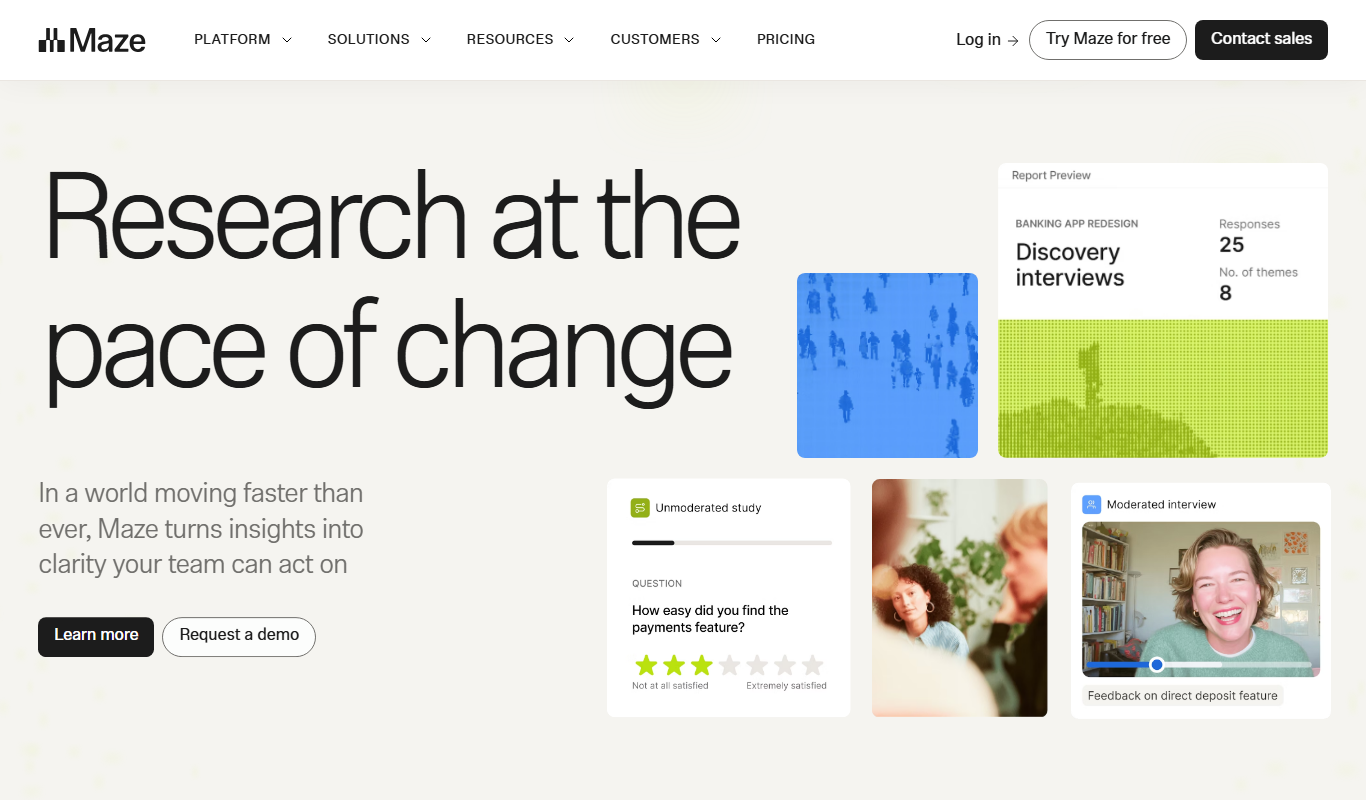
Maze is a user testing platform that helps teams validate prototypes and gather user feedback remotely through unmoderated tests integrated with popular design tools.
More AI Analytics Assistant tools
Other tools in the same category, for when this one is not quite the fit.

MeasureUp
MeasureUp is an online platform providing realistic practice exams and detailed explanations to help individuals prepare for professional certification tests, primarily in IT and business domains.
Pollfish
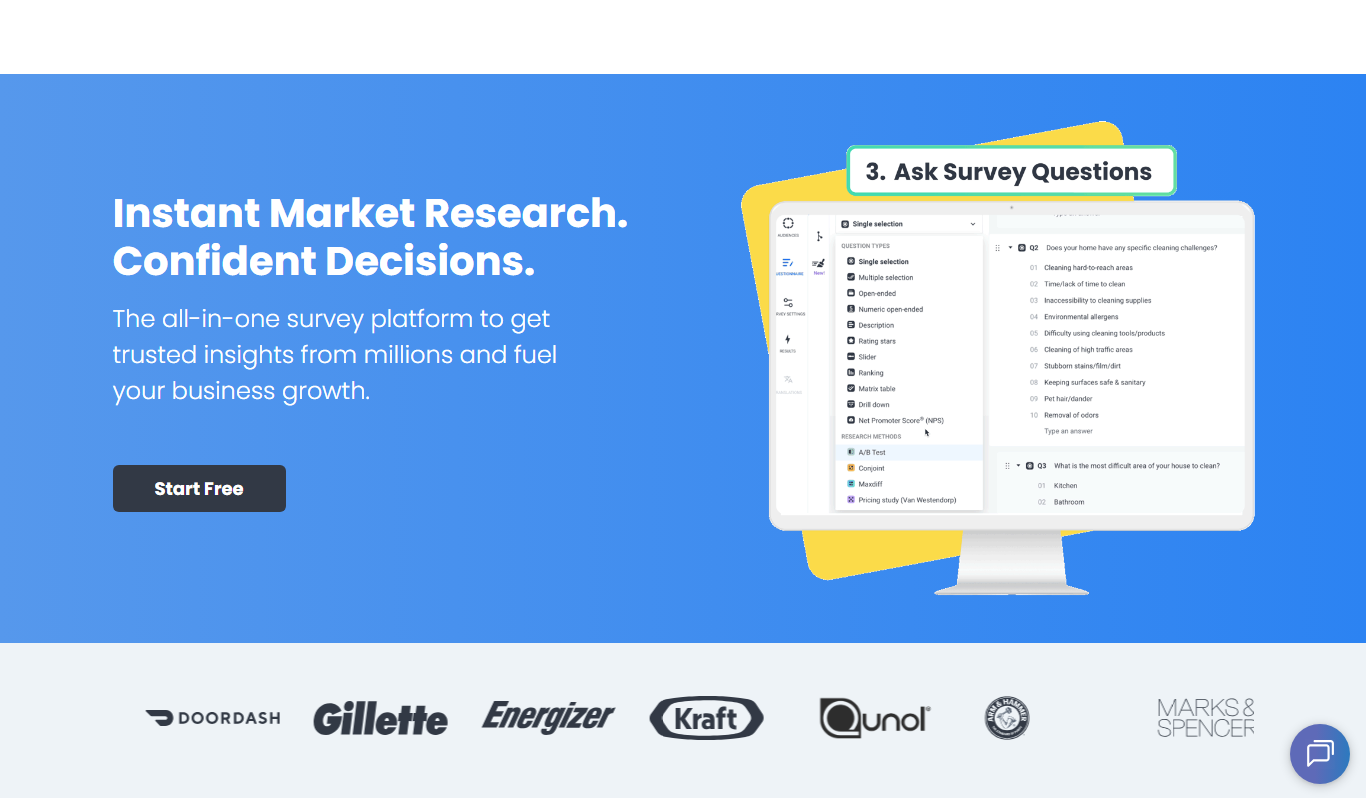
Pollfish is an online survey platform that enables businesses to collect targeted consumer insights quickly through mobile sampling and real-time data analytics.

MarketResearch.com
MarketResearch.com is an online platform offering extensive market research reports and industry analysis from multiple publishers, helping businesses and investors make informed decisions.

Geofencing.com
Geofencing.com is a location-based marketing platform that enables businesses to target customers with digital ads when they enter specific geographic areas, improving ad relevance and measuring offline conversions.

Percepto Autonomous Inspection
Percepto Autonomous Inspection is an AI-powered autonomous drone platform that automates industrial site inspections, providing real-time anomaly detection, 3D mapping, and remote asset monitoring to enhance safety and operational efficiency.

Visier People Analytics
Visier People Analytics is a cloud-based platform that helps organizations analyze workforce data to improve talent management, predict turnover, and support strategic HR decisions.

Holdem Manager
Holdem Manager is a Windows-based poker tracking software that imports hand histories, provides a real-time HUD, and offers advanced post-game analysis to help online poker players improve their performance.

PokerTracker
PokerTracker is a poker tracking software that helps online players analyze hand histories, track sessions, and use a real-time HUD to improve their poker strategy.