

LogicGate GRC Platform for Risk Management and Compliance Automation
LogicGate is a no-code GRC platform that helps organizations automate risk management, compliance, and audit processes through customizable workflows and real-time dashboards.
- Best for
- Risk Management
- Key capability
- No-Code Workflow Builder
Save LogicGate, follow its updates and vote on it — everything stays in your account.
Sign in or create a free account
What is LogicGate?
LogicGate is a cloud-based Governance, Risk, and Compliance (GRC) platform designed to help organizations automate and streamline their risk management, compliance, and audit processes. It provides a flexible, no-code workflow automation engine that enables teams to build custom applications tailored to their unique governance needs without requiring programming skills.
Key features of LogicGate
LogicGate offers configurable workflows, real-time dashboards, risk and compliance assessments, audit management tools, and vendor risk monitoring. Its no-code platform empowers users to design and automate complex GRC processes, improving visibility and control over organizational risks.
No-Code Workflow Builder
Design and automate custom GRC processes without coding, enabling rapid deployment and adaptability.
Risk and Compliance Assessments
Conduct thorough evaluations with configurable questionnaires and scoring models.
Real-Time Dashboards
Visualize risk metrics, compliance status, and audit progress with interactive dashboards.
Audit Management
Plan, track, and report audits efficiently within a centralized platform.
Vendor Risk Management
Manage third-party risks through automated assessments and continuous monitoring.
Pros and cons of LogicGate
Pros
- Highly customizable no-code platform
- Comprehensive risk and compliance management features
- Real-time visibility with interactive dashboards
- Strong vendor risk management capabilities
Cons
- Pricing is not transparent and requires contacting sales
- Primarily designed for medium to large enterprises, may be complex for small businesses
- Limited language support (English only)
Key use cases for LogicGate
Risk Management
Identify, assess, and mitigate organizational risks through automated workflows and real-time reporting.
Compliance Management
Automate compliance processes to ensure adherence to regulatory requirements and internal policies.
Audit Management
Streamline audit planning, execution, and reporting with centralized data and customizable workflows.
Policy Management
Create, distribute, and track policy documents to maintain governance standards across the organization.
Vendor Risk Management
Evaluate and monitor third-party risks with automated assessments and continuous oversight.
How LogicGate works
- 1
Onboarding and Setup
Organizations define their risk and compliance frameworks and configure LogicGate’s workflows to match their processes.
- 2
Data Collection and Assessment
Users input risk data, compliance statuses, and audit findings through customizable forms and automated data integrations.
- 3
Workflow Automation
LogicGate automates task assignments, notifications, and escalations to ensure timely risk mitigation and compliance adherence.
- 4
Monitoring and Reporting
Real-time dashboards and reports provide insights into risk exposure, compliance gaps, and audit results for informed decision-making.
Who is using LogicGate
LogicGate pricing
Custom Pricing
Contact for pricing
Pricing tailored to organizational size, needs, and selected modules.
Plans and prices are as published by the vendor and can change. Check the official site before you buy. Open the pricing page (opens in a new tab)
Frequently asked questions about LogicGate
No, LogicGate features a no-code platform that allows users to build and modify workflows without programming knowledge.
Yes, LogicGate supports integrations with various systems to streamline data flow and enhance automation.
LogicGate primarily targets mid-sized to large enterprises but can be customized to fit smaller organizations’ needs.
LogicGate serves a wide range of industries including finance, healthcare, technology, manufacturing, and more.
This tool is designed to help users accomplish its core tasks more efficiently. It is typically used by individuals or teams looking to improve productivity and workflow.
Yes, it can help with that use case depending on how you configure it and what features are available. You’ll get the best results with clear inputs and a defined goal.
Conclusion
Organizations begin by defining their risk and compliance frameworks and configuring workflows to match their processes, with no programming knowledge required. Risk data, compliance statuses and audit findings come in through customizable forms and automated data integrations. Task assignments, notifications and escalations are automated, and dashboards show risk exposure, compliance gaps and audit results. Third-party risks are evaluated through automated assessments and continuous monitoring.
Risk Cloud, the product behind the brand, is aimed at risk management professionals, compliance officers and internal auditors. Pricing is custom, tailored to organizational size, needs and the modules selected. The platform primarily targets mid-sized to large enterprises, with customization possible for the needs of smaller organizations.
Sources
Sign in to review this tool.
Sign In to ReviewNo reviews yet
Be the first to share how this tool worked for you.
Ask about pricing, limits, or how it compares — or answer someone else.
Sign In to AskNo questions yet
Have a question about using or paying for this tool? Be the first to ask.
Featured on TiorAI



Alternative Tools
Explore similar AI tools that might fit your needs

MetricStream
MetricStream is an enterprise-grade Governance, Risk, and Compliance platform that helps organizations manage risks, ensure regulatory compliance, and streamline audits with real-time analytics and automated workflows.
More AI Analytics Assistant tools
Other tools in the same category, for when this one is not quite the fit.

Maltego
Maltego is a data mining and link analysis tool that helps cybersecurity professionals and investigators visualize relationships between entities using graph-based visualizations and OSINT data.

MarketMan
MarketMan is a cloud-based inventory and supply chain management platform designed for restaurants and foodservice businesses to track inventory, manage suppliers, control food costs, and reduce waste.

MeasureUp
MeasureUp is an online platform providing realistic practice exams and detailed explanations to help individuals prepare for professional certification tests, primarily in IT and business domains.
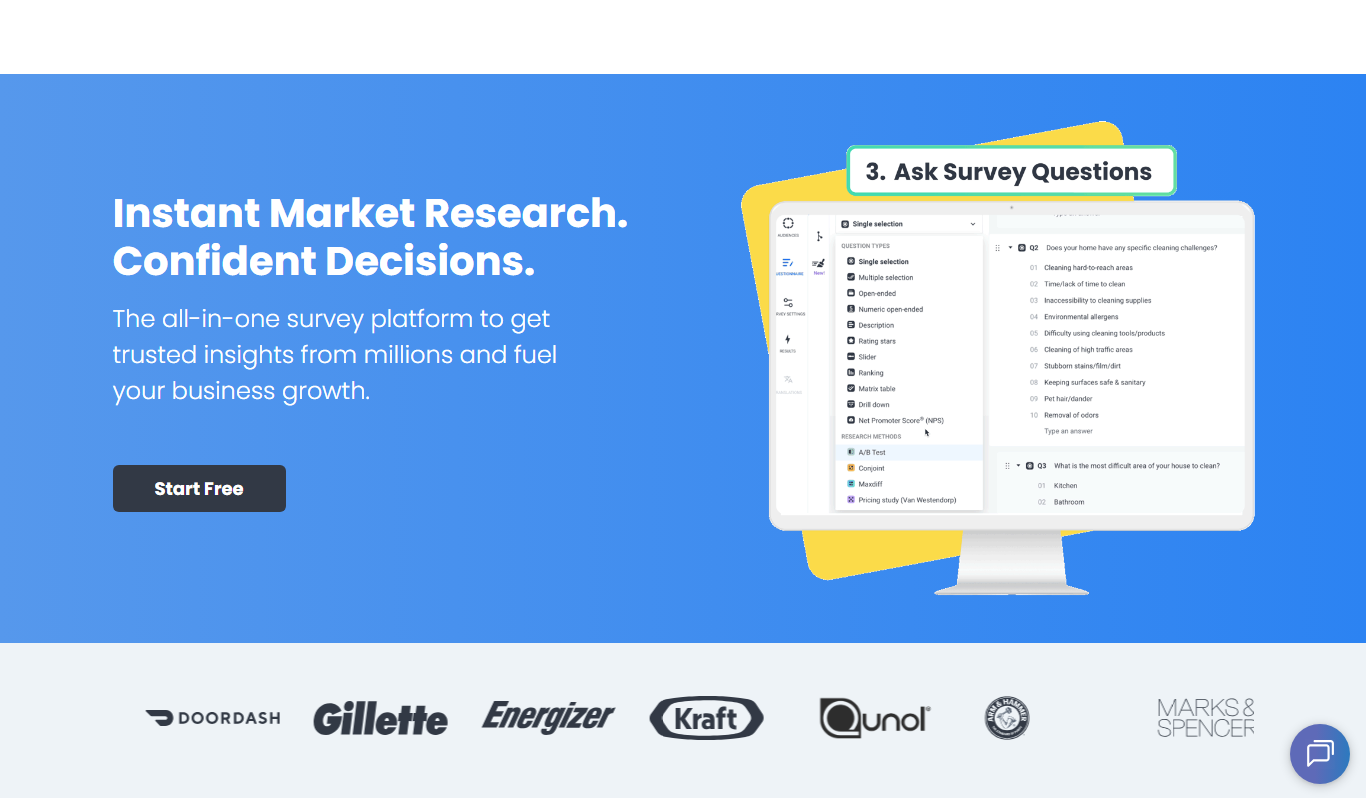
Pollfish
Pollfish is an online survey platform that enables businesses to collect targeted consumer insights quickly through mobile sampling and real-time data analytics.

MarketResearch.com
MarketResearch.com is an online platform offering extensive market research reports and industry analysis from multiple publishers, helping businesses and investors make informed decisions.

Geofencing.com
Geofencing.com is a location-based marketing platform that enables businesses to target customers with digital ads when they enter specific geographic areas, improving ad relevance and measuring offline conversions.

Percepto Autonomous Inspection
Percepto Autonomous Inspection is an AI-powered autonomous drone platform that automates industrial site inspections, providing real-time anomaly detection, 3D mapping, and remote asset monitoring to enhance safety and operational efficiency.

Visier People Analytics
Visier People Analytics is a cloud-based platform that helps organizations analyze workforce data to improve talent management, predict turnover, and support strategic HR decisions.