

From my experience with Locket, I found it excels at creating a genuinely intimate photo-sharing experience by leveraging home screen widgets for real-time updates. The app’s focus on privacy and close connections makes it stand out from traditional social media platforms. After spending time with Locket, I can say it’s particularly well-suited for users who want to maintain close relationships without the noise of public feeds. However, the lack of a web or desktop version and limited social features may restrict its use for some. Overall, if you want a simple, private way to share moments instantly with loved ones, Locket delivers effectively.
Locket AI: Personalized Photo Sharing App for Close Connections
Locket is a mobile app that allows users to share photos instantly and privately with close friends and family by displaying them on home screen widgets.
- Best for
- Real-Time Photo Sharing
- Key capability
- Home Screen Widgets
Your actions
Save Locket, follow its updates and vote on it — everything stays in your account.
Sign in or create a free account
What is Locket?
Locket is a mobile application designed to allow users to share photos instantly and privately with their closest friends and family. It enables real-time photo sharing directly to the recipients’ home screen widgets, creating a more intimate and personal social experience compared to traditional social media platforms.
Key features of Locket
Locket offers real-time photo sharing, customizable home screen widgets, private sharing circles, and an easy-to-use interface that focuses on strengthening personal connections through shared moments.
Home Screen Widgets
Photos shared appear directly on the recipient’s home screen for immediate viewing.
Private Sharing Circles
Limit photo sharing to a select group of trusted contacts.
Real-Time Updates
Photos update instantly, keeping your connections current with your moments.
User-Friendly Interface
Simple and intuitive design focused on ease of use and quick sharing.
Pros and cons of Locket
Pros
- Instant photo sharing directly to home screen widgets
- Focus on privacy and close connections
- Simple and intuitive user experience
Cons
- Limited to mobile platforms (iOS and Android)
- No web or desktop version available
- Currently no advanced editing or social features
Key use cases for Locket
Real-Time Photo Sharing
Send photos instantly to the home screens of your closest friends and family members.
Strengthening Personal Connections
Use the app to maintain close relationships by sharing moments privately and personally.
Personalized Home Screen Widgets
Display photos from loved ones directly on your device’s home screen using customizable widgets.
Private Social Interaction
Engage in a private photo-sharing experience limited to your selected circle, avoiding public social media.
How Locket works
- 1
Download and Install
Install Locket from the iOS App Store or Google Play Store on your mobile device.
- 2
Create an Account
Sign up using your phone number or email to start building your private sharing circle.
- 3
Add Close Contacts
Invite friends and family members to join your circle for photo sharing.
- 4
Share Photos
Send photos that instantly appear on your contacts’ home screen widgets.
Who is using Locket
Close friends and family groups
Users seeking private photo sharing
People wanting personalized home screen content
Individuals avoiding traditional social media
Locket pricing
Free
$0/month
Access to all core features with unlimited photo sharing within your circle.
Plans and prices are as published by the vendor and can change. Check the official site before you buy. Open the pricing page (opens in a new tab)
Frequently asked questions about Locket
Yes, Locket is completely free with no paid tiers currently.
You can only share photos with people you add to your private circle.
Locket is available on iOS and Android devices.
Yes, photos are shared only within your selected circle and not publicly.
It depends on your specific needs and how you plan to use the tool. The official website and documentation are the best sources for the latest details.
Some tools offer a free plan or trial with limited features. Availability can vary, so confirm on the official website.
Yes, it can help with that use case depending on how you configure it and what features are available. You’ll get the best results with clear inputs and a defined goal.
Yes, it can help with that use case depending on how you configure it and what features are available. You’ll get the best results with clear inputs and a defined goal.
Sign in to review this tool.
Sign In to ReviewNo reviews yet
Be the first to share how this tool worked for you.
Ask about pricing, limits, or how it compares — or answer someone else.
Sign In to AskNo questions yet
Have a question about using or paying for this tool? Be the first to ask.
Featured on TiorAI



Alternative Tools
Explore similar AI tools that might fit your needs

Free
BeReal
BeReal is a free social media app that encourages users to share authentic photos daily using both front and back cameras simultaneously, promoting genuine connections without filters or edits.
Free
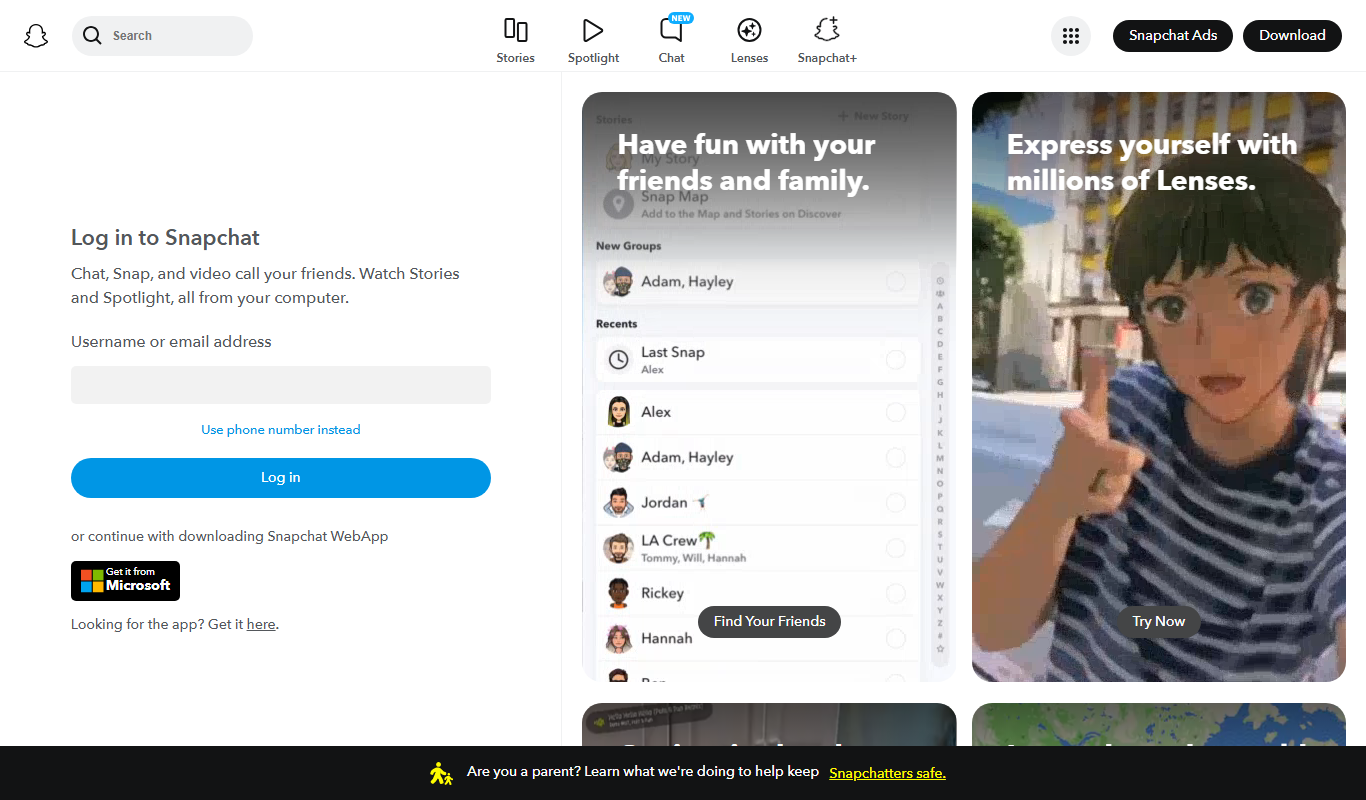
Snapchat
Snapchat is a multimedia messaging app by Snap Inc. that lets users send disappearing messages, share stories, and use augmented reality lenses for creative photos and videos.
More AI Dating Assistant tools
Other tools in the same category, for when this one is not quite the fit.
Free
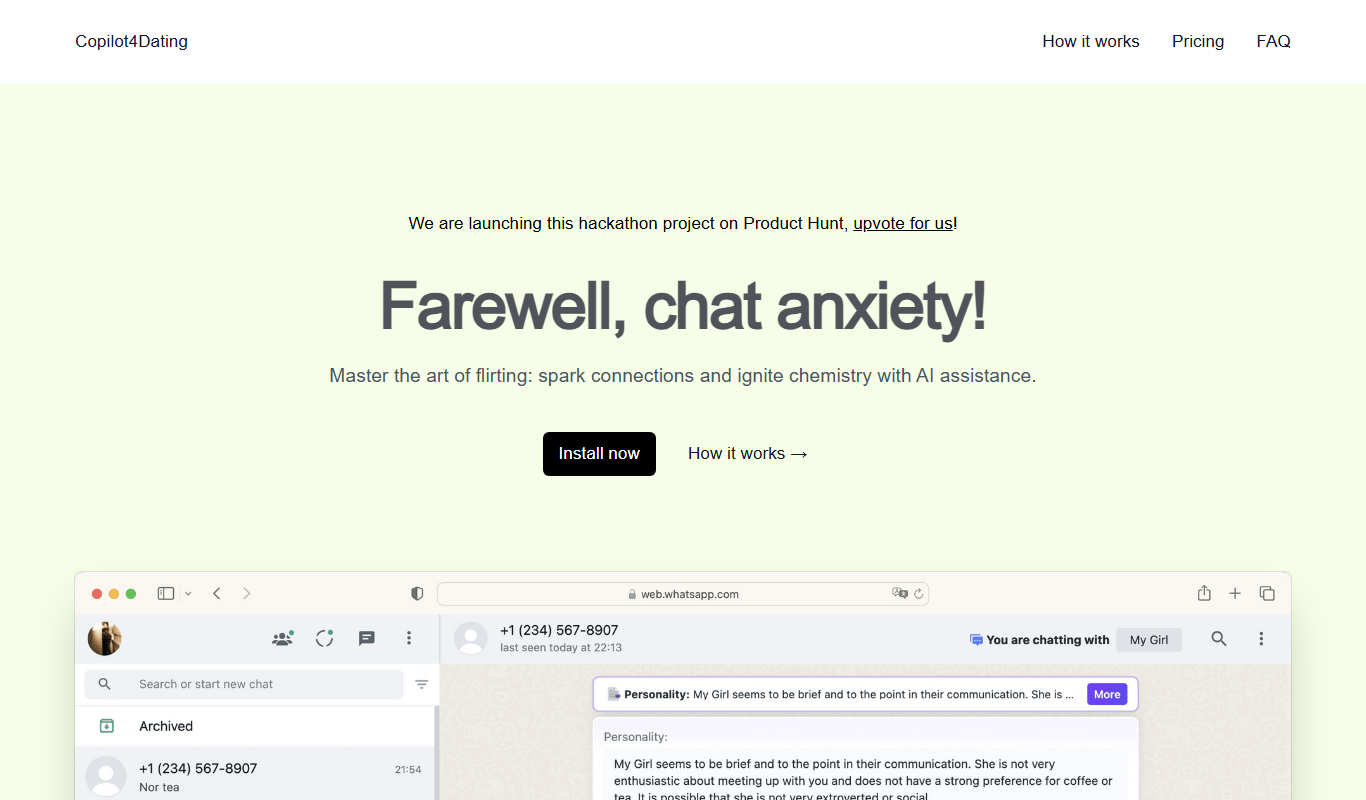
Copilot for Dating
Copilot for Dating is an AI assistant that helps users craft personalized dating messages and optimize their profiles to improve online dating interactions.

Free
Hinge
Hinge is a dating app focused on fostering meaningful relationships through personalized profiles, prompts, and AI-driven matchmaking, available on iOS, Android, and web with free and subscription plans.
Free
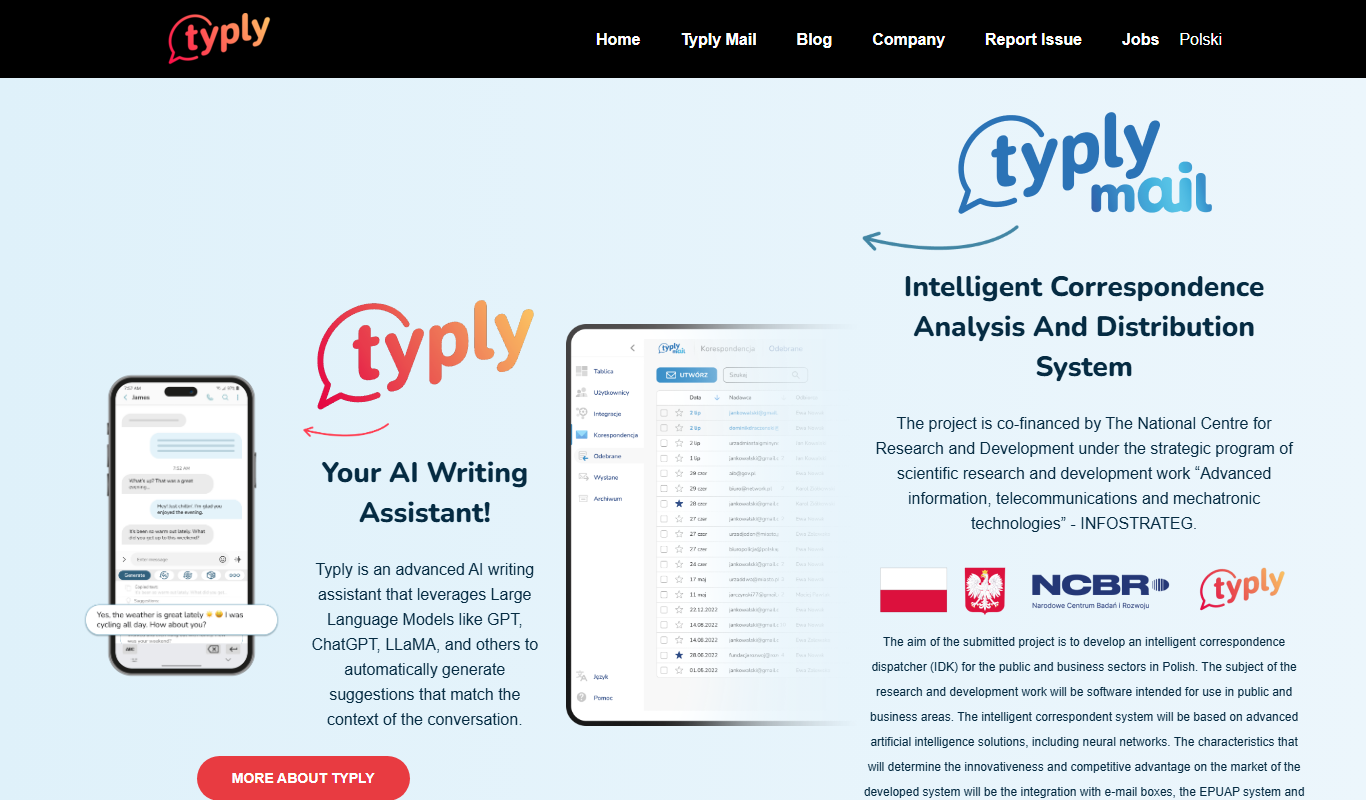
typly
Typly is an AI-powered writing assistant that helps users generate and refine text quickly through a user-friendly web interface, supporting content creation, editing, and brainstorming primarily in English.
Free
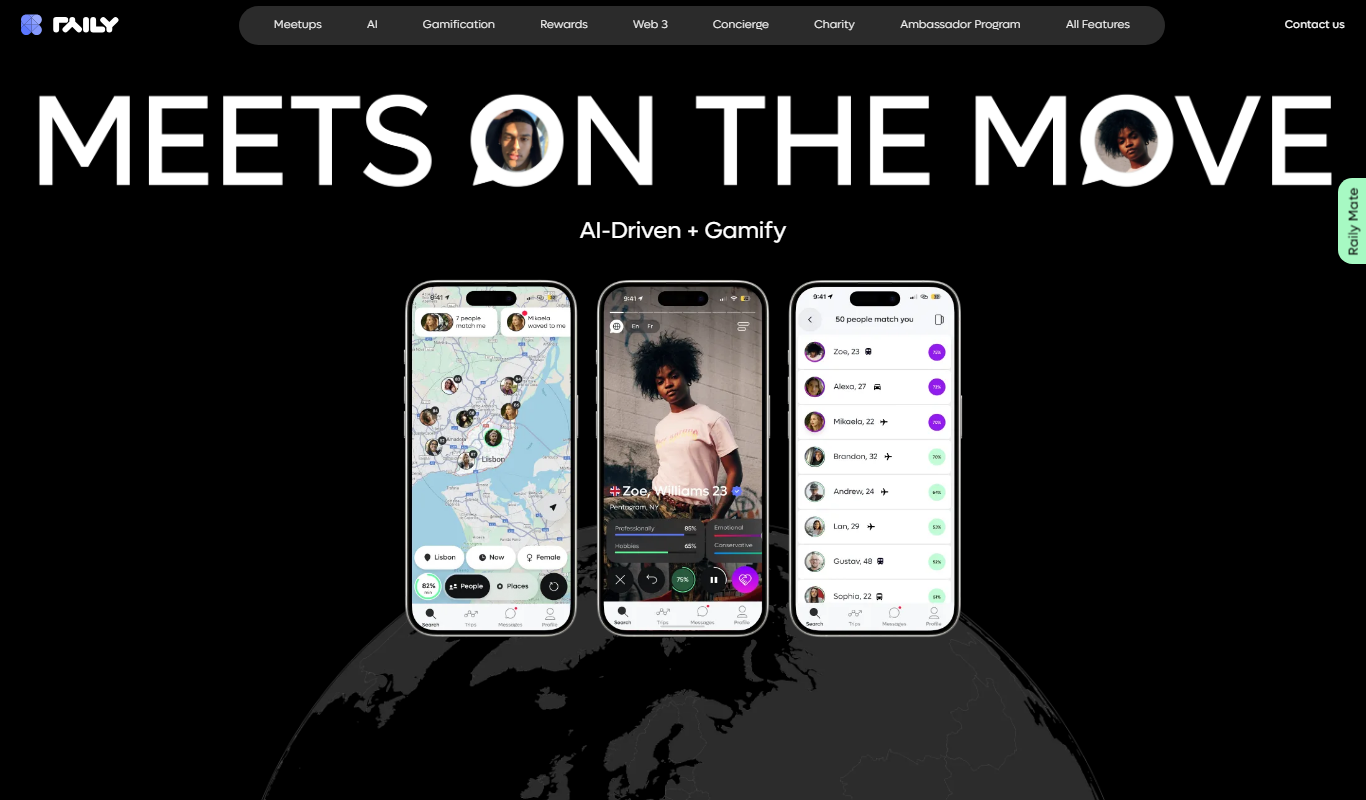
Raily
Raily is an AI-powered writing assistant that provides real-time grammar, style corrections, and content suggestions to help users create and edit written content efficiently.

Free
kuizu
Kuizu Studio is a web-based AI-powered platform that helps users create interactive quizzes for marketing, education, and engagement purposes with customizable templates and analytics.
Free
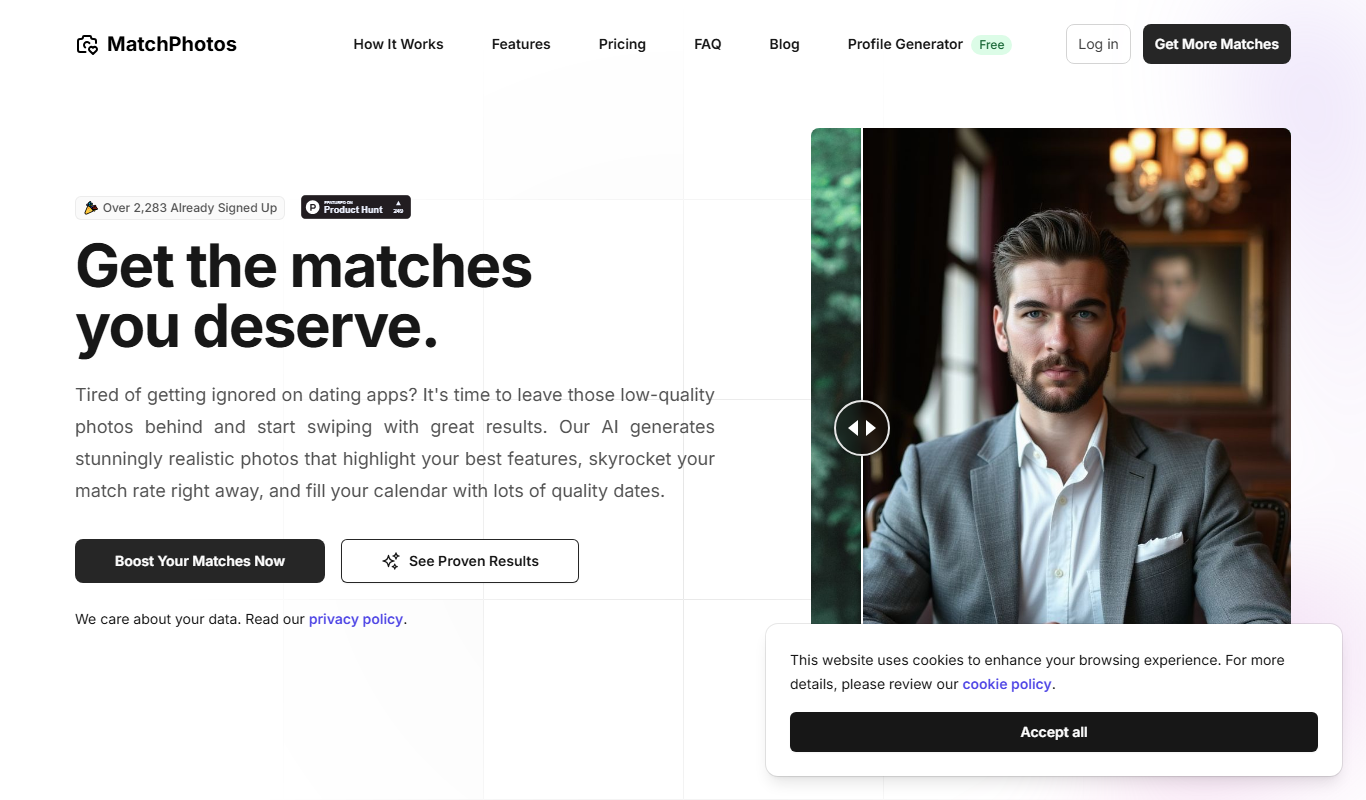
MatchPhotos
MatchPhotos is an AI-powered web tool that automatically removes backgrounds from photos, allowing users to download transparent PNGs quickly and easily, with support for bulk processing.
Freemium
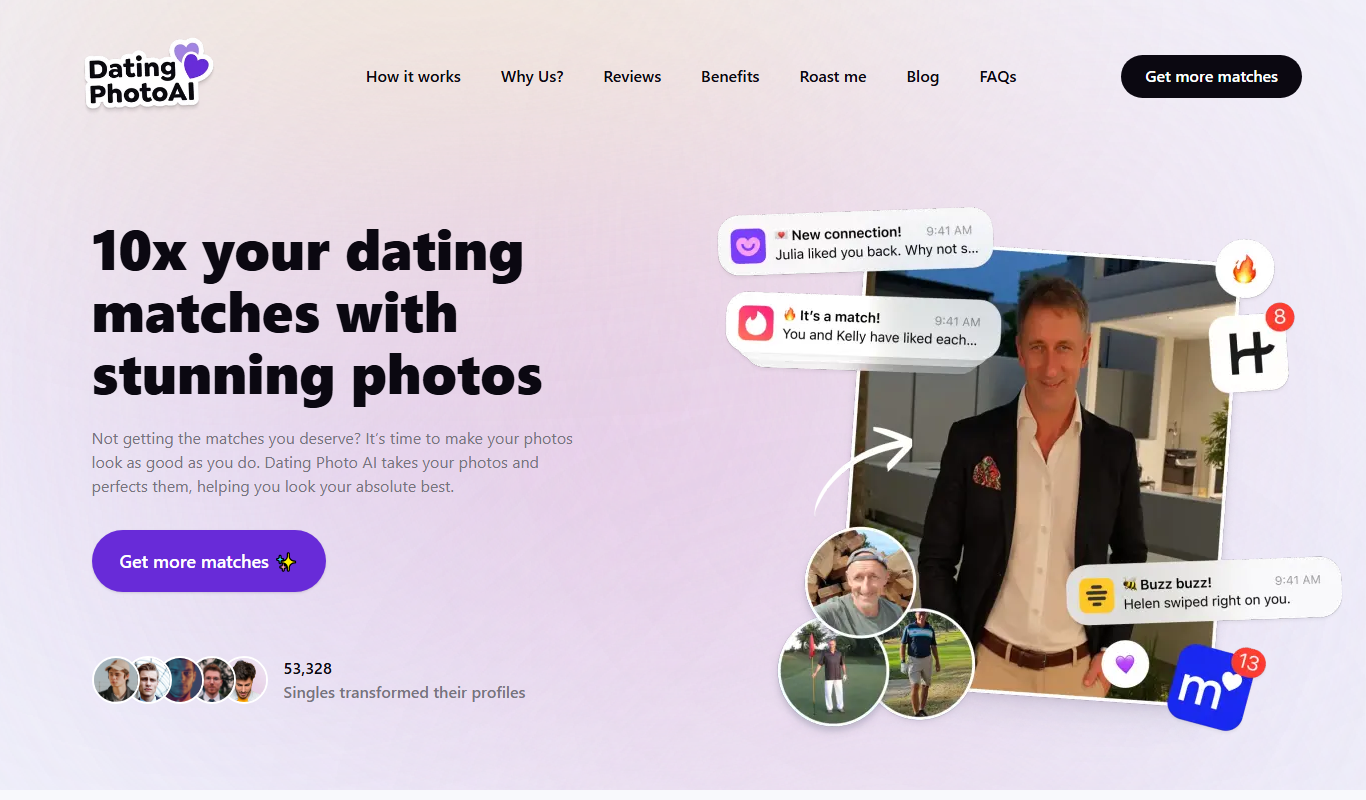
Dating Photo AI
Dating Photo AI is a web-based tool that uses artificial intelligence to enhance and retouch photos specifically for dating profiles, improving lighting, skin appearance, and overall photo quality.
Free
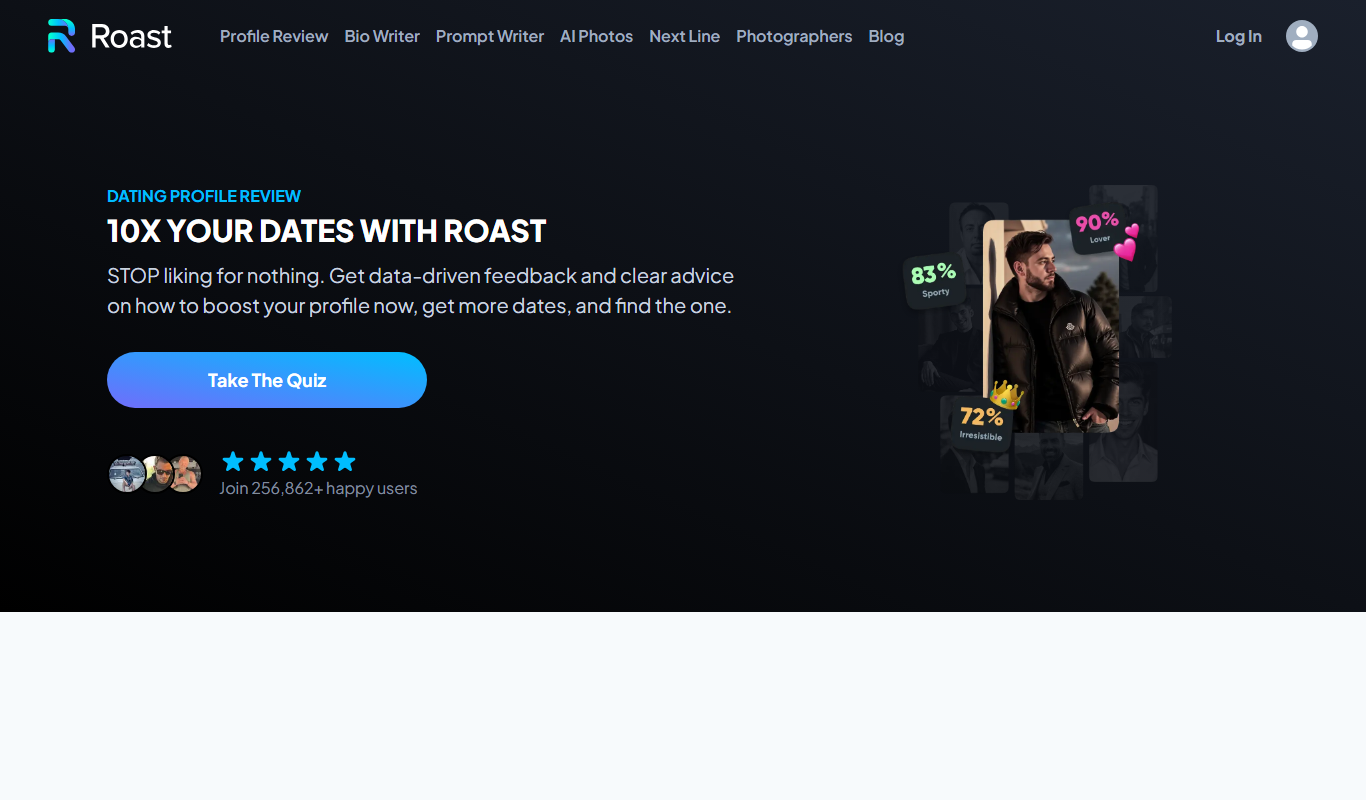
Roast Dating
Roast Dating is a dating app that uses playful insults or 'roasts' as a unique way to start conversations and connect with others.