
From my experience with Likiee, it stands out as a straightforward mobile video editor tailored for quick creation of short social media videos. The app’s variety of effects and music options make it easy to produce engaging content without a steep learning curve. It’s especially suitable for casual creators and young users who want to share videos fast. However, the presence of ads and limited advanced editing features may be a drawback for professional editors. Overall, Likiee is a solid choice if you need a free, mobile-first tool for short video content creation.
Likiee Video Editor App for Short Videos and Social Media Content Creation
Likiee is a free mobile app for creating and editing short videos with effects and music, designed for social media sharing on iOS and Android.
What is Likiee?
Likiee is a mobile video editing and sharing app designed for creating short videos with a variety of effects, filters, and music. It targets users who want to produce engaging social media content quickly and easily on their smartphones.

Key Features of Likiee
Special Effects and Filters
Access a wide variety of visual effects and AR filters to enhance videos.
Music Library
Add popular music tracks or sound effects to your videos.
Easy Sharing
Share videos seamlessly to platforms like Instagram, TikTok, and Facebook.
User-Friendly Interface
Intuitive design that allows quick video editing even for beginners.
Pros and Cons of Likiee
Pros
- Wide range of creative effects and filters
- Simple and intuitive user interface
- Direct social media sharing options
Cons
- Contains ads which may interrupt editing
- Limited advanced editing features compared to desktop software
- No desktop or web version available
Key Use Cases for Likiee
Short Video Creation
Create engaging short videos with various effects and music for social media platforms.
Social Media Content Editing
Edit videos to enhance visual appeal and add trendy filters to attract followers.
Video Sharing
Share created videos directly to social media channels or save them locally.
How Likiee Works
-
1
Download and Install
Get the Likiee app from the iOS App Store or Google Play Store.
-
2
Create or Upload Video
Record a new video or upload an existing one from your device.
-
3
Edit Video
Apply filters, effects, music, and trim or adjust clips as needed.
-
4
Share or Save
Publish your video directly to social media or save it to your device.
Who's Using Likiee
Social media content creators
Teenagers and young adults
Influencers and vloggers
Casual video editors
Marketing professionals focusing on short video content
Likiee Pricing
Free
$0
Full access to video editing features with ads.
Frequently Asked Questions About Likiee
Yes, Likiee is free to download and use, supported by ads.
Yes, the app allows direct sharing to multiple social media platforms.
Likiee is available on both iOS and Android devices.
This tool is designed to help users accomplish its core tasks more efficiently. It is typically used by individuals or teams looking to improve productivity and workflow.
Some tools offer a free plan or trial with limited features. Availability can vary, so confirm on the official website.
Yes, it can help with that use case depending on how you configure it and what features are available. You’ll get the best results with clear inputs and a defined goal.
Yes, it can help with that use case depending on how you configure it and what features are available. You’ll get the best results with clear inputs and a defined goal.
Share your review
Reviews are limited to one per logged-in user and are published after moderation.
You need an account to review this tool.
0.0
★
★
★
★
★
0 reviews
5 star
0
4 star
0
3 star
0
2 star
0
1 star
0
No reviews yet
Be the first to share how this tool worked for you.
Questions from the community
Read questions and answers about this tool, or ask your own.
No questions yet
Start the conversation by asking the first question about this tool.
Is this tool helpful?
Alternative Tools
Explore similar AI tools that might fit your needs

Free
TikTok
TikTok is a free social media platform that allows users to create, share, and discover short videos with AI-driven personalized content feeds.

Free
InShot
InShot is a mobile video editing app that allows users to trim, cut, add music, apply filters, and export videos optimized for social media platforms like Instagram and TikTok.

Free
CapCut
CapCut is a free, user-friendly video editing app by Bytedance that lets you create and edit videos with effects, music, and easy sharing, optimized for social media content.

Freemium
Heartstring.ai
Heartstring.ai is an AI writing assistant that specializes in generating emotionally engaging and persuasive marketing content to connect with audiences effectively.

Free
WonderTale
WonderTale is an AI-driven storytelling tool that generates creative stories based on user prompts, ideal for writers, marketers, and educators.
Free
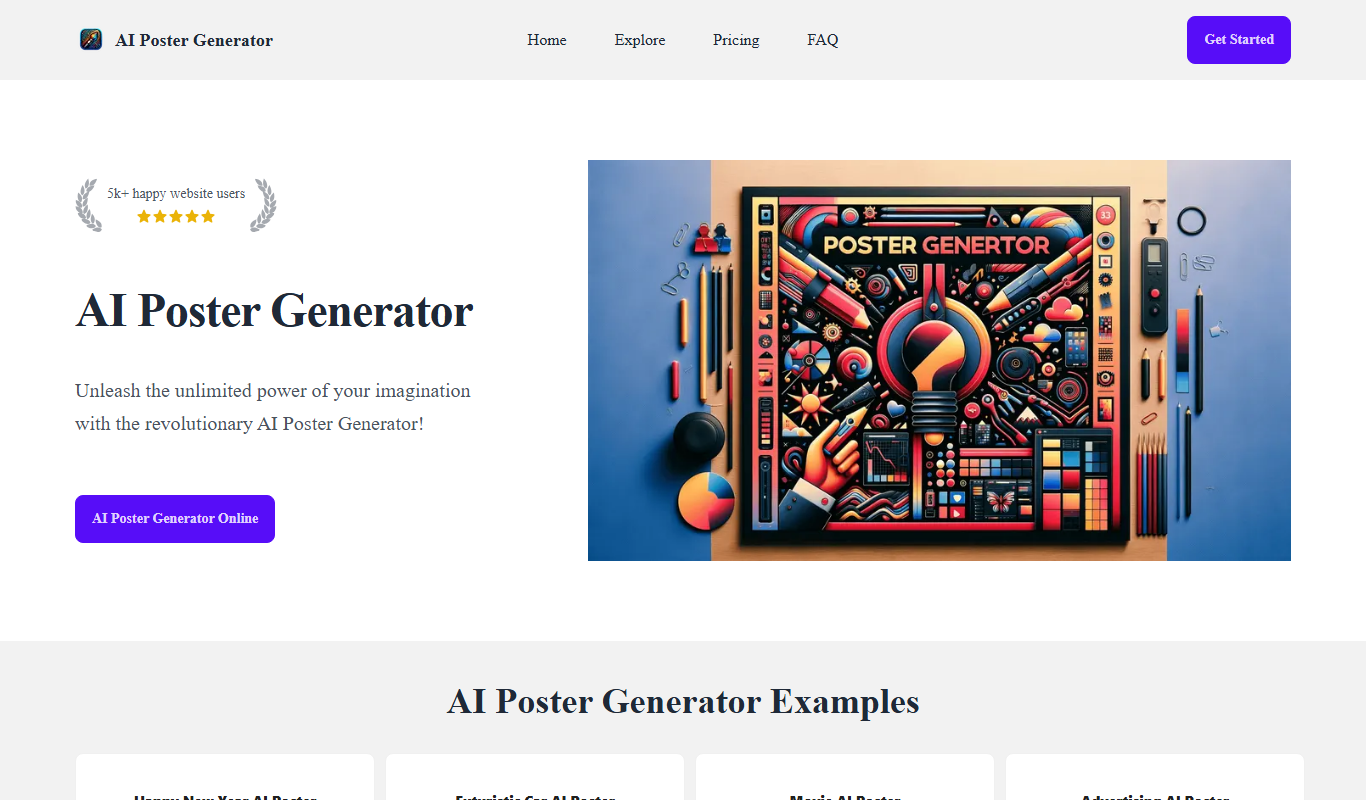
AI Poster Generator
AI Poster Generator is a free web-based tool that uses AI to create custom poster designs quickly for marketing and events without requiring design skills.

Freemium
WORTAL
WORTAL is an AI-driven platform that automates content creation and marketing analytics, helping businesses generate SEO-friendly content and optimize campaigns efficiently.
Free
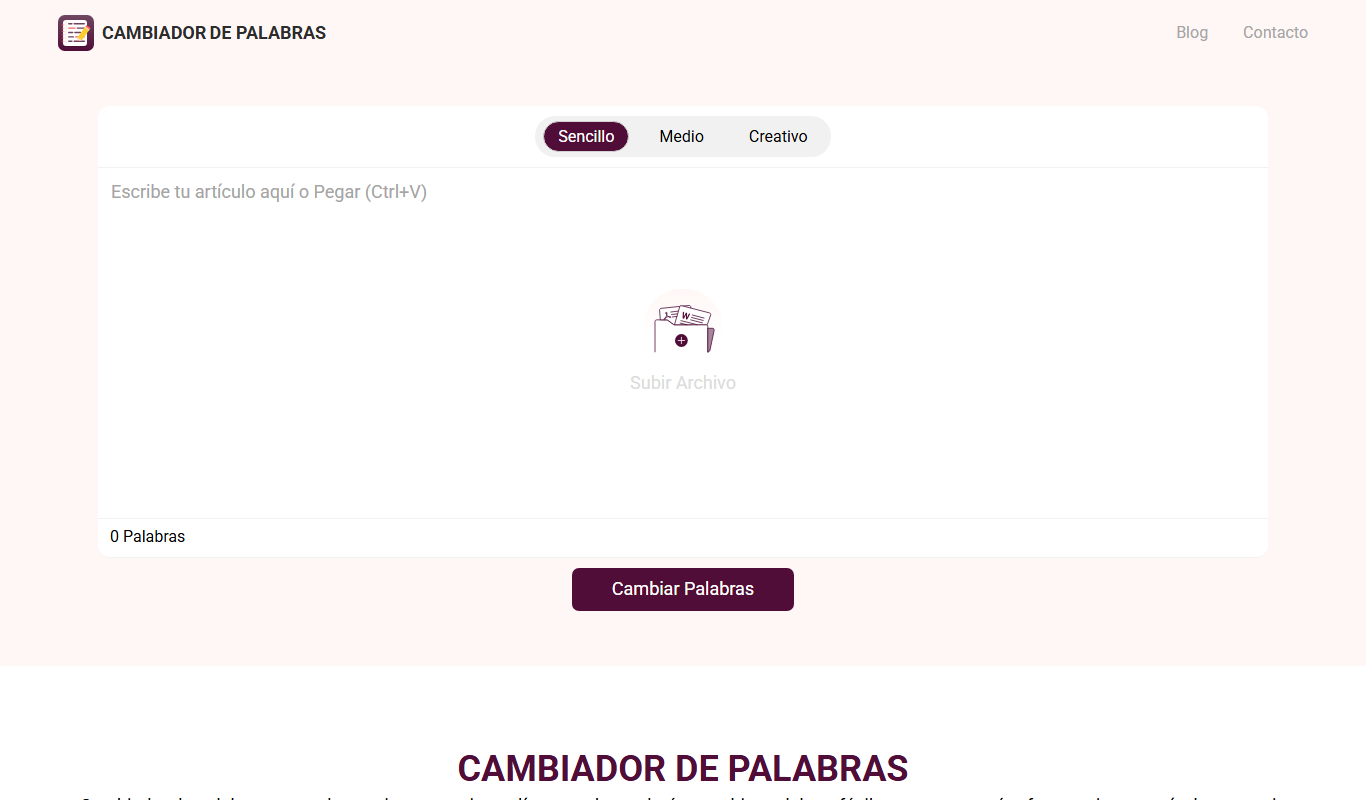
Cambiador De Palabras
Cambiador De Palabras is a free online tool that rewrites Spanish text by replacing words with synonyms and restructuring sentences to create unique content.

Free
Wisecut
Wisecut is an AI-driven video editing platform that automatically removes pauses and filler words, generates subtitles, and enhances audio to streamline video production for content creators.

Free
TextBuddy
TextBuddy is an AI-powered writing assistant that helps users generate, edit, and improve written content efficiently through advanced natural language processing and customizable templates.

Free
Publer
Publer is a social media management platform that combines scheduling, AI content creation, and team collaboration to streamline social media marketing across multiple platforms.