

From my experience with Kyber, I found it excels at simplifying the creation and deployment of AI chatbots without requiring coding skills. The platform’s natural language processing capabilities make it effective for automating customer support and lead generation tasks, especially for small to medium businesses. However, its current limitation to primarily English language support and somewhat opaque pricing beyond the free trial are factors to consider. Overall, if you need a straightforward, customizable chatbot solution to enhance customer engagement and reduce support workload, Kyber delivers solid results.
Kyber AI Chatbot Platform for Customer Support and Automation
Kyber is an AI chatbot platform that automates customer support and engagement by using natural language processing to understand and respond to user queries on websites and applications.
- Best for
- Customer Support Automation
- Key capability
- Natural Language Processing
Your actions
Save Kyber, follow its updates and vote on it — everything stays in your account.
Sign in or create a free account

What is Kyber?
Kyber is an AI-powered chatbot platform designed to automate customer interactions and internal communications. It leverages conversational AI to provide instant, accurate responses to user queries, helping businesses improve support efficiency and user engagement.
Key features of Kyber
Kyber offers features such as natural language understanding, easy integration with websites and APIs, customizable chatbot workflows, and analytics to monitor chatbot performance.
Natural Language Processing
Understands and processes user queries in conversational language.
Customizable Workflows
Design tailored conversation flows to guide users effectively.
Multi-Channel Support
Deploy chatbots across websites and other platforms via API.
Analytics Dashboard
Track chatbot usage, user engagement, and performance metrics.
Pros and cons of Kyber
Pros
- Easy to set up without coding skills
- Effective natural language understanding
- Good analytics for chatbot performance
- Flexible deployment options
Cons
- Limited language support beyond English
- Pricing details are not fully transparent without contacting sales
Key use cases for Kyber
Customer Support Automation
Automate responses to common customer inquiries to reduce support workload and improve response times.
Lead Generation
Engage website visitors with conversational AI to capture leads and qualify prospects automatically.
Internal Knowledge Base Access
Provide employees with quick access to company knowledge and FAQs through AI-powered chat.
E-commerce Assistance
Help customers find products, track orders, and answer questions to enhance the shopping experience.
How Kyber works
- 1
Sign Up
Create an account on the Kyber platform to start building your chatbot.
- 2
Configure Chatbot
Customize chatbot responses, workflows, and integrations to fit your business needs.
- 3
Deploy
Integrate the chatbot with your website or application using provided tools or API.
- 4
Monitor and Optimize
Use analytics to track chatbot interactions and improve performance over time.
Who is using Kyber
Small to medium businesses
E-commerce websites
Customer support teams
Marketing agencies
Internal corporate teams
Kyber pricing
Free Trial
$0 for 14 days
Access to core features to test the platform.
Pro
$49/month
Full access to chatbot features, integrations, and analytics.
Plans and prices are as published by the vendor and can change. Check the official site before you buy. Open the pricing page (opens in a new tab)
Frequently asked questions about Kyber
Kyber offers API access which can be used to integrate with many CRM platforms.
No, Kyber provides an intuitive interface that allows building chatbots without coding.
Currently, Kyber primarily supports English language interactions.
This tool is designed to help users accomplish its core tasks more efficiently. It is typically used by individuals or teams looking to improve productivity and workflow.
Integration support depends on the tool and its available connectors or API. Check the official documentation or integrations page to confirm what is supported.
It depends on your specific needs and how you plan to use the tool. The official website and documentation are the best sources for the latest details.
Sign in to review this tool.
Sign In to ReviewNo reviews yet
Be the first to share how this tool worked for you.
Ask about pricing, limits, or how it compares — or answer someone else.
Sign In to AskNo questions yet
Have a question about using or paying for this tool? Be the first to ask.
Featured on TiorAI



More AI Automation & Workflow Tools tools
Other tools in the same category, for when this one is not quite the fit.

Freemium
Convertlyio
Convertlyio is an AI lead generation quiz funnel builder that creates no-code quizzes to capture, qualify and recommend products to leads.

Enterprise
StackBob
StackBob.ai connects applications that lack SCIM, APIs or connectors to your IAM stack and automates employee on- and offboarding across them.

Subscription
Kesem AI
Kesem AI creates slideshows, charts and in-depth analyses with AI, building a storyline from a prompt and insights from uploaded data.

Free Trial
Prompt Speak
Prompt Speak is an iOS and macOS app whose AI bots turn spoken or typed input into Instagram captions, hooks, comments, emails and organized notes.

Contact for pricing
Indico Data
Indico Data automates the intake and orchestration of insurance underwriting, claims and servicing work, delivering downstream-ready data.
Subscription
GPTfy
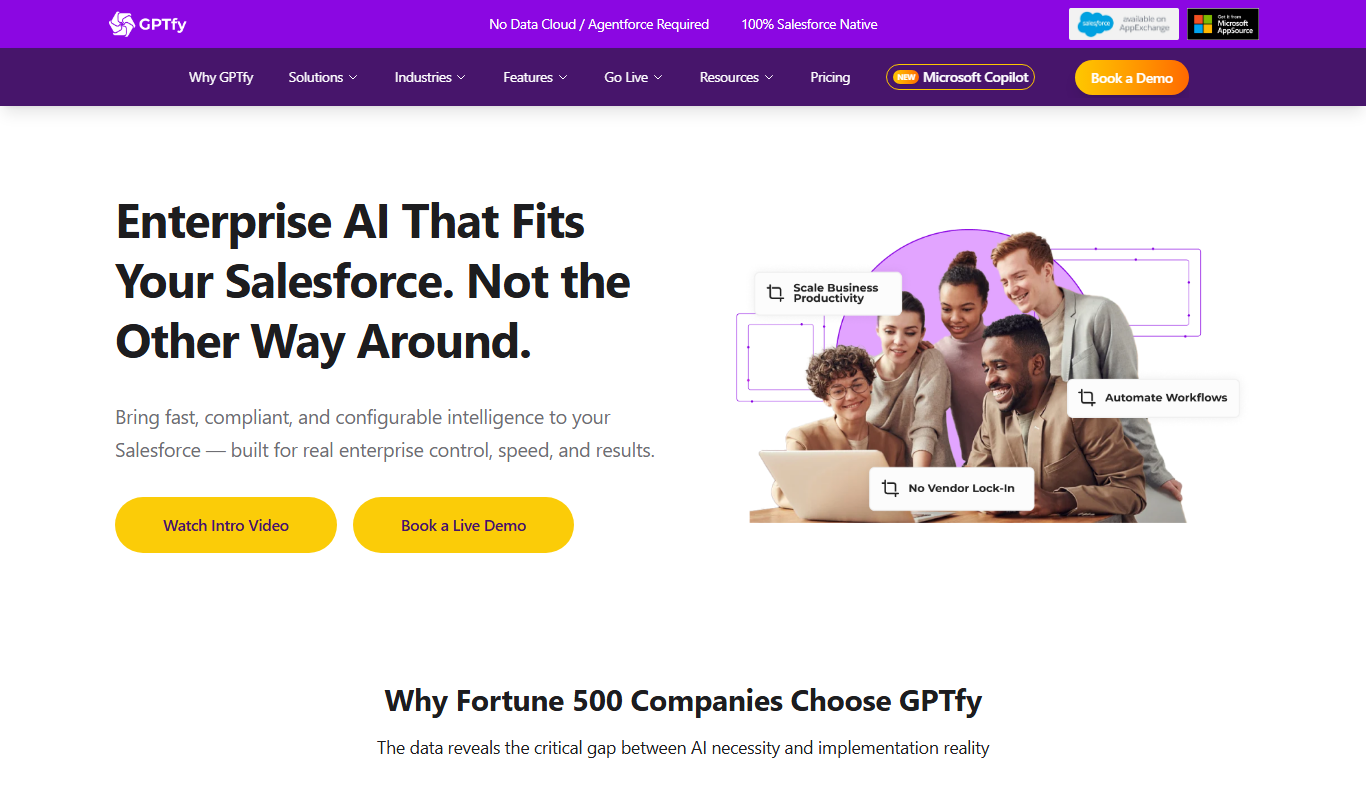
GPTfy is a Salesforce-native alternative to Agentforce that runs OpenAI, Claude, Gemini or 15+ models inside Salesforce at fixed per-user pricing.

Custom Quote
Kites.Dev
Kites.Dev creates AI products and builds custom smart assistants, bots and websites to help businesses grow and save time.

Contact for pricing
pareto.io
Pareto is an AI business transformation company that redesigns business processes and implements AI agents and automations for enterprises.