

From my experience with Keywords AI, I found it excels at providing AI-driven keyword suggestions that reveal less obvious, high-potential keywords often missed by traditional tools. Its clear search intent classification helps tailor content more effectively, which is invaluable for SEO professionals and content marketers. However, the platform currently supports only English and is web-based without mobile apps, which might limit flexibility for some users. Overall, if you need a straightforward, affordable keyword research tool with AI insights, Keywords AI delivers solid, actionable results.
Keywords AI Tool for Advanced Keyword Research and SEO Optimization
Keywords AI is an AI-powered keyword research tool that helps users find relevant keywords with search intent data, competitor insights, and keyword metrics to optimize SEO strategies.
- Best for
- Keyword Research
- Key capability
- AI-Powered Keyword Suggestions


Do you recommend this tool?
What is Keywords AI?
Keywords AI is an AI-powered keyword research tool designed to help marketers, SEO professionals, and content creators discover high-potential keywords with detailed insights. It leverages artificial intelligence to analyze search intent, competition, and keyword difficulty, enabling users to optimize their content and SEO strategies effectively.
Key features of Keywords AI
The tool offers advanced keyword suggestions, search intent classification, competitor keyword analysis, and detailed metrics such as search volume and keyword difficulty. Its AI-driven approach helps users find less competitive keywords that match their content goals.
AI-Powered Keyword Suggestions
Generates relevant keywords using artificial intelligence to uncover hidden opportunities.
Search Intent Classification
Categorizes keywords by user intent such as informational, transactional, or navigational.
Competitor Keyword Analysis
Identifies keywords your competitors rank for to help you target gaps.
Keyword Metrics Dashboard
Provides detailed data including search volume, CPC, and keyword difficulty.
Export Options
Allows exporting keyword lists in CSV format for easy integration with other tools.
Pros and cons of Keywords AI
Pros
- AI-driven keyword suggestions uncover less obvious opportunities
- Clear search intent classification improves content targeting
- User-friendly interface with easy filtering and sorting
- Affordable pricing with a free tier for beginners
Cons
- Limited language support (English only)
- No mobile app available, web-only platform
- Some advanced SEO tools offer deeper backlink analysis
Key use cases for Keywords AI
Keyword Research
Discover relevant keywords with search volume, competition, and intent data to improve SEO strategies.
Content Optimization
Generate keyword suggestions tailored to content topics to enhance search engine rankings.
Competitor Analysis
Analyze competitor keywords and identify gaps to target new opportunities.
SEO Campaign Planning
Plan and prioritize SEO campaigns based on keyword difficulty and potential traffic.
Search Intent Identification
Understand user intent behind keywords to create more relevant and engaging content.
How Keywords AI works
- 1
Enter Seed Keywords
Start by inputting your main keywords or topics into the search bar.
- 2
Analyze Keyword Suggestions
Review AI-generated keyword suggestions with metrics like search volume and difficulty.
- 3
Filter and Sort Results
Use filters to narrow down keywords by intent, competition, or volume.
- 4
Export and Implement
Export your selected keywords to integrate into your SEO or content marketing plans.
Who is using Keywords AI
SEO professionals
Content marketers
Small business owners
Digital marketing agencies
Bloggers and content creators
Keywords AI pricing
Free
$0/month
Limited keyword searches and basic features for casual users.
Pro
$29/month
Full access to all features, unlimited keyword searches, and priority support.
Plans and prices are as published by the vendor and can change. Check the official site before you buy. Open the pricing page (opens in a new tab)
Frequently asked questions about Keywords AI
It is used for discovering and analyzing keywords to improve SEO and content marketing strategies.
Yes, it classifies keywords by search intent to help tailor content effectively.
Yes, you can export keyword data in CSV format for further use.
Yes, Keywords AI offers a free plan with limited features.
It depends on your specific needs and how you plan to use the tool. The official website and documentation are the best sources for the latest details.
Some tools offer a free plan or trial with limited features. Availability can vary, so confirm on the official website.
It depends on your specific needs and how you plan to use the tool. The official website and documentation are the best sources for the latest details.
Sign in to review this tool.
Sign In to ReviewNo reviews yet
Be the first to share how this tool worked for you.
Ask about pricing, limits, or how it compares — or answer someone else.
Sign In to AskNo questions yet
Have a question about using or paying for this tool? Be the first to ask.
Featured on TiorAI



More AI SEO Tools tools
Other tools in the same category, for when this one is not quite the fit.
Freemium
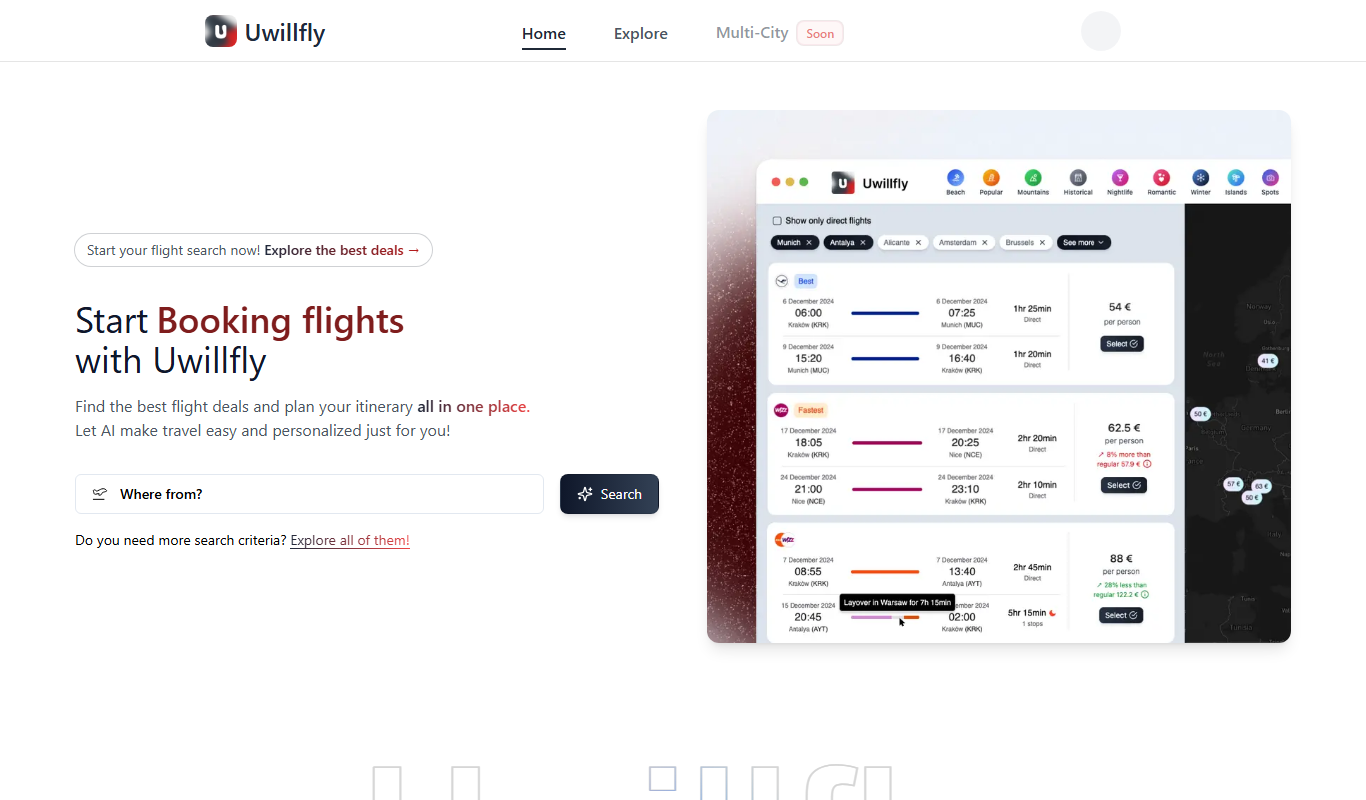
Uwillfly
Uwillfly is an AI-powered writing assistant that generates SEO-optimized articles, marketing copy, and content in English and Chinese to help marketers and writers create content faster.

Freemium
Smart Pineapple
Smart Pineapple is an AI-powered writing assistant designed to generate SEO-friendly content, including blog posts and marketing copy, through an easy-to-use web platform.

Freemium
iSamurai
iSamurai is an AI-powered writing assistant that generates SEO-friendly content including blog posts and marketing copy to help businesses and creators save time and improve content quality.
Free
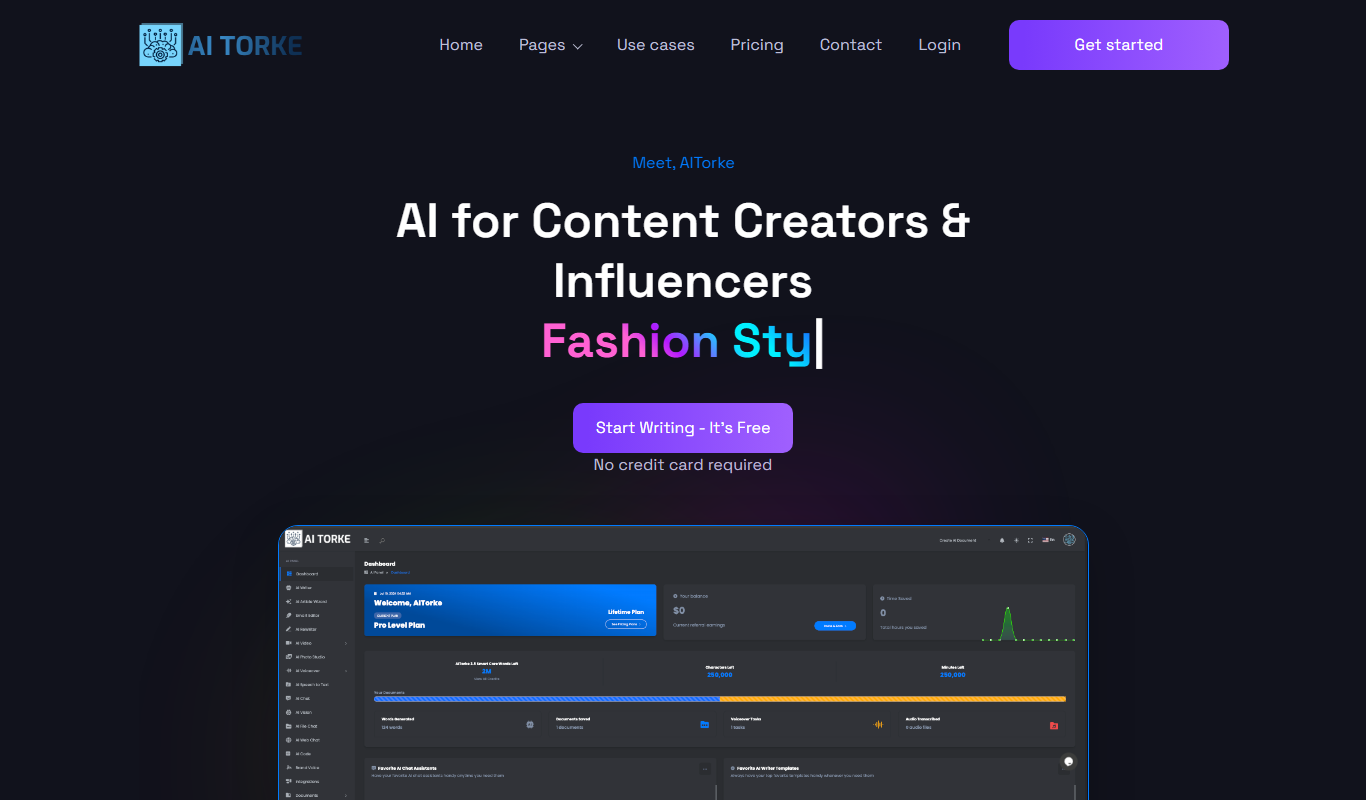
AITorke
AITorke is an AI writing assistant that helps users generate, optimize, and edit content with SEO tools and AI-powered suggestions.

Free Trial
Witlly
Witlly is an AI writing assistant designed to help users generate and optimize content for blogs, marketing, and SEO purposes efficiently.

Freemium
Owlity
Owlity is an AI-powered writing assistant that helps users generate SEO-optimized content, including blog posts and marketing copy, through an easy-to-use web platform.

Free
Alt Text AI Generator
Alt Text AI Generator is a web tool that uses AI to create descriptive alternative text for images, helping improve website accessibility and SEO.

Freemium
Aesty
Aesty is an AI-powered platform that helps marketers and content creators generate SEO-optimized marketing content quickly and efficiently through customizable templates and a user-friendly interface.