

From my experience with JSON To ChatGPT Function Calling Object, I found it excels at simplifying the conversion of JSON data into the specific format required by OpenAI’s function calling API. The tool’s straightforward interface and instant output make it especially useful for developers looking to speed up their ChatGPT API integration without dealing with manual formatting. However, it is a very specialized tool limited to this single function and lacks advanced editing or customization features. Overall, if your workflow involves preparing JSON for ChatGPT function calls, this tool delivers a quick and reliable solution.
Convert JSON to ChatGPT Function Calling Object for API Integration
JSON To ChatGPT Function Calling Object is a free web tool that converts JSON data into the function calling object format needed for OpenAI's ChatGPT API, simplifying API integration for developers.
- Best for
- API Integration
- Key capability
- JSON to Function Calling Conversion

Do you recommend this tool?
What is JSON To ChatGPT Function Calling Object?
JSON To ChatGPT Function Calling Object is a free web-based utility designed to convert standard JSON data into the specific function calling object format required by OpenAI’s ChatGPT API. This tool simplifies the process of preparing function call schemas, enabling developers to integrate and utilize ChatGPT’s function calling capabilities more efficiently.
Key features of JSON To ChatGPT Function Calling Object
The tool provides a straightforward interface to input JSON data and instantly generate a ChatGPT-compatible function calling object. It supports validation and formatting to ensure compatibility with OpenAI’s API specifications, reducing manual errors and accelerating development workflows.
JSON to Function Calling Conversion
Automatically converts JSON schemas into the required function calling object format for ChatGPT.
User-Friendly Interface
Simple web interface that requires no installation or setup.
Free to Use
Available at no cost, making it accessible for developers and hobbyists.
Instant Output
Generates the function calling object immediately upon input.
Pros and cons of JSON To ChatGPT Function Calling Object
Pros
- Simple and intuitive interface
- Free and accessible online
- Speeds up ChatGPT API integration
- No installation or signup required
Cons
- Limited to JSON to function calling conversion only
- No advanced customization or editing features
Key use cases for JSON To ChatGPT Function Calling Object
API Integration
Convert JSON schemas into ChatGPT function calling objects to streamline API integration with OpenAI's GPT models.
Chatbot Development
Facilitate the creation of structured function calls within chatbot applications using OpenAI's function calling feature.
Rapid Prototyping
Quickly generate function calling objects from JSON to prototype AI-powered applications without manual coding.
Data Structuring
Transform JSON data into a format compatible with ChatGPT's function calling API for better data handling.
How JSON To ChatGPT Function Calling Object works
-
1
Input JSON
Paste or write your JSON data into the input field on the website.
-
2
Convert to Function Calling Object
The tool processes the JSON and transforms it into the ChatGPT function calling object format.
-
3
Copy and Use
Copy the generated function calling object and integrate it into your ChatGPT API requests.
Who is using JSON To ChatGPT Function Calling Object
Developers integrating ChatGPT APIs
AI chatbot builders
Software engineers working with OpenAI
API integrators
Technical hobbyists
JSON To ChatGPT Function Calling Object pricing
Free
$0
Full access to the JSON to ChatGPT function calling object conversion tool without limitations.
Plans and prices are as published by the vendor and can change. Check the official site before you buy. Open the pricing page (opens in a new tab)
Frequently asked questions about JSON To ChatGPT Function Calling Object
It converts JSON data into the function calling object format required by OpenAI’s ChatGPT API to facilitate integration.
No, the tool is completely free to use.
No account or registration is required to use the tool.
It supports typical JSON structures compatible with ChatGPT function calling requirements, but extremely complex schemas may require manual adjustments.
It depends on your specific needs and how you plan to use the tool. The official website and documentation are the best sources for the latest details.
Some tools offer a free plan or trial with limited features. Availability can vary, so confirm on the official website.
This tool is designed to help users accomplish its core tasks more efficiently. It is typically used by individuals or teams looking to improve productivity and workflow.
Integration support depends on the tool and its available connectors or API. Check the official documentation or integrations page to confirm what is supported.
Sign in to review this tool.
Sign In to ReviewNo reviews yet
Be the first to share how this tool worked for you.
Ask about pricing, limits, or how it compares — or answer someone else.
Sign In to AskNo questions yet
Have a question about using or paying for this tool? Be the first to ask.
Featured on TiorAI



More AI Api Tools tools
Other tools in the same category, for when this one is not quite the fit.

Freemium
Ares
Ares is an AI-powered natural language processing API by Traversa AI that provides semantic search, entity recognition, sentiment analysis, and text classification through a RESTful API.

Freemium
Salad Transcription API
Salad Transcription API is a developer-friendly speech-to-text service offering real-time and batch transcription with features like speaker diarization and punctuation, accessible via REST API.
Free Trial
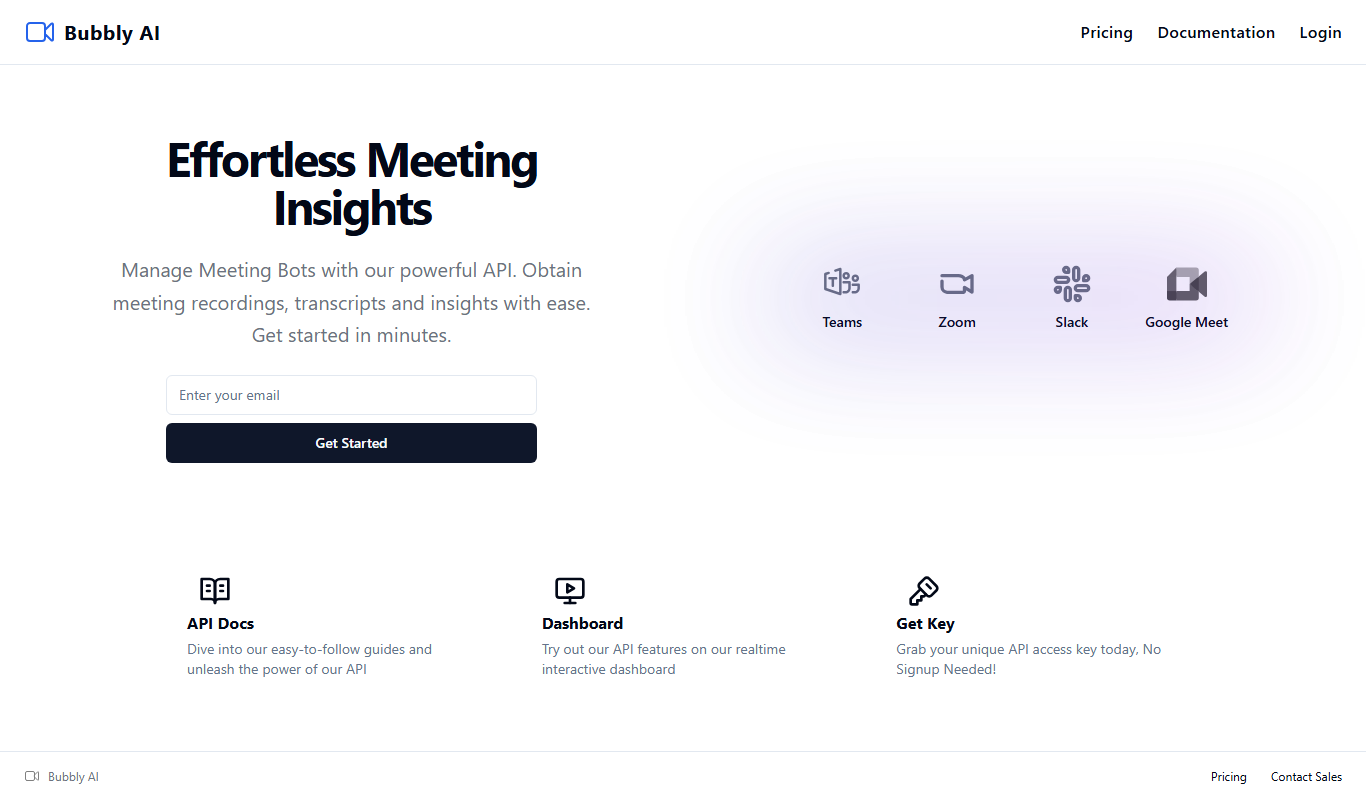
Bubbly Meeting Api
Bubbly Meeting API provides developers with AI-driven meeting transcription and summarization services via a REST API, enabling automated, accurate meeting documentation and insights.
Free
Get Any Link Metadata
Get Any Link Metadata is an API service that extracts comprehensive metadata from any URL, including titles, descriptions, images, and videos, enabling developers to create rich link previews and embed content easily.

Freemium
linkshieldapi.com
LinkShieldAPI is an API service that scans URLs in real time to detect malware, phishing, and other threats, helping developers secure links before users access them.

Freemium
Math Handwriting API
Math Handwriting API is a developer tool that converts handwritten mathematical expressions into digital formats like LaTeX and MathML using AI-powered handwriting recognition.

Freemium
okra.ai
Okra.ai is a Nigerian fintech platform providing APIs that enable businesses to access real-time bank data, initiate payments, and perform KYC verification securely through direct bank integrations.

Free
OpenRouter
OpenRouter is a platform that provides API access to various open-source large language models, enabling developers to integrate these models into applications without managing infrastructure.