

From my experience with Jorpex, I found it excels at delivering timely tender notifications directly within Slack, which is a huge productivity boost for procurement teams already using Slack daily. The ability to customize alerts and collaborate instantly on opportunities streamlines the tender management process effectively. However, the tool’s focus on Slack means it’s less useful for teams not using that platform, and its current tender coverage is primarily India-centric, which may limit global applicability. Overall, if your team relies on Slack and needs real-time procurement alerts, Jorpex offers a practical and integrated solution.
Jorpex Tender Notifications in Slack for Real-Time Procurement Alerts
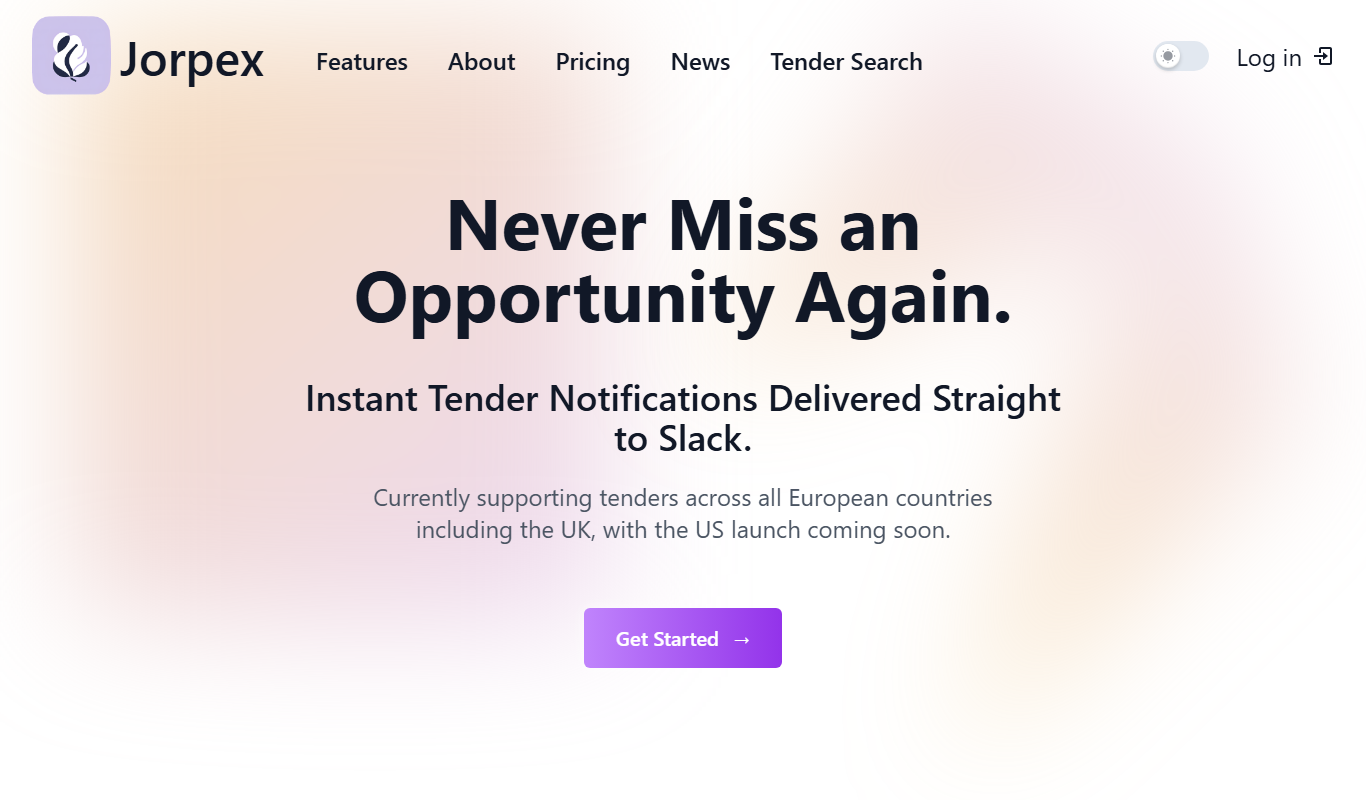
Jorpex is a tool that delivers real-time tender notifications directly into Slack channels, enabling businesses to receive, filter, and collaborate on procurement opportunities without leaving Slack.
- Best for
- Real-Time Tender Alerts
- Key capability
- Slack Integration
Your actions
Do you recommend this tool?
What is Jorpex – Tender Notifications in Slack?
Jorpex is a procurement-focused tool that delivers real-time tender notifications directly into Slack channels. It helps businesses and procurement teams stay informed about new tender opportunities without switching platforms, enabling faster responses and better collaboration.
Key features of Jorpex – Tender Notifications in Slack
Jorpex integrates with Slack to provide instant tender alerts, customizable filters for relevant opportunities, and collaborative features that streamline the tender management process within your existing communication workflow.
Slack Integration
Seamlessly delivers tender notifications within Slack for immediate visibility.
Custom Filters
Allows users to filter tenders by industry, location, and keywords to receive relevant alerts.
Multi-Source Tender Aggregation
Aggregates tenders from various government and private sources into one feed.
Team Collaboration
Facilitates sharing and discussion of tenders within Slack channels.
Pros and cons of Jorpex – Tender Notifications in Slack
Pros
- Real-time tender alerts directly in Slack
- Customizable filters for relevant notifications
- Facilitates team collaboration within Slack
- Easy to set up and integrate
Cons
- Limited to Slack platform users
- Currently focused mainly on Indian tenders
- No standalone mobile app
Key use cases for Jorpex – Tender Notifications in Slack
Real-Time Tender Alerts
Receive instant notifications about new tenders directly in Slack channels to stay updated without leaving your workspace.
Centralized Tender Management
Manage and track multiple tender opportunities from various sources within Slack, streamlining procurement workflows.
Customizable Notification Filters
Set filters based on industry, location, or keywords to receive only relevant tender notifications tailored to your business needs.
Team Collaboration on Tenders
Share and discuss tender opportunities with your team in Slack, enabling faster decision-making and bid preparation.
How Jorpex – Tender Notifications in Slack works
- 1
Connect Slack Workspace
Authorize Jorpex to access your Slack workspace to enable tender notifications.
- 2
Set Tender Preferences
Configure filters such as industry, location, and keywords to tailor the tender alerts you receive.
- 3
Receive Notifications
Get real-time tender notifications delivered to your chosen Slack channels.
- 4
Collaborate and Act
Discuss tender opportunities with your team directly in Slack and coordinate your bidding process.
Who is using Jorpex – Tender Notifications in Slack
Procurement teams
Small and medium businesses
Government contractors
Sales and business development professionals
Tender consultants
Jorpex – Tender Notifications in Slack pricing
Free Trial
$0 for 14 days
Access all features with limited usage to evaluate the platform.
Standard
$29/month
Full access to tender notifications with customizable filters and Slack integration.
Enterprise
Custom pricing
Advanced features, priority support, and tailored integrations for larger teams.
Plans and prices are as published by the vendor and can change. Check the official site before you buy. Open the pricing page (opens in a new tab)
Frequently asked questions about Jorpex – Tender Notifications in Slack
Jorpex works with all Slack plans that support third-party app integrations.
Yes, you can set filters based on industry, location, and keywords to tailor notifications.
Currently, Jorpex primarily focuses on tenders from India but plans to expand coverage.
Jorpex operates through Slack, so notifications are accessible via Slack’s mobile app.
Integration support depends on the tool and its available connectors or API. Check the official documentation or integrations page to confirm what is supported.
Yes, it can help with that use case depending on how you configure it and what features are available. You’ll get the best results with clear inputs and a defined goal.
Some tools offer a free plan or trial with limited features. Availability can vary, so confirm on the official website.
It depends on your specific needs and how you plan to use the tool. The official website and documentation are the best sources for the latest details.
Sign in to review this tool.
Sign In to ReviewNo reviews yet
Be the first to share how this tool worked for you.
Ask about pricing, limits, or how it compares — or answer someone else.
Sign In to AskNo questions yet
Have a question about using or paying for this tool? Be the first to ask.
Featured on TiorAI



Alternative Tools
Explore similar AI tools that might fit your needs

Subscription
BidPrime
BidPrime is a subscription-based platform that provides businesses with real-time government contract leads, detailed RFPs, and procurement data to help them identify and win public sector contracts.
Freemium
TenderTiger
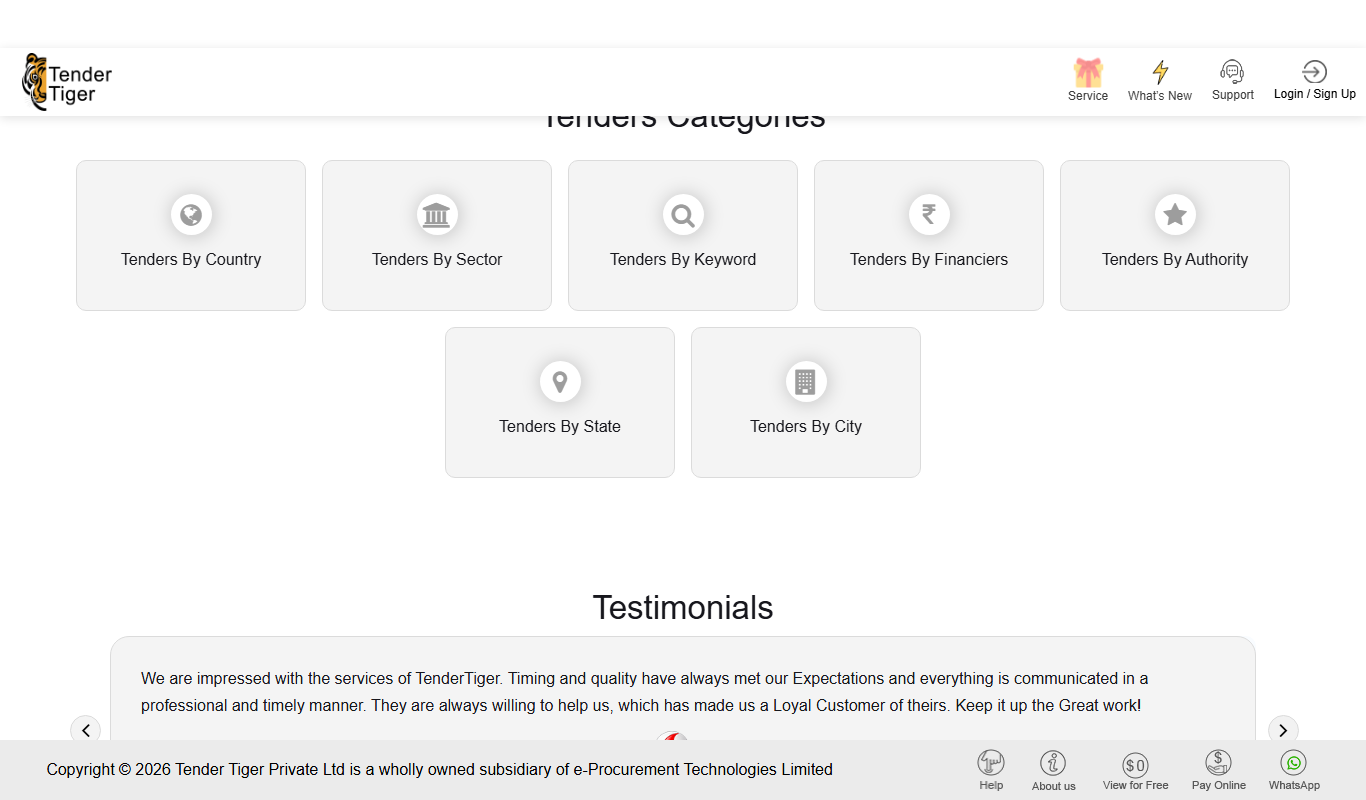
TenderTiger is an online platform that aggregates global tender notices and procurement opportunities, helping businesses discover, track, and bid on contracts efficiently.