

From my experience with iSWIM, I found it excels at providing a straightforward, browser-based environment for interactively testing and debugging web components. It removes the friction of setup and lets developers engage directly with UI elements, which is invaluable for frontend debugging and rapid iteration. This makes it particularly well-suited for frontend developers and UI designers who want quick feedback on component behavior. However, it is focused solely on frontend components and lacks backend integration, so it’s best used as part of a broader development toolkit. Overall, if you need an easy-to-access tool for interactive web component testing, iSWIM delivers practical and efficient results.
iSWIM Dev Tool for Interactive Web Component Testing and Debugging
iSWIM is a free web-based tool that enables developers to interactively test and debug web components in real time without installation.
- Best for
- Interactive Web Component Testing
- Key capability
- Live Interaction


Do you recommend this tool?
What is iSWIM?
iSWIM is a web-based developer tool designed to facilitate interactive testing and debugging of web components. It allows developers to engage directly with UI components in a live environment, making it easier to identify issues and verify behaviors without extensive setup or manual testing.
Key features of iSWIM
iSWIM offers real-time interaction with web components, state inspection, and debugging capabilities that streamline frontend development and testing workflows.
Live Interaction
Engage with web components interactively to test UI behavior dynamically.
State Inspection
Inspect component states and properties during interaction for precise debugging.
Web-Based Platform
Access the tool directly via a web browser without complex installations.
Pros and cons of iSWIM
Pros
- No installation required, runs in browser
- Enables real-time interactive testing
- Simplifies debugging of web components
Cons
- Limited to web components and frontend UI testing
- No advanced integrations with backend systems
Key use cases for iSWIM
Interactive Web Component Testing
Test and debug web components interactively in a live environment to ensure proper functionality.
UI Behavior Debugging
Identify and fix UI bugs by interacting with components and inspecting their states in real time.
Frontend Development Workflow Enhancement
Integrate iSWIM into development to speed up the iteration and validation of frontend components.
How iSWIM works
- 1
Access the Web Interface
Open iSWIM in a web browser to start interacting with your web components.
- 2
Load or Connect Components
Load your web components into iSWIM or connect it to your development environment.
- 3
Interact and Inspect
Interact with components directly and inspect their states and behaviors in real time.
- 4
Debug and Iterate
Use the insights gained to debug issues and iterate on your frontend code efficiently.
Who is using iSWIM
Frontend developers
UI/UX designers
Web development teams
Quality assurance engineers
iSWIM pricing
Free
$0
Full access to iSWIM features without cost.
Plans and prices are as published by the vendor and can change. Check the official site before you buy. Open the pricing page (opens in a new tab)
Frequently asked questions about iSWIM
Yes, iSWIM is available for free with full feature access.
iSWIM supports testing of standard web components and frontend UI elements.
No, iSWIM runs entirely in the web browser, requiring no installation.
This tool is designed to help users accomplish its core tasks more efficiently. It is typically used by individuals or teams looking to improve productivity and workflow.
Some tools offer a free plan or trial with limited features. Availability can vary, so confirm on the official website.
Yes, it can help with that use case depending on how you configure it and what features are available. You’ll get the best results with clear inputs and a defined goal.
Sign in to review this tool.
Sign In to ReviewNo reviews yet
Be the first to share how this tool worked for you.
Ask about pricing, limits, or how it compares — or answer someone else.
Sign In to AskNo questions yet
Have a question about using or paying for this tool? Be the first to ask.
Featured on TiorAI



Alternative Tools
Explore similar AI tools that might fit your needs

Free
Storybook
Storybook is an open-source tool that allows developers to build, test, and document UI components in isolation for frameworks like React, Vue, and Angular, improving frontend development workflows and UI consistency.

Free
Chrome DevTools
Chrome DevTools is a free set of web development tools built into Google Chrome that enables developers to inspect, debug, and optimize web applications directly in the browser.
More AI Video Recording tools
Other tools in the same category, for when this one is not quite the fit.
Free
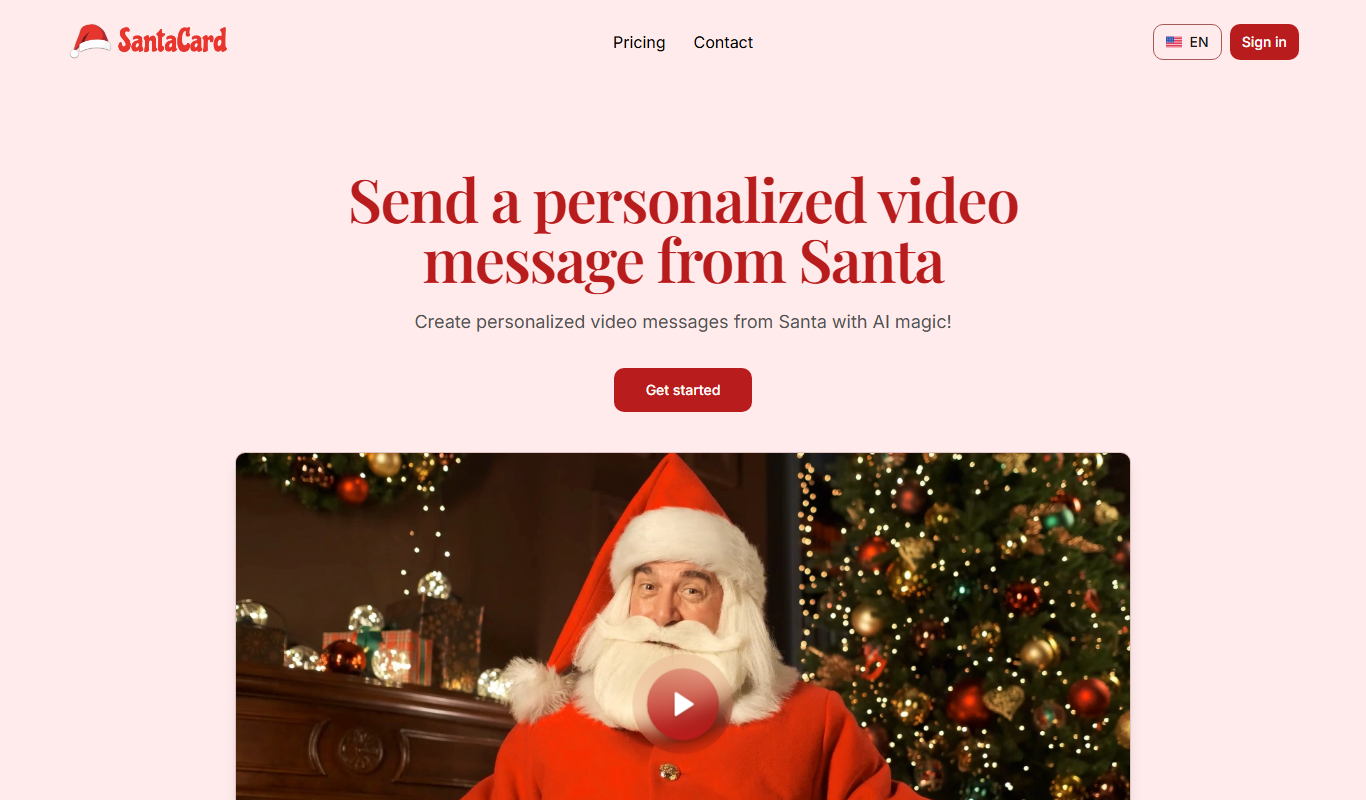
SantaCard
SantaCard is a web platform for creating and sending personalized digital holiday greeting cards with customizable templates and easy sharing options.

Free Trial
Interruptible
Interruptible is an AI writing assistant that allows users to interrupt and redirect AI-generated content in real time, supporting collaborative writing and dynamic content creation.

Freemium
reccloud.cn
RecCloud.cn is a cloud-based AI video recording and transcription platform that supports Chinese and English, designed to help businesses and educators capture and transcribe audio and video content efficiently.

Free Trial
interview.co
Interview.co is a web-based platform that enables recruiters and hiring managers to conduct live coding technical interviews with integrated video, collaborative coding environment, and interview recording features.

Custom Pricing
Roll
Roll AI is a data annotation platform that automates labeling workflows to accelerate machine learning model training with high-quality annotated datasets.
Free
Wudpecker
Wudpecker is an AI-powered meeting assistant that automatically transcribes and summarizes online meetings to improve productivity and collaboration.
Freemium
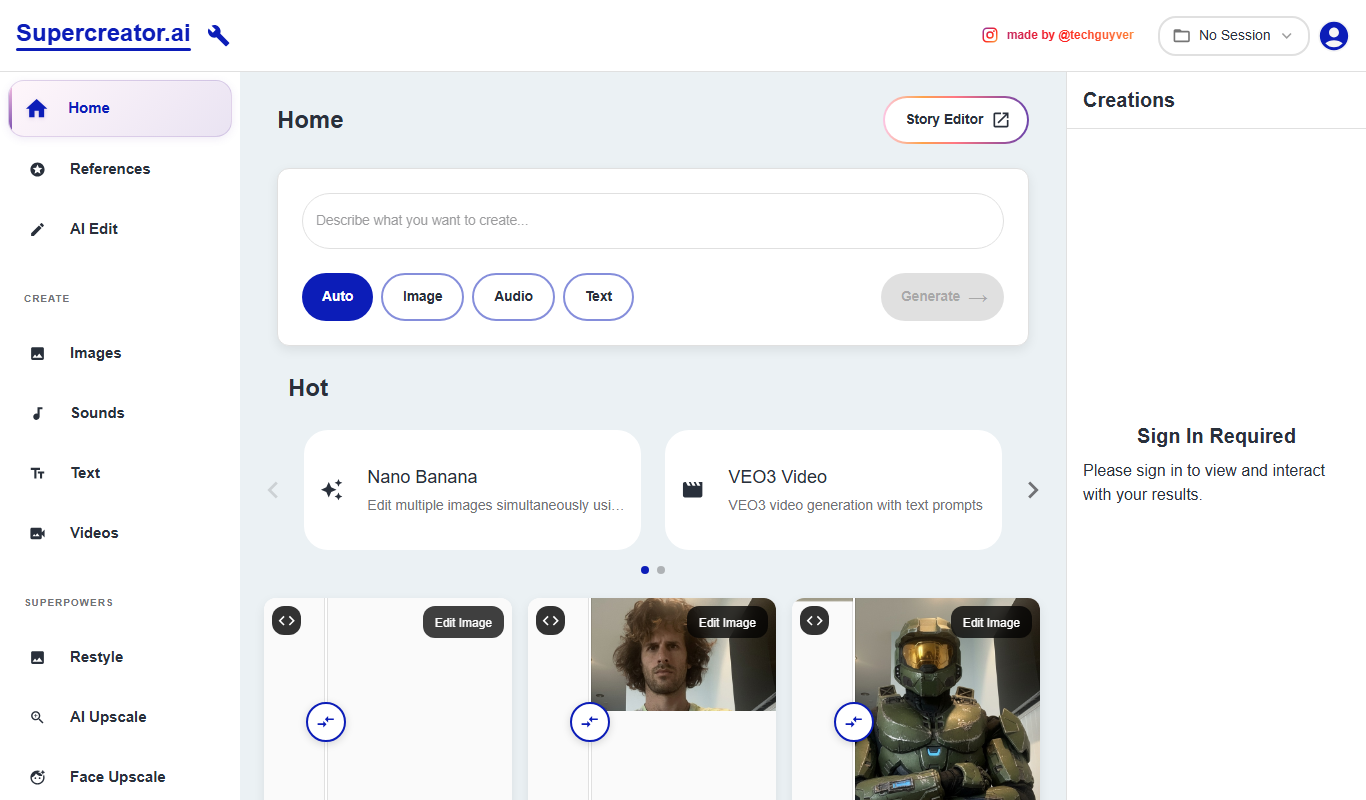
Supercreator
Supercreator is an AI content generation platform designed to help marketing and social media teams create tailored, engaging content efficiently.

Freemium
Noota
Noota is an AI-driven tool that transcribes and summarizes meetings, enabling users to capture accurate notes and key points efficiently.