

From my experience with Inboxly AI, I found it excels at automating social media content creation while maintaining brand consistency. The AI-generated posts save significant time, especially for small businesses and marketers juggling multiple platforms. The scheduling and analytics features provide a solid workflow for managing campaigns efficiently. However, the tool currently supports only English and lacks a mobile app, which could limit flexibility for some users. Overall, if you want to streamline your social media marketing with AI assistance, Inboxly AI offers a practical and user-friendly solution.
Inboxly AI Review: AI-Powered Social Media Content Creation Tool
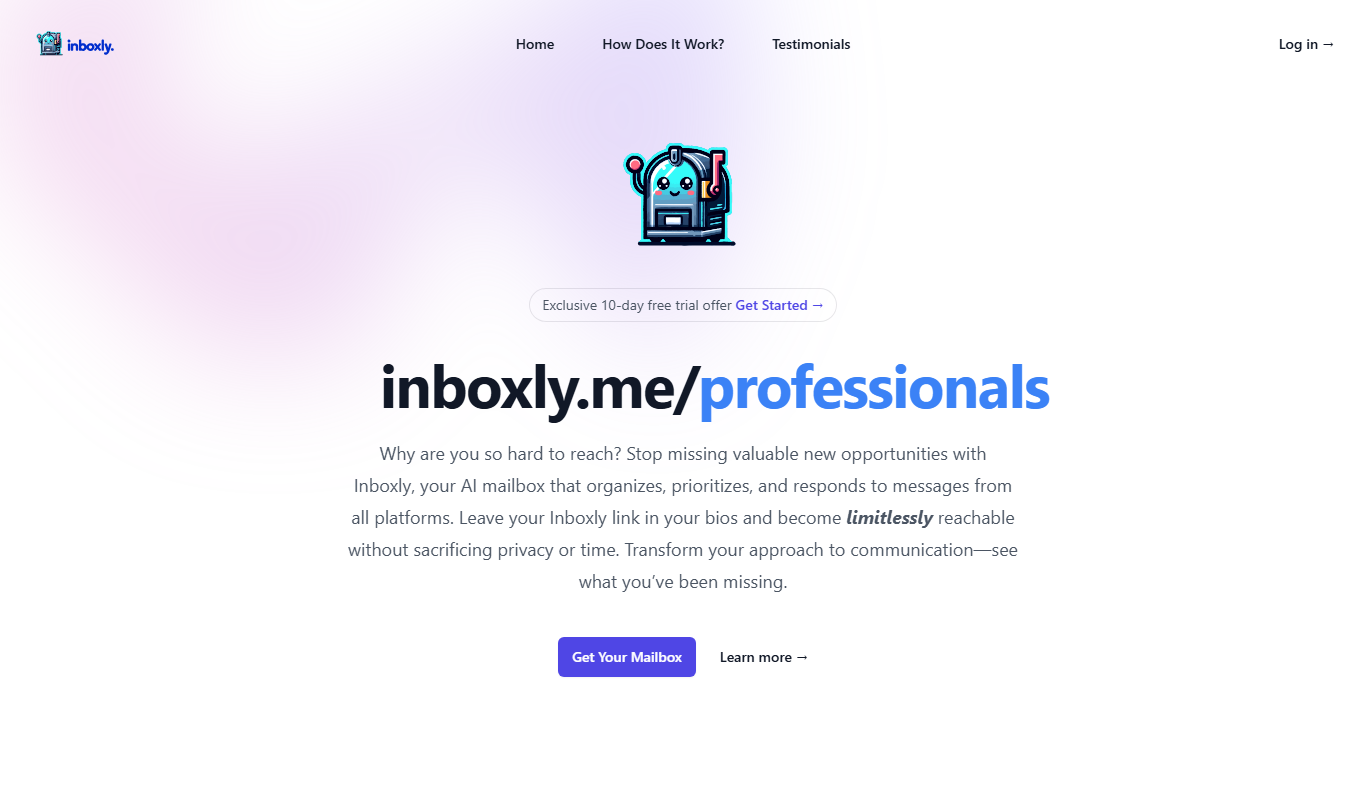
Inboxly AI is an AI-driven platform that helps businesses automate social media content creation, scheduling, and performance tracking to enhance marketing efficiency.
- Best for
- Social Media Content Generation
- Key capability
- AI-Powered Content Creation
Do you recommend this tool?
What is Inboxly AI?
Inboxly AI is an AI-powered social media marketing platform designed to help businesses and marketers create, schedule, and automate engaging social media content. It leverages artificial intelligence to generate posts that align with your brand voice and audience preferences, streamlining the content creation process and enhancing social media presence.
Key features of Inboxly AI
Inboxly AI offers automated social media post generation, multi-platform scheduling, brand voice customization, and analytics tracking to optimize marketing efforts and save time for marketers and business owners.
AI-Powered Content Creation
Generates relevant and engaging social media posts automatically.
Multi-Platform Scheduling
Supports scheduling posts on platforms like Facebook, Instagram, Twitter, and LinkedIn.
Brand Voice Customization
Allows users to tailor content style to maintain consistent messaging.
Analytics Dashboard
Provides insights on post performance and audience engagement.
Content Calendar
Visualize and manage your posting schedule efficiently.
Pros and cons of Inboxly AI
Pros
- Automates social media content creation saving time
- Supports multiple social media platforms
- Easy-to-use interface with scheduling and analytics
- Customizable brand voice for consistent messaging
- Offers a free trial to test features
Cons
- Limited language support (English only)
- Pricing may be high for small businesses
- No mobile app currently available
Key use cases for Inboxly AI
Social Media Content Generation
Automatically generate engaging social media posts tailored to your brand and audience.
Content Scheduling
Plan and schedule posts across multiple social media platforms to maintain consistent engagement.
Marketing Automation
Automate repetitive social media marketing tasks to save time and increase productivity.
Brand Voice Consistency
Maintain a consistent brand voice across all social media channels using AI-generated content.
Performance Tracking
Monitor the effectiveness of your social media campaigns with built-in analytics and insights.
How Inboxly AI works
- 1
Sign Up and Connect Accounts
Create an Inboxly AI account and link your social media profiles.
- 2
Set Brand Preferences
Define your brand voice, target audience, and content style.
- 3
Generate Content
Use AI to create tailored social media posts based on your inputs.
- 4
Schedule and Automate
Plan your posts and automate publishing across platforms.
- 5
Analyze Performance
Track engagement and optimize future content with analytics.
Who is using Inboxly AI
Small and medium businesses
Social media marketers
Content creators
Marketing agencies
Entrepreneurs and startups
Inboxly AI pricing
Free Trial
$0 for 7 days
Access to core features to test the platform.
Pro
$49/month
Full access to all features with higher limits and priority support.
Plans and prices are as published by the vendor and can change. Check the official site before you buy. Open the pricing page (opens in a new tab)
Frequently asked questions about Inboxly AI
Yes, Inboxly AI supports major platforms including Facebook, Instagram, Twitter, and LinkedIn.
Yes, you can set brand preferences to ensure the AI creates content consistent with your style.
Yes, Inboxly AI offers a 7-day free trial to explore its features.
Yes, it includes an analytics dashboard to track engagement and optimize your strategy.
Yes, it can help with that use case depending on how you configure it and what features are available. You’ll get the best results with clear inputs and a defined goal.
Yes, it can help with that use case depending on how you configure it and what features are available. You’ll get the best results with clear inputs and a defined goal.
Some tools offer a free plan or trial with limited features. Availability can vary, so confirm on the official website.
Yes, it can help with that use case depending on how you configure it and what features are available. You’ll get the best results with clear inputs and a defined goal.
Sign in to review this tool.
Sign In to ReviewNo reviews yet
Be the first to share how this tool worked for you.
Ask about pricing, limits, or how it compares — or answer someone else.
Sign In to AskNo questions yet
Have a question about using or paying for this tool? Be the first to ask.
Featured on TiorAI


