

From my experience with IdeaMate, I found it excels at quickly generating diverse and creative ideas that help break through common creative blocks. The platform’s simplicity and customizable categories make it particularly well-suited for content creators, marketers, and entrepreneurs looking for fresh inspiration without spending hours brainstorming. However, the tool currently supports only English and lacks a mobile app, which might limit accessibility for some users. Overall, if you need a straightforward AI assistant to spark innovative ideas for projects or campaigns, IdeaMate delivers practical and actionable suggestions efficiently.
IdeaMate AI Idea Generator for Creative Brainstorming and Innovation
IdeaMate is an AI-driven tool that generates creative ideas for content, marketing, product innovation, and business startups by processing user input keywords and themes.
- Best for
- Creative Brainstorming
- Key capability
- AI-Powered Idea Generation


Do you recommend this tool?
What is IdeaMate: AI Idea Generator?
IdeaMate is an AI-powered idea generator designed to help individuals and teams overcome creative blocks by providing innovative and diverse ideas across various domains. It uses advanced AI algorithms to analyze input prompts and generate relevant, actionable suggestions that can inspire content creators, marketers, entrepreneurs, and product developers.
Key features of IdeaMate: AI Idea Generator
IdeaMate offers a user-friendly web interface where users input keywords or themes and receive multiple AI-generated ideas instantly. Features include customizable idea categories, idea refinement options, and export capabilities to streamline creative workflows.
AI-Powered Idea Generation
Leverages advanced AI to produce creative and relevant ideas based on user input.
Customizable Idea Categories
Allows users to specify categories or industries to tailor idea generation.
User-Friendly Interface
Simple and intuitive web platform designed for quick idea generation without technical barriers.
Idea Export Options
Enables users to export ideas in various formats for easy sharing and integration.
Idea Refinement Tools
Provides options to tweak and improve generated ideas to better fit user goals.
Pros and cons of IdeaMate: AI Idea Generator
Pros
- Easy to use with minimal setup
- Generates diverse and creative ideas quickly
- Customizable categories enhance relevance
- Affordable pricing with a free tier
Cons
- Limited language support (English only)
- No mobile app available currently
- Some ideas may require refinement for practical use
Key use cases for IdeaMate: AI Idea Generator
Creative Brainstorming
Generate fresh and diverse ideas for projects, campaigns, or content creation to overcome creative blocks.
Content Inspiration
Find unique angles and topics for blog posts, videos, or social media content using AI-powered suggestions.
Product Innovation
Explore new product concepts and features by leveraging AI-generated ideas tailored to your industry.
Marketing Campaigns
Develop innovative marketing strategies and slogans with AI assistance to stand out in competitive markets.
Entrepreneurship
Discover startup ideas and business opportunities through AI-driven creative prompts.
How IdeaMate: AI Idea Generator works
- 1
Enter Your Topic
Input keywords, themes, or questions related to your creative challenge.
- 2
Generate Ideas
The AI processes your input and produces a list of innovative ideas tailored to your needs.
- 3
Review and Refine
Browse through generated ideas, select favorites, and refine them if needed.
- 4
Export and Implement
Export your selected ideas for use in projects, presentations, or further development.
Who is using IdeaMate: AI Idea Generator
Content creators
Marketing professionals
Entrepreneurs and startups
Product managers
Creative agencies
IdeaMate: AI Idea Generator pricing
Free
$0/month
Basic access with limited daily idea generations and standard features.
Pro
$15/month
Unlimited idea generations, priority support, and access to advanced customization tools.
Plans and prices are as published by the vendor and can change. Check the official site before you buy. Open the pricing page (opens in a new tab)
Frequently asked questions about IdeaMate: AI Idea Generator
IdeaMate can generate ideas for content creation, marketing campaigns, product innovation, business startups, and more.
Yes, IdeaMate offers a free plan with limited daily usage and basic features.
Yes, users can select or specify categories to tailor the AI’s suggestions.
Ideas can be exported in text formats suitable for sharing or integration into other tools.
It depends on your specific needs and how you plan to use the tool. The official website and documentation are the best sources for the latest details.
Some tools offer a free plan or trial with limited features. Availability can vary, so confirm on the official website.
Yes, it can help with that use case depending on how you configure it and what features are available. You’ll get the best results with clear inputs and a defined goal.
Sign in to review this tool.
Sign In to ReviewNo reviews yet
Be the first to share how this tool worked for you.
Ask about pricing, limits, or how it compares — or answer someone else.
Sign In to AskNo questions yet
Have a question about using or paying for this tool? Be the first to ask.
Featured on TiorAI



More AI Business Ideas Generator tools
Other tools in the same category, for when this one is not quite the fit.

Free
OpenChat
OpenChat is a free AI-driven job platform that connects remote workers and freelancers with employers through a chat-based interface, offering intelligent job matching and direct communication.

Free Trial
Galadon
Galadon is an AI-powered writing assistant designed to help marketers and content creators generate high-quality, SEO-optimized content quickly and efficiently through a user-friendly web platform.

Free Trial
Boxsy
Boxsy is an AI-powered writing assistant designed to help marketers and content creators generate high-quality marketing copy, blog posts, and SEO-optimized content efficiently through a user-friendly web platform.

Freemium
Seabiscuit Business GPTs – Start Your Business Legacy
Seabiscuit Business GPTs is an AI platform that helps entrepreneurs plan, research, and grow their businesses using specialized GPT assistants focused on business legacy building.

Freemium
startuptools.ai
StartupTools.ai is an AI-driven platform that helps entrepreneurs generate, validate, and pitch startup ideas by analyzing market data and user preferences.
Free
IdeasAI
IdeasAI is a free web-based AI tool that generates creative ideas instantly based on user keywords, helping with brainstorming for content, business, and marketing.

Free
AI Prompt Library by God of Prompt
AI Prompt Library by God of Prompt is a free web-based collection of curated prompts designed to help users generate better AI content across various use cases.
Freemium
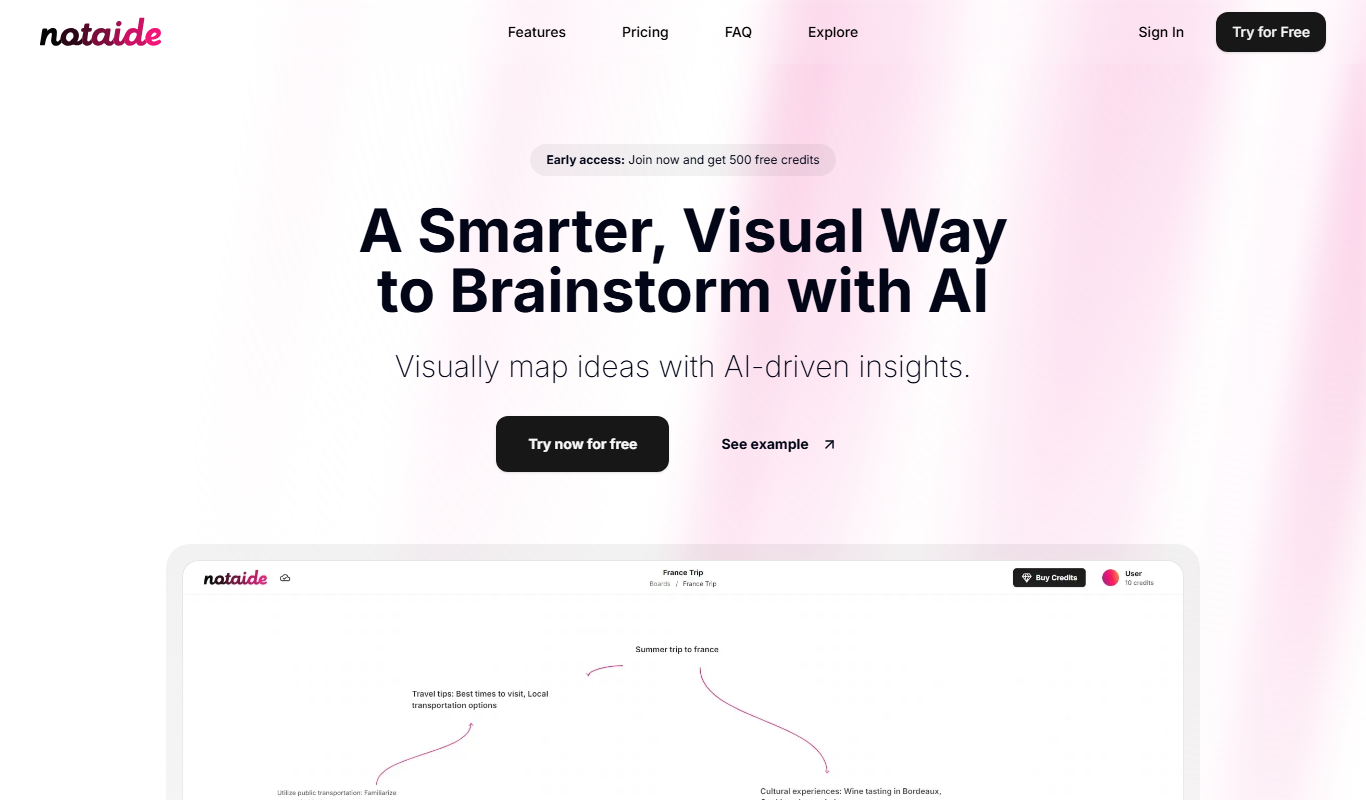
Notaide
Notaide is an AI-powered writing assistant that helps users create and edit content by providing real-time grammar and style suggestions through a web-based platform.