

From my experience with Humanize AI Text, I found it excels at quickly making AI-generated content sound more natural and engaging without any cost or complicated setup. The straightforward web interface makes it accessible for anyone needing to soften robotic tones in AI writing. However, it currently supports only English and lacks advanced editing features or integrations, which could limit use for larger projects or multilingual needs. Overall, if you want a simple, free way to humanize AI text snippets, this tool delivers effective results with minimal effort.
Humanize AI Text Tool for Natural and Authentic AI Writing Enhancement
Humanize AI Text is a free web tool that transforms AI-generated text into natural, human-like writing by improving tone and readability.
- Best for
- Content Naturalization
- Key capability
- Instant Humanization


Do you recommend this tool?
What is Humanize AI Text ai?
Humanize AI Text is a free web-based tool designed to transform AI-generated content into more natural, human-like writing. It helps users refine robotic or mechanical AI text by adjusting phrasing and tone to sound authentic and engaging. This tool is ideal for anyone looking to improve the readability and relatability of AI-produced writing without manual rewriting.
Key features of Humanize AI Text ai
The tool offers a simple interface where users paste AI-generated text and receive a humanized version instantly. It focuses on natural language adjustments, tone softening, and improving flow to make AI content feel less artificial. Being free and web-based, it requires no installation or subscription.
Instant Humanization
Quickly converts AI-generated text into natural, human-like language.
Free to Use
No cost or registration required to access the tool.
Web-Based Interface
Accessible from any device with a web browser without installation.
Improves Readability
Enhances flow and tone to make content more engaging and less robotic.
Pros and cons of Humanize AI Text ai
Pros
- Completely free with no signup required
- Simple and intuitive web interface
- Effectively improves naturalness of AI text
- Accessible from any device
Cons
- Supports only English language
- Limited to text humanization without advanced editing features
- No mobile app or API available
Key use cases for Humanize AI Text ai
Content Naturalization
Transform AI-generated text into more natural, human-like writing to improve readability and engagement.
AI Text Editing
Edit and refine AI-generated content to reduce robotic tone and make it sound authentic.
Copywriting Improvement
Enhance marketing copy or blog posts created by AI to better connect with human audiences.
Academic and Professional Writing
Make AI-assisted academic or professional documents sound more genuine and less machine-generated.
How Humanize AI Text ai works
- 1
Paste AI Text
Users input or paste AI-generated text into the provided text box on the website.
- 2
Process Text
The tool analyzes the text and applies natural language processing techniques to humanize the content.
- 3
Receive Humanized Output
Users get a refined, more natural-sounding version of their original AI text, ready for use or further editing.
Who is using Humanize AI Text ai
Content creators using AI writing tools
Marketing professionals refining AI-generated copy
Students and academics improving AI-assisted writing
Small businesses enhancing automated content
Humanize AI Text ai pricing
Free
$0
Unlimited access to humanize AI text functionality with no subscription.
Plans and prices are as published by the vendor and can change. Check the official site before you buy. Open the pricing page (opens in a new tab)
Frequently asked questions about Humanize AI Text ai
Yes, the tool is completely free and does not require any registration.
Yes, since it is web-based, you can access it from any device with internet and a browser.
Currently, the tool supports English only.
There is no publicly stated limit, but very large texts may need to be processed in parts.
It depends on your specific needs and how you plan to use the tool. The official website and documentation are the best sources for the latest details.
Yes, it can help with that use case depending on how you configure it and what features are available. You’ll get the best results with clear inputs and a defined goal.
Sign in to review this tool.
Sign In to ReviewNo reviews yet
Be the first to share how this tool worked for you.
Ask about pricing, limits, or how it compares — or answer someone else.
Sign In to AskNo questions yet
Have a question about using or paying for this tool? Be the first to ask.
Featured on TiorAI



More AI Writing & Content Tools tools
Other tools in the same category, for when this one is not quite the fit.

Freemium
Mindtrip
Mindtrip is an AI-powered writing assistant designed to help users generate creative stories, content ideas, and improve writing flow through AI-driven prompts and text generation.

Freemium
Swifty
Swifty is an AI writing assistant that helps users create and edit English content quickly with AI-generated suggestions and grammar corrections.
Freemium
Uwillfly
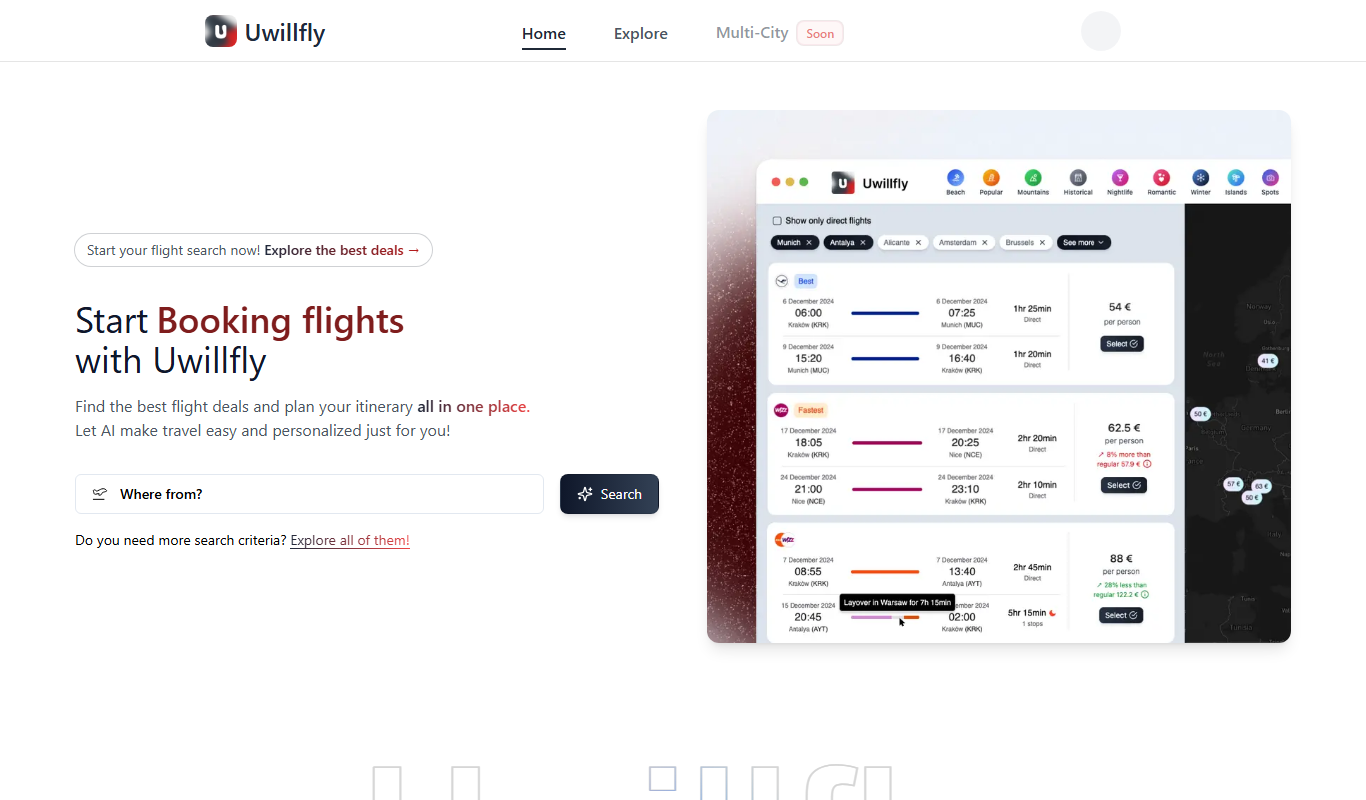
Uwillfly is an AI-powered writing assistant that generates SEO-optimized articles, marketing copy, and content in English and Chinese to help marketers and writers create content faster.

Freemium
Smart Pineapple
Smart Pineapple is an AI-powered writing assistant designed to generate SEO-friendly content, including blog posts and marketing copy, through an easy-to-use web platform.

Free Trial
yonderhq.com
YonderHQ is a web-based AI-powered platform that helps marketing teams plan, organize, and collaborate on content strategies efficiently with features like AI content ideation, content calendars, and task management.

Freemium
Explra
Explra is an AI-powered writing assistant designed to help marketers and content creators generate SEO-friendly content quickly and efficiently.

Free
AI Listify
AI Listify is an AI-driven tool that generates structured lists for content marketing, SEO, and idea organization, helping users create engaging and readable lists quickly.

Freemium
iSamurai
iSamurai is an AI-powered writing assistant that generates SEO-friendly content including blog posts and marketing copy to help businesses and creators save time and improve content quality.