

From my experience with hCaptcha, I found it excels at balancing effective bot protection with strong user privacy safeguards. Its privacy-first approach and compliance with regulations like GDPR make it a standout choice for website owners concerned about data protection. The optional monetization feature is a unique benefit that can help offset costs, which is not common among CAPTCHA providers. However, some users may find the challenges slightly more difficult than other services, and language support is somewhat limited. Overall, if you need a secure, privacy-conscious CAPTCHA solution that also offers revenue opportunities, hCaptcha delivers solid results.
hCaptcha: Secure and Privacy-Focused CAPTCHA Service for Websites
hCaptcha is a CAPTCHA service that helps websites prevent bots and spam by verifying users with privacy-focused challenges, offering easy integration and optional monetization.
- Best for
- Bot Mitigation
- Key capability
- Privacy-First Design
Your actions
Save hCaptcha, follow its updates and vote on it — everything stays in your account.
Sign in or create a free account
What is hCaptcha?
hCaptcha is a CAPTCHA service designed to distinguish human users from bots on websites and applications. It provides a privacy-focused alternative to traditional CAPTCHA systems by minimizing data collection and offering robust bot mitigation. hCaptcha challenges users with image recognition tasks or other tests to verify they are human, helping website owners prevent spam, fraud, and abuse while respecting user privacy.
Key features of hCaptcha
hCaptcha offers customizable CAPTCHA challenges, easy integration via JavaScript or API, privacy-first data handling, accessibility features, and an optional monetization model where website owners can earn revenue by serving challenges.
Privacy-First Design
Collects minimal user data and complies with GDPR and CCPA regulations.
Customizable Challenges
Choose from various challenge types and difficulty levels to suit your needs.
Easy Integration
Supports JavaScript widget, server-side validation, and multiple programming languages.
Monetization Option
Website owners can earn revenue by displaying hCaptcha challenges.
Accessibility Support
Includes audio challenges and other features to support users with disabilities.
Pros and cons of hCaptcha
Pros
- Strong focus on user privacy and data protection
- Monetization option helps offset costs
- Easy to integrate with various platforms
- Accessible to users with disabilities
- Effective bot and spam prevention
Cons
- Challenges can sometimes be more difficult than other CAPTCHA services
- Limited language support compared to some competitors
- Enterprise pricing is not publicly listed
Key use cases for hCaptcha
Bot Mitigation
Prevent automated bots from abusing web forms, registrations, and login pages.
Spam Prevention
Reduce spam submissions on websites by verifying human users through challenges.
Privacy-Focused User Verification
Verify users without compromising their privacy or collecting excessive personal data.
Monetization via CAPTCHA Solving
Earn revenue by serving CAPTCHA challenges that advertisers pay for, offsetting costs.
Accessibility Compliance
Provide CAPTCHA challenges that are accessible to users with disabilities.
How hCaptcha works
- 1
Integrate hCaptcha
Add hCaptcha’s JavaScript widget or API to your website or app forms.
- 2
User Interaction
Visitors complete CAPTCHA challenges to prove they are human.
- 3
Verification
hCaptcha verifies the user’s response and returns a token to your backend.
- 4
Validation
Your server validates the token with hCaptcha to confirm legitimacy.
- 5
Access Granted or Denied
Based on verification, allow or block the user from proceeding.
Who is using hCaptcha
Website owners seeking privacy-focused CAPTCHA
Developers integrating bot protection
Businesses wanting to reduce spam and fraud
Organizations needing accessible CAPTCHA solutions
Publishers interested in monetizing CAPTCHA traffic
hCaptcha pricing
Free
$0/month
Basic CAPTCHA service with standard features and limited customization.
Enterprise
Custom pricing
Advanced features, dedicated support, and tailored solutions for large-scale needs.
Plans and prices are as published by the vendor and can change. Check the official site before you buy. Open the pricing page (opens in a new tab)
Frequently asked questions about hCaptcha
hCaptcha minimizes data collection, does not sell user data, and complies with privacy laws like GDPR and CCPA.
Yes, hCaptcha offers a monetization program where website owners earn revenue by serving CAPTCHA challenges.
Yes, hCaptcha provides audio challenges and other accessibility features to accommodate all users.
You can integrate hCaptcha by adding their JavaScript widget to your frontend and validating tokens on your backend via their API.
This tool is designed to help users accomplish its core tasks more efficiently. It is typically used by individuals or teams looking to improve productivity and workflow.
It depends on your specific needs and how you plan to use the tool. The official website and documentation are the best sources for the latest details.
Yes, it can help with that use case depending on how you configure it and what features are available. You’ll get the best results with clear inputs and a defined goal.
Integration support depends on the tool and its available connectors or API. Check the official documentation or integrations page to confirm what is supported.
Sign in to review this tool.
Sign In to ReviewNo reviews yet
Be the first to share how this tool worked for you.
Ask about pricing, limits, or how it compares — or answer someone else.
Sign In to AskNo questions yet
Have a question about using or paying for this tool? Be the first to ask.
Featured on TiorAI



Alternative Tools
Explore similar AI tools that might fit your needs

Free
Friendly Captcha
Friendly Captcha is a privacy-focused human verification tool that uses cryptographic proof-of-work challenges running in the browser to distinguish humans from bots without tracking or user friction.

Freemium
GeeTest CAPTCHA
GeeTest CAPTCHA is an interactive CAPTCHA service using sliding puzzles and behavioral biometrics to verify human users and prevent automated bot attacks on websites and mobile apps.
More AI Bypasser tools
Other tools in the same category, for when this one is not quite the fit.

Free
Guerrilla Mail
Guerrilla Mail is a free disposable email service that provides temporary, anonymous email addresses to protect your privacy and reduce spam.

Free
Checkra1n
Checkra1n is a free semi-tethered jailbreak tool for iOS devices with A5 to A11 chips, leveraging the checkm8 bootrom exploit to provide root access and customization.
Free
Unc0ver
Unc0ver is a free semi-untethered jailbreak tool for iOS devices that allows users to gain root access, install unauthorized apps, and customize their iPhones or iPads beyond Apple's restrictions.

Pay As You Go
DeathByCaptcha
DeathByCaptcha is an automated service that solves various CAPTCHA challenges via API, enabling developers and businesses to bypass CAPTCHA protections in their automation workflows.

Pay As You Go
Anti-Captcha
Anti-Captcha is a service that automates solving CAPTCHAs using a combination of AI and human solvers, accessible via API for integration into bots and applications.

Pay As You Go
2Captcha
2Captcha is an online service that automates solving CAPTCHAs using a combination of human solvers and machine learning, accessible via API for integration into automation workflows.
Free Trial
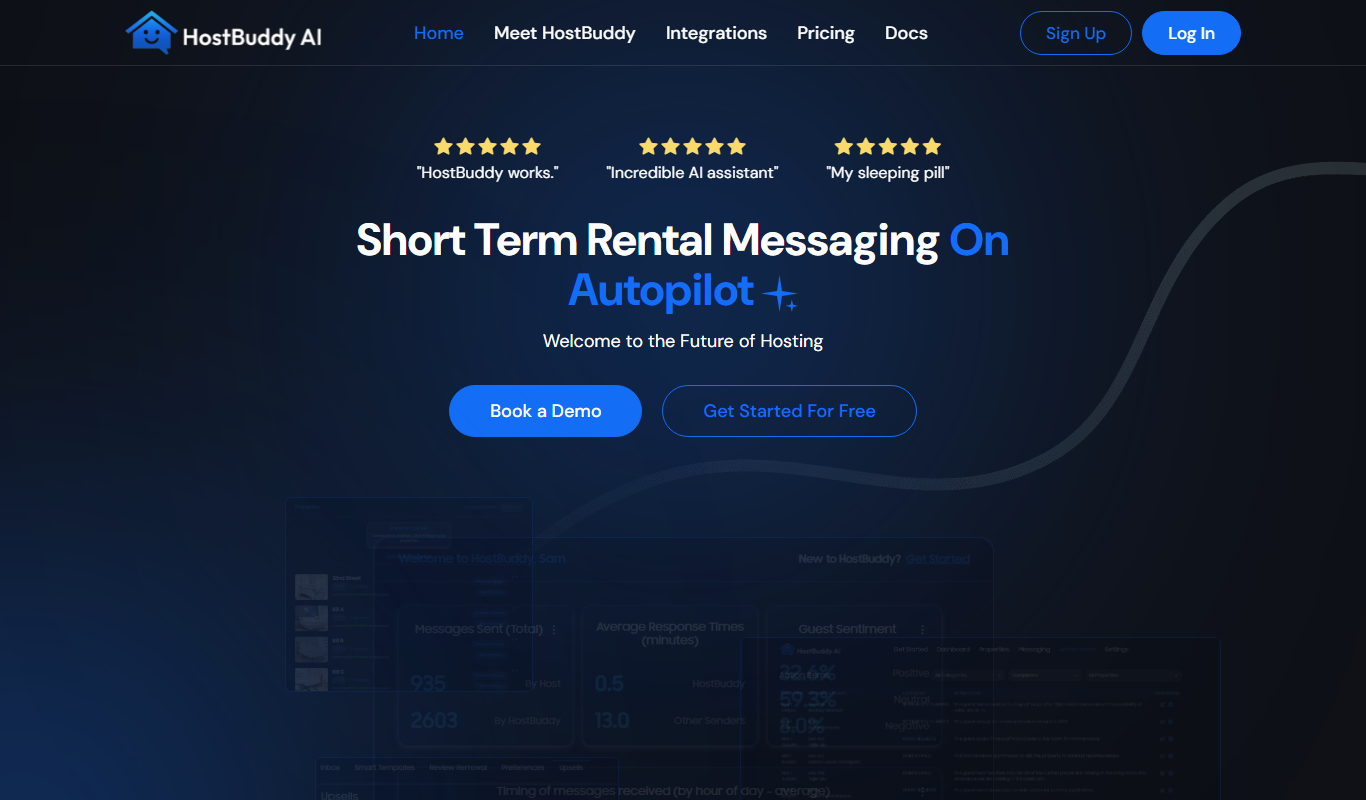
HostBuddy AI
HostBuddy AI is an AI-driven customer support tool designed for web hosting providers to automate support queries, integrate with hosting platforms, and provide 24/7 assistance.

Pay As You Go
TikTok Captcha Solver API
TikTok Captcha Solver API by SadCaptcha automates solving TikTok captchas via an easy-to-integrate API, enabling seamless automation and scraping.