
From my experience with Hama, I found it excels at providing a straightforward and fast way to enhance images without the complexity of traditional photo editors. The web-based interface is intuitive, making it ideal for users who need quick edits for social media or casual projects. However, it lacks advanced features that professional editors might require, and its free plan limits export quality. Overall, if you want simple, accessible photo editing without installing software, Hama delivers solid results efficiently.
Hama Image Editing Tool for Quick and Easy Photo Enhancements Online
Hama is a web-based image editing tool that allows users to quickly enhance photos using filters and basic editing features without installing software.
What is Hama – Image Editing?
Hama is a web-based image editing tool designed for users seeking quick and straightforward photo enhancements without the complexity of traditional software. It offers a variety of filters, adjustment sliders, and retouching options accessible directly from the browser.
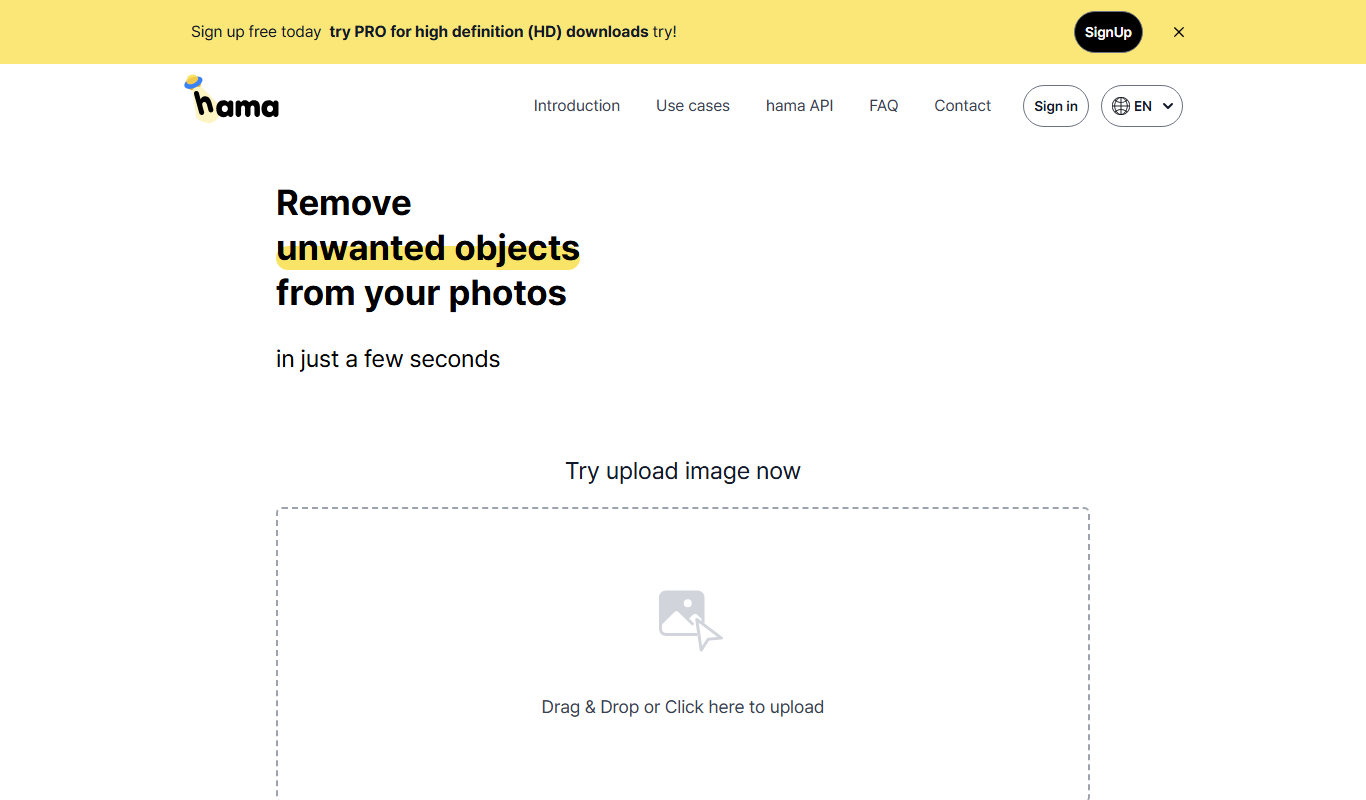
Key Features of Hama – Image Editing
User-Friendly Interface
Simple and clean design that allows users to edit images quickly without a steep learning curve.
Variety of Filters
Multiple preset filters to enhance photos with one click.
Basic Editing Tools
Crop, rotate, adjust brightness, contrast, saturation, and more.
Real-Time Preview
Instantly see the effects of your edits before saving.
Pros and Cons of Hama – Image Editing
Pros
- Easy to use with no software installation required
- Fast editing with real-time previews
- Accessible from any device with a web browser
Cons
- Limited advanced editing features compared to professional software
- No dedicated mobile app available
- Free plan has export quality and feature limitations
Key Use Cases for Hama – Image Editing
Quick Photo Enhancements
Enhance photos instantly with easy-to-use filters and adjustment tools without complex software.
Social Media Content Preparation
Edit images to optimize them for social media posts, improving visual appeal and engagement.
Basic Retouching
Perform simple retouching tasks such as cropping, brightness adjustment, and color correction.
Creative Image Editing
Apply creative effects and overlays to personalize images for marketing or personal projects.
How Hama – Image Editing Works
-
1
Upload Image
Start by uploading your photo directly on the Hama website.
-
2
Apply Edits
Use the available tools and filters to enhance or modify your image.
-
3
Preview Changes
Review your edits in real-time to ensure the desired look.
-
4
Download or Share
Save the edited image to your device or share it directly on social platforms.
Who's Using Hama – Image Editing
Social media content creators
Small business owners
Casual photographers
Marketing professionals
Students and educators
Hama – Image Editing Pricing
Free
$0/month
Access to basic editing tools and filters with limited export options.
Pro
$9.99/month
Unlocks advanced features, higher resolution exports, and priority support.
Frequently Asked Questions About Hama – Image Editing
Yes, Hama offers a free plan with basic editing features and limited export quality.
Hama is a web-based tool optimized for desktop browsers; mobile browser support may vary.
You can use basic editing features without an account, but signing up unlocks additional options.
It depends on your specific needs and how you plan to use the tool. The official website and documentation are the best sources for the latest details.
It depends on your specific needs and how you plan to use the tool. The official website and documentation are the best sources for the latest details.
Share your review
Reviews are limited to one per logged-in user and are published after moderation.
You need an account to review this tool.
0.0
★
★
★
★
★
0 reviews
5 star
0
4 star
0
3 star
0
2 star
0
1 star
0
No reviews yet
Be the first to share how this tool worked for you.
Questions from the community
Read questions and answers about this tool, or ask your own.
No questions yet
Start the conversation by asking the first question about this tool.
Is this tool helpful?
Alternative Tools
Explore similar AI tools that might fit your needs

Free
Fotor
Fotor is an online photo editing and graphic design tool offering AI-powered enhancements, templates, and batch processing across web and mobile platforms.

Free
Hotpot.ai
Hotpot.ai is an AI-powered creative platform offering tools for AI art generation, image enhancement, background removal, and AI writing to help users create digital content efficiently.

Custom Pricing
FASHN Virtual Try-On
FASHN Virtual Try-On is an AI-driven augmented reality platform that enables online shoppers to virtually try on clothes with realistic 3D simulations, helping retailers reduce returns and increase customer satisfaction.

Free
Local Background Remover
Local Background Remover is a software tool that removes image backgrounds directly on your device using AI, ensuring privacy by avoiding cloud uploads.

Free
Imglarger
Imglarger is an AI-powered online tool that enlarges and enhances images up to 8 times their original resolution while preserving quality, offering features like noise reduction and background removal.

Free
TinyWow
TinyWow is a free online platform providing PDF and file conversion tools such as PDF to Word, image resizing, and file compression without requiring registration.

Custom Pricing
FittingBox
FittingBox is an augmented reality platform that enables virtual try-on of eyewear using 3D modeling and face detection technology, enhancing online and in-store shopping experiences.

Free to join
Afri Studio
Afri Studio is an online marketplace focused on African art, allowing artists to sell digital, physical, and NFT artworks globally while fostering a creative community.

Freemium
Clipdrop
Clipdrop is an AI-driven image editing tool that enables users to remove backgrounds, capture real-world objects, and enhance photos across multiple platforms.