

From my experience with GrowthBar, I found it excels at simplifying keyword research and content optimization through its AI-powered outlines and intuitive interface. After spending time with the platform, I can say it’s particularly well-suited for content marketers and small businesses looking for affordable yet effective SEO tools. However, there’s a trade-off: it currently supports only English and lacks some advanced features found in larger SEO suites. Overall, if you need a streamlined SEO tool that integrates keyword research, backlink analysis, and content guidance, GrowthBar delivers solid results.
GrowthBar SEO Tool for Keyword Research and Content Optimization
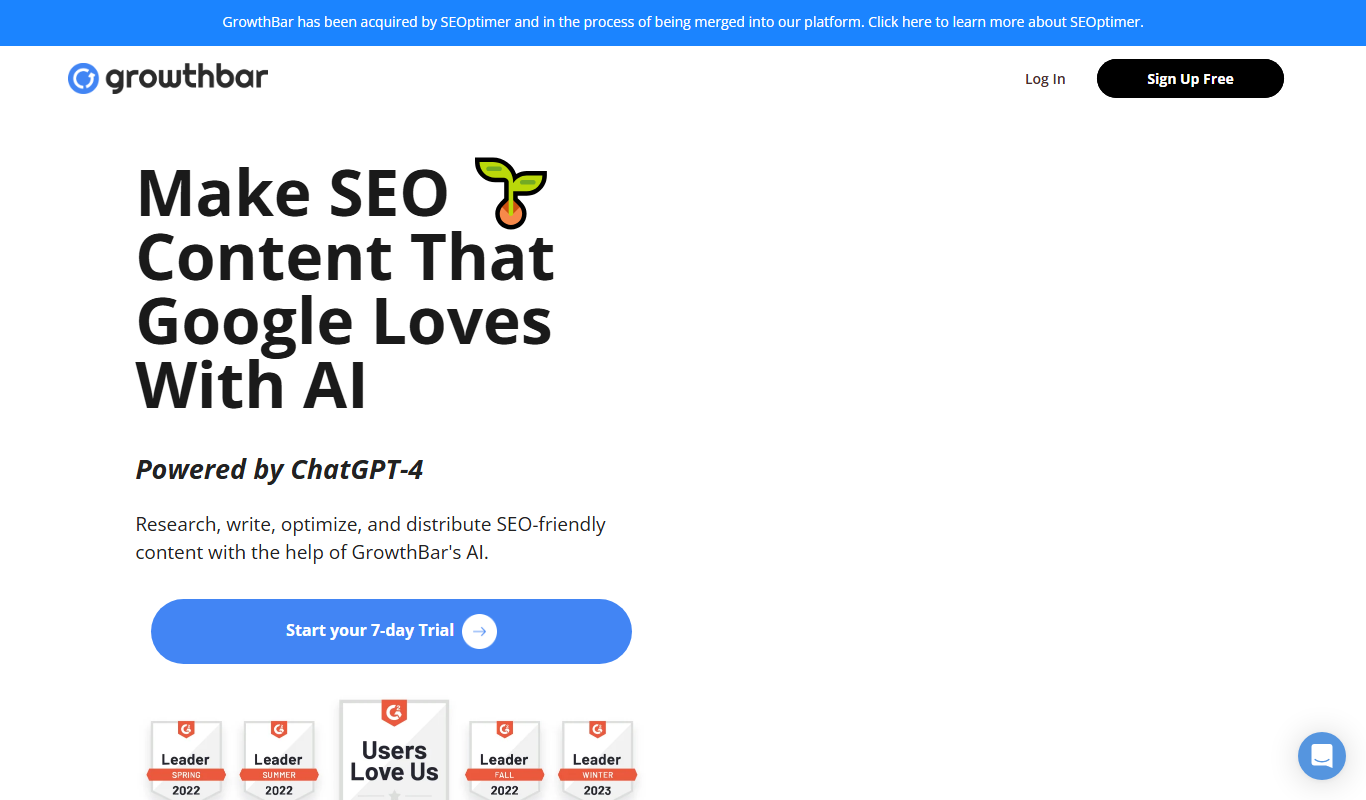
GrowthBar is an SEO tool that helps users perform keyword research, generate AI-powered content outlines, analyze backlinks, and track keyword rankings to improve search engine visibility.
- Best for
- Keyword Research
- Key capability
- AI Content Outlines
Do you recommend this tool?
What is growthbar?
GrowthBar is an SEO tool designed to simplify keyword research, content creation, and competitor analysis. It provides actionable insights and AI-driven content outlines to help marketers and businesses improve their organic search rankings efficiently.
Key features of growthbar
GrowthBar offers keyword research with search volume and difficulty metrics, AI-generated content outlines, backlink analysis, competitor keyword tracking, and rank monitoring—all accessible via a user-friendly web interface and Chrome extension.
AI Content Outlines
Automatically generate detailed content outlines optimized for SEO to streamline writing.
Keyword Research Tool
Access comprehensive keyword data including volume, difficulty, and CPC.
Backlink Analysis
Examine backlink profiles to improve link-building strategies.
Competitor Insights
Analyze competitor SEO metrics to find gaps and opportunities.
Rank Tracking
Track keyword rankings daily to measure SEO progress.
Pros and cons of growthbar
Pros
- User-friendly interface with easy navigation
- AI-powered content outlines save time
- Comprehensive keyword and backlink data
- Chrome extension integrates SEO data into search results
- Affordable pricing plans for small businesses and agencies
Cons
- Limited language support (English only)
- No mobile app available
- Some advanced SEO features found in larger platforms are missing
Key use cases for growthbar
Keyword Research
Identify high-value keywords with search volume, difficulty, and CPC data to optimize SEO strategy.
Content Optimization
Get AI-powered content outlines and suggestions to improve on-page SEO and increase organic traffic.
Competitor Analysis
Analyze competitors’ backlinks, keywords, and rankings to uncover opportunities and gaps.
Rank Tracking
Monitor keyword rankings over time to measure SEO performance and adjust tactics accordingly.
Backlink Analysis
Discover backlink profiles of your site and competitors to build a stronger link-building strategy.
How growthbar works
- 1
Sign Up
Create an account on GrowthBar’s website to start your free trial or choose a subscription plan.
- 2
Install Chrome Extension
Add the GrowthBar Chrome extension to access SEO data directly on Google search results pages.
- 3
Conduct Keyword Research
Use the tool to find relevant keywords with detailed metrics to target in your content.
- 4
Generate Content Outlines
Leverage AI-powered outlines to structure SEO-friendly articles quickly.
- 5
Analyze Competitors
Review competitor backlinks and keywords to identify opportunities for growth.
- 6
Track Rankings
Monitor your keyword rankings over time to evaluate SEO effectiveness.
Who is using growthbar
Content marketers
SEO professionals
Small business owners
Digital marketing agencies
Bloggers and content creators
growthbar pricing
Pro
$29/month
Includes full access to keyword research, content outlines, backlink data, and rank tracking.
Agency
$79/month
Designed for agencies with additional features and higher usage limits.
Plans and prices are as published by the vendor and can change. Check the official site before you buy. Open the pricing page (opens in a new tab)
Frequently asked questions about growthbar
Yes, GrowthBar offers a 5-day free trial to test all features.
Yes, you can use the web app independently, but the Chrome extension enhances usability.
Yes, GrowthBar’s intuitive interface and AI tools make it accessible for SEO beginners.
Yes, it includes backlink analysis to help improve your link-building strategy.
It depends on your specific needs and how you plan to use the tool. The official website and documentation are the best sources for the latest details.
Pricing depends on the plan and included features. For the most accurate and up-to-date details, check the official pricing page.
It depends on your specific needs and how you plan to use the tool. The official website and documentation are the best sources for the latest details.
Sign in to review this tool.
Sign In to ReviewNo reviews yet
Be the first to share how this tool worked for you.
Ask about pricing, limits, or how it compares — or answer someone else.
Sign In to AskNo questions yet
Have a question about using or paying for this tool? Be the first to ask.
Featured on TiorAI



More AI SEO Tools tools
Other tools in the same category, for when this one is not quite the fit.
Freemium
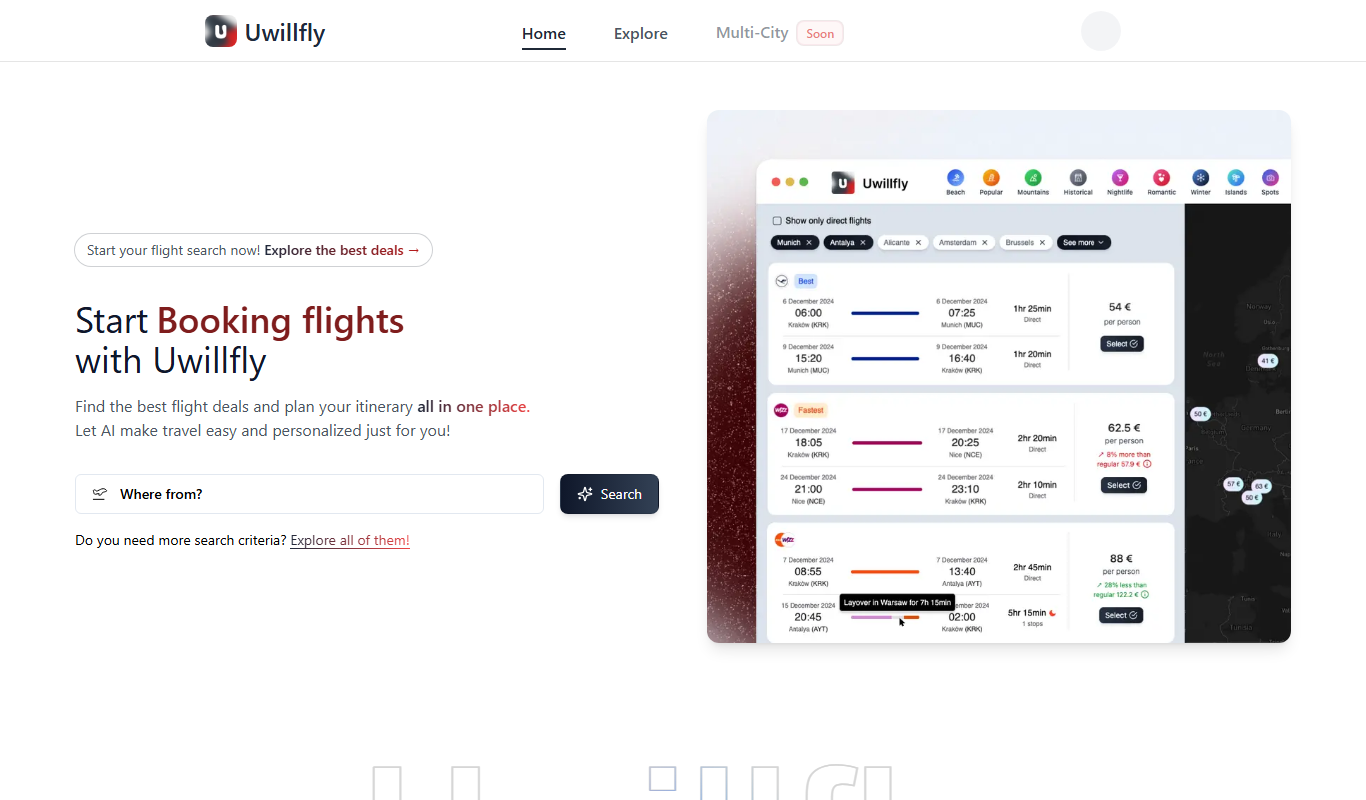
Uwillfly
Uwillfly is an AI-powered writing assistant that generates SEO-optimized articles, marketing copy, and content in English and Chinese to help marketers and writers create content faster.

Freemium
Smart Pineapple
Smart Pineapple is an AI-powered writing assistant designed to generate SEO-friendly content, including blog posts and marketing copy, through an easy-to-use web platform.

Freemium
iSamurai
iSamurai is an AI-powered writing assistant that generates SEO-friendly content including blog posts and marketing copy to help businesses and creators save time and improve content quality.
Free
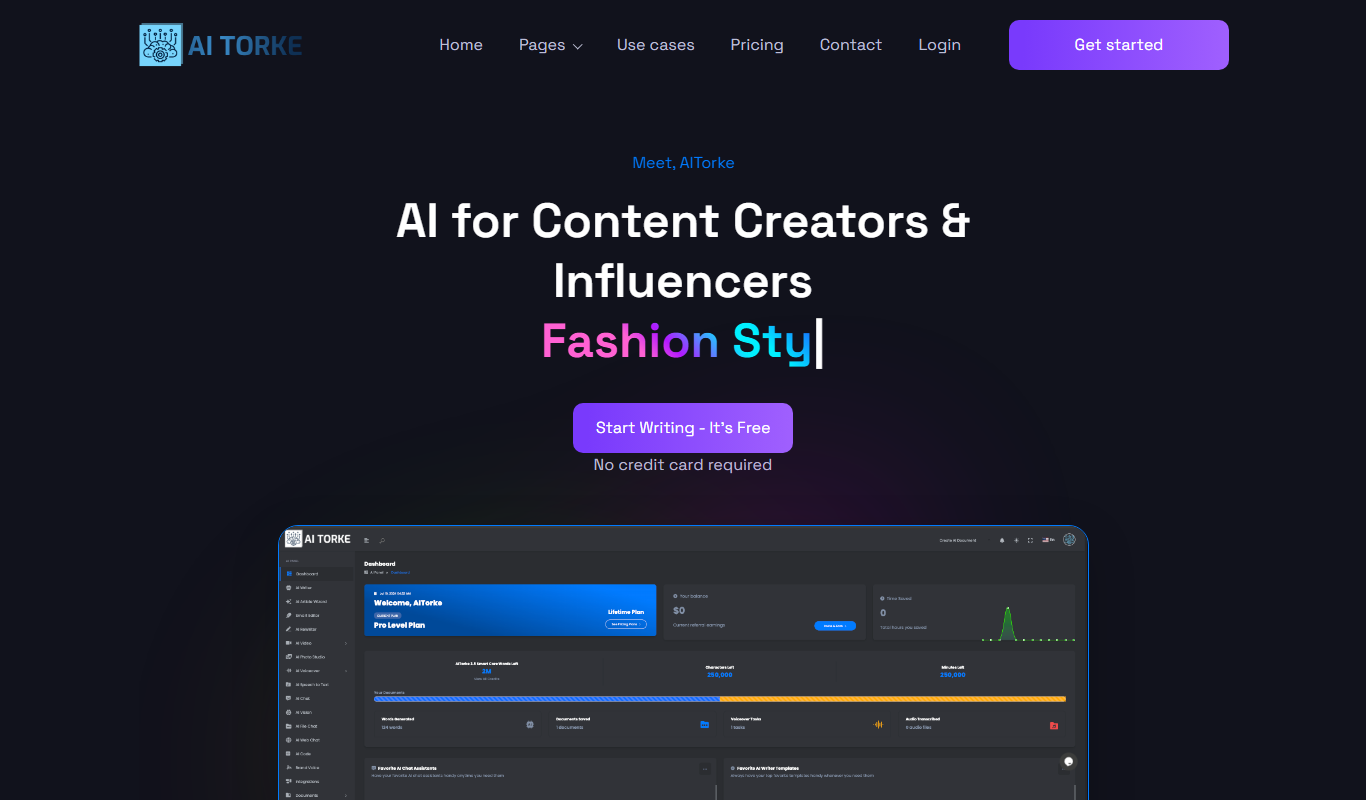
AITorke
AITorke is an AI writing assistant that helps users generate, optimize, and edit content with SEO tools and AI-powered suggestions.

Free Trial
Witlly
Witlly is an AI writing assistant designed to help users generate and optimize content for blogs, marketing, and SEO purposes efficiently.

Freemium
Owlity
Owlity is an AI-powered writing assistant that helps users generate SEO-optimized content, including blog posts and marketing copy, through an easy-to-use web platform.

Free
Alt Text AI Generator
Alt Text AI Generator is a web tool that uses AI to create descriptive alternative text for images, helping improve website accessibility and SEO.

Freemium
Aesty
Aesty is an AI-powered platform that helps marketers and content creators generate SEO-optimized marketing content quickly and efficiently through customizable templates and a user-friendly interface.