

GETitOUT AI Writing Assistant for Content Creation and SEO Optimization
GETitOUT helps marketers find ideal buyer personas, turn features into benefits and generate landing pages, emails and more with professional texts, in their own design.
- Best for
- Blog Content Creation
- Key capability
- AI Content Generation
Save GETitOUT, follow its updates and vote on it — everything stays in your account.
Sign in or create a free account
What is GETitOUT?
GETitOUT is a set of essential B2B marketing tools that uses AI to find ideal buyer personas, turn features into benefits and generate landing pages, emails and more with professional texts, in your own design.
Key features of GETitOUT
GETitOUT offers AI-driven content generation, SEO optimization tools, customizable templates, and an intuitive web interface that enables users to create, edit, and optimize content seamlessly.
AI Content Generation
Automatically create articles, blog posts, and marketing copy based on user input.
Buyer Personas
Create buyer personas to find and understand ideal clients, and analyze existing clients and competitors.
Customizable Templates
Predefined templates for various content types to speed up the writing process.
User-Friendly Interface
Clean and intuitive web platform that simplifies content creation and editing.
Content Editing and Refinement
Tools to polish AI-generated text for tone, clarity, and style.
Pros and cons of GETitOUT
Pros
- Easy-to-use interface suitable for beginners
- Effective SEO optimization features
- Customizable templates for diverse content types
- Affordable pricing with a free plan available
Cons
- Limited language support (English only)
- No desktop or mobile app versions currently
Key use cases for GETitOUT
Blog Content Creation
Generate well-structured blog posts quickly with AI assistance to improve productivity.
SEO Optimization
Create SEO-friendly content that helps improve search engine rankings and organic traffic.
Marketing Copywriting
Produce engaging marketing copy for ads, emails, and social media posts.
Idea Generation
Brainstorm content ideas and outlines to overcome writer’s block.
Editing and Refinement
Polish and enhance existing content for clarity, tone, and style.
How GETitOUT works
- 1
Sign Up
Create a free account on the GETitOUT website to access the AI writing platform.
- 2
Select Content Type
Choose the type of content you want to generate, such as blog posts, ads, or emails.
- 3
Input Keywords or Topics
Provide keywords or a brief description to guide the AI in generating relevant content.
- 4
Generate Content
Use the AI engine to create content drafts that can be edited and refined.
- 5
Optimize and Export
Edit the generated content as needed, optimize for SEO, and export for publishing.
Who is using GETitOUT
GETitOUT pricing
GETitOUT Personas
$19/mo (1 workspace)
Build personas fast and generate marketing texts via AI: unlimited personas, benefits text generator, persona presentations, 1 workspace with unlimited users and 3,000 GIO Coins for texts and AI.
GETitOUT All-in-One
$49/mo (1 workspace)
Everything in GETitOUT Personas plus competitor and client analysis, numerous text templates, websites, emails and more, 10,000 GIO Coins for texts and AI, user roles and private workspaces.
GETitOUT Coach
$649/mo (1 workspace)
Everything in GETitOUT All-in-One plus an experienced personal coach with 4 video calls per month.
Plans and prices are as published by the vendor and can change. Check the official site before you buy. Open the pricing page (opens in a new tab)
Frequently asked questions about GETitOUT
GETitOUT lets you test-drive all features for 14 days, with no credit card required.
Absolutely, the tool includes SEO optimization features to help improve your content’s search rankings.
You can generate blog posts, marketing copy, ads, emails, and more using customizable templates.
Yes, the platform is designed with an intuitive interface suitable for users with any skill level.
It depends on your specific needs and how you plan to use the tool. The official website and documentation are the best sources for the latest details.
Yes, it can help with that use case depending on how you configure it and what features are available. You’ll get the best results with clear inputs and a defined goal.
It depends on your specific needs and how you plan to use the tool. The official website and documentation are the best sources for the latest details.
Conclusion
Buyer personas come first: they can be extracted from competitors or built by analyzing existing clients, and then feed the professional marketing texts the AI generates. A briefing area documents features, company details and the team, and defines the brand with logos, colors and fonts. From there the tool generates landing pages, emails, presentations and promotional materials with those texts, in the user’s own design. A browser extension pastes the texts and images into WordPress, Mailchimp and other web-based tools.
Its B2B focus shows in who it addresses: marketing agencies, consultants, incubators and in-house marketing teams. Pricing is per workspace, one for each product, service or client, and all features can be test-driven for 14 days without a credit card. The top Coach tier adds an experienced personal coach with 4 video calls per month.
Sources
Sign in to review this tool.
Sign In to ReviewNo reviews yet
Be the first to share how this tool worked for you.
Ask about pricing, limits, or how it compares — or answer someone else.
Sign In to AskNo questions yet
Have a question about using or paying for this tool? Be the first to ask.
Featured on TiorAI



More AI Content Creation Tools tools
Other tools in the same category, for when this one is not quite the fit.

Origin
Origin is an all-in-one financial platform with AI-powered budgeting, spend tracking, investment tools, forecasting and estate planning, plus an AI financial advisor.
Boutiq
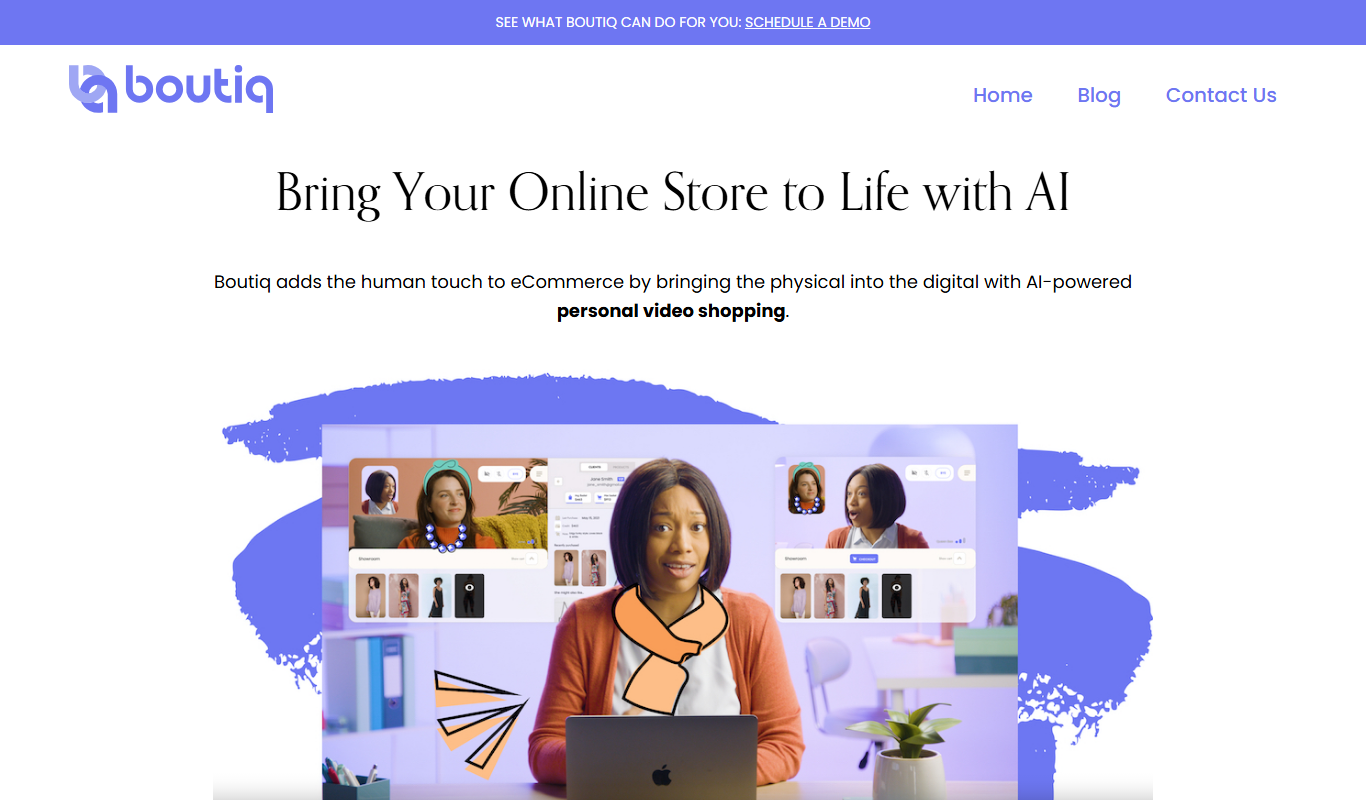
Boutiq adds AI-powered personal video shopping to Shopify stores: shoppers start or schedule a video chat with the store team, from discovery through checkout.

Quilter
Quilter uses physics-driven AI to automate PCB placement and routing, returning review-ready layout candidates in hours for designs from Altium, Cadence and Xpedition.

Talers
Talers is a collaborative writing application for books, novels, scripts and articles, with AI assistance.

Podcast Shownotes Generator
Podcast Shownotes Generator is an AI-powered web tool that creates detailed, SEO-optimized summaries for podcast episodes, helping podcasters save time and improve discoverability.

JotBot AI
JotBot AI is an AI writing assistant that writes in your personal style and helps you find and cite sources without leaving your document.

Sonnet
Sonnet AI is a meeting assistant and notetaker that records without bots, transcribes, writes custom notes, extracts action items and updates your CRM.

Supermeme.ai
Supermeme.ai is an AI-driven meme generator that creates viral memes quickly using customizable templates and AI-generated captions, ideal for social media marketing and content creation.