

From my experience with Fuzzy Match, I found it excels at simplifying complex data deduplication tasks through an intuitive interface and robust fuzzy matching algorithms. After working with the platform, I can say it’s particularly well-suited for data analysts and marketing teams who need to clean and integrate customer data without deep technical expertise. However, the free plan’s data limits and limited integrations may require upgrading for larger or more complex projects. Overall, if you need reliable approximate matching to improve data quality, Fuzzy Match delivers effective and accessible solutions.
Fuzzy Match Tool for Data Deduplication and Record Linkage Solutions
Fuzzy Match is a web tool that uses fuzzy matching algorithms to identify and remove duplicate or similar records in datasets, improving data quality and integration.
- Best for
- Data Deduplication
- Key capability
- Advanced Fuzzy Matching Algorithms

Do you recommend this tool?
What is Fuzzy Match?
Fuzzy Match is a web-based data matching and deduplication tool designed to help organizations identify similar or duplicate records within or across datasets. It uses advanced fuzzy matching algorithms to detect approximate matches even when data contains typos, variations, or inconsistencies. This enables improved data quality, better analytics, and more reliable business decisions.
Key features of Fuzzy Match
The tool offers features such as customizable matching criteria, support for multiple data formats, batch processing, detailed match reports, and integration capabilities. It simplifies complex record linkage tasks by providing an intuitive interface and powerful algorithms optimized for accuracy and speed.
Advanced Fuzzy Matching Algorithms
Employs multiple algorithms including Levenshtein distance and Jaro-Winkler for accurate approximate matching.
Customizable Matching Criteria
Allows users to define which fields to compare and set thresholds for match sensitivity.
Batch Processing Support
Handles large datasets efficiently with batch processing capabilities.
Detailed Match Reports
Provides comprehensive reports with match confidence scores and matched record details.
User-Friendly Web Interface
Intuitive UI that simplifies complex data matching workflows without requiring programming skills.
Pros and cons of Fuzzy Match
Pros
- Accurate fuzzy matching with multiple algorithms
- Easy-to-use interface for non-technical users
- Supports large datasets with batch processing
- Customizable matching rules for flexibility
- Detailed reporting to validate matches
Cons
- Limited integrations compared to some competitors
- Free plan has restrictive data limits
- No mobile app available
Key use cases for Fuzzy Match
Data Deduplication
Identify and remove duplicate records from large datasets to improve data quality and reduce storage costs.
Record Linkage
Match records across different databases or sources even when data entries are inconsistent or contain errors.
Data Cleaning
Clean and standardize data by detecting and correcting inaccuracies or inconsistencies using fuzzy matching algorithms.
Customer Data Integration
Integrate customer data from multiple sources by matching similar but not identical records to create unified profiles.
Data Migration Validation
Validate data integrity during migration by matching records between old and new systems to ensure completeness.
How Fuzzy Match works
- 1
Upload Data
Users upload datasets in supported formats like CSV or Excel to the platform.
- 2
Configure Matching Rules
Set parameters such as matching thresholds, fields to compare, and algorithm preferences.
- 3
Run Matching Process
The tool processes the data using fuzzy matching algorithms to identify potential duplicates or related records.
- 4
Review Results
Users review matched pairs or groups with confidence scores and decide on actions like merging or flagging.
- 5
Export Cleaned Data
Export the deduplicated and linked data for further use or integration into other systems.
Who is using Fuzzy Match
Data analysts
Marketing teams
Customer relationship managers
Data engineers
Small to medium enterprises
Fuzzy Match pricing
Free
$0/month
Basic access with limited data size and features suitable for small projects.
Pro
$49/month
Extended features, higher data limits, and priority support for professional use.
Enterprise
Custom pricing
Tailored solutions with advanced integrations, dedicated support, and SLA guarantees.
Plans and prices are as published by the vendor and can change. Check the official site before you buy. Open the pricing page (opens in a new tab)
Frequently asked questions about Fuzzy Match
It supports common formats such as CSV, Excel, and JSON for easy data import and export.
Yes, users can select different algorithms and adjust matching thresholds to suit their data.
The free plan has limits on the number of records processed per month; details are available on the pricing page.
Currently, it offers export options and API access for integration with external systems.
Data handling and security practices vary by provider. Review the official privacy policy to understand how your data is stored and used.
It depends on your specific needs and how you plan to use the tool. The official website and documentation are the best sources for the latest details.
Sign in to review this tool.
Sign In to ReviewNo reviews yet
Be the first to share how this tool worked for you.
Ask about pricing, limits, or how it compares — or answer someone else.
Sign In to AskNo questions yet
Have a question about using or paying for this tool? Be the first to ask.
Featured on TiorAI



Alternative Tools
Explore similar AI tools that might fit your needs

Free Trial
Data Ladder
Data Ladder is a data quality software platform that helps organizations cleanse, match, deduplicate, and enrich data to improve accuracy and analytics.
Free
OpenRefine
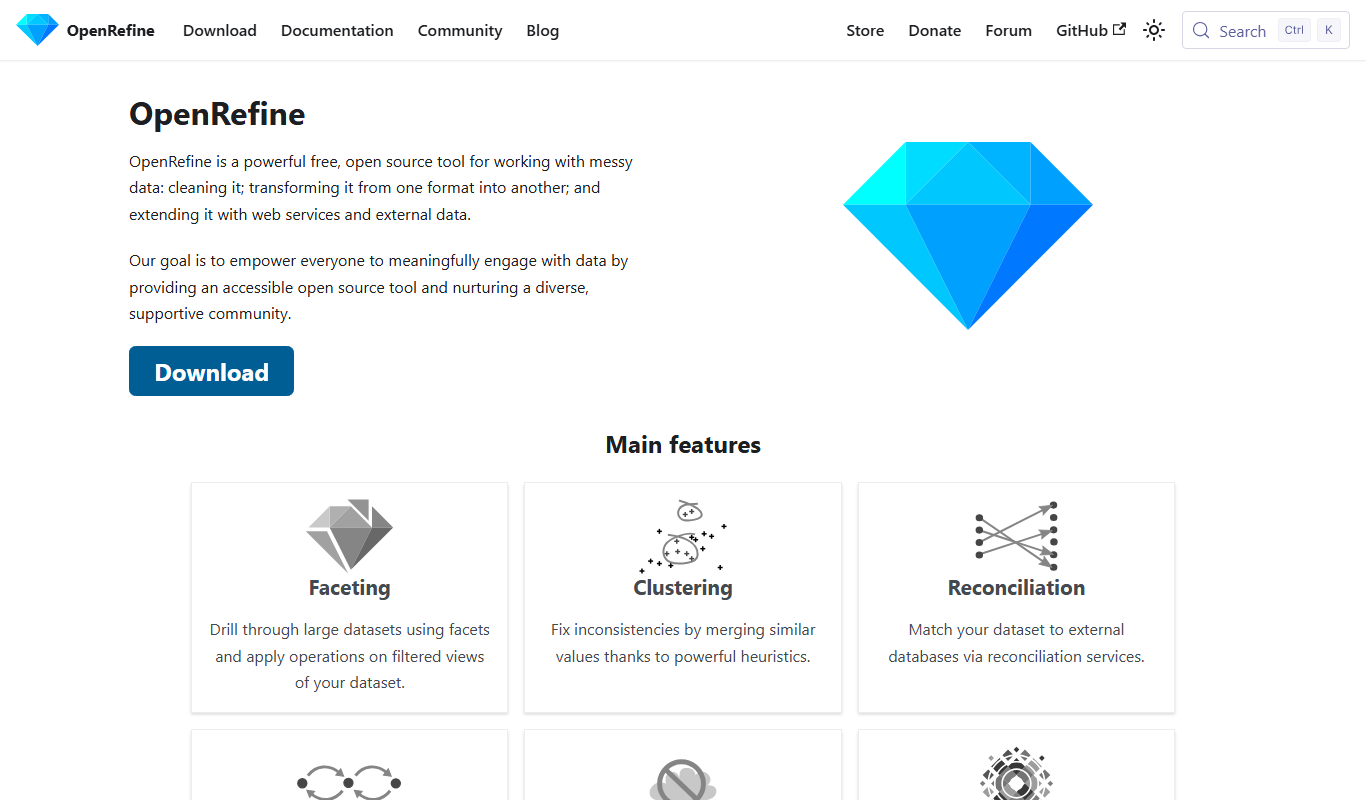
OpenRefine is a free, open-source desktop tool designed for cleaning, transforming, and exploring large datasets with features like faceted browsing, clustering, and data reconciliation.