

From my experience with Frequently.Ai, I found it excels at enabling non-technical users to quickly build and deploy AI chatbots that handle customer FAQs effectively. The platform’s no-code approach and seamless integration with existing knowledge bases make it a practical choice for small to medium businesses aiming to automate support without heavy investment in development. However, the current limitation to English language and some advanced features locked behind paid plans may restrict its use for larger or multilingual enterprises. Overall, if you need a straightforward, AI-powered FAQ chatbot solution, Frequently.Ai delivers solid results with minimal setup.
Frequently.Ai AI Chatbot Builder for Customer Support and FAQs
Frequently.Ai is a no-code AI chatbot builder that helps businesses automate customer support and FAQ responses by leveraging natural language processing to deliver accurate answers across multiple channels.
- Best for
- Automated Customer Support
- Key capability
- No-Code Chatbot Builder


Do you recommend this tool?
What is Frequently.Ai?
Frequently.Ai is a no-code AI chatbot builder designed to help businesses automate customer support and FAQ interactions. It leverages advanced natural language processing to understand user queries and deliver accurate, context-aware responses. The platform enables users to quickly create, customize, and deploy chatbots without programming skills, improving customer experience and reducing support costs.
Key features of Frequently.Ai
Frequently.Ai offers features such as easy chatbot creation, integration with existing FAQs and knowledge bases, real-time analytics, multi-channel deployment, and API access for custom workflows. Its AI understands natural language, enabling conversational interactions that feel intuitive and helpful.
No-Code Chatbot Builder
Create and customize AI chatbots without any programming knowledge.
Natural Language Understanding
Advanced AI interprets user queries to provide accurate and relevant answers.
FAQ and Knowledge Base Integration
Easily import existing FAQs or documentation to power chatbot responses.
Multi-Channel Deployment
Deploy chatbots on websites, messaging apps, or through APIs for broad reach.
Analytics Dashboard
Gain insights into chatbot interactions and user behavior to improve support.
Pros and cons of Frequently.Ai
Pros
- Easy no-code chatbot creation
- Quick integration with existing FAQs
- Real-time analytics for performance tracking
- Supports multi-channel deployment
- Responsive customer support
Cons
- Limited language support (English only)
- Advanced features require paid plans
- Customization options may be limited for complex workflows
Key use cases for Frequently.Ai
Automated Customer Support
Deploy AI-powered chatbots to answer customer questions instantly, reducing support workload.
FAQ Automation
Convert existing FAQs into an interactive chatbot that provides quick, accurate answers.
Knowledge Base Enhancement
Integrate AI chatbots with knowledge bases to improve information accessibility and user experience.
Lead Qualification
Use chatbots to engage visitors, qualify leads, and direct them to appropriate sales channels.
Internal Support
Provide employees with instant answers to common internal queries via AI chatbots.
How Frequently.Ai works
- 1
Sign Up
Create an account on the Frequently.Ai platform to access chatbot building tools.
- 2
Import FAQs or Knowledge Base
Upload your existing FAQ documents or knowledge base content to train the chatbot.
- 3
Customize Chatbot
Use the no-code interface to tailor chatbot responses, appearance, and behavior.
- 4
Deploy Chatbot
Integrate the chatbot on your website, messaging platforms, or via API.
- 5
Monitor and Optimize
Track chatbot performance with analytics and refine responses based on user interactions.
Who is using Frequently.Ai
Small and medium businesses
Customer support teams
E-commerce websites
Marketing agencies
Internal helpdesk teams
Frequently.Ai pricing
Free
$0/month
Basic chatbot features with limited interactions and standard support.
Pro
$49/month
Advanced features including higher interaction limits, analytics, and priority support.
Enterprise
Custom pricing
Tailored solutions with dedicated support, custom integrations, and SLA guarantees.
Plans and prices are as published by the vendor and can change. Check the official site before you buy. Open the pricing page (opens in a new tab)
Frequently asked questions about Frequently.Ai
No, Frequently.Ai offers a no-code interface that allows anyone to create and customize chatbots easily.
Yes, you can deploy chatbots on your website via embed code or use the API for custom integrations.
Currently, Frequently.Ai supports English language interactions.
Yes, there is a free plan that lets you try basic chatbot features without a time limit.
It depends on your specific needs and how you plan to use the tool. The official website and documentation are the best sources for the latest details.
Yes, it can help with that use case depending on how you configure it and what features are available. You’ll get the best results with clear inputs and a defined goal.
Pricing depends on the plan and included features. For the most accurate and up-to-date details, check the official pricing page.
Sign in to review this tool.
Sign In to ReviewNo reviews yet
Be the first to share how this tool worked for you.
Ask about pricing, limits, or how it compares — or answer someone else.
Sign In to AskNo questions yet
Have a question about using or paying for this tool? Be the first to ask.
Featured on TiorAI



More Digital Marketing Generator tools
Other tools in the same category, for when this one is not quite the fit.
Custom Pricing
Ignite
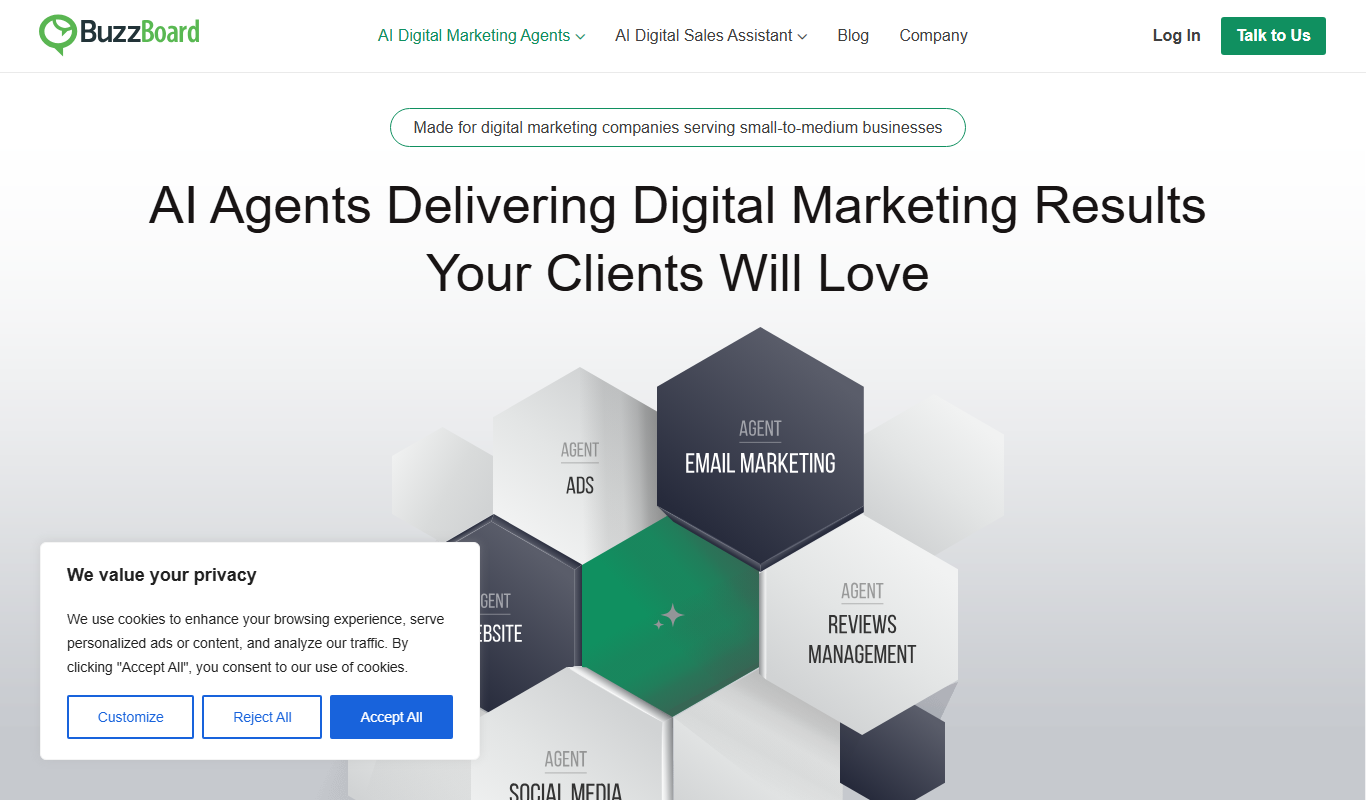
Ignite by BuzzBoard is an AI-driven sales intelligence platform that provides B2B companies with real-time customer insights, predictive lead scoring, and CRM integration to enhance sales and marketing effectiveness.

Free Trial
NinjaInfluence – Influencer Marketing
NinjaInfluence is a web-based influencer marketing platform that helps brands discover influencers, manage campaigns, and track performance with integrated affiliate marketing features.

Custom Pricing
RDMC | AI Digital Marketing Agency
RDMC is an AI-driven digital marketing agency platform that automates campaign management, lead generation, and performance analytics to help businesses optimize their marketing efforts.
Free
Opuna
Opuna is an AI writing assistant that generates and optimizes content for blogs, marketing, and SEO purposes through an easy-to-use web platform.

Custom Pricing
theineedgroup.co.uk
The I Need Group is a UK-based provider offering personalized mental health counseling, workplace wellbeing programs, and training services to support individuals and organizations.

Freemium
Great Headlines
Great Headlines is an AI-powered tool that generates multiple catchy and SEO-optimized headline suggestions based on your input topic or keyword.

Freemium
Strique
Strique is an AI content generation platform that helps marketers and SEO professionals create optimized marketing copy, blog posts, emails, and product descriptions efficiently using advanced natural language processing.

Free Trial
Adbot – Your Search Ads Specialist
Adbot is an AI-driven platform that automates search ad campaign management, optimizing bids, keywords, and budgets to improve PPC performance.