
From my experience with Fluxy AI, I found it excels at automating the tedious parts of video editing, making it accessible even for beginners. The AI-driven scene detection and template options significantly reduce the time needed to produce polished videos, especially for social media content. However, the free plan’s limitations on video length and watermark can be restrictive for some users. Overall, if you need to quickly create engaging videos without deep editing skills, Fluxy AI offers a practical and efficient solution.

Fluxy AI Review: AI-Powered Video Editing Software for Creators
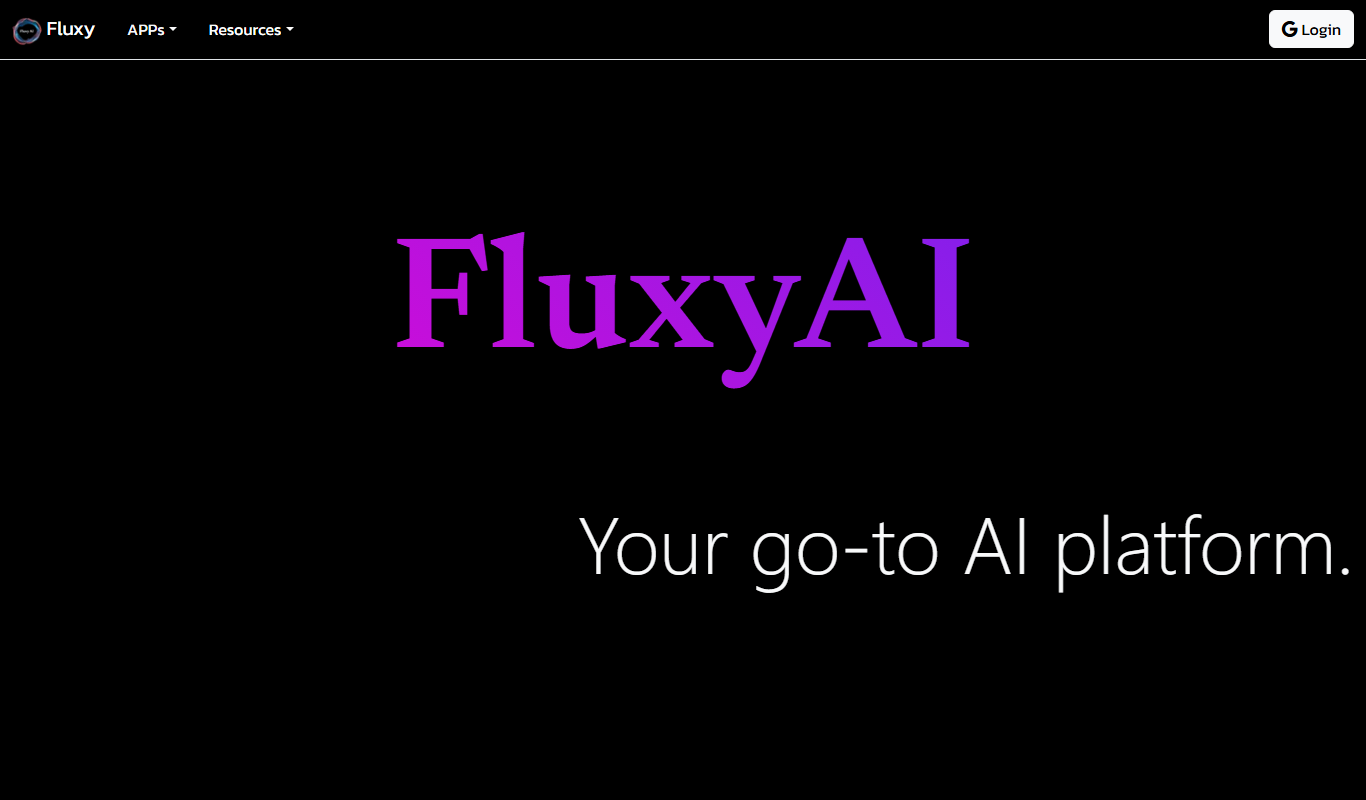
Fluxy AI is an AI-powered video editing software that automates the editing process by analyzing raw footage to create polished videos optimized for social media and marketing, suitable for creators and businesses.
Categories:
AI Artificial Intelligence Tools
AI Content Creation Tools
AI Video Creation Tools
AI Waifu Generator
Tech Stack:
JavaScript
Python
TensorFlow
What is Fluxy AI?
Fluxy AI is an AI-driven video editing platform designed to simplify and accelerate the video production process. It leverages artificial intelligence to automatically analyze raw footage, identify key moments, and assemble polished videos optimized for various platforms. This tool is ideal for content creators, marketers, and video professionals seeking to reduce manual editing time while maintaining high-quality output.
Key Features of Fluxy AI
AI-Powered Scene Detection
Automatically identifies key moments and segments within raw footage for efficient editing.
Customizable Video Templates
Offers a variety of templates tailored for different video styles and social media formats.
Cloud-Based Editing
Enables remote access and collaboration without the need for local software installation.
Social Media Optimization
Exports videos in formats and aspect ratios optimized for platforms like Instagram, TikTok, and YouTube.
Fast Rendering and Export
Delivers quick video processing and export to streamline content publishing workflows.
Pros and Cons of Fluxy AI
Pros
- Automates complex video editing tasks effectively
- User-friendly interface suitable for beginners
- Optimized exports for social media platforms
- Cloud-based with no software installation required
- Offers flexible pricing plans including a free tier
Cons
- Limited video length and watermark in free plan
- Advanced features require higher-tier subscriptions
- Currently supports only English language interface
Key Use Cases for Fluxy AI
Automated Video Editing
Automatically edit raw footage into polished videos using AI-powered tools that analyze content and optimize cuts.
Content Creation for Social Media
Create engaging short-form videos tailored for platforms like Instagram, TikTok, and YouTube with minimal manual effort.
Marketing Video Production
Generate professional marketing videos quickly to promote products or services without needing extensive video editing skills.
Video Summarization
Condense long videos into concise highlights or summaries to improve viewer engagement and retention.
Collaborative Video Projects
Enable teams to collaborate on video projects remotely with cloud-based editing and AI assistance.
How Fluxy AI Works
-
1
Upload Footage
Users upload raw video files to the Fluxy AI platform via the web interface.
-
2
AI Analysis
The AI engine analyzes the footage to detect scenes, highlights, and important content.
-
3
Automatic Editing
Based on analysis, Fluxy AI automatically edits the video, applying cuts, transitions, and effects.
-
4
Customization
Users can customize the video using templates, adjust pacing, and add branding elements.
-
5
Export and Share
Final videos can be exported in various formats optimized for social media or other platforms.
Who's Using Fluxy AI
Content creators and influencers
Marketing teams and agencies
Small to medium-sized businesses
Social media managers
Video production freelancers
Fluxy AI Pricing
Free
$0/month
Basic access with limited video length and watermark on exports.
Pro
$29/month
Extended video length, no watermark, access to premium templates and faster processing.
Business
$99/month
Advanced collaboration features, priority support, and custom branding options.
Frequently Asked Questions About Fluxy AI
Yes, Fluxy AI is designed to automate editing tasks, making it accessible for users without prior video editing skills.
Fluxy AI supports common video formats including MP4, MOV, and AVI for uploads.
Yes, the free plan limits video length to 3 minutes per project.
Collaboration features are available in the Business plan, allowing multiple users to work on projects.
It depends on your specific needs and how you plan to use the tool. The official website and documentation are the best sources for the latest details.
Pricing depends on the plan and included features. For the most accurate and up-to-date details, check the official pricing page.
It depends on your specific needs and how you plan to use the tool. The official website and documentation are the best sources for the latest details.
Yes, it can help with that use case depending on how you configure it and what features are available. You’ll get the best results with clear inputs and a defined goal.
Share your review
Reviews are limited to one per logged-in user and are published after moderation.
You need an account to review this tool.
0.0
★
★
★
★
★
0 reviews
5 star
0
4 star
0
3 star
0
2 star
0
1 star
0
No reviews yet
Be the first to share how this tool worked for you.
Questions from the community
Read questions and answers about this tool, or ask your own.
No questions yet
Start the conversation by asking the first question about this tool.
Is this tool helpful?

Freemium
Zaayve AI
Zaayve AI is a cloud-based platform that uses artificial intelligence to automate business workflows, analyze data, and enhance customer engagement, helping businesses improve efficiency and decision-making.
Freemium
Haire.ai
Haire.ai is an AI-driven haircare assistant that analyzes your hair type and condition to provide personalized product recommendations and routine advice.

Free
Artificial Intelligence Radio
Artificial Intelligence Radio is a free podcast offering expert interviews, AI news, and insights to keep listeners informed about artificial intelligence developments.

Freemium
WatchNow AI
WatchNow AI is a web-based AI tool that automatically summarizes videos, extracts highlights, and provides transcriptions to help users quickly understand and repurpose video content.

Freemium
Clueso
Clueso is an AI-driven data analysis platform that automates data processing, provides predictive analytics, and creates customizable dashboards to help businesses make data-driven decisions.

Freemium
ArchitectGPT
ArchitectGPT is an AI tool that automates architectural design by generating concepts, drafts, and presentations based on user inputs, streamlining the design process for architects and planners.

Freemium
Marevo
Marevo is an AI-driven video creation platform that automates video production from text or scripts, enabling users to generate professional videos quickly without manual editing skills.

Free Trial
AI Video Generator – Veo3
AI Video Generator Veo3 is a web-based tool that uses AI to automate video creation from text, images, or clips, offering templates, voiceovers, and social media optimized exports.