

From my experience with Fluffy Muffins for WhatsApp, I found it excels at simplifying chatbot creation for WhatsApp Business users with its intuitive drag-and-drop builder and multi-language support. It’s particularly well-suited for small to medium businesses looking to automate customer support and lead generation on WhatsApp without complex technical setup. However, the free plan’s conversation limits and lack of a dedicated mobile app for management may restrict some users. Overall, if you want to quickly deploy WhatsApp chatbots with solid automation features, Fluffy Muffins offers a practical and accessible solution.
Fluffy Muffins for WhatsApp - AI Chatbot and Automation Tool Features
Fluffy Muffins for WhatsApp is a chatbot platform that enables businesses to automate customer interactions on WhatsApp using AI-powered conversation flows and WhatsApp Business API integration.
- Best for
- Customer Support Automation
- Key capability
- Drag-and-Drop Chatbot Builder


Do you recommend this tool?
What is Fluffy Muffins for WhatsApp?
Fluffy Muffins for WhatsApp is a chatbot platform designed to create automated conversational experiences within WhatsApp. It enables businesses to build AI-powered chatbots that handle customer interactions, automate repetitive tasks, and improve engagement on the WhatsApp messaging channel.
Key features of Fluffy Muffins for WhatsApp
The platform offers drag-and-drop chatbot building, integration with WhatsApp Business API, multi-language support, and analytics to monitor chatbot performance. It focuses on simplifying automation for customer service, sales, and marketing teams.
Drag-and-Drop Chatbot Builder
Intuitive interface to create chatbot conversation flows without coding.
WhatsApp Business API Integration
Seamless connection to WhatsApp for real-time messaging automation.
Multi-language Support
Supports English, Spanish, Portuguese to cater to diverse customer bases.
Analytics Dashboard
Monitor chatbot performance metrics such as engagement rates and response times.
Pre-built Templates
Ready-to-use chatbot templates for common use cases like customer support and lead generation.
Pros and cons of Fluffy Muffins for WhatsApp
Pros
- User-friendly drag-and-drop chatbot builder
- Direct integration with WhatsApp Business API
- Multi-language support for wider reach
- Pre-built templates speed up deployment
- Detailed analytics to optimize chatbot performance
Cons
- Limited free plan conversation volume
- No disclosed mobile app for chatbot management
- Pricing details for Enterprise plan require contact
Key use cases for Fluffy Muffins for WhatsApp
Customer Support Automation
Automate responses to common customer inquiries on WhatsApp to reduce support workload and improve response times.
Lead Generation
Engage potential customers via WhatsApp chatbots to qualify leads and collect contact information automatically.
Order Management
Enable customers to place, track, and manage orders directly through WhatsApp conversations.
Appointment Scheduling
Allow users to book and confirm appointments via WhatsApp chatbot interactions.
How Fluffy Muffins for WhatsApp works
- 1
Sign Up
Create an account on the Fluffy Muffins website to access the chatbot builder.
- 2
Connect WhatsApp
Link your WhatsApp Business number via the WhatsApp Business API integration.
- 3
Build Chatbot
Use the visual drag-and-drop interface to design conversation flows and automate responses.
- 4
Deploy and Monitor
Activate the chatbot on WhatsApp and track interactions through the analytics dashboard.
Who is using Fluffy Muffins for WhatsApp
Small to medium businesses using WhatsApp for customer communication
E-commerce stores seeking automated order support
Marketing teams aiming to generate leads via messaging
Customer service departments looking to reduce manual workload
Fluffy Muffins for WhatsApp pricing
Free
$0/month
Basic chatbot features with limited monthly conversations and access to templates.
Pro
$49/month
Expanded conversation limits, advanced features, and priority support.
Enterprise
Custom pricing
Tailored solutions with unlimited conversations, dedicated account manager, and custom integrations.
Plans and prices are as published by the vendor and can change. Check the official site before you buy. Open the pricing page (opens in a new tab)
Frequently asked questions about Fluffy Muffins for WhatsApp
Yes, a WhatsApp Business account connected via the WhatsApp Business API is required to deploy chatbots.
Absolutely, the platform allows full customization of conversation flows and responses.
Limits depend on the pricing plan; the Free plan has monthly caps, while paid plans offer higher or unlimited limits.
Yes, it supports Spanish and Portuguese in addition to English.
Integration support depends on the tool and its available connectors or API. Check the official documentation or integrations page to confirm what is supported.
Yes, it can help with that use case depending on how you configure it and what features are available. You’ll get the best results with clear inputs and a defined goal.
Some tools offer a free plan or trial with limited features. Availability can vary, so confirm on the official website.
Yes, it can help with that use case depending on how you configure it and what features are available. You’ll get the best results with clear inputs and a defined goal.
Sign in to review this tool.
Sign In to ReviewNo reviews yet
Be the first to share how this tool worked for you.
Ask about pricing, limits, or how it compares — or answer someone else.
Sign In to AskNo questions yet
Have a question about using or paying for this tool? Be the first to ask.
Featured on TiorAI



More AI Cartoon Generator tools
Other tools in the same category, for when this one is not quite the fit.
Free Trial
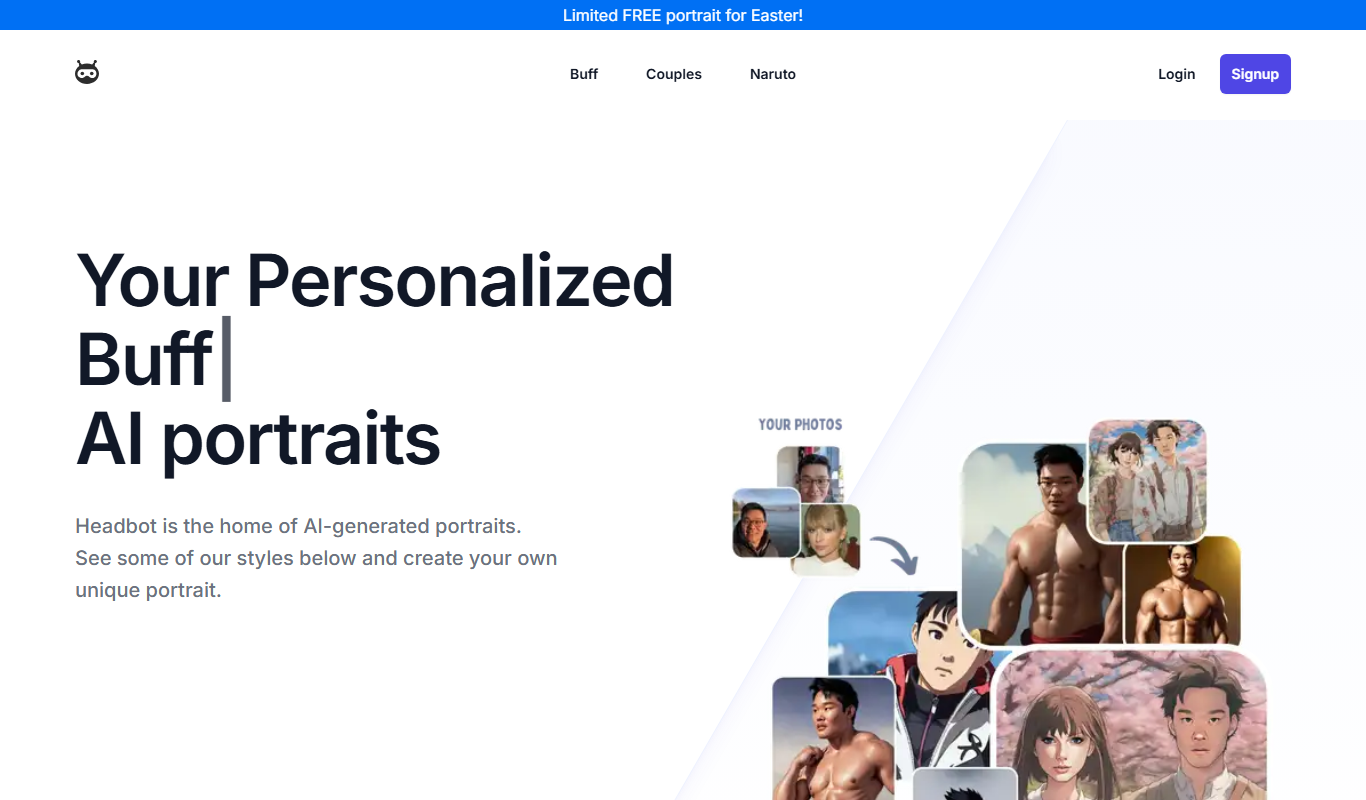
Headbot
Headbot is an AI-powered chatbot platform that automates customer interactions on websites, helping businesses improve support and engagement through conversational AI.
Freemium
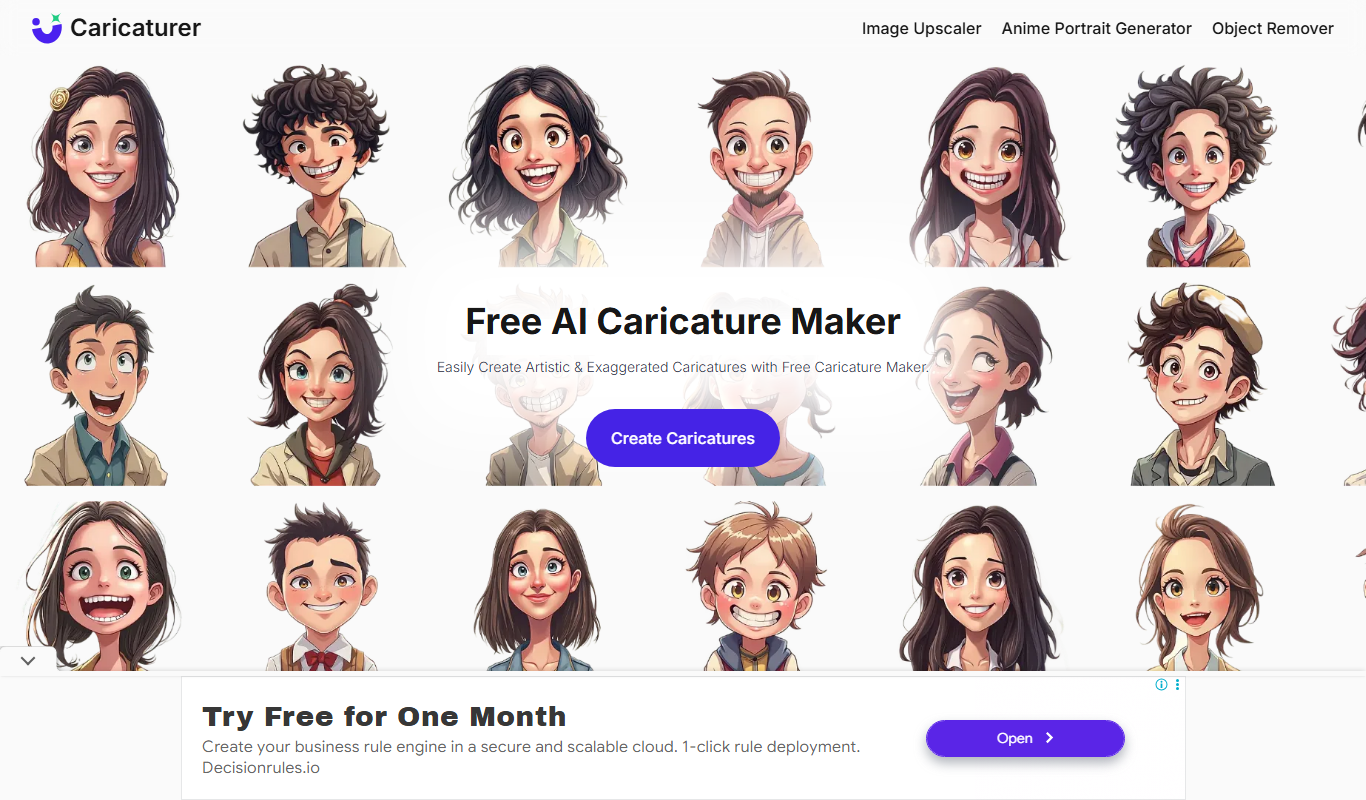
Caricaturer.io
Caricaturer.io is an AI-based web tool that transforms photos into stylized caricature portraits quickly and easily, offering multiple styles and high-resolution downloads with a premium plan.

Free
AI Cartoon Generator
AI Cartoon Generator is a web tool that converts photos into cartoon avatars using AI technology, offering multiple styles and easy downloads.
Free
FigureToCartoon
FigureToCartoon is an AI-based web tool that converts photos into cartoon avatars quickly and easily, offering multiple styles and download options.
Free
CartoonGen
CartoonGen is an AI-powered web tool that converts photos into custom cartoon avatars with various styles, suitable for social media, branding, and creative projects.
Free
ArtiTattoos
ArtiTattoos is a web-based platform that uses AI technology to help users create and customize unique tattoo designs easily, offering various styles and collaboration features.
Free
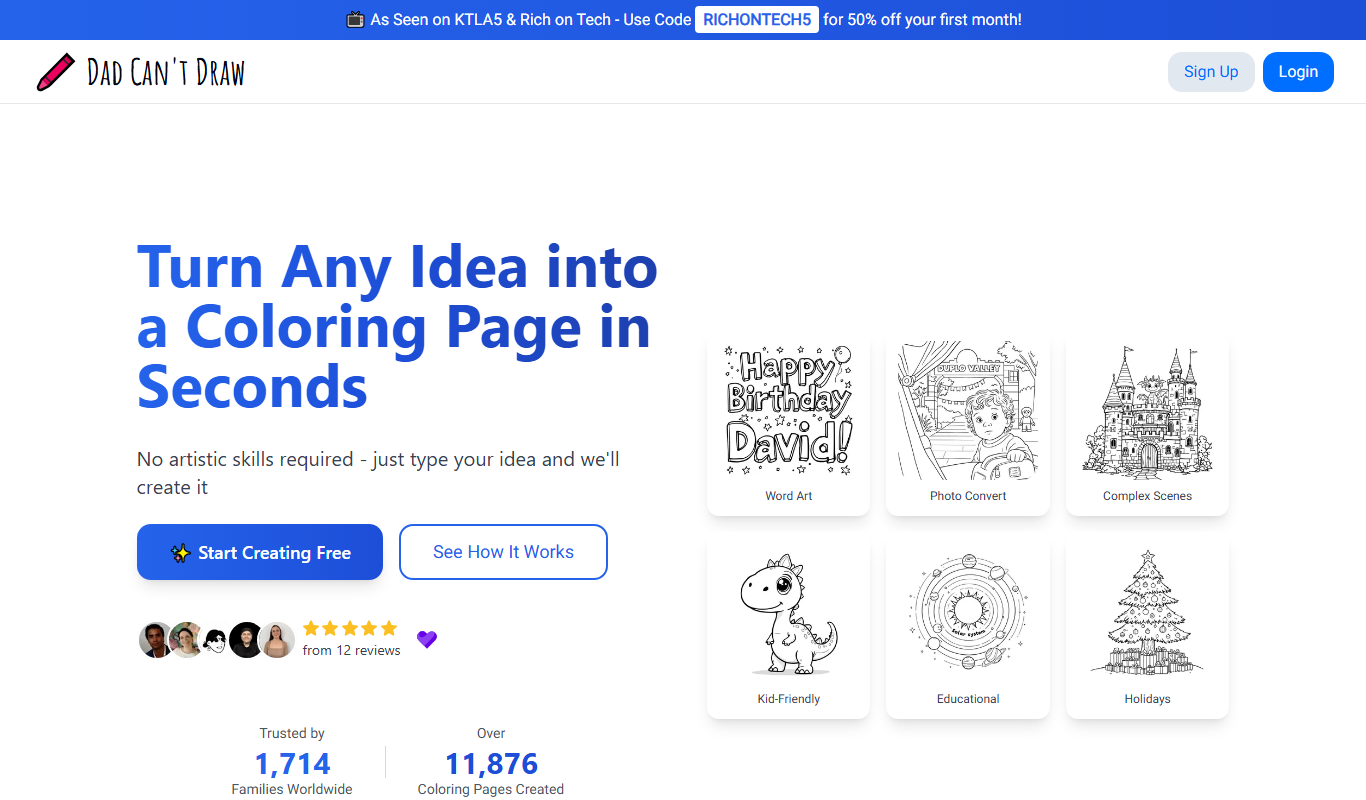
Dad Can’t Draw
Dad Can't Draw is an AI-powered web tool that generates childlike, quirky illustrations from text prompts, offering a fun and unique art creation experience.

Free
myimg.ai
myimg.ai is a web-based AI tool that automatically removes backgrounds from images, supports bulk processing, and offers easy downloads with transparent backgrounds.