

From my experience with FlowTestAI, I found it excels at simplifying automated web application testing through AI-driven test generation. The platform significantly reduces the manual effort typically required to create and maintain UI tests, making it accessible even to users with limited coding skills. Its seamless integration with CI/CD pipelines and cross-browser testing capabilities make it a practical choice for modern development workflows. However, it currently lacks mobile app testing support, which could be a limitation for teams needing that functionality. Overall, if your focus is on efficient, AI-powered web app testing, FlowTestAI delivers reliable and insightful results.
FlowTestAI Automated Software Testing Platform for Efficient QA
FlowTestAI is an AI-powered platform that automates web application testing by generating UI tests, integrating with CI/CD pipelines, and reducing flaky tests for efficient quality assurance.
- Best for
- Automated UI Testing
- Key capability
- AI-Powered Test Generation


Do you recommend this tool?
What is FlowTestAI?
FlowTestAI is an AI-driven automated software testing platform designed to simplify and accelerate quality assurance processes. It enables teams to create, execute, and maintain automated tests for web applications with minimal manual effort by leveraging artificial intelligence to handle test creation and maintenance.
Key features of FlowTestAI
The platform offers AI-powered test generation, cross-browser testing, integration with popular CI/CD tools, and intelligent test maintenance to reduce flaky tests and improve reliability. It supports seamless collaboration between QA engineers and developers.
AI-Powered Test Generation
Automatically create comprehensive UI test cases without manual scripting.
Cross-Browser Compatibility Testing
Run tests on multiple browsers to ensure consistent application behavior.
CI/CD Pipeline Integration
Seamlessly integrate automated tests into popular CI/CD tools like Jenkins and GitHub Actions.
Flaky Test Detection and Reduction
Identify unstable tests and reduce false positives using AI analytics.
Detailed Test Reporting
Access rich reports with logs, screenshots, and failure analysis for faster debugging.
Pros and cons of FlowTestAI
Pros
- AI automates test creation, reducing manual effort
- Supports cross-browser testing for broad coverage
- Easy integration with CI/CD pipelines
- Detailed reporting aids quick debugging
- Reduces flaky tests with AI insights
Cons
- Limited to web application testing, no mobile support yet
- Pricing may be high for very small teams
- Some advanced customization requires technical knowledge
Key use cases for FlowTestAI
Automated UI Testing
Create and run automated tests for web application user interfaces without manual scripting.
Regression Testing
Automatically detect regressions in software after updates or code changes to maintain quality.
Continuous Integration Testing
Integrate with CI/CD pipelines to run tests automatically on code commits and deployments.
Cross-Browser Testing
Test web applications across multiple browsers to ensure consistent user experience.
Test Maintenance and Optimization
Leverage AI to reduce flaky tests and maintain test suites efficiently over time.
How FlowTestAI works
- 1
Sign Up and Connect
Create an account on FlowTestAI and connect your web application or repository.
- 2
Generate Tests Automatically
Use AI to automatically generate UI test cases based on your application’s workflows.
- 3
Run Tests and Analyze Results
Execute tests across different browsers and environments, then review detailed reports.
- 4
Integrate with CI/CD
Connect FlowTestAI with your continuous integration pipeline for automated testing on code changes.
- 5
Maintain and Optimize Tests
Leverage AI-driven insights to identify flaky tests and optimize your test suite over time.
Who is using FlowTestAI
QA engineers
Software developers
DevOps teams
Startups and SMBs
Enterprises with web applications
FlowTestAI pricing
Free Trial
$0 for 14 days
Full access to all features for two weeks to evaluate the platform.
Professional
$49/month
Includes unlimited test runs, CI/CD integration, and email support.
Enterprise
Custom pricing
Advanced features, dedicated support, and tailored solutions for large teams.
Plans and prices are as published by the vendor and can change. Check the official site before you buy. Open the pricing page (opens in a new tab)
Frequently asked questions about FlowTestAI
Currently, FlowTestAI focuses on web application testing and does not support mobile app testing.
Yes, FlowTestAI supports integration with popular CI/CD platforms such as Jenkins, GitHub Actions, and GitLab.
No, the AI-powered test generation allows users with minimal coding skills to create automated tests.
The platform uses AI analytics to detect flaky tests and provides recommendations to reduce them.
This tool is designed to help users accomplish its core tasks more efficiently. It is typically used by individuals or teams looking to improve productivity and workflow.
Yes, it can help with that use case depending on how you configure it and what features are available. You’ll get the best results with clear inputs and a defined goal.
Integration support depends on the tool and its available connectors or API. Check the official documentation or integrations page to confirm what is supported.
Yes, it can help with that use case depending on how you configure it and what features are available. You’ll get the best results with clear inputs and a defined goal.
Sign in to review this tool.
Sign In to ReviewNo reviews yet
Be the first to share how this tool worked for you.
Ask about pricing, limits, or how it compares — or answer someone else.
Sign In to AskNo questions yet
Have a question about using or paying for this tool? Be the first to ask.
Featured on TiorAI



Alternative Tools
Explore similar AI tools that might fit your needs
Free Trial
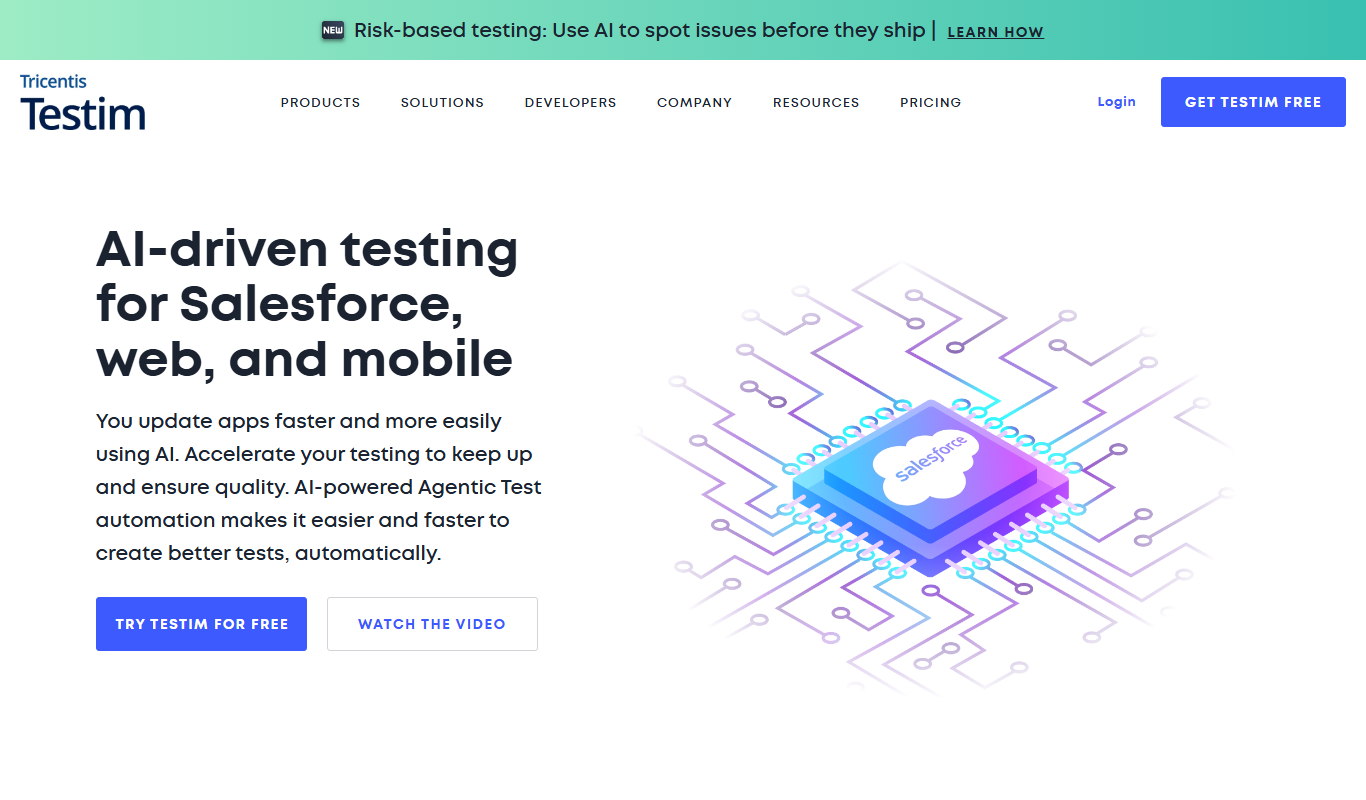
Testim
Testim is an AI-driven test automation platform that enables codeless test creation, self-healing tests, and seamless integration with CI/CD pipelines to improve software quality and reduce testing time.

Free Trial
Mabl
Mabl is an AI-driven automated testing platform that enables software teams to create, run, and maintain end-to-end tests with codeless tools and AI-powered visual validation, integrating seamlessly into CI/CD pipelines.

Free
Selenium
Selenium is an open-source framework that automates web browsers for testing and web automation, supporting multiple languages and browsers.