

From my experience with Flipped.ai, I found it excels at quickly distilling lengthy video content into concise summaries, which is a huge time saver for busy professionals. The transcription quality is solid, making it easier to search and review video material without watching full recordings. It’s particularly well-suited for educators, marketers, and corporate teams who handle large volumes of video content. However, the platform currently supports only English and lacks a mobile app, which might limit flexibility for some users. Overall, if you need efficient video summarization and transcription, Flipped.ai delivers reliable and user-friendly results.
Flipped.ai AI-Powered Video Summarization and Content Analysis Tool
Flipped.ai is an AI-driven tool that automatically summarizes, transcribes, and indexes video content to help users quickly extract key insights without watching entire videos.
- Best for
- Video Content Summarization
- Key capability
- Automated Video Summarization
Your actions
Save Flipped.ai, follow its updates and vote on it — everything stays in your account.
Sign in or create a free account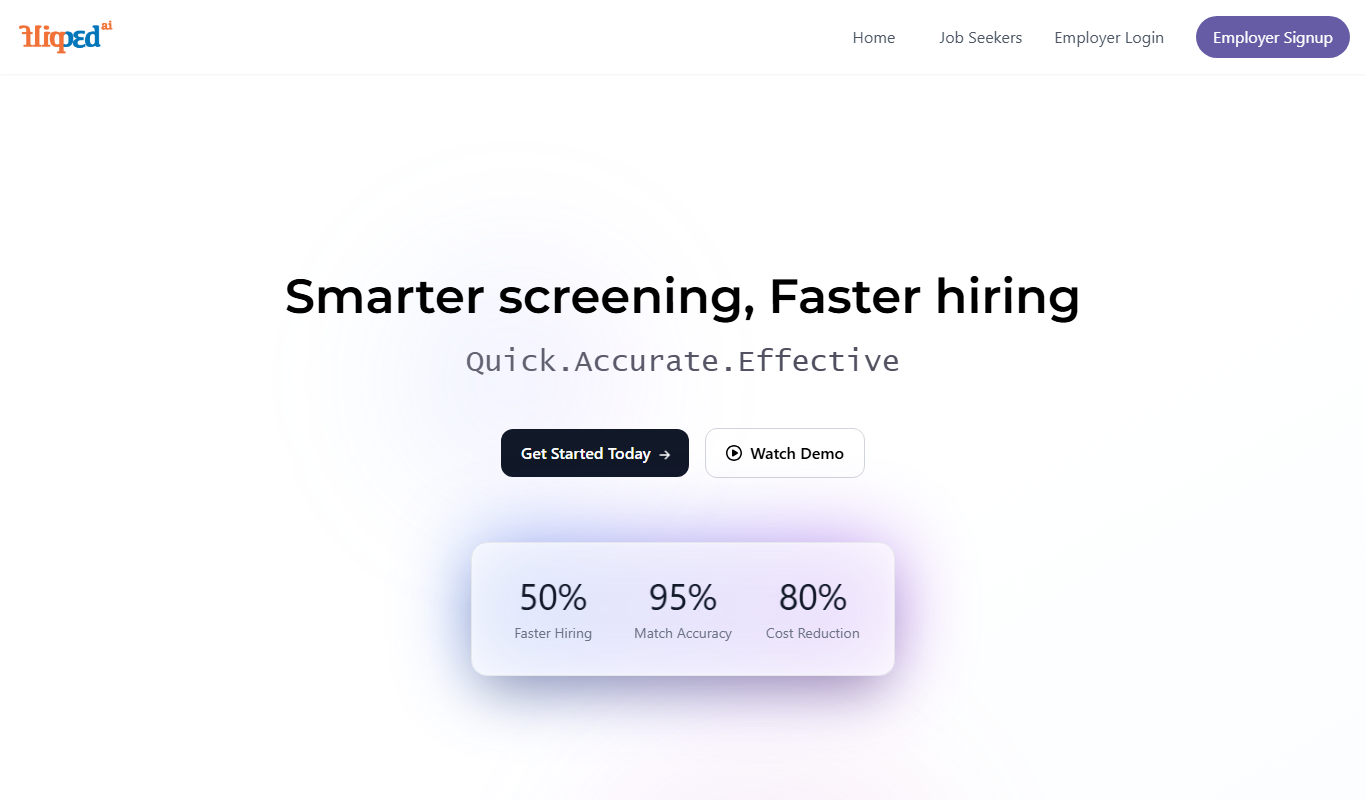
What is Flipped.ai?
Flipped.ai is an AI-driven platform designed to transform video content into actionable insights by automatically summarizing, transcribing, and indexing videos. It leverages advanced machine learning models to analyze video and audio streams, enabling users to quickly grasp essential information without watching entire videos.
Key features of Flipped.ai
Flipped.ai offers automated video summarization, transcription, searchable indexing, and content highlight extraction. Its intuitive web interface allows users to upload videos and receive concise summaries and transcripts, enhancing productivity and content accessibility.
Automated Video Summarization
Generates concise summaries that capture the main points of lengthy videos.
Accurate Transcription
Converts spoken content into text with high accuracy for easy reading and searching.
Searchable Video Indexing
Creates indexes of video content to enable quick navigation and retrieval of specific segments.
Highlight Extraction
Identifies and extracts important moments or action items from videos.
Pros and cons of Flipped.ai
Pros
- Saves time by summarizing long videos quickly
- High-quality transcription improves accessibility
- Searchable indexes enhance content navigation
- User-friendly web interface
- Flexible pricing plans including free tier
Cons
- Limited language support (English only)
- No mobile app currently available
- Some advanced features reserved for paid plans
Key use cases for Flipped.ai
Video Content Summarization
Automatically generate concise summaries of long videos to quickly understand key points.
Content Indexing and Search
Create searchable transcripts and indexes for video libraries to improve content discoverability.
Meeting and Lecture Analysis
Extract highlights and action items from recorded meetings or lectures for efficient review.
Marketing and Training Videos
Analyze video content to identify important segments for repurposing or training purposes.
How Flipped.ai works
- 1
Upload Video
Users upload their video files or provide video URLs through the Flipped.ai web platform.
- 2
AI Processing
The platform uses AI algorithms to transcribe audio, analyze content, and generate summaries.
- 3
Review Output
Users receive a summarized version of the video along with a searchable transcript and key highlights.
- 4
Export and Share
Summaries and transcripts can be exported or shared for collaboration and further use.
Who is using Flipped.ai
Content creators and marketers
Educators and students
Corporate teams and project managers
Media and communication professionals
Training and HR departments
Flipped.ai pricing
Free
$0/month
Basic access with limited video length and features.
Pro
$29/month
Extended video length, priority processing, and advanced features.
Enterprise
Custom pricing
Tailored solutions with dedicated support and API access.
Plans and prices are as published by the vendor and can change. Check the official site before you buy. Open the pricing page (opens in a new tab)
Frequently asked questions about Flipped.ai
You can upload most common video formats including MP4, MOV, and AVI.
Flipped.ai uses advanced AI models that provide high transcription accuracy, though results may vary with audio quality.
Yes, the platform creates searchable transcripts and indexes to help you find specific segments quickly.
Enterprise plans include API access for integration with other tools and workflows.
It depends on your specific needs and how you plan to use the tool. The official website and documentation are the best sources for the latest details.
Some tools offer a free plan or trial with limited features. Availability can vary, so confirm on the official website.
Yes, it can help with that use case depending on how you configure it and what features are available. You’ll get the best results with clear inputs and a defined goal.
Integration support depends on the tool and its available connectors or API. Check the official documentation or integrations page to confirm what is supported.
Sign in to review this tool.
Sign In to ReviewNo reviews yet
Be the first to share how this tool worked for you.
Ask about pricing, limits, or how it compares — or answer someone else.
Sign In to AskNo questions yet
Have a question about using or paying for this tool? Be the first to ask.
Featured on TiorAI


