

From my experience with Flame Analytics, I found it excels at providing clear, real-time data visualizations that help businesses quickly grasp their performance metrics. The platform’s intuitive dashboard customization makes it accessible even for users without deep technical expertise. After spending time with Flame Analytics, I can say it’s particularly well-suited for small to medium-sized businesses and teams focused on data-driven decision-making. However, the lack of a dedicated mobile app and pricing structure might be a consideration for very small businesses or those needing on-the-go access. Overall, if you need a straightforward yet powerful analytics platform, Flame Analytics delivers solid, actionable insights.
Flame Analytics Review: Advanced Data Analytics Platform for Businesses
Flame Analytics is a web-based platform that enables businesses to analyze data through real-time dashboards and customizable reports, helping them make informed decisions.
- Best for
- Business Performance Monitoring
- Key capability
- Interactive Dashboards
Your actions
Save flameanalytics.com, follow its updates and vote on it — everything stays in your account.
Sign in or create a free account
What is flameanalytics.com?
Flame Analytics is a web-based data analytics platform designed to help businesses transform raw data into actionable insights. It offers interactive dashboards and customizable reports that enable users to monitor performance metrics, visualize trends, and make informed decisions based on real-time data.
Key features of flameanalytics.com
The platform provides advanced data visualization tools, real-time analytics, customizable dashboards, and integration capabilities with various data sources. It focuses on delivering clear, concise insights to support strategic business decisions.
Interactive Dashboards
Create dynamic dashboards that update in real-time to reflect the latest data.
Customizable Reports
Generate reports tailored to specific business questions and export them in various formats.
Data Integration
Connect seamlessly with multiple data sources to consolidate information in one place.
Real-Time Analytics
Access up-to-date analytics to respond quickly to changing business conditions.
Pros and cons of flameanalytics.com
Pros
- User-friendly interface with intuitive dashboard creation
- Real-time data updates for timely insights
- Flexible data integration options
- Customizable reports to fit diverse business needs
Cons
- Limited mobile app support
- Pricing may be high for very small businesses
Key use cases for flameanalytics.com
Business Performance Monitoring
Track and analyze key performance indicators (KPIs) to monitor business health and make data-driven decisions.
Customer Behavior Analysis
Understand customer interactions and trends to optimize marketing strategies and improve customer retention.
Sales Data Visualization
Visualize sales data through interactive dashboards to identify opportunities and forecast revenue.
Operational Efficiency Tracking
Analyze operational processes to identify bottlenecks and improve overall efficiency.
How flameanalytics.com works
- 1
Sign Up
Create an account on the Flame Analytics website to access the platform.
- 2
Connect Data Sources
Integrate your business data from multiple sources such as databases, spreadsheets, or cloud services.
- 3
Customize Dashboards
Build and tailor dashboards to visualize the metrics and KPIs relevant to your business needs.
- 4
Analyze and Share Insights
Use the platform’s tools to analyze data trends and share reports with your team for collaborative decision-making.
Who is using flameanalytics.com
Small to medium-sized businesses
Marketing teams
Sales departments
Operations managers
Business analysts
flameanalytics.com pricing
Free Trial
$0 for 14 days
Full access to features for two weeks to evaluate the platform.
Standard
$49/month
Access to core analytics features with limited data sources and users.
Professional
$99/month
Extended data source integrations, more users, and advanced reporting capabilities.
Enterprise
Custom pricing
Tailored solutions for large organizations with dedicated support and custom features.
Plans and prices are as published by the vendor and can change. Check the official site before you buy. Open the pricing page (opens in a new tab)
Frequently asked questions about flameanalytics.com
Yes, Flame Analytics offers a 14-day free trial with full access to all features.
You can connect databases, spreadsheets, and various cloud services supported by the platform.
Yes, the platform offers scalable plans suitable for small to large businesses.
Yes, customer support is available via email and chat, with priority support for enterprise customers.
It depends on your specific needs and how you plan to use the tool. The official website and documentation are the best sources for the latest details.
Some tools offer a free plan or trial with limited features. Availability can vary, so confirm on the official website.
Data handling and security practices vary by provider. Review the official privacy policy to understand how your data is stored and used.
Sign in to review this tool.
Sign In to ReviewNo reviews yet
Be the first to share how this tool worked for you.
Ask about pricing, limits, or how it compares — or answer someone else.
Sign In to AskNo questions yet
Have a question about using or paying for this tool? Be the first to ask.
Featured on TiorAI



More AI Business Intelligence Tools tools
Other tools in the same category, for when this one is not quite the fit.

Freemium
Graphy for Data Storytelling
Graphy is a web-based platform designed for creating interactive data stories by combining data visualization with narrative elements, enabling users to communicate insights effectively.
Free Trial
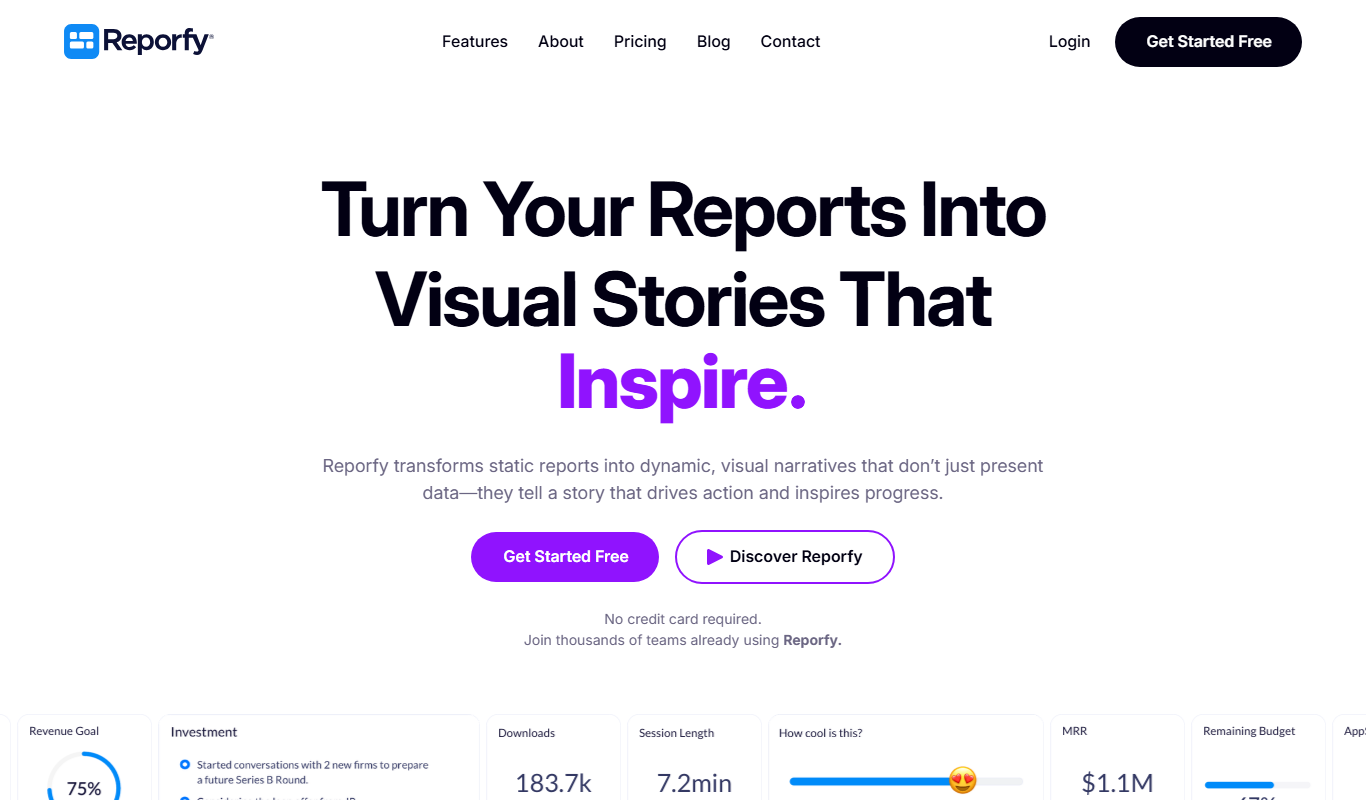
Reporfy
Reporfy is an AI-powered platform that automates business report generation by analyzing data and creating insightful, customizable reports to support decision-making.

Custom Pricing
tredence.com
Tredence is a data science and AI company providing customized analytics solutions to help enterprises leverage data for better decision-making and operational efficiency.

Freemium
AI Lens For Power BI
Power BI AI Lens is an AI-powered tool that integrates with Microsoft Power BI to provide automated data insights, natural language querying, and enhanced reporting capabilities.

Freemium
Stratpilot
Stratpilot is an AI-powered strategic planning platform that helps businesses analyze data, simulate scenarios, and develop effective strategies to improve decision-making and performance.

Contact for pricing
Market Research powered by AI Simulation
Market Research powered by AI Simulation by Personalive AI uses artificial intelligence to simulate consumer behavior and market scenarios, helping businesses gain actionable insights without traditional surveys.

Free
Free Market Research Report from Plus AI
Plus AI offers a free AI-powered tool that generates comprehensive market research reports by aggregating data from multiple sources, helping businesses and investors gain insights quickly.

Freemium
Excel Dashboard Ai
Excel Dashboard AI is a web platform that turns uploaded Excel or CSV data into polished reports, interactive dashboards and editable PowerPoint files.