
From my experience with FaceStyler AI, I found it excels at delivering quick and visually appealing face style transformations without requiring any technical skills. The real-time preview and variety of styles make it a practical choice for social media users and content creators who want to enhance portraits effortlessly. However, the free plan limits resolution and style options, and there is no dedicated mobile app, which might be a drawback for some users. Overall, if you need a straightforward online tool for creative face editing and style transfer, FaceStyler AI offers solid results with minimal fuss.

FaceStyler AI Review – AI Face Editing and Style Transfer Tool Online
FaceStyler AI is an online tool that uses artificial intelligence to apply style transfer and enhancements to facial photos, allowing users to creatively edit portraits with various artistic effects.
What is FaceStyler AI?
FaceStyler AI is an online AI-powered face editing and style transfer tool that allows users to transform facial images by applying various artistic and realistic styles. It leverages advanced neural networks to modify portraits, enhancing or changing facial features and overall appearance with minimal manual effort.
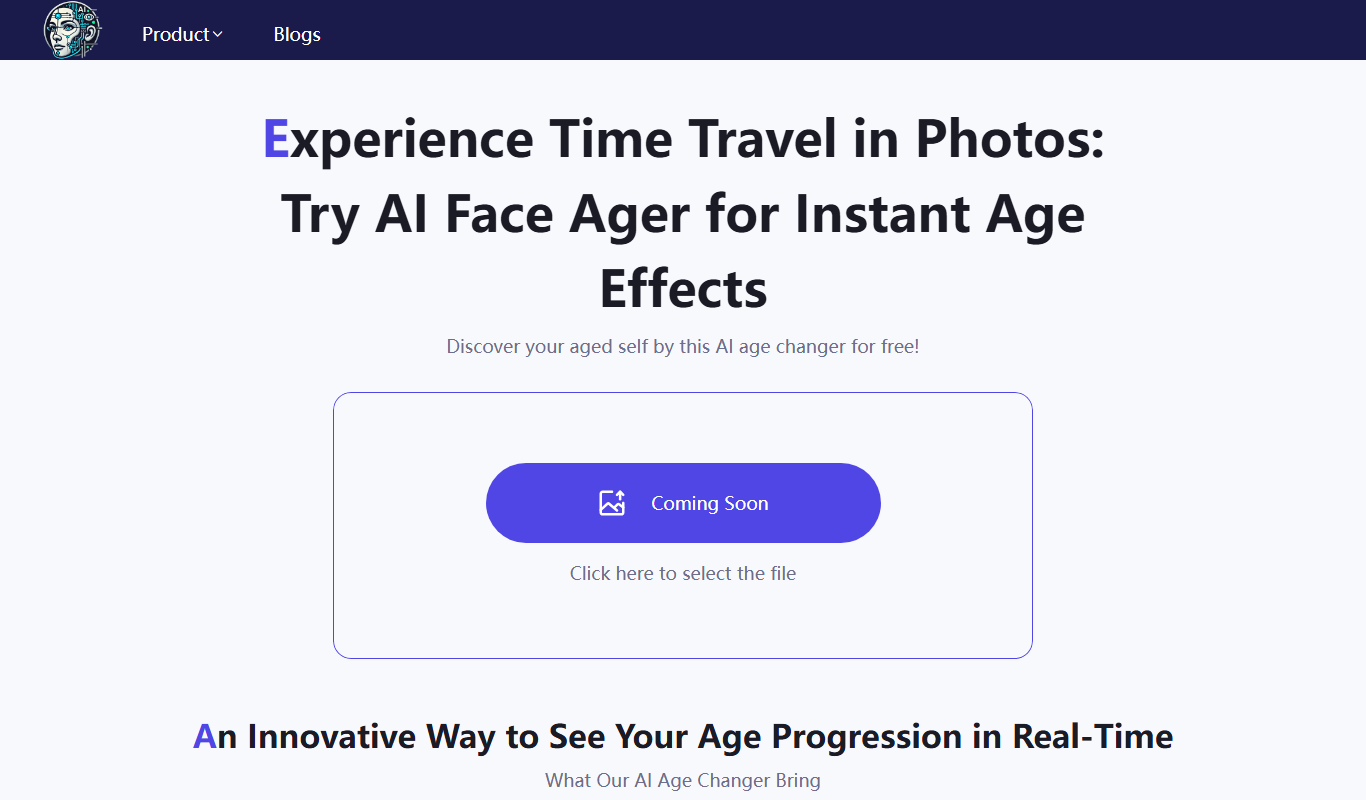
Key Features of FaceStyler AI
AI-Powered Style Transfer
Uses neural networks to apply complex style changes to facial images.
Real-Time Preview
Instantly see how different styles affect your photo before downloading.
User-Friendly Interface
Simple web interface requiring no technical skills.
Multiple Style Options
Offers a range of artistic and realistic face styles to choose from.
Pros and Cons of FaceStyler AI
Pros
- Easy to use with no technical skills required
- Fast AI processing with real-time previews
- Variety of face styles and artistic filters
- Accessible directly from any web browser
Cons
- Limited free plan features and resolution
- No dedicated mobile app available
- Lacks advanced manual editing controls
Key Use Cases for FaceStyler AI
Portrait Style Transfer
Apply artistic or realistic style changes to portraits using AI-powered style transfer.
Photo Enhancement
Enhance facial features and improve photo aesthetics automatically.
Creative Face Editing
Experiment with different face styles and looks for creative projects or social media.
Profile Picture Improvement
Quickly generate polished profile pictures with AI enhancements.
How FaceStyler AI Works
-
1
Upload Your Photo
Start by uploading a clear portrait photo from your device.
-
2
Select a Style
Choose from a variety of AI-generated face styles or artistic filters.
-
3
Apply and Preview
The AI processes the image and shows a preview of the styled face.
-
4
Download or Share
Save the edited image or share it directly on social media platforms.
Who's Using FaceStyler AI
Social media users
Content creators
Photographers
Graphic designers
Marketing professionals
FaceStyler AI Pricing
Free
$0/month
Basic access with limited style options and image resolution.
Premium
$9.99/month
Unlocks all styles, higher resolution downloads, and faster processing.
Frequently Asked Questions About FaceStyler AI
Yes, there is a free plan with limited features and styles available.
Common image formats like JPG and PNG are supported for upload.
FaceStyler AI is web-based and accessible via mobile browsers.
Uploaded photos are processed temporarily and not stored permanently.
It depends on your specific needs and how you plan to use the tool. The official website and documentation are the best sources for the latest details.
Yes, it can help with that use case depending on how you configure it and what features are available. You’ll get the best results with clear inputs and a defined goal.
Share your review
Reviews are limited to one per logged-in user and are published after moderation.
You need an account to review this tool.
0.0
★
★
★
★
★
0 reviews
5 star
0
4 star
0
3 star
0
2 star
0
1 star
0
No reviews yet
Be the first to share how this tool worked for you.
Questions from the community
Read questions and answers about this tool, or ask your own.
No questions yet
Start the conversation by asking the first question about this tool.
Is this tool helpful?
Alternative Tools
Explore similar AI tools that might fit your needs

Free
FaceApp
FaceApp is an AI photo editing application that uses neural networks to apply realistic face transformations such as aging, gender swaps, and makeup filters.

Freemium
Prisma
Prisma is an AI-powered image generator that applies artistic styles to photos using neural networks, available on web and mobile platforms.

Free
IP-Adapter-FaceID AI
IP-Adapter-FaceID AI is an open source tool that adapts pre-trained image models to improve face recognition accuracy, supporting real-time applications and easy integration.
Freemium
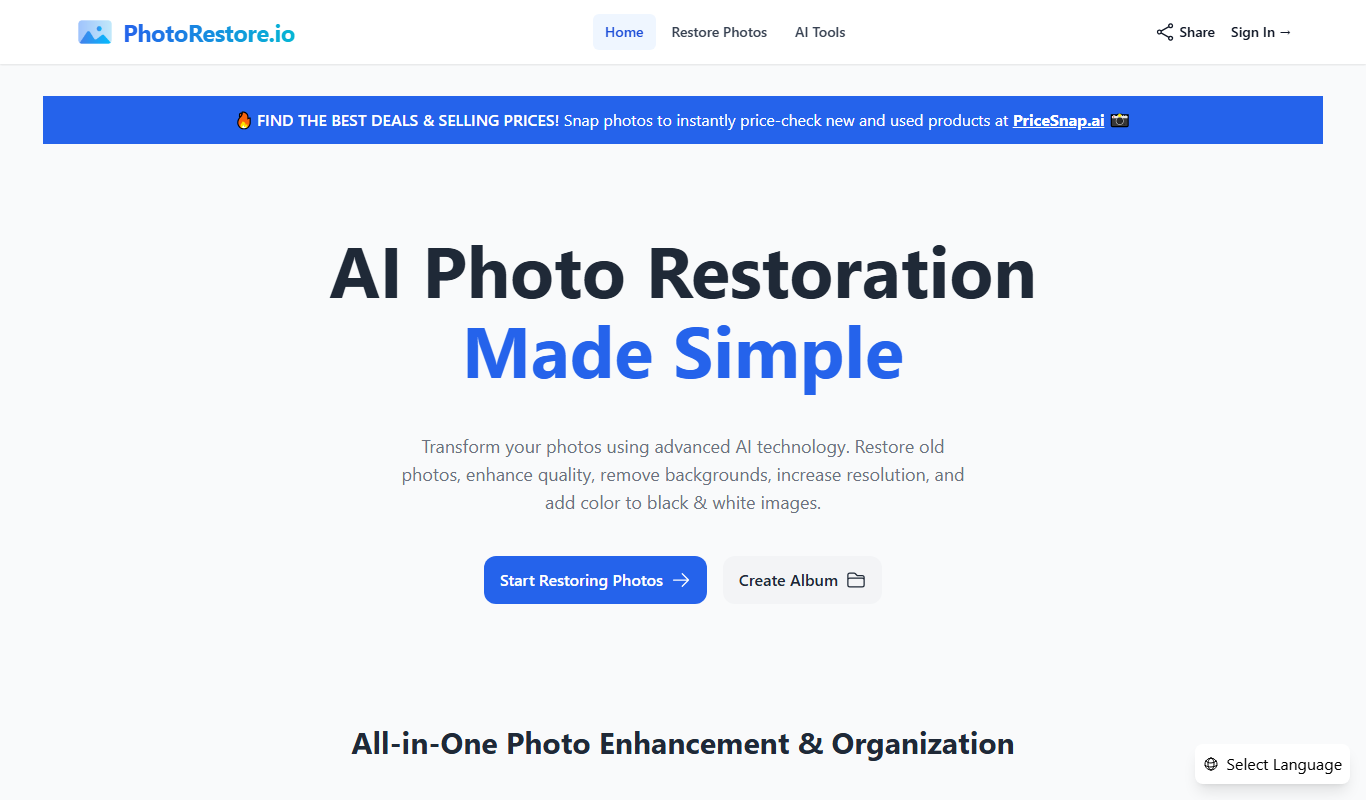
Photo Restore
Photo Restore is an AI-based online tool that automatically repairs, enhances, and colorizes old or damaged photos through a simple web interface.
Freemium
ImageFixPro
ImageFixPro is an AI-based image enhancement tool that restores, upscales, and improves photo quality automatically, suitable for photographers and designers.

Free
PixNova Face Swap
PixNova Face Swap is an AI-based web tool that allows users to swap faces in photos and videos realistically, preserving facial expressions and lighting for natural results.

Freemium
Yolly AI – AI Video & Image Generator
Yolly AI is a web-based platform that uses artificial intelligence to generate videos and images from text prompts or user inputs, designed for marketers, content creators, and educators to produce creative visual content quickly and easily.
Free
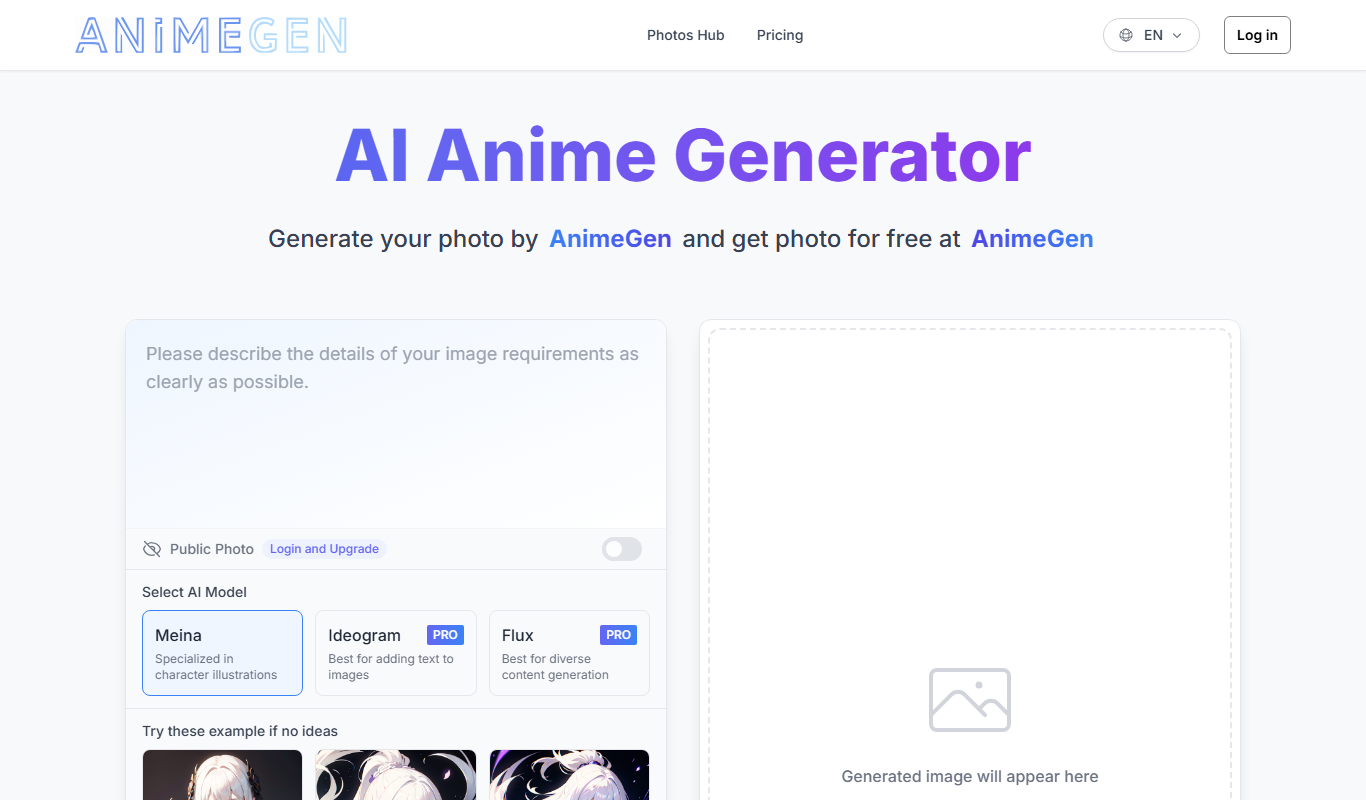
AnimeGen – Anime Image Generator
AnimeGen is a free web-based AI tool that generates anime-style images from text prompts, enabling users to create custom anime art quickly and easily.

Free
SoulGen
SoulGen is a web-based AI tool that generates realistic human portraits with customizable features, ideal for artists and creators needing unique AI-generated faces.

Free
Imagin
Imagin is an AI-powered tool that generates unique digital artwork from text prompts, offering multiple artistic styles and easy-to-use web and mobile interfaces.