
From my experience with Eva Online Assistant, I found it excels at providing quick, AI-powered help directly within the Chrome browser, which is great for users who want to stay focused without switching apps. It’s particularly well-suited for students, remote workers, and anyone needing fast answers or writing assistance on the fly. However, since it’s limited to Chrome and offers no advanced customization, it might not fit users looking for a more robust or multi-platform AI assistant. Overall, Eva is a solid free tool for boosting productivity during everyday browsing and simple task automation.
Eva Online Assistant Chrome Extension for AI-Powered Productivity
Eva is a free AI-powered Chrome extension that provides instant assistance, answers questions, and automates simple tasks within the browser to enhance productivity.
What is Eva:Online Assistant?
Eva is an AI-powered online assistant available as a Chrome extension that helps users increase productivity by providing instant assistance, answering questions, and automating simple tasks directly within the browser environment.
Key Features of Eva:Online Assistant
AI-Powered Chat Interface
Engage with Eva through a conversational chat interface that understands natural language.
Browser Integration
Operate Eva directly within Chrome without needing to switch apps or tabs.
Instant Information Access
Get quick answers and summaries to questions or content you encounter online.
Task Assistance
Automate simple tasks like drafting text or retrieving data to save time.
Pros and Cons of Eva:Online Assistant
Pros
- Easy to install and use within Chrome
- Provides quick AI-powered assistance
- No cost or subscription required
Cons
- Limited to Chrome browser platform
- Lacks advanced customization options
- No disclosed support for multiple languages
Key Use Cases for Eva:Online Assistant
Task Automation
Automate routine tasks and get quick answers directly within the browser.
Information Retrieval
Use Eva to quickly find information and get assistance without leaving your current tab.
Writing Assistance
Get help drafting emails, messages, or other text content using AI-powered suggestions.
Research Support
Leverage Eva to summarize content or clarify complex topics during online research.
How Eva:Online Assistant Works
-
1
Install Extension
Add the Eva Online Assistant extension to your Chrome browser from the Chrome Web Store.
-
2
Activate Assistant
Click the Eva icon to open the assistant interface and start typing your queries or commands.
-
3
Receive AI Responses
Eva processes your input and provides instant, relevant answers or performs requested tasks.
Who's Using Eva:Online Assistant
Students and researchers
Remote workers and freelancers
Content creators and writers
General Chrome users seeking productivity tools
Eva:Online Assistant Pricing
Free
$0
Full access to Eva’s AI assistant features at no cost.
Frequently Asked Questions About Eva:Online Assistant
Yes, Eva is available as a free Chrome extension with no subscription fees.
No account creation is required; users can start using Eva immediately after installation.
Eva assists with answering questions, drafting text, summarizing content, and automating simple browser tasks.
It depends on your specific needs and how you plan to use the tool. The official website and documentation are the best sources for the latest details.
Some tools offer a free plan or trial with limited features. Availability can vary, so confirm on the official website.
Yes, it can help with that use case depending on how you configure it and what features are available. You’ll get the best results with clear inputs and a defined goal.
Share your review
Reviews are limited to one per logged-in user and are published after moderation.
You need an account to review this tool.
0.0
★
★
★
★
★
0 reviews
5 star
0
4 star
0
3 star
0
2 star
0
1 star
0
No reviews yet
Be the first to share how this tool worked for you.
Questions from the community
Read questions and answers about this tool, or ask your own.
No questions yet
Start the conversation by asking the first question about this tool.
Is this tool helpful?

Free Trial
ModelFusion
ModelFusion is an AI platform that streamlines data integration and machine learning model deployment by automating workflows and enabling collaboration.
Free
Songifier
Songifier is an AI-based web tool that generates custom songs from user input text or themes, allowing easy creation of unique music tracks without musical expertise.

Free
AI VisionBoard
AI VisionBoard is a web-based tool that uses AI to generate images and layouts for creating personalized vision boards, helping users visualize and achieve their goals.

Free Trial
Heatseeker AI
Heatseeker AI is an AI-driven sales automation platform that helps businesses identify, score, and engage high-quality leads through data enrichment and automated email outreach.
Free
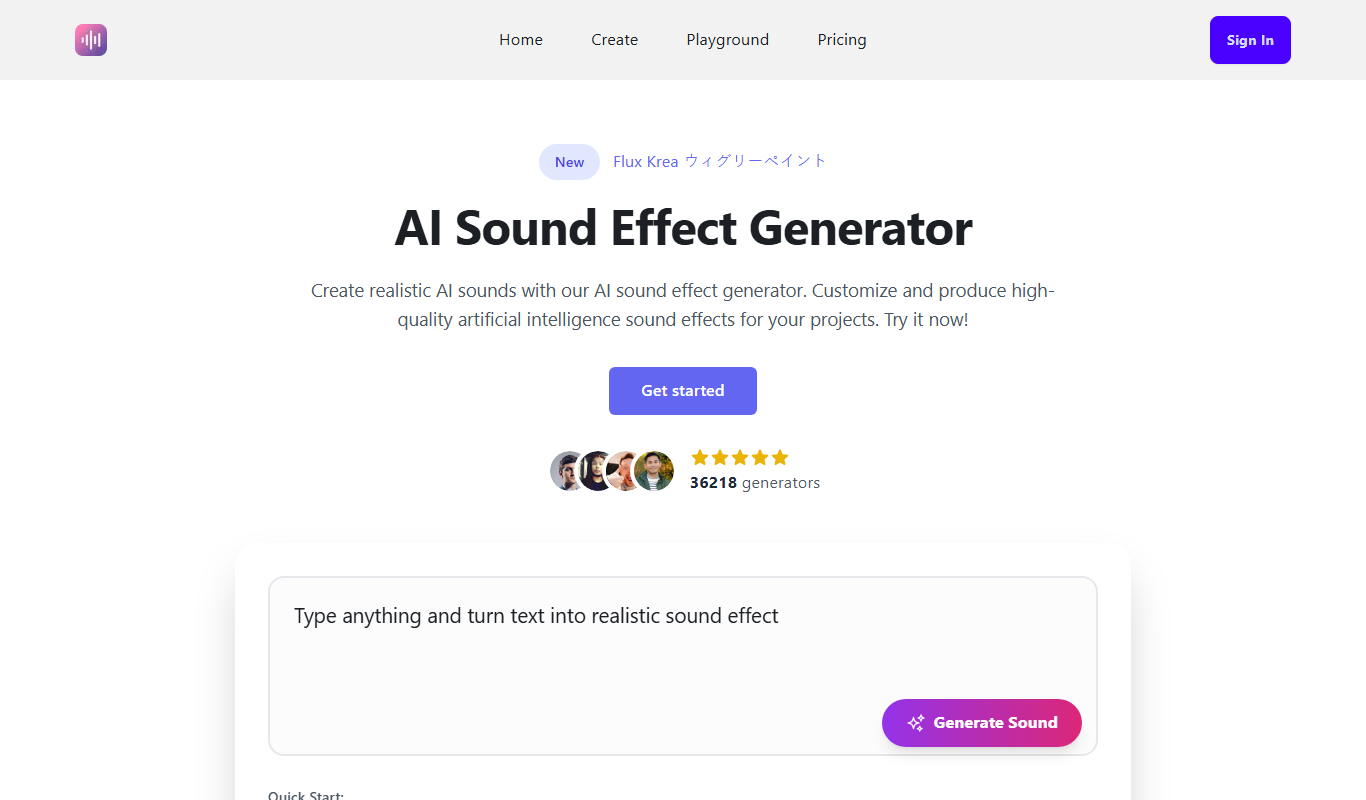
Ai Sound Effect Generator
AI Sound Effect Generator is a web-based tool that uses artificial intelligence to create customizable sound effects for multimedia projects, offering easy-to-use features and multiple download options.

Free Trial
Vidful.ai
Vidful.ai is an AI-driven video editing tool that automates clipping, subtitling, and formatting videos optimized for social media platforms, helping marketers and creators produce engaging content quickly.

Freemium
1photoai
1PhotoAI is an AI-driven web platform that automates photo retouching, background removal, and image upscaling, designed for professionals and content creators seeking fast, high-quality photo enhancements.
Free
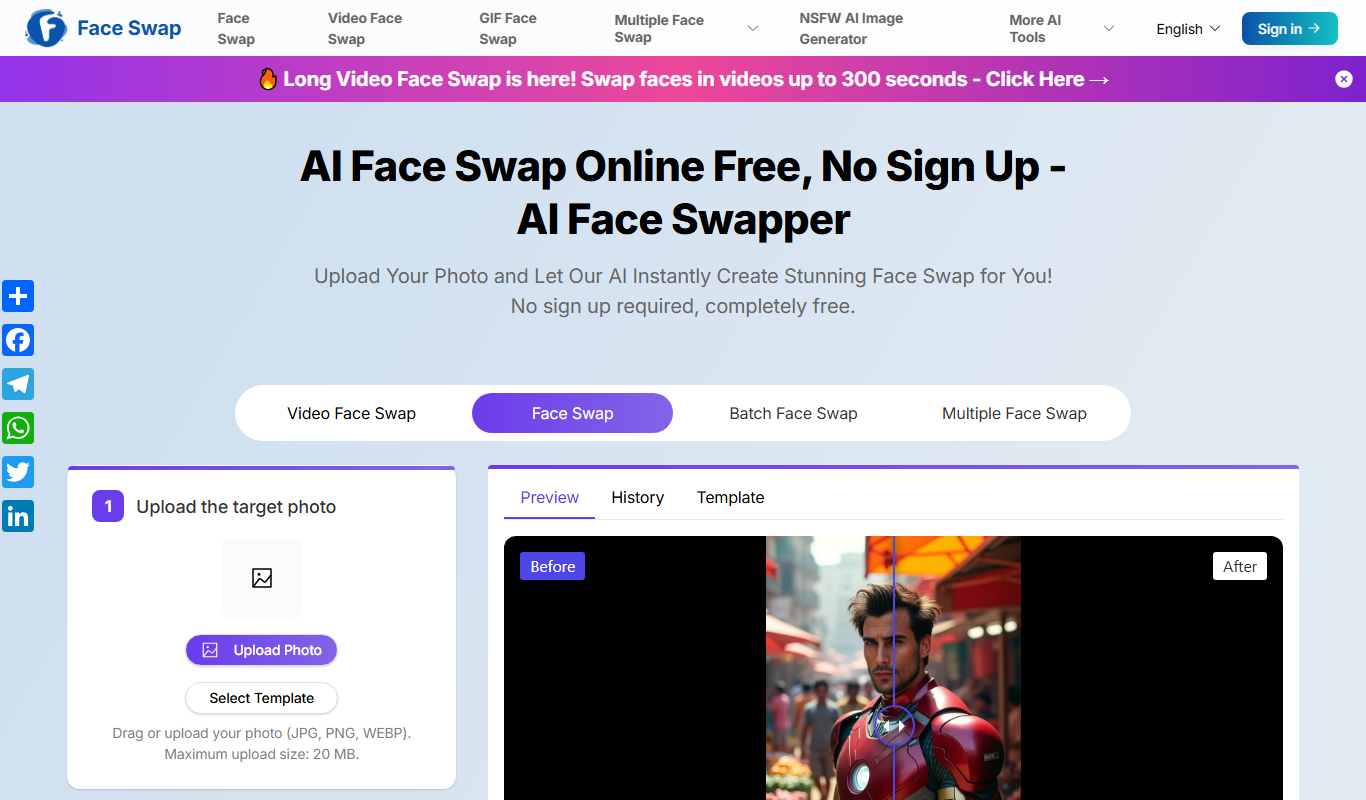
Free AI Face Swap(No sign up,no fee)
Free AI Face Swap is a web-based tool that lets you swap faces in photos instantly using AI, with no sign-up or fees required.