
From my experience with EnhanceDocs, I found it excels at providing clear, actionable suggestions that improve both grammar and writing style without overwhelming the user. The tool’s explanations help users understand why changes are recommended, which is valuable for learning. It’s particularly well-suited for professionals and students who want to polish documents quickly while maintaining control over edits. However, the limitation to English and the lack of offline use means it’s less flexible for multilingual or disconnected environments. Overall, EnhanceDocs delivers solid results for anyone aiming to enhance document clarity and professionalism.
EnhanceDocs AI Document Enhancement Tool for Clearer, Smarter Writing
EnhanceDocs is an AI-based document enhancement tool that improves grammar, style, tone, and clarity to help users produce clearer and more professional writing.
Tech Stack:
JavaScript
Python
React
What is EnhanceDocs?
EnhanceDocs is an AI-powered document enhancement tool designed to improve the clarity, grammar, and style of written content. It leverages advanced natural language processing to analyze text and provide actionable suggestions that make documents more professional and easier to understand. The tool is accessible via a web interface and offers API access for seamless integration into other platforms.
Key Features of EnhanceDocs
Real-Time Grammar and Style Correction
Automatically detects and corrects grammar mistakes and improves writing style as you type.
Clarity and Readability Enhancements
Suggests rephrasing and restructuring to make text clearer and more concise.
Tone Adjustment
Helps tailor the tone of the document to suit formal, casual, or professional contexts.
Vocabulary Enhancement
Recommends stronger word choices to elevate the quality of writing.
API Access
Allows developers to integrate EnhanceDocs’ capabilities into their own software.
Pros and Cons of EnhanceDocs
Pros
- Accurate grammar and style corrections
- Clear explanations for suggested edits
- API available for integration
- User-friendly web interface
- Supports tone and vocabulary enhancements
Cons
- Supports English language only
- No offline functionality
- Limited free plan usage
Key Use Cases for EnhanceDocs
Professional Document Editing
EnhanceDocs helps professionals improve clarity, grammar, and style in reports, proposals, and emails.
Academic Writing Support
Students and researchers can use EnhanceDocs to refine essays, papers, and theses for better readability.
Content Creation
Content creators benefit from enhanced phrasing and error correction to produce polished articles and blog posts.
Business Communication
Businesses use EnhanceDocs to ensure clear and effective communication in internal and external documents.
API Integration for Developers
Developers can integrate EnhanceDocs’ API to add document enhancement features into their own applications.
How EnhanceDocs Works
-
1
Upload or Paste Document
Users start by uploading their document or pasting text into the EnhanceDocs editor.
-
2
AI Analysis
The AI engine analyzes the text for grammar, style, clarity, and tone issues.
-
3
Review Suggestions
EnhanceDocs presents suggested edits with explanations for each change.
-
4
Apply Changes
Users can accept, reject, or modify suggestions to finalize their document.
-
5
Download or Export
The enhanced document can be downloaded or exported to other platforms.
Who's Using EnhanceDocs
Professional writers and editors
Students and academics
Content creators and bloggers
Business professionals
Software developers
EnhanceDocs Pricing
Free
$0/month
Basic grammar and style checks with daily usage limits.
Pro
$19/month
Unlimited access, advanced suggestions, tone adjustment, and priority support.
Enterprise
Custom pricing
Tailored solutions with API access, team management, and dedicated support.
Frequently Asked Questions About EnhanceDocs
Currently, EnhanceDocs supports English only but plans to add more languages in the future.
Yes, EnhanceDocs offers an API for integration into third-party applications.
Documents are processed securely and not stored permanently to protect user privacy.
No, EnhanceDocs is a web-based tool and requires an internet connection.
It depends on your specific needs and how you plan to use the tool. The official website and documentation are the best sources for the latest details.
Some tools offer a free plan or trial with limited features. Availability can vary, so confirm on the official website.
Integration support depends on the tool and its available connectors or API. Check the official documentation or integrations page to confirm what is supported.
Share your review
Reviews are limited to one per logged-in user and are published after moderation.
You need an account to review this tool.
0.0
★
★
★
★
★
0 reviews
5 star
0
4 star
0
3 star
0
2 star
0
1 star
0
No reviews yet
Be the first to share how this tool worked for you.
Questions from the community
Read questions and answers about this tool, or ask your own.
No questions yet
Start the conversation by asking the first question about this tool.
Is this tool helpful?

Freemium
Hushl
Hushl is an AI meeting assistant that transcribes and summarizes meetings in real time, helping teams capture discussions and action items efficiently.
Free
MakerJournal
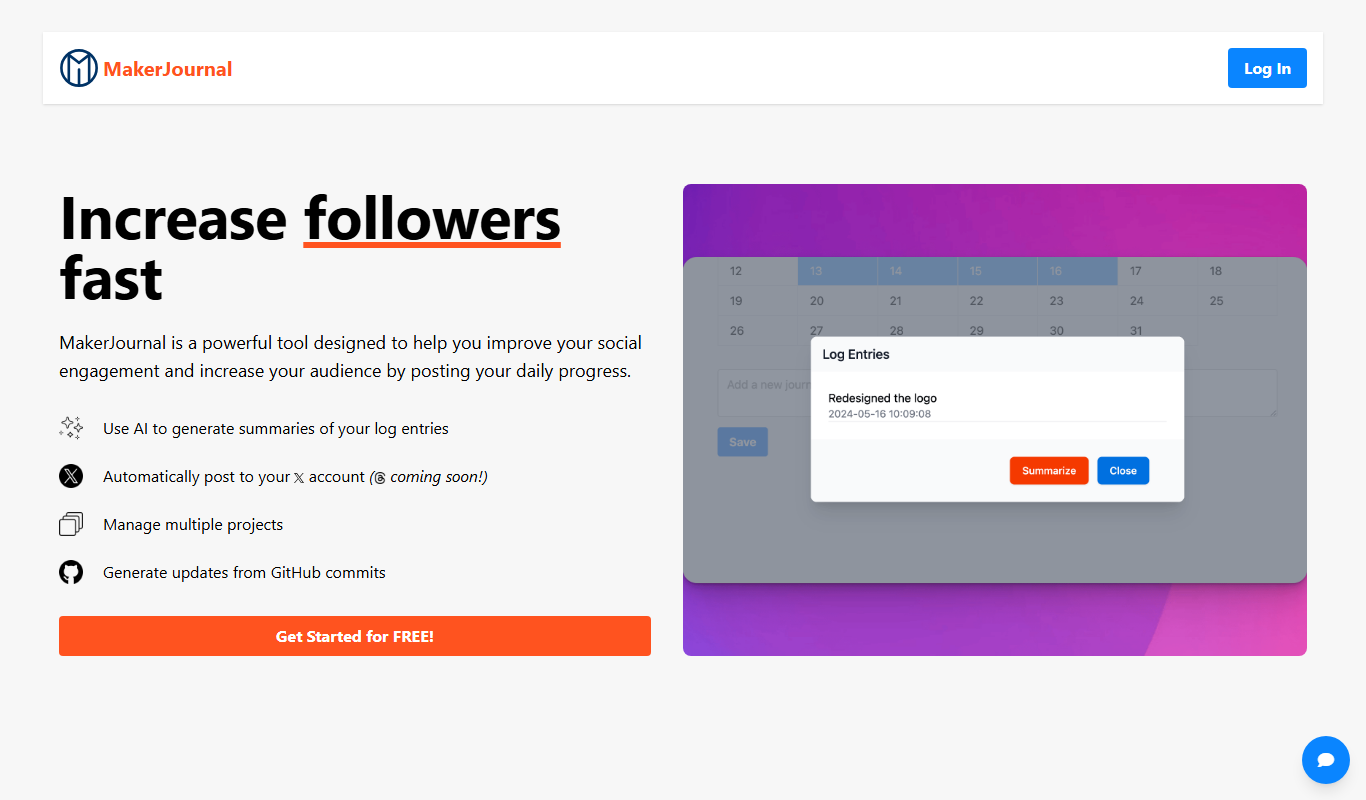
MakerJournal is a productivity app designed for indie makers and solo developers to track daily progress, set goals, and share their product development journey publicly.

Free
Lek
Lek is an AI writing assistant that provides real-time grammar and style corrections and helps generate content to improve writing efficiency.

Free
Prompty
Prompty is an AI-powered writing assistant that helps users generate creative and productive content through AI-driven prompts available on web, desktop, and Chrome extension platforms.
Free Trial
Pump
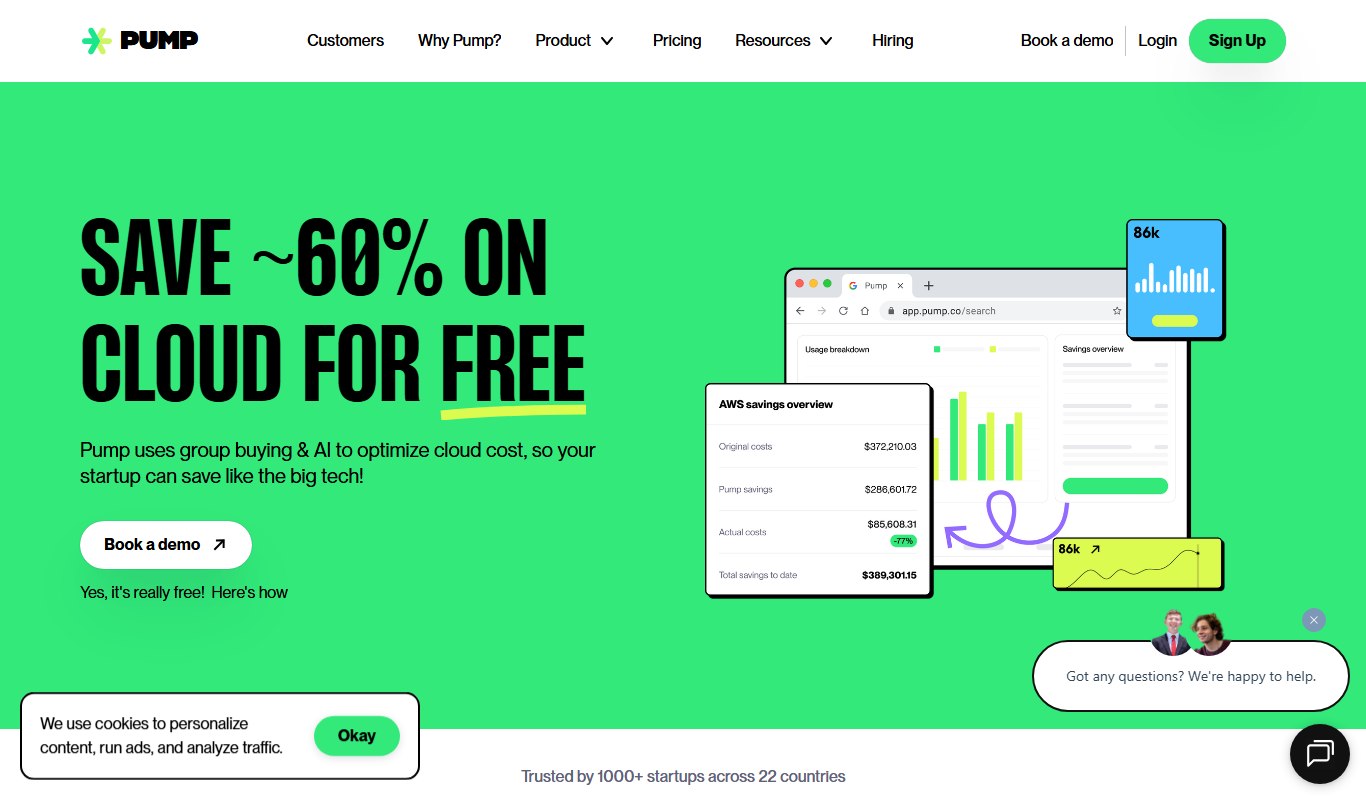
Pump is an AI-powered writing assistant that helps marketing teams generate, edit, and collaborate on content such as marketing copy, social media posts, and emails.

Freemium
Akool
Akool is an AI-powered writing assistant that helps users generate, edit, and improve written content efficiently through advanced AI suggestions and grammar correction.

Freemium
Ardor — Prompt in. Product out.
Ardor is an AI-powered writing assistant that converts user prompts into complete written content, helping users create marketing copy, creative writing, and other text efficiently.

Free
Leapp.ai
Leapp.ai is an AI-driven productivity tool designed to automate workflows and improve collaboration for developers and teams by integrating multiple apps and automating repetitive tasks.