

From my experience with Duplikate, I found it excels at producing clear, SEO-friendly rewritten content that helps avoid plagiarism issues. The platform’s straightforward web interface makes it easy to quickly generate unique variations of existing text, which is especially useful for content marketers and bloggers looking to refresh their articles. However, the tool currently supports only English and lacks mobile or desktop apps, which may limit flexibility for some users. Overall, if you need an efficient AI paraphrasing tool focused on SEO and originality, Duplikate delivers solid, practical results.
Duplikate AI Content Rewriter for SEO and Plagiarism-Free Text
Duplikate is an AI-based tool that rewrites and paraphrases English text to create unique, plagiarism-free content optimized for SEO.
- Best for
- SEO Content Optimization
- Key capability
- AI-Powered Paraphrasing

Do you recommend this tool?
What is Duplikate?
Duplikate is an AI-powered content rewriting tool designed to help users generate unique, plagiarism-free text by paraphrasing existing content. It leverages advanced natural language processing to maintain the original meaning while producing fresh variations suitable for SEO and content marketing.
Key features of Duplikate
Duplikate offers AI-driven paraphrasing, multiple rewriting modes, plagiarism avoidance, and easy-to-use web interface to help content creators, marketers, and writers produce unique and optimized text efficiently.
AI-Powered Paraphrasing
Uses advanced AI to rewrite text while preserving original meaning.
Multiple Rewriting Modes
Offers different levels of rewriting intensity to match user needs.
Plagiarism Avoidance
Generates unique content to help avoid duplicate content penalties.
User-Friendly Web Interface
Simple and intuitive platform accessible via web browser.
Pros and cons of Duplikate
Pros
- Easy to use with a clean web interface
- Produces high-quality paraphrased content
- Offers multiple rewriting modes
- Affordable pricing with a free tier
Cons
- Supports only English language
- No mobile app or desktop client available
- Limited information about company and tech stack
Key use cases for Duplikate
SEO Content Optimization
Rewrite existing content to improve SEO rankings by generating unique, keyword-rich variations.
Plagiarism-Free Content Creation
Produce rewritten text that avoids plagiarism issues while maintaining original meaning.
Content Refresh for Blogs and Articles
Update and refresh old blog posts or articles with new phrasing and structure.
Academic and Professional Writing Assistance
Help users rephrase sentences and paragraphs to improve clarity and originality.
How Duplikate works
- 1
Input Text
Users paste or upload the text they want to rewrite into the Duplikate interface.
- 2
Select Rewriting Mode
Choose from different rewriting styles or levels of paraphrasing to suit the content goals.
- 3
Generate Rewritten Content
The AI processes the input and produces a unique, rephrased version of the text.
- 4
Review and Edit
Users review the output, make any necessary edits, and then export or use the rewritten content.
Who is using Duplikate
Content marketers
SEO specialists
Bloggers and writers
Academic writers
Digital agencies
Duplikate pricing
Free
$0/month
Limited daily usage with basic rewriting features.
Pro
$19/month
Unlimited rewriting, advanced modes, and priority support.
Plans and prices are as published by the vendor and can change. Check the official site before you buy. Open the pricing page (opens in a new tab)
Frequently asked questions about Duplikate
Duplikate offers a free plan with limited daily usage and a paid Pro plan with unlimited access.
While Duplikate generates unique rewrites, users should still verify content originality with plagiarism checkers.
Currently, Duplikate supports English language content rewriting.
It depends on your specific needs and how you plan to use the tool. The official website and documentation are the best sources for the latest details.
Yes, it can help with that use case depending on how you configure it and what features are available. You’ll get the best results with clear inputs and a defined goal.
Sign in to review this tool.
Sign In to ReviewNo reviews yet
Be the first to share how this tool worked for you.
Ask about pricing, limits, or how it compares — or answer someone else.
Sign In to AskNo questions yet
Have a question about using or paying for this tool? Be the first to ask.
Featured on TiorAI



More AI SEO Tools tools
Other tools in the same category, for when this one is not quite the fit.
Freemium
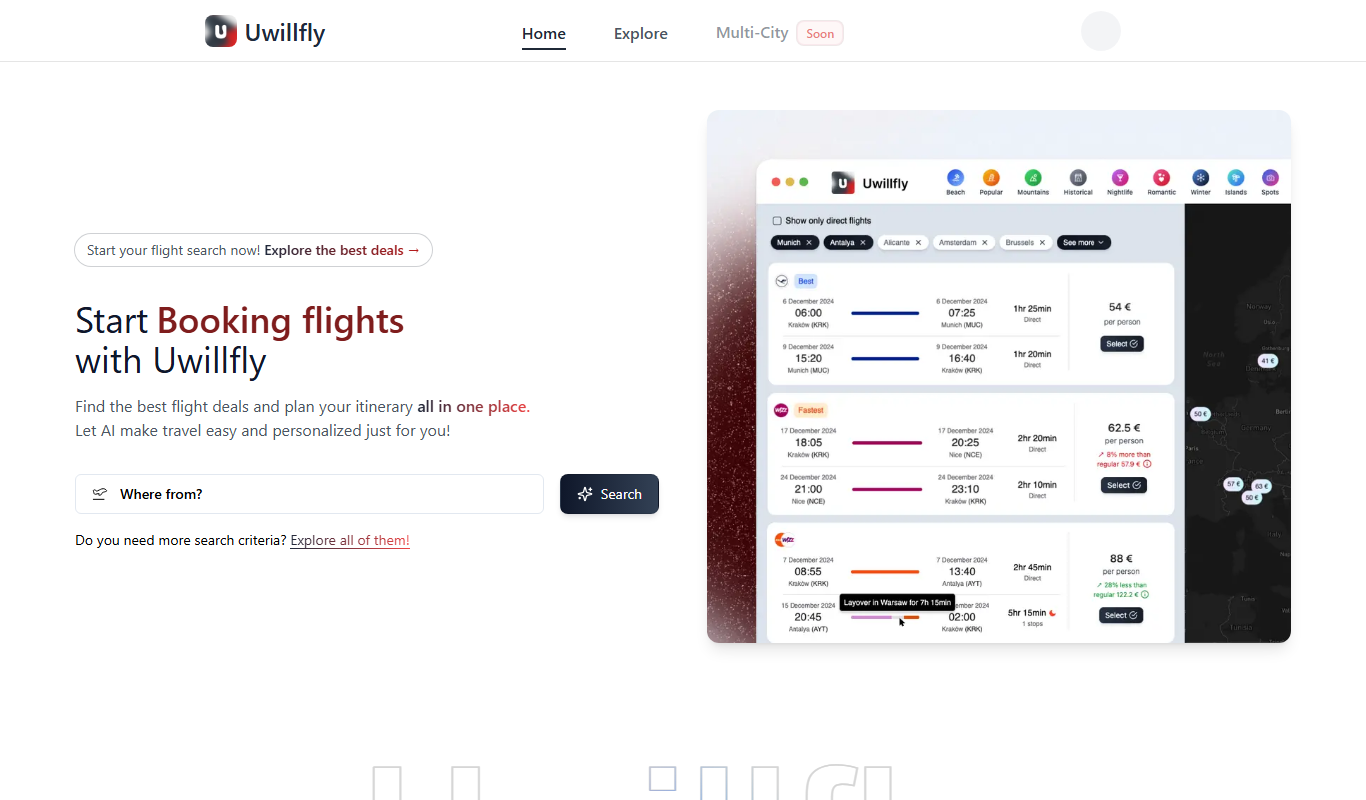
Uwillfly
Uwillfly is an AI-powered writing assistant that generates SEO-optimized articles, marketing copy, and content in English and Chinese to help marketers and writers create content faster.

Freemium
Smart Pineapple
Smart Pineapple is an AI-powered writing assistant designed to generate SEO-friendly content, including blog posts and marketing copy, through an easy-to-use web platform.

Freemium
iSamurai
iSamurai is an AI-powered writing assistant that generates SEO-friendly content including blog posts and marketing copy to help businesses and creators save time and improve content quality.
Free
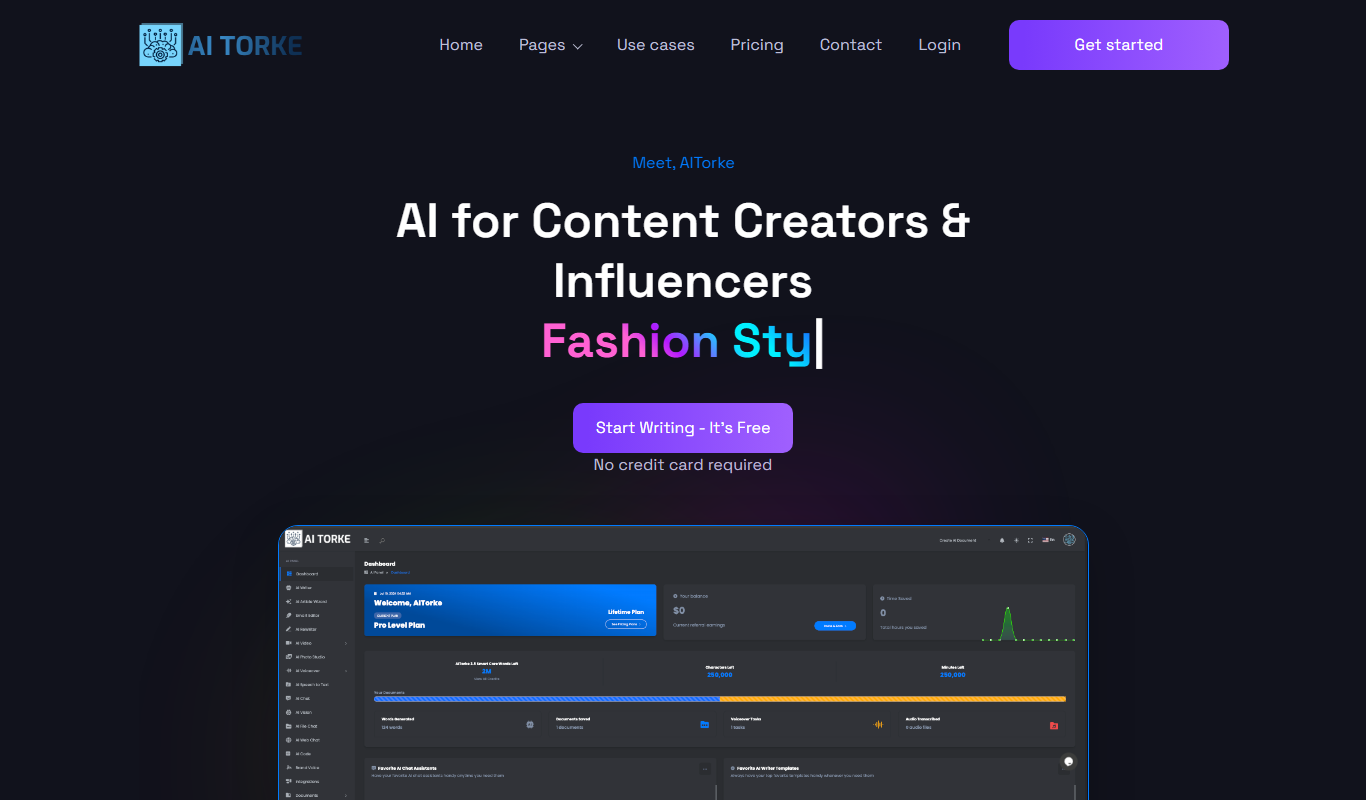
AITorke
AITorke is an AI writing assistant that helps users generate, optimize, and edit content with SEO tools and AI-powered suggestions.

Free Trial
Witlly
Witlly is an AI writing assistant designed to help users generate and optimize content for blogs, marketing, and SEO purposes efficiently.

Freemium
Owlity
Owlity is an AI-powered writing assistant that helps users generate SEO-optimized content, including blog posts and marketing copy, through an easy-to-use web platform.

Free
Alt Text AI Generator
Alt Text AI Generator is a web tool that uses AI to create descriptive alternative text for images, helping improve website accessibility and SEO.

Freemium
Aesty
Aesty is an AI-powered platform that helps marketers and content creators generate SEO-optimized marketing content quickly and efficiently through customizable templates and a user-friendly interface.