

From my experience with DreamRoomAI, I found it excels at quickly generating realistic interior room visuals that help bridge the gap between concept and reality. The platform’s ease of use makes it accessible to both homeowners and professionals, allowing for fast experimentation with styles and furniture without needing advanced design skills. However, the free plan’s limitations and somewhat basic customization options mean it may not fully replace professional design software for detailed projects. Overall, if you want a straightforward tool to visualize room designs or gather inspiration, DreamRoomAI delivers practical and visually appealing results.
DreamRoomAI Interior Design Generator for Realistic Room Visualization
DreamRoomAI is an AI-based web tool that generates realistic interior room designs based on user preferences, helping visualize home decor ideas quickly and easily.
- Best for
- Interior Design Visualization
- Key capability
- AI-Powered Room Generation
Your actions
Save DreamRooomAI, follow its updates and vote on it — everything stays in your account.
Sign in or create a free account

What is DreamRooomAI?
DreamRoomAI is an AI-powered web application that generates realistic interior room designs based on user input. It leverages artificial intelligence to create customized room visuals, helping users visualize design ideas quickly without needing advanced design skills.
Key features of DreamRooomAI
DreamRoomAI offers features such as customizable room generation, style and furniture selection, high-quality image outputs, and an intuitive web interface that simplifies the interior design process.
AI-Powered Room Generation
Automatically creates realistic interior designs based on user preferences.
Style and Furniture Customization
Allows selection of various design styles and furniture to tailor room visuals.
High-Resolution Outputs
Generates high-quality images suitable for presentations or marketing.
User-Friendly Web Interface
Simple and intuitive platform accessible via web browsers without installation.
Pros and cons of DreamRooomAI
Pros
- Easy to use with no design experience required
- Generates realistic and high-quality room images
- Offers customization of styles and furniture
- Accessible via web without software installation
Cons
- Limited free plan usage
- Customization options may not cover all design preferences
- No mobile app available
Key use cases for DreamRooomAI
Interior Design Visualization
Generate realistic images of room interiors to visualize design concepts before implementation.
Home Renovation Planning
Experiment with different furniture and decor styles to plan home renovations effectively.
Real Estate Marketing
Create appealing room visuals to enhance property listings and attract potential buyers.
Creative Inspiration
Explore diverse interior design ideas generated by AI to inspire personal or professional projects.
How DreamRooomAI works
- 1
Input Room Details
Users provide basic information about the room size, style preferences, and furniture choices.
- 2
AI Generates Designs
The AI processes inputs to create multiple realistic room design images.
- 3
Review and Customize
Users can review generated designs and make adjustments to styles or elements.
- 4
Download or Share
Finalized designs can be downloaded or shared for further use.
Who is using DreamRooomAI
Homeowners planning renovations
Interior designers seeking quick concept visuals
Real estate agents needing appealing property images
Creative individuals looking for design inspiration
DreamRooomAI pricing
Free
$0/month
Limited number of room generations with basic features.
Pro
$19/month
Unlimited room generations, access to premium styles, and higher resolution downloads.
Plans and prices are as published by the vendor and can change. Check the official site before you buy. Open the pricing page (opens in a new tab)
Frequently asked questions about DreamRooomAI
Yes, DreamRoomAI allows you to select different furniture pieces and design styles to customize your room visuals.
While it is user-friendly for all levels, professional designers can use it for quick concept visualization and client presentations.
DreamRoomAI is a web-based tool accessible through modern web browsers on desktop and mobile devices.
The free plan limits the number of room designs you can generate and offers basic features only.
It depends on your specific needs and how you plan to use the tool. The official website and documentation are the best sources for the latest details.
Some tools offer a free plan or trial with limited features. Availability can vary, so confirm on the official website.
Yes, it can help with that use case depending on how you configure it and what features are available. You’ll get the best results with clear inputs and a defined goal.
It depends on your specific needs and how you plan to use the tool. The official website and documentation are the best sources for the latest details.
Sign in to review this tool.
Sign In to ReviewNo reviews yet
Be the first to share how this tool worked for you.
Ask about pricing, limits, or how it compares — or answer someone else.
Sign In to AskNo questions yet
Have a question about using or paying for this tool? Be the first to ask.
Featured on TiorAI



Alternative Tools
Explore similar AI tools that might fit your needs

Free
Planner 5D
Planner 5D is a versatile home design software that allows users to create detailed 2D floor plans and immersive 3D visualizations for interior and exterior spaces, suitable for both beginners and professionals.

Free
Roomstyler
Roomstyler is a free web-based 3D home design tool that enables users to create floor plans and visualize interior decorating ideas with realistic furniture and decor.
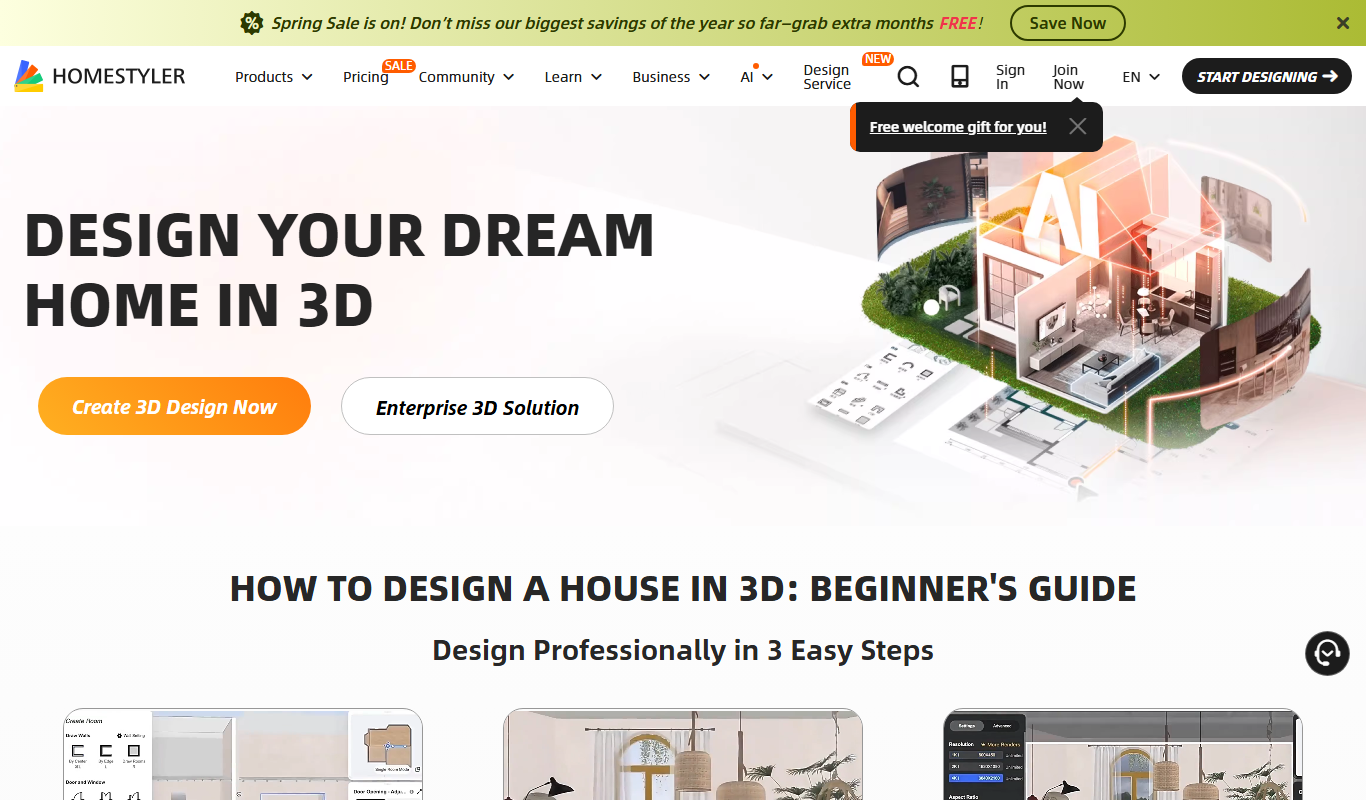
Free
Homestyler
Homestyler is an online interior design tool that allows users to create 2D floor plans and 3D home visualizations with photorealistic rendering, suitable for both DIY users and professionals.