

From my experience with DreamLense, I found it excels at quickly generating creative and high-quality images from simple text prompts, making it a practical tool for digital artists and marketers alike. The platform’s intuitive interface lowers the barrier for users new to AI art generation, while its style customization adds valuable creative control. However, the free plan’s limitations and lack of mobile apps may restrict casual users. Overall, if you need efficient AI-driven image creation for professional or personal projects, DreamLense offers a solid balance of usability and output quality.
DreamLense AI Image Generator for Creative Visual Content and Art
DreamLense is an AI-powered platform that transforms text prompts into high-quality, customizable images, ideal for digital art, marketing visuals, and concept design.
- Best for
- Digital Art Creation
- Key capability
- Text-to-Image Generation
Your actions
Save DreamLense, follow its updates and vote on it — everything stays in your account.
Sign in or create a free account
What is DreamLense?
DreamLense is an AI-powered image generation platform that enables users to create unique and high-quality visuals from text prompts. It leverages advanced machine learning models to synthesize creative images, making it a valuable tool for artists, marketers, and content creators seeking to produce compelling visual content quickly and efficiently.
Key features of DreamLense
DreamLense offers intuitive text-to-image generation, style customization, high-resolution outputs, and a user-friendly web interface designed to streamline the creative process for both professionals and hobbyists.
Text-to-Image Generation
Create images from detailed textual descriptions using advanced AI models.
Style Customization
Apply different artistic styles to images to match creative preferences.
High-Resolution Outputs
Generate images suitable for professional use with high resolution and clarity.
User-Friendly Interface
Simple and intuitive web platform accessible to users of all skill levels.
Pros and cons of DreamLense
Pros
- Easy to use with a clean web interface
- Supports high-resolution image generation
- Offers style customization for creative flexibility
- Affordable pricing tiers with a free option
Cons
- Limited free plan usage with watermarked images
- No desktop or mobile app versions currently available
- API access restricted to enterprise customers
Key use cases for DreamLense
Digital Art Creation
Generate unique digital artworks and illustrations using AI-powered image synthesis.
Marketing Visuals
Create eye-catching visuals for social media, advertisements, and marketing campaigns.
Concept Design
Rapidly prototype and visualize concepts for creative projects and product designs.
Content Enhancement
Enhance blog posts, presentations, and websites with custom AI-generated images.
How DreamLense works
- 1
Enter Text Prompt
Users input descriptive text to guide the AI in generating images.
- 2
Customize Style
Select from various artistic styles or adjust parameters to tailor the output.
- 3
Generate Image
The AI processes the input and produces a unique image based on the prompt.
- 4
Download or Share
Users can download the generated images or share them directly from the platform.
Who is using DreamLense
Digital artists and illustrators
Marketing professionals and agencies
Content creators and bloggers
Product designers and concept artists
Small businesses needing visual content
DreamLense pricing
Free
$0/month
Limited daily image generations with standard resolution and watermark.
Pro
$19/month
Increased generation limits, high-resolution downloads, and priority processing.
Enterprise
Custom pricing
Tailored solutions with API access, dedicated support, and bulk usage options.
Plans and prices are as published by the vendor and can change. Check the official site before you buy. Open the pricing page (opens in a new tab)
Frequently asked questions about DreamLense
DreamLense can generate a wide range of images including digital art, illustrations, concept designs, and marketing visuals based on text prompts.
Yes, the free plan includes a daily limit on the number of images you can generate.
Yes, images generated under the Pro and Enterprise plans can be used commercially according to the terms of service.
API access is available with the Enterprise plan for integration into custom workflows.
It depends on your specific needs and how you plan to use the tool. The official website and documentation are the best sources for the latest details.
Pricing depends on the plan and included features. For the most accurate and up-to-date details, check the official pricing page.
Yes, it can help with that use case depending on how you configure it and what features are available. You’ll get the best results with clear inputs and a defined goal.
Integration support depends on the tool and its available connectors or API. Check the official documentation or integrations page to confirm what is supported.
Sign in to review this tool.
Sign In to ReviewNo reviews yet
Be the first to share how this tool worked for you.
Ask about pricing, limits, or how it compares — or answer someone else.
Sign In to AskNo questions yet
Have a question about using or paying for this tool? Be the first to ask.
Featured on TiorAI



More AI Dating Assistant tools
Other tools in the same category, for when this one is not quite the fit.
Free
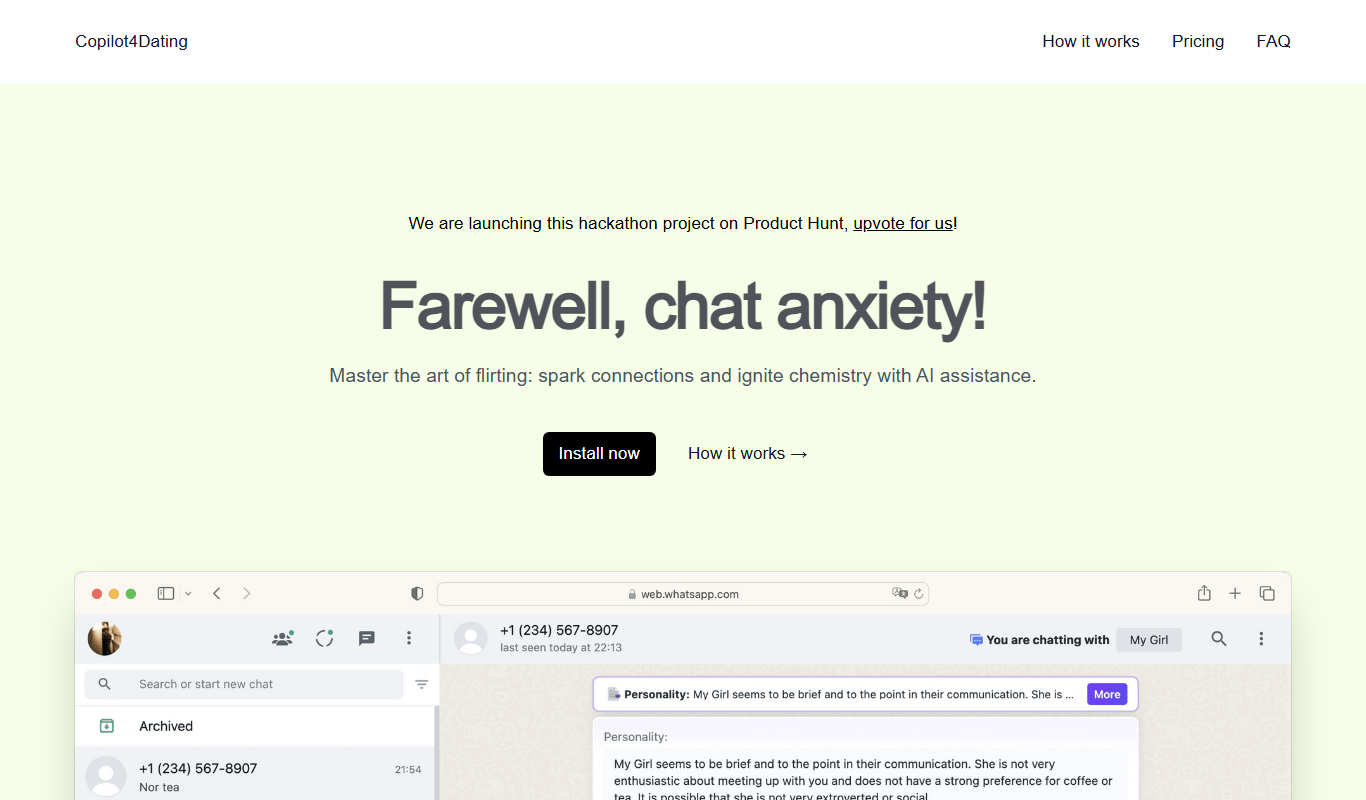
Copilot for Dating
Copilot for Dating is an AI assistant that helps users craft personalized dating messages and optimize their profiles to improve online dating interactions.

Free
Hinge
Hinge is a dating app focused on fostering meaningful relationships through personalized profiles, prompts, and AI-driven matchmaking, available on iOS, Android, and web with free and subscription plans.
Free
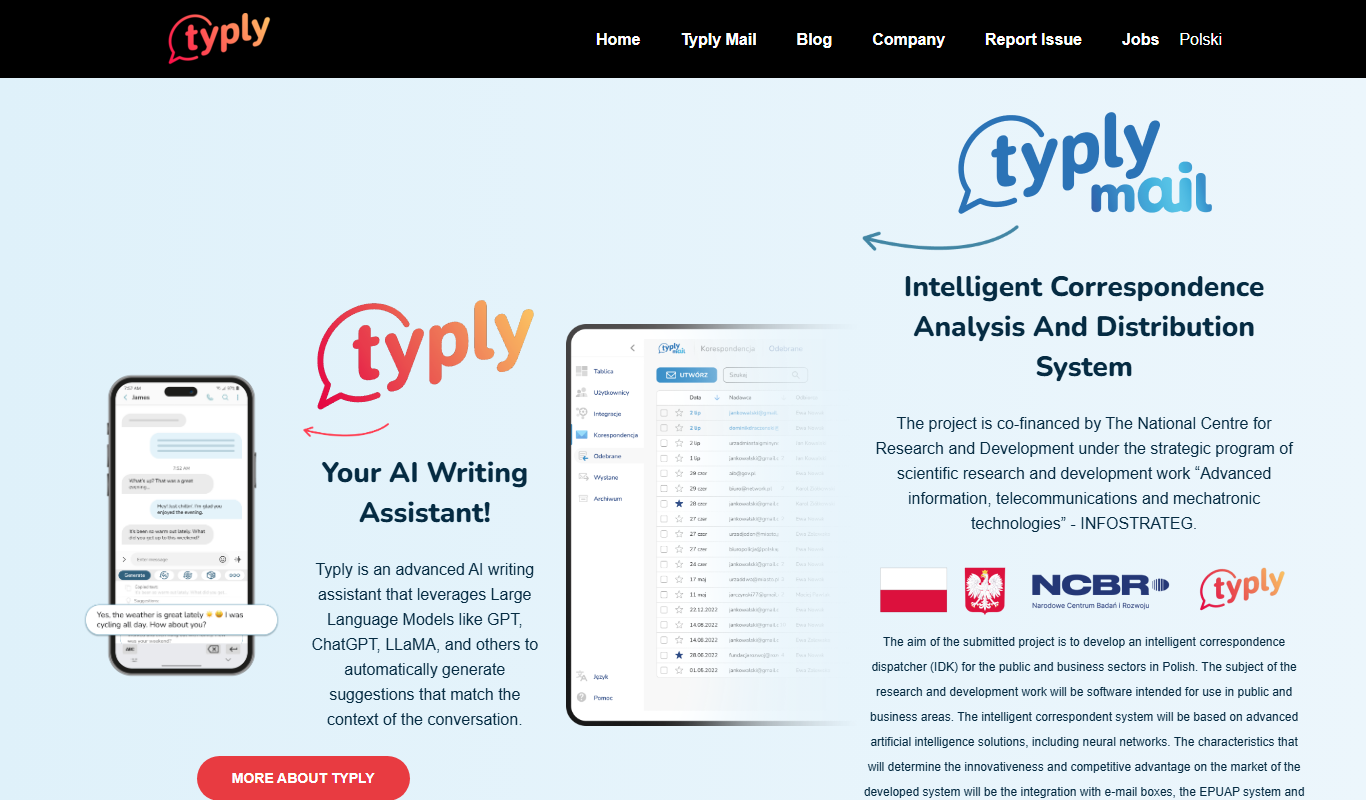
typly
Typly is an AI-powered writing assistant that helps users generate and refine text quickly through a user-friendly web interface, supporting content creation, editing, and brainstorming primarily in English.
Free
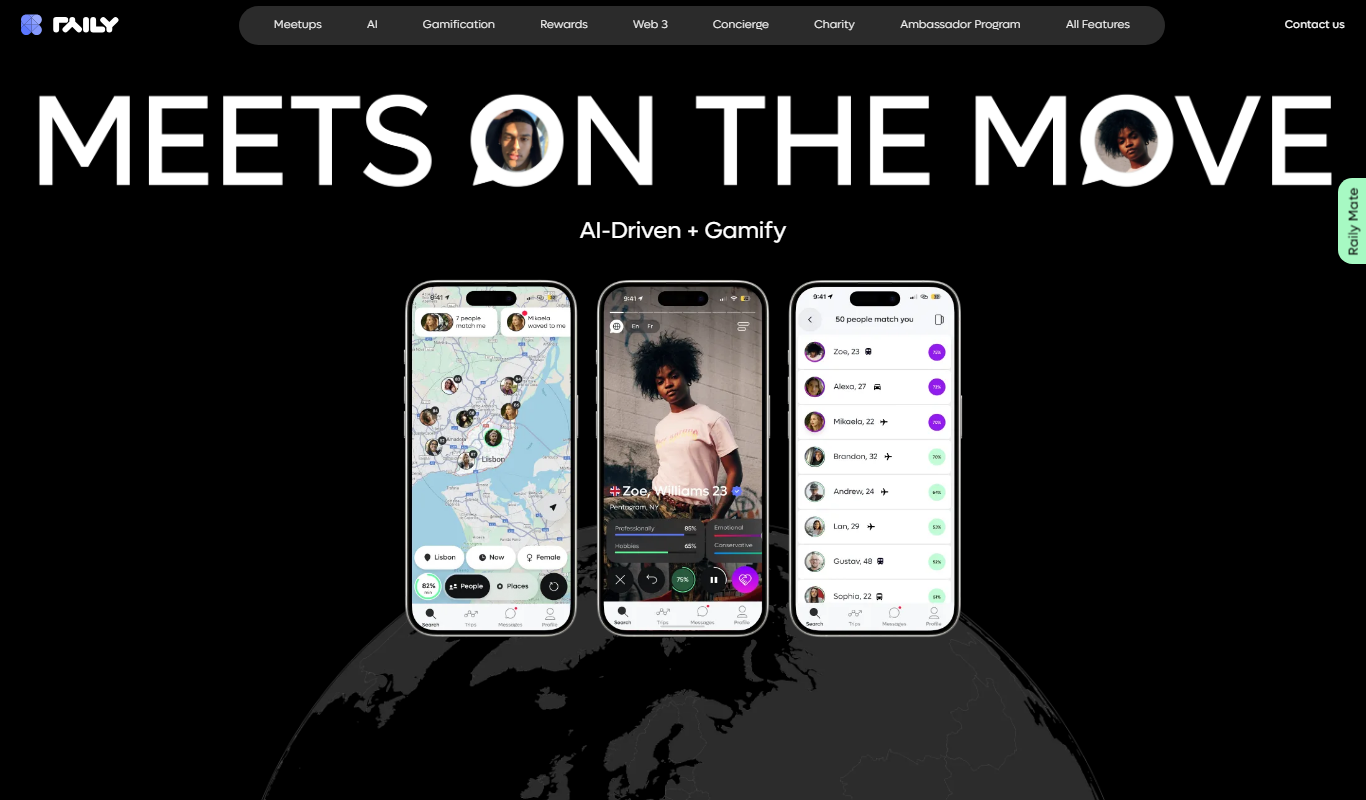
Raily
Raily is an AI-powered writing assistant that provides real-time grammar, style corrections, and content suggestions to help users create and edit written content efficiently.

Free
kuizu
Kuizu Studio is a web-based AI-powered platform that helps users create interactive quizzes for marketing, education, and engagement purposes with customizable templates and analytics.
Free
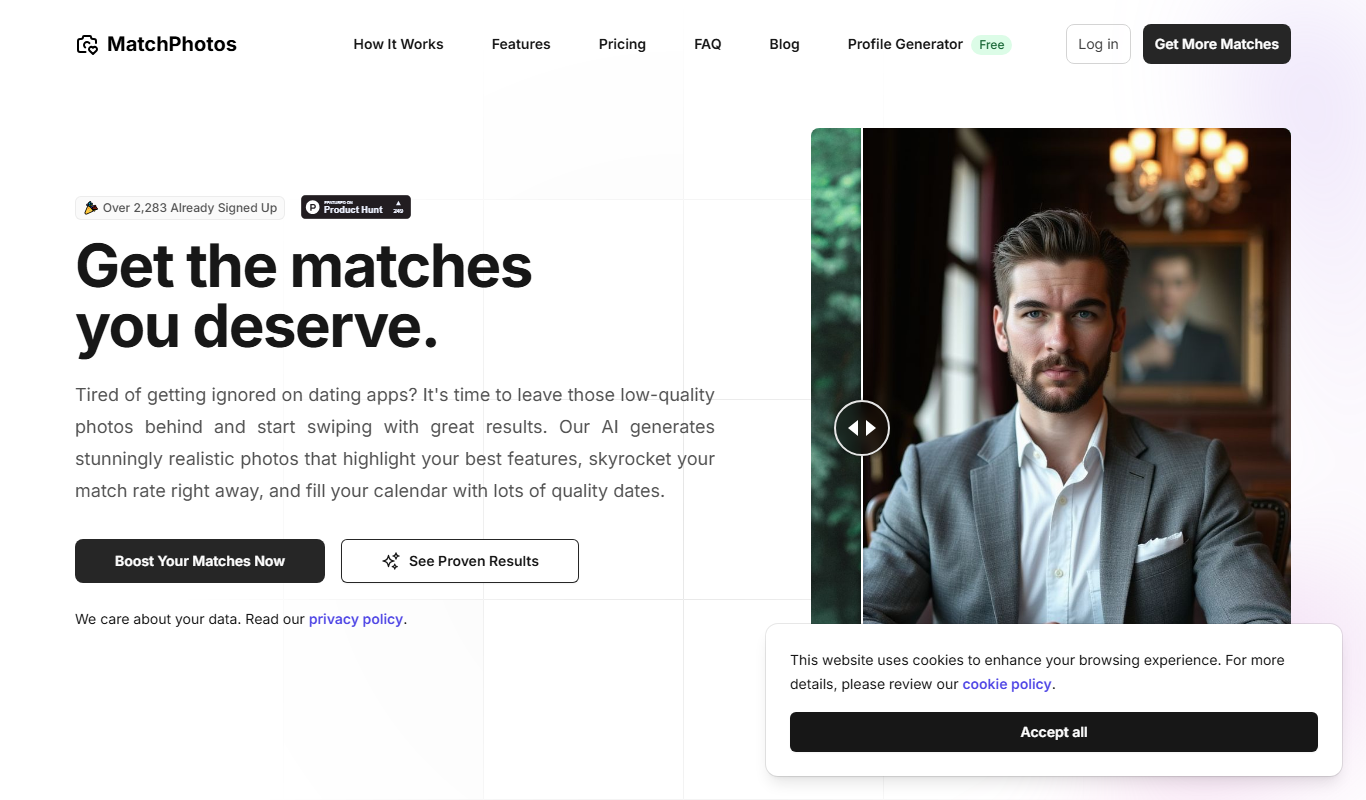
MatchPhotos
MatchPhotos is an AI-powered web tool that automatically removes backgrounds from photos, allowing users to download transparent PNGs quickly and easily, with support for bulk processing.
Freemium
Dating Photo AI
Dating Photo AI is a web-based tool that uses artificial intelligence to enhance and retouch photos specifically for dating profiles, improving lighting, skin appearance, and overall photo quality.
Free
Roast Dating
Roast Dating is a dating app that uses playful insults or 'roasts' as a unique way to start conversations and connect with others.