

Dojo Clip Video Editing Software for Quick and Easy Video Creation
DojoClip is an AI content studio for video editing, music, images, video generation and multilingual publishing.
- Best for
- Social Media Video Creation
- Key capability
- Video Edit
Save dojo clip video editing, follow its updates and vote on it — everything stays in your account.
Sign in or create a free account
What is dojo clip video editing?
DojoClip is an AI content studio for video editing, music, images, video generation and multilingual publishing. It brings 12 applications in 4 crafts (video, music and audio, image and design, and voice) into one workflow, plus free browser tools.
Key features of dojo clip video editing
DojoClip lets users edit videos, animate characters and generate AI music, sound effects, images and music videos in one workflow.
Video Edit
Edit with the timeline or chat in one workspace, add media, style captions, keep one edit history and export video on the device.
Multiple Aspect Ratios
Supports formats like 16:9, 1:1, and 9:16 for versatile social media compatibility.
Music Generator
Sing ideas with or without lyrics, start from premade styles or song types, or create a song inspired by one image.
Text to Speech
Turn scripts into natural voiceovers for videos, ads, tutorials and social posts, with voices previewed before creating audio.
Pros and cons of dojo clip video editing
Pros
- Simple and intuitive interface suitable for beginners
- Fast video clipping and exporting process
- Supports multiple social media aspect ratios
- No software installation needed
Cons
- Limited advanced editing features
- Free plan includes watermark on exports
Key use cases for dojo clip video editing
Social Media Video Creation
Create engaging short videos optimized for platforms like Instagram, TikTok, and YouTube Shorts.
Marketing Content Production
Produce promotional clips quickly to support marketing campaigns and advertisements.
Personal Video Editing
Edit personal videos easily without complex software, suitable for beginners.
Content Repurposing
Transform longer videos into short clips to maximize content reach and engagement.
How dojo clip video editing works
- 1
Upload Video
Start by uploading your video file to the Dojo Clip platform through the web interface.
- 2
Trim and Clip
Use the intuitive timeline to select and trim the desired portions of your video.
- 3
Adjust Aspect Ratio
Choose the appropriate aspect ratio for your target social media platform.
- 4
Export and Share
Export the edited clip quickly and download it for sharing or direct posting.
Who is using dojo clip video editing
dojo clip video editing pricing
Free
$0
30 trial credits to spend on AI music, sound effects, voiceovers, images, subtitles and video, refreshed each month; no credit card required.
Plus Monthly
$20 per month
1000 credits per month for creators who use AI generation regularly; credits can be used on one feature or split across several, and failed tasks refund credits automatically.
Plus Annual
$200 per year
12000 credits per year granted in one allocation, usable on one feature or split across several.
Plans and prices are as published by the vendor and can change. Check the official site before you buy. Open the pricing page (opens in a new tab)
Frequently asked questions about dojo clip video editing
Yes, Dojo Clip is entirely web-based and works through your browser.
It supports common video formats like MP4, MOV, and AVI.
Yes, videos exported with the free plan include a Dojo Clip watermark.
Yes, you can select from multiple aspect ratios optimized for social media.
Some tools offer a free plan or trial with limited features. Availability can vary, so confirm on the official website.
Yes, it can help with that use case depending on how you configure it and what features are available. You’ll get the best results with clear inputs and a defined goal.
Yes, it can help with that use case depending on how you configure it and what features are available. You’ll get the best results with clear inputs and a defined goal.
Conclusion
The studio groups 12 applications into 4 crafts: video, music and audio, image and design, and voice. Its Video Edit app combines timeline and chat editing with styled captions and exports the finished video on the device. Other apps generate songs with or without lyrics, sound effects, images and short video concepts, and one animates a still character with chosen movement. Scripts become natural voiceovers with voices previewed first, and a voice can be cloned from a clean sample or recording. A separate set of free tools, including trimming, subtitles and background removal, runs locally with no sign-up and keeps files on the device.
AI generation runs on credits at a fixed cost per task, from 4 credits for a sound effect to 40 for a video. Free users get 30 trial credits refreshed each month, while the Plus plan is billed monthly or annually.
Sources
Sign in to review this tool.
Sign In to ReviewNo reviews yet
Be the first to share how this tool worked for you.
Ask about pricing, limits, or how it compares — or answer someone else.
Sign In to AskNo questions yet
Have a question about using or paying for this tool? Be the first to ask.
Featured on TiorAI



More AI Content Creation Tools tools
Other tools in the same category, for when this one is not quite the fit.

Origin
Origin is an all-in-one financial platform with AI-powered budgeting, spend tracking, investment tools, forecasting and estate planning, plus an AI financial advisor.
Boutiq
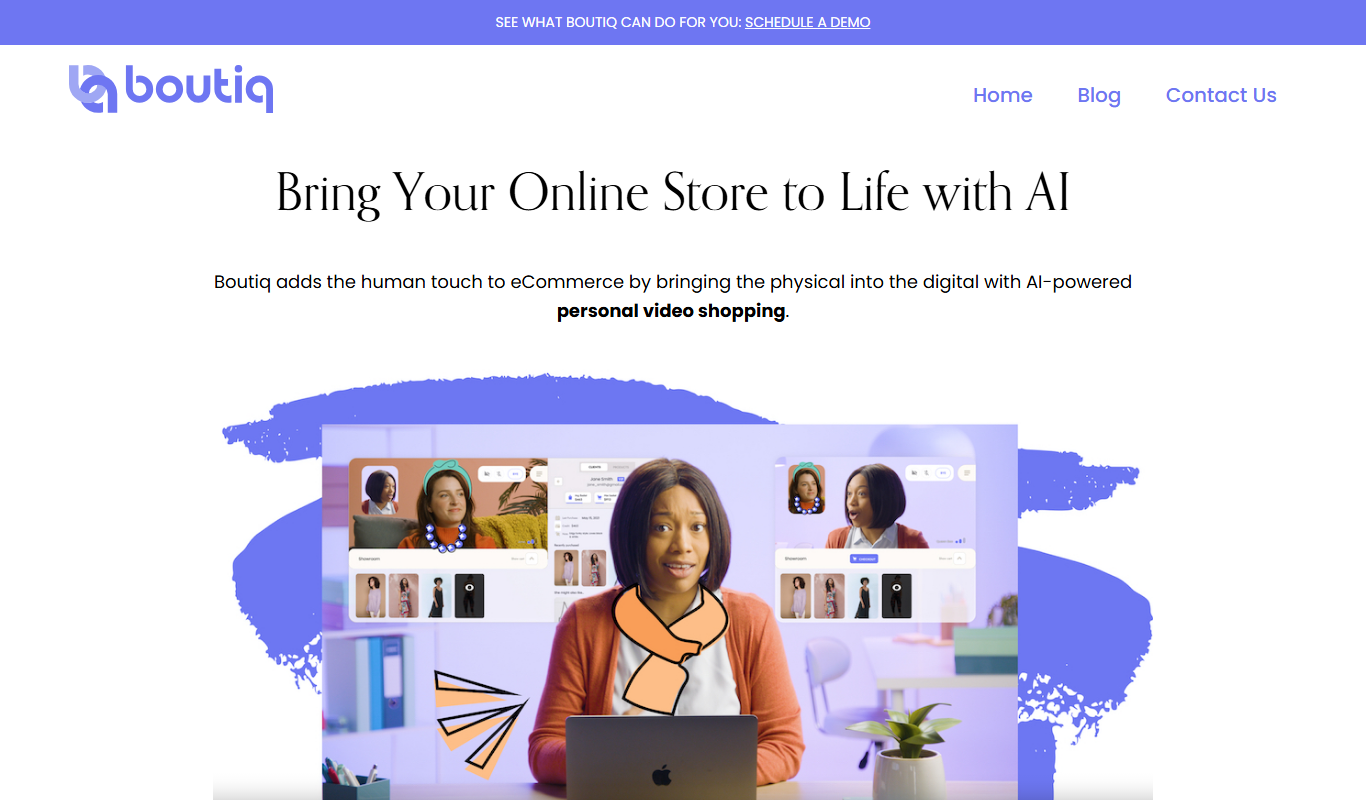
Boutiq adds AI-powered personal video shopping to Shopify stores: shoppers start or schedule a video chat with the store team, from discovery through checkout.

Quilter
Quilter uses physics-driven AI to automate PCB placement and routing, returning review-ready layout candidates in hours for designs from Altium, Cadence and Xpedition.

Talers
Talers is a collaborative writing application for books, novels, scripts and articles, with AI assistance.

Podcast Shownotes Generator
Podcast Shownotes Generator is an AI-powered web tool that creates detailed, SEO-optimized summaries for podcast episodes, helping podcasters save time and improve discoverability.

JotBot AI
JotBot AI is an AI writing assistant that writes in your personal style and helps you find and cite sources without leaving your document.

Sonnet
Sonnet AI is a meeting assistant and notetaker that records without bots, transcribes, writes custom notes, extracts action items and updates your CRM.

Supermeme.ai
Supermeme.ai is an AI-driven meme generator that creates viral memes quickly using customizable templates and AI-generated captions, ideal for social media marketing and content creation.