

From my experience with DevonThink, I found it excels at organizing large volumes of diverse documents through its AI-powered classification and smart automation features. Spending time with the platform reveals it is particularly well-suited for researchers, knowledge workers, and Mac users who need a robust, customizable system to manage their digital information. However, the learning curve can be steep for beginners, and its exclusivity to Apple platforms limits cross-platform flexibility. Overall, if you require advanced document management with AI assistance on macOS or iOS, DevonThink delivers reliable and powerful results.
DevonThink Knowledge Management Software for Mac with AI Features
DevonThink is a Mac and iOS knowledge management software that uses AI to classify, search, and automate organization of documents and data.
- Best for
- Personal Knowledge Management
- Key capability
- AI-Based Classification
Your actions
Save DevonThink, follow its updates and vote on it — everything stays in your account.
Sign in or create a free account
What is DevonThink?
DevonThink is a powerful knowledge management and document organization software designed primarily for macOS and iOS users. It helps individuals and professionals collect, organize, and retrieve digital information efficiently. With AI-powered classification, search, and automation features, DevonThink transforms chaotic data into a structured, searchable knowledge base.
Key features of DevonThink
DevonThink offers advanced document indexing, AI-assisted classification, smart search capabilities, automation through smart rules and scripts, and seamless integration with macOS and iOS environments. It supports a wide range of file types and provides tools for annotation, tagging, and linking documents.
AI-Based Classification
Automatically categorize documents using machine learning algorithms.
Smart Search
Search across all documents with contextual and fuzzy matching.
Automation with Smart Rules
Create custom rules to automate organization and processing of data.
Multi-Format Support
Handle PDFs, emails, images, web archives, and more within one platform.
Cross-Device Sync
Sync data securely across Mac, iPhone, and iPad devices.
Pros and cons of DevonThink
Pros
- Robust AI classification and search capabilities
- Highly customizable automation with smart rules
- Supports a wide variety of file types
- Strong integration with macOS and iOS ecosystems
- One-time purchase options available
Cons
- No support for Windows or Android platforms
- Steep learning curve for advanced features
- User interface can feel complex for beginners
Key use cases for DevonThink
Personal Knowledge Management
Organize and retrieve personal notes, documents, and research materials efficiently.
Research and Academic Work
Manage large volumes of research papers, PDFs, and references with powerful search and AI classification.
Project Management
Centralize project documents, emails, and notes to streamline workflows and collaboration.
Data Archiving and Retrieval
Store and index diverse file types for quick access and long-term archival.
Automation of Document Processing
Use AI-based smart rules and scripts to automate filing, tagging, and data extraction.
How DevonThink works
- 1
Import Data
Add documents, emails, PDFs, and web clippings into DevonThink’s databases.
- 2
Organize and Classify
Use AI-assisted classification and manual tagging to structure your data.
- 3
Search and Retrieve
Leverage powerful search tools and AI to quickly find relevant information.
- 4
Automate Workflows
Set up smart rules and scripts to automate repetitive tasks like filing and tagging.
Who is using DevonThink
Researchers and academics
Knowledge workers and professionals
Writers and content creators
Project managers
Mac and iOS users seeking advanced document management
DevonThink pricing
Standard
$99.95 one-time
Full-featured macOS version with basic AI and automation.
Pro
$199.95 one-time
Includes advanced AI, OCR, and scripting capabilities.
Subscription
$5.99/month
Access to DevonThink To Go for iOS with syncing and cloud features.
Plans and prices are as published by the vendor and can change. Check the official site before you buy. Open the pricing page (opens in a new tab)
Frequently asked questions about DevonThink
No, DevonThink is currently only available for macOS, iOS, and iPadOS.
Yes, it uses AI-based classification and smart rules to automate organization.
Yes, it supports secure syncing between Mac, iPhone, and iPad devices.
It supports PDFs, emails, images, web archives, plain text, and many other formats.
This tool is designed to help users accomplish its core tasks more efficiently. It is typically used by individuals or teams looking to improve productivity and workflow.
Yes, it can help with that use case depending on how you configure it and what features are available. You’ll get the best results with clear inputs and a defined goal.
It depends on your specific needs and how you plan to use the tool. The official website and documentation are the best sources for the latest details.
Pricing depends on the plan and included features. For the most accurate and up-to-date details, check the official pricing page.
Sign in to review this tool.
Sign In to ReviewNo reviews yet
Be the first to share how this tool worked for you.
Ask about pricing, limits, or how it compares — or answer someone else.
Sign In to AskNo questions yet
Have a question about using or paying for this tool? Be the first to ask.
Featured on TiorAI



Alternative Tools
Explore similar AI tools that might fit your needs

Free
Evernote
Evernote is a cross-platform note-taking app that helps users capture, organize, and collaborate on notes, tasks, and projects with multi-format support and powerful search.
Free
Obsidian
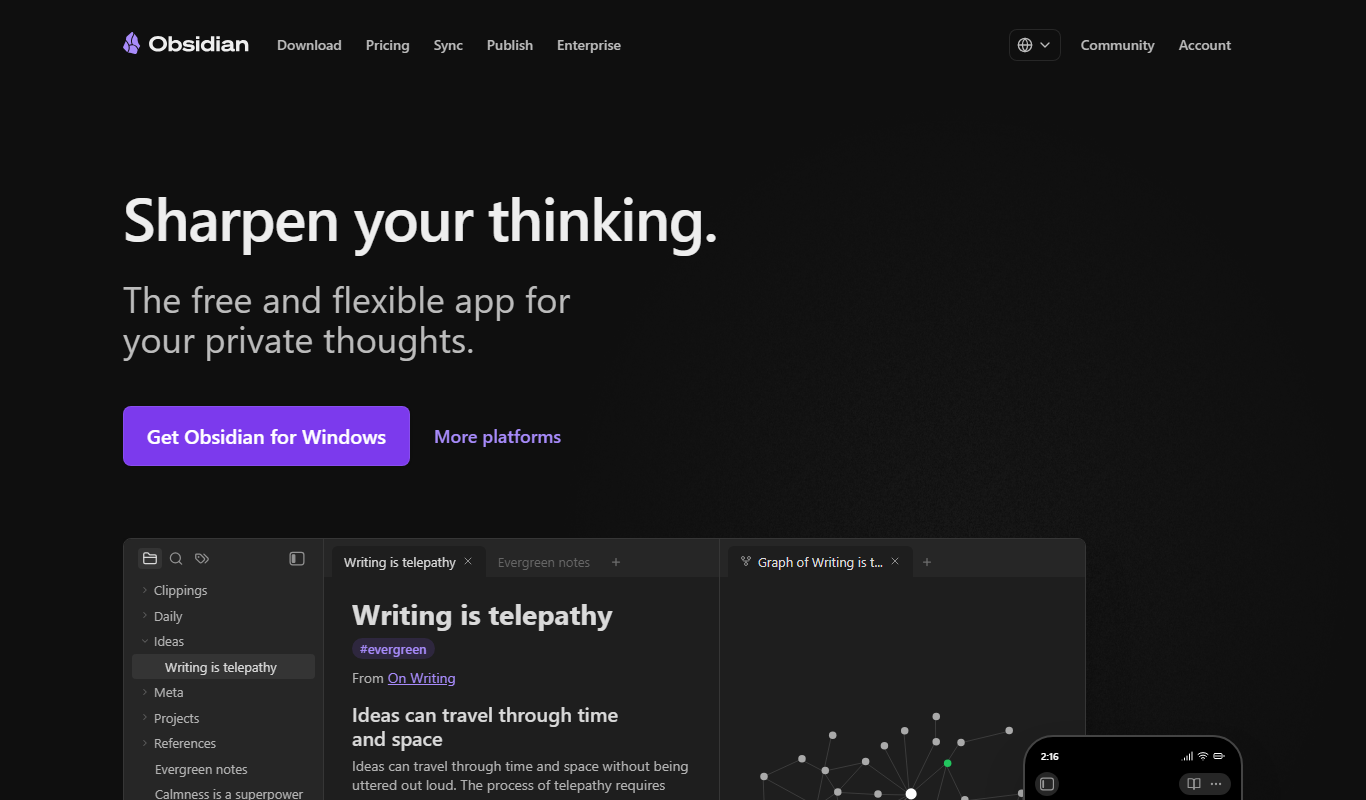
Obsidian is a markdown note-taking app that helps users build a personal knowledge base with linked notes, graph visualization, and extensive customization options.
More AI Workflow tools
Other tools in the same category, for when this one is not quite the fit.

Free
Practice Better
Practice Better is a client management platform designed for health and wellness professionals, offering scheduling, telehealth, billing, and client communication tools.
Contact for pricing
Satori
Satori is a data platform that provides secure, real-time access to data across multiple sources with centralized governance, dynamic masking, and auditing to ensure compliance and data security.

Custom Pricing
IDnow
IDnow is a digital identity verification platform that uses AI and biometric technology to securely verify customer identities for compliance and fraud prevention.
Subscription
Foundant
Foundant is a cloud-based grant management software designed to help nonprofits and foundations manage grant applications, reviews, awards, and reporting efficiently.

Custom Pricing
MineralTree
MineralTree is an accounts payable automation platform that streamlines invoice processing, approval workflows, and payment execution to improve efficiency and reduce fraud risk for finance teams.

Custom Pricing
Stampli
Stampli is an AI-driven accounts payable automation platform that streamlines invoice processing by automating data extraction, enabling collaborative invoice review, and integrating with ERP systems to accelerate approvals and payments.

Subscription
Tipalti
Tipalti is a cloud-based platform that automates global accounts payable processes including supplier onboarding, tax compliance, invoice management, multi-currency payments, and reconciliation to help finance teams reduce manual work and errors.
Free Trial
IdeaScale
IdeaScale is a cloud-based innovation management platform that helps organizations crowdsource ideas, engage communities, and manage the innovation lifecycle through customizable workflows and analytics.