

From my experience with Deep Nostalgia AI, I found it excels at transforming static old photos into captivating animated portraits with surprisingly natural facial movements. The tool’s ease of use and quick processing make it accessible even for beginners interested in genealogy or family history. However, the free version limits the number of animations, and the best results require clear, high-quality photos. Overall, if you want to bring your ancestors’ photos to life or create engaging social media content from historical images, Deep Nostalgia AI offers a unique and effective solution.
Deep Nostalgia AI - Animate Old Photos with AI Facial Animation Technology
Deep Nostalgia AI is a web-based tool by MyHeritage that uses AI to animate faces in still photos, creating realistic facial movements like blinking and smiling to bring old images to life.
- Best for
- Family History Preservation
- Key capability
- AI-Powered Facial Animation

Do you recommend this tool?
What is Deep Nostalgia AI?
Deep Nostalgia AI is an online tool developed by MyHeritage that uses artificial intelligence to animate faces in still photos. It applies deep learning models to create realistic facial movements such as blinking, smiling, and head turns, effectively bringing old photographs to life. This technology is especially popular for animating historical and family photos, providing a new way to experience and connect with the past.
Key features of Deep Nostalgia AI
The tool offers easy-to-use AI-powered facial animation with a variety of predefined animation styles. It supports multiple languages and integrates seamlessly with MyHeritage’s genealogy platform. Users can upload photos directly on the web, animate faces in seconds, and download or share the results. The service operates on a freemium model, allowing limited free animations with options for subscription plans offering extended features.
AI-Powered Facial Animation
Uses advanced deep learning to animate facial expressions and movements realistically.
Multiple Animation Styles
Offers a variety of animation presets to bring different expressions and motions to photos.
Easy Web Interface
No software installation required; animations can be created directly through the website.
Integration with MyHeritage
Seamlessly connects with MyHeritage genealogy services for enhanced family history experiences.
Multilingual Support
Supports several languages to accommodate a global user base.
Pros and cons of Deep Nostalgia AI
Pros
- Produces highly realistic facial animations
- Simple and intuitive web-based interface
- Integrates well with genealogy research
- Supports multiple languages
- Free tier available for casual users
Cons
- Limited free animations before subscription required
- Works best with high-quality, clear photos
- No mobile app; web-only platform
Key use cases for Deep Nostalgia AI
Family History Preservation
Bring old family photos to life by animating faces, helping preserve and share family memories in an engaging way.
Genealogy Research
Enhance genealogical projects by visualizing ancestors through animated images, adding emotional connection to historical data.
Social Media Sharing
Create captivating animated portraits from static photos to share on social media platforms, increasing engagement and storytelling.
Educational Content
Use animated historical photos in educational materials to make history lessons more vivid and relatable.
How Deep Nostalgia AI works
- 1
Upload Photo
Users upload a clear photo containing one or more faces to the Deep Nostalgia AI web interface.
- 2
AI Face Detection
The AI automatically detects faces in the photo and prepares them for animation.
- 3
Select Animation Style
Choose from a set of predefined animation sequences that simulate natural facial movements.
- 4
Generate Animation
The AI processes the photo and creates a short video clip animating the faces realistically.
- 5
Download or Share
Users can download the animated video or share it directly on social media platforms.
Who is using Deep Nostalgia AI
Genealogy enthusiasts
Family historians
Social media users
Educators and students
Photo restoration professionals
Deep Nostalgia AI pricing
Free
$0
Limited number of free animations per user with basic features.
MyHeritage Complete Plan
From $129/year
Includes unlimited animations, access to full genealogy tools, photo enhancements, and priority support.
Plans and prices are as published by the vendor and can change. Check the official site before you buy. Open the pricing page (opens in a new tab)
Frequently asked questions about Deep Nostalgia AI
Yes, it offers a limited number of free animations, but full access requires a MyHeritage subscription.
Clear, frontal photos with visible faces yield the best animation results.
Yes, the AI can detect and animate multiple faces within a single image.
MyHeritage follows strict privacy policies to protect user data and photos.
It depends on your specific needs and how you plan to use the tool. The official website and documentation are the best sources for the latest details.
Some tools offer a free plan or trial with limited features. Availability can vary, so confirm on the official website.
Data handling and security practices vary by provider. Review the official privacy policy to understand how your data is stored and used.
Sign in to review this tool.
Sign In to ReviewNo reviews yet
Be the first to share how this tool worked for you.
Ask about pricing, limits, or how it compares — or answer someone else.
Sign In to AskNo questions yet
Have a question about using or paying for this tool? Be the first to ask.
Featured on TiorAI



More AI Animated Video tools
Other tools in the same category, for when this one is not quite the fit.

Digital Domain
Digital Domain is a top visual effects and digital production studio specializing in CGI, virtual reality, and immersive media for films, commercials, and interactive experiences.

Free
Gooey.AI
Gooey.AI is a no-code platform that enables developers and teams to deploy machine learning models as scalable APIs without backend coding, supporting collaboration and rapid prototyping.

Free
Gemoo
Gemoo is a screen recording and collaboration tool that enables users to capture, annotate, and share videos for team communication, training, and content creation.

Freemium
LuDe
LuDe is an AI-powered writing assistant that helps users generate, edit, and improve written content efficiently through advanced natural language processing.

Free Trial
Deja Videos
Deja Videos is an AI-driven platform that automates video creation for marketing and social media, enabling users to generate professional videos quickly without editing skills.

Freemium
BlitzVideo.AI
BlitzVideo.AI is a web-based AI video creation platform that automates video editing and script-to-video conversion, enabling users to produce professional videos quickly without prior editing experience.
Free
MemeGen AI
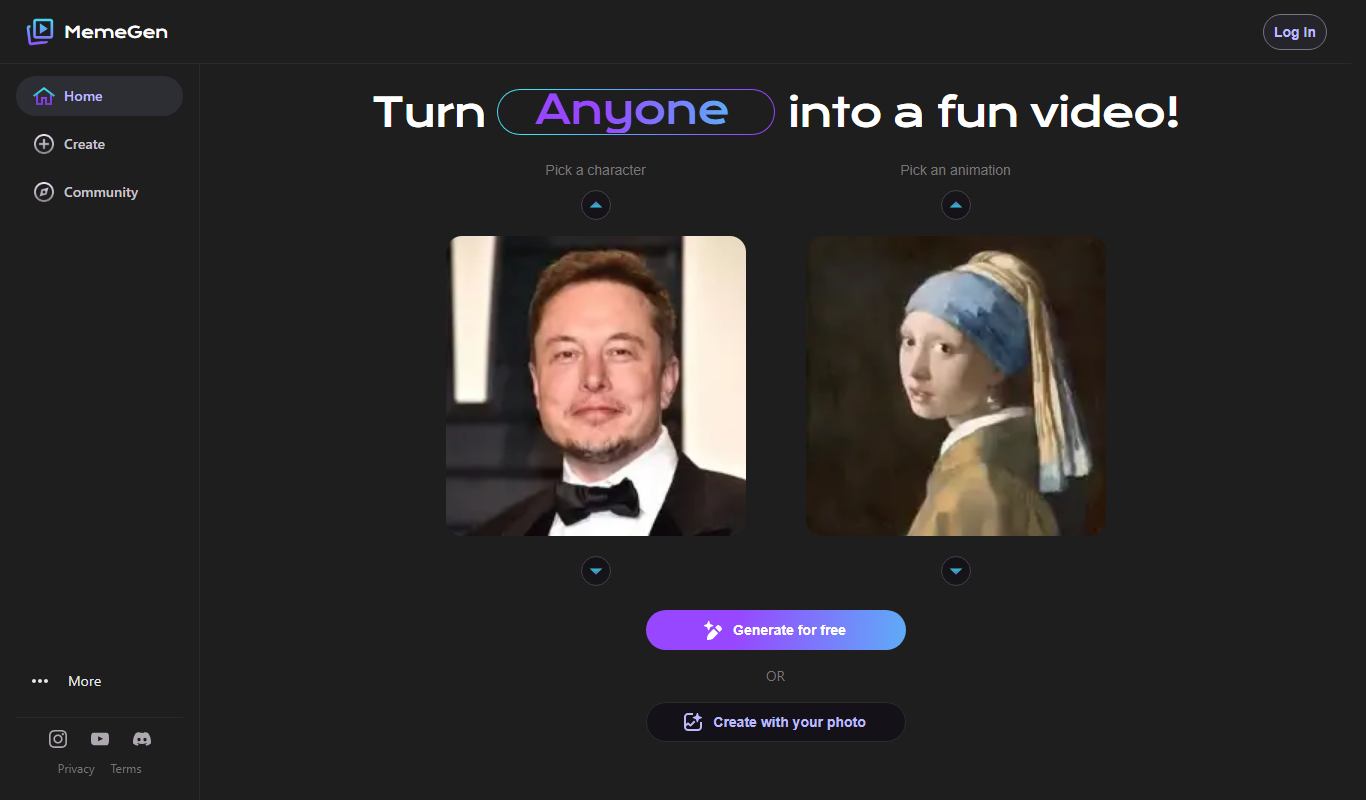
MemeGen AI is a web-based tool that uses artificial intelligence to help users create memes by providing caption suggestions and a variety of templates, ideal for social media marketing and content creation.
Contact Sales
Syft
Syft is an AI-driven platform that automates data discovery, cataloging, and governance by scanning diverse data sources to create a unified metadata catalog with lineage and compliance features.