

From my experience with Dear Ai, I found it excels at quickly generating personalized email drafts that save significant time in daily communication. The tool’s straightforward web interface and tone customization options make it particularly well-suited for sales professionals and customer support teams who need to maintain a professional yet personal touch. However, the lack of direct integration with popular email clients means users must copy and paste content manually, which can interrupt workflow. Overall, if you want to streamline your email writing process with AI assistance, Dear Ai offers a practical and easy-to-use solution.
Dear Ai - AI-Powered Personalized Email Writing Assistant Tool
Dear Ai is a web-based AI tool that generates personalized email drafts to help users write emails faster with customizable tone and style.
- Best for
- Personalized Email Writing
- Key capability
- AI-Powered Email Drafting
Your actions
Save Dear Ai, follow its updates and vote on it — everything stays in your account.
Sign in or create a free account

What is Dear Ai?
Dear Ai is an AI-powered email writing assistant designed to help users craft personalized, contextually relevant emails efficiently. It leverages artificial intelligence to generate email drafts based on user input, saving time and enhancing communication quality.
Key features of Dear Ai
Dear Ai offers features such as AI-generated email drafts, personalization options, tone adjustment, and quick editing capabilities to streamline email composition for various professional and personal scenarios.
AI-Powered Email Drafting
Automatically generates email drafts tailored to the user's input and context.
Personalization Controls
Allows users to customize tone and style to match their communication needs.
Quick Editing Interface
Provides an easy-to-use editor for refining AI-generated content before sending.
Web-Based Platform
Accessible from any device with internet access without the need for installation.
Pros and cons of Dear Ai
Pros
- Saves time by generating email drafts quickly
- Easy to use with a clean web interface
- Allows tone and style customization for personalization
Cons
- Limited integrations with email clients
- Free plan has restricted usage limits
- Currently supports only English language
Key use cases for Dear Ai
Personalized Email Writing
Generate customized and context-aware emails quickly to improve communication efficiency.
Sales Outreach
Create persuasive and tailored sales emails to increase response rates and engagement.
Customer Support
Draft professional and empathetic email responses to customer inquiries and issues.
Internal Communication
Compose clear and concise emails for team collaboration and updates.
How Dear Ai works
- 1
Input Email Context
Provide key details or prompts about the email’s purpose and recipient.
- 2
Generate Draft
Dear Ai uses AI to create a personalized email draft based on the input.
- 3
Review and Edit
Users can review the generated email and make any necessary adjustments.
- 4
Send or Export
Once satisfied, users can send the email or export it to their preferred email client.
Who is using Dear Ai
Sales professionals
Customer support teams
Small business owners
Freelancers and consultants
General professionals needing email assistance
Dear Ai pricing
Free
$0/month
Basic access with limited email generations per month.
Pro
$9.99/month
Unlimited email generations and advanced personalization features.
Plans and prices are as published by the vendor and can change. Check the official site before you buy. Open the pricing page (opens in a new tab)
Frequently asked questions about Dear Ai
Yes, Dear Ai offers a free plan with limited email generations per month.
Yes, users can adjust the tone and style of the generated emails to suit their needs.
Currently, Dear Ai is a web-based tool and does not directly integrate with email clients but allows easy copy-pasting.
Yes, it can help with that use case depending on how you configure it and what features are available. You’ll get the best results with clear inputs and a defined goal.
Yes, it can help with that use case depending on how you configure it and what features are available. You’ll get the best results with clear inputs and a defined goal.
Sign in to review this tool.
Sign In to ReviewNo reviews yet
Be the first to share how this tool worked for you.
Ask about pricing, limits, or how it compares — or answer someone else.
Sign In to AskNo questions yet
Have a question about using or paying for this tool? Be the first to ask.
Featured on TiorAI



More AI Writing & Content Tools tools
Other tools in the same category, for when this one is not quite the fit.

Freemium
EasyEssay
EasyEssay is an AI writing assistant that helps users generate essays and academic papers efficiently by providing structured drafts, grammar improvements, and topic suggestions.

Custom Pricing
MyPerfectWords
MyPerfectWords is an online platform offering custom academic writing, editing, and proofreading services with qualified writers and plagiarism-free guarantees.

Free
PaperTyper.net
PaperTyper.net is a set of academic writing tools with a paid essay ordering service.

Free Trial
SermonAI
SermonAI is an AI-driven platform that assists pastors in generating sermon outlines, full sermons, and devotional content based on scripture and topics, streamlining sermon preparation.
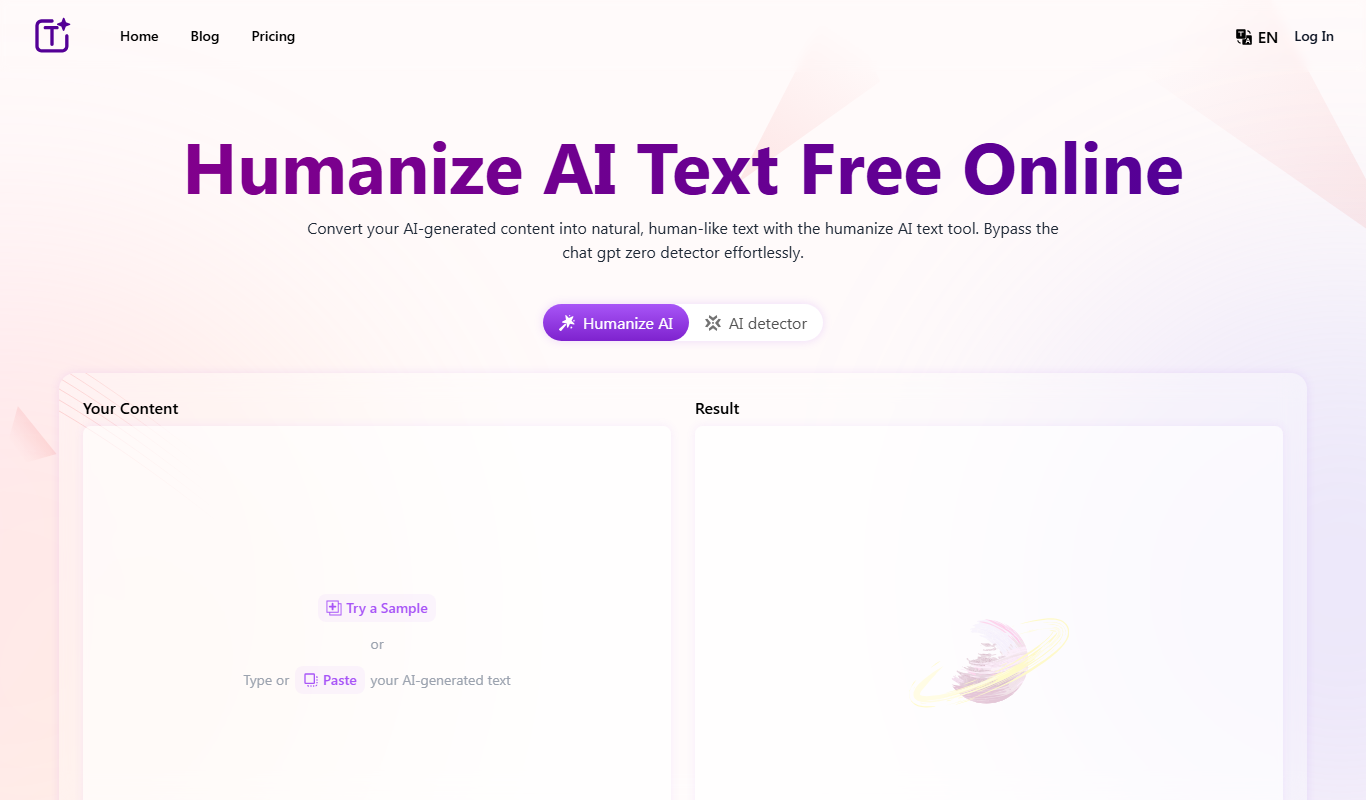
Free
Humanize AI Text Free Online
Humanize.im is an AI text humanizer that converts AI-generated content into natural, human-like text, with a daily free usage quota and paid plans.

Free
Essay-Grader.ai – Grade essays in seconds using AI
Essay-Grader.ai is an AI-based online tool that grades essays quickly and provides detailed feedback on grammar, coherence, and content quality to help educators and students save time and improve writing.
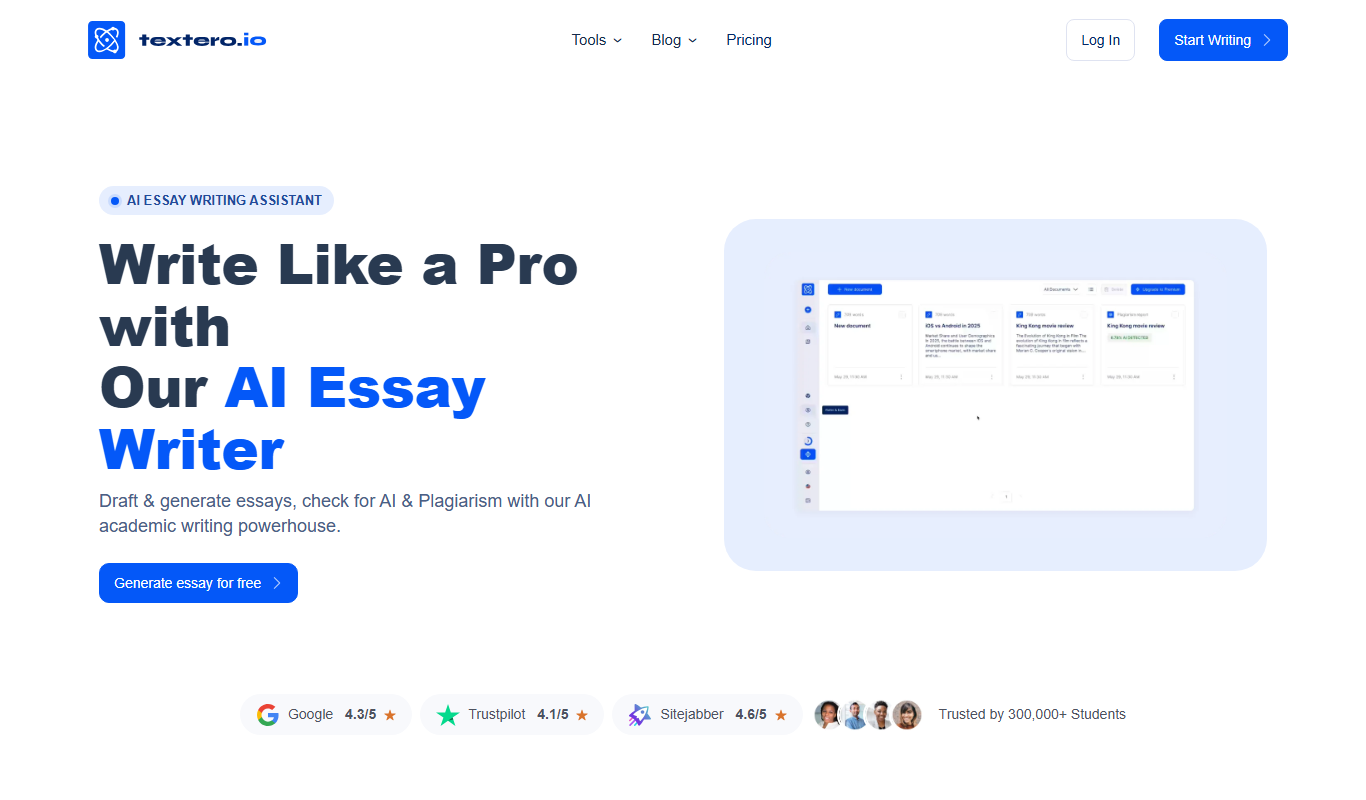
Freemium
Textero.ai Essay Writer
Textero.ai Essay Writer is an AI-based platform that generates structured essays from user prompts, designed to assist students and writers in producing academic content efficiently.

Freemium
AI论文初稿写作-学境思源
AcademicIdeas is a Chinese AI platform for thesis writing, from proposal and outline to draft.