

Dacast Live Streaming Platform for Video Hosting and Monetization
Dacast is a live streaming and video hosting platform that enables businesses and creators to broadcast live events, host on-demand videos, monetize content, and secure streams with advanced features and API integration.
- Best for
- Live Event Broadcasting
- Key capability
- Live Streaming with Low Latency
Save Dacast, follow its updates and vote on it — everything stays in your account.
Sign in or create a free account
What is Dacast?
Dacast is a comprehensive live streaming and video hosting platform designed for businesses and content creators. It provides tools to broadcast live events, host on-demand videos, and monetize video content through various revenue models. The platform supports secure streaming, customizable video players, and detailed analytics to help users engage audiences effectively.
Key features of Dacast
Dacast offers live streaming with low latency, video hosting with adaptive bitrate, monetization options including paywall and ads, API access for custom integrations, and robust security features such as DRM and geo-blocking.
Live Streaming with Low Latency
Deliver real-time broadcasts with minimal delay to ensure smooth viewer experience.
Video Monetization Tools
Implement pay-per-view, subscriptions, and ad integrations to generate revenue.
Customizable Video Player
Brand and tailor your video player to match your website or app design.
Secure Streaming
Protect content with DRM, password protection, geo-blocking, and token authentication.
API Access
Integrate Dacast’s streaming capabilities into custom applications via API.
Detailed Analytics
Track viewer metrics, engagement, and revenue performance in real time.
Pros and cons of Dacast
Pros
- Robust monetization options for video content
- Low latency live streaming with global CDN
- Comprehensive security features to protect content
- User-friendly interface with customizable players
- API access for advanced integrations
Cons
- Pricing can be high for small creators with limited budgets
- Some advanced features require higher-tier plans
- No dedicated mobile app for streaming management
Key use cases for Dacast
Live Event Broadcasting
Stream live events such as conferences, sports, concerts, and webinars to a global audience with low latency and high quality.
Video Monetization
Monetize video content through pay-per-view, subscriptions, and advertising integrations to generate revenue from streaming.
OTT Channel Creation
Create and manage your own OTT (over-the-top) streaming channel with customizable video players and content management.
Internal Corporate Communications
Use secure streaming for internal communications, training sessions, and corporate announcements with access control.
Video Hosting and On-Demand Streaming
Host and deliver on-demand video content with adaptive bitrate streaming and analytics to optimize viewer experience.
How Dacast works
- 1
Create an Account
Sign up on Dacast’s website to access the streaming dashboard.
- 2
Set Up Your Stream
Configure your live stream or upload on-demand videos using the intuitive interface.
- 3
Customize Player and Monetization
Customize your video player and set up monetization options like pay-per-view or subscriptions.
- 4
Go Live or Publish
Start your live broadcast or publish your on-demand content to your audience.
- 5
Analyze Performance
Use built-in analytics to monitor viewer engagement and optimize your streaming strategy.
Who is using Dacast
Dacast pricing
Starter
$39/month
Includes 2.4 TB of bandwidth per year and 500 GB of storage.
Event
$63/month
Includes 6 TB of bandwidth and 250 GB of storage.
Scale
$165/month (annual)
Includes 24 TB of bandwidth and 2000 GB of storage.
Custom
Contact Sales
Tailored plans with custom bandwidth, storage, and support.
Plans and prices are as published by the vendor and can change. Check the official site before you buy. Open the pricing page (opens in a new tab)
Frequently asked questions about Dacast
Yes, Dacast supports multiple monetization options including pay-per-view, subscriptions, and ad integration.
Yes, Dacast offers API access to integrate streaming features into your own applications.
Dacast includes DRM, password protection, geo-blocking, and token authentication to secure your content.
Dacast offers a 14-day free trial with access to most features to test the platform.
It depends on your specific needs and how you plan to use the tool. The official website and documentation are the best sources for the latest details.
Data handling and security practices vary by provider. Review the official privacy policy to understand how your data is stored and used.
Yes, it can help with that use case depending on how you configure it and what features are available. You’ll get the best results with clear inputs and a defined goal.
Integration support depends on the tool and its available connectors or API. Check the official documentation or integrations page to confirm what is supported.
Conclusion
Broadcasters on Dacast configure a live stream or upload on-demand videos, then go live or publish the content to their audience. Revenue can come from pay-per-view, subscriptions and ad integrations. Content is protected with DRM, password protection, geo-blocking and token authentication, and an API lets developers integrate streaming into custom applications. Typical uses include conferences, concerts and webinars as well as secure internal corporate communications and training sessions. The service targets media companies and broadcasters, event organizers and educators, and corporate communications teams.
Starter costs $39 with 2.4 TB of bandwidth per year and 500 GB of storage, and Event costs $63 with 6 TB and 250 GB. Scale costs $165 per month on annual billing and includes 24 TB of bandwidth and 2000 GB of storage.
Sources
Sign in to review this tool.
Sign In to ReviewNo reviews yet
Be the first to share how this tool worked for you.
Ask about pricing, limits, or how it compares — or answer someone else.
Sign In to AskNo questions yet
Have a question about using or paying for this tool? Be the first to ask.
Featured on TiorAI



More Business Management tools
Other tools in the same category, for when this one is not quite the fit.
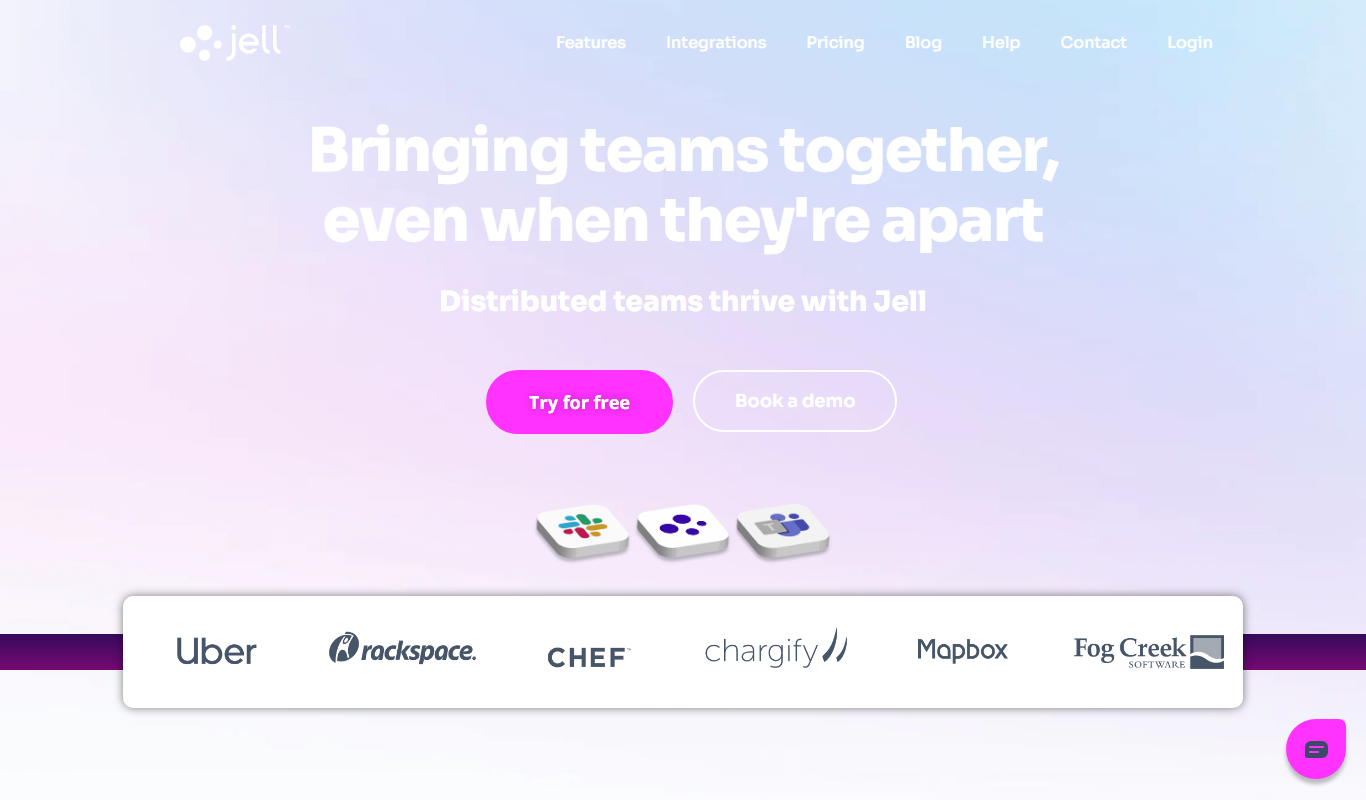
Jell
Jell is a team collaboration and project management tool that helps teams run daily standups, track OKRs, and improve alignment, especially for remote and agile teams.
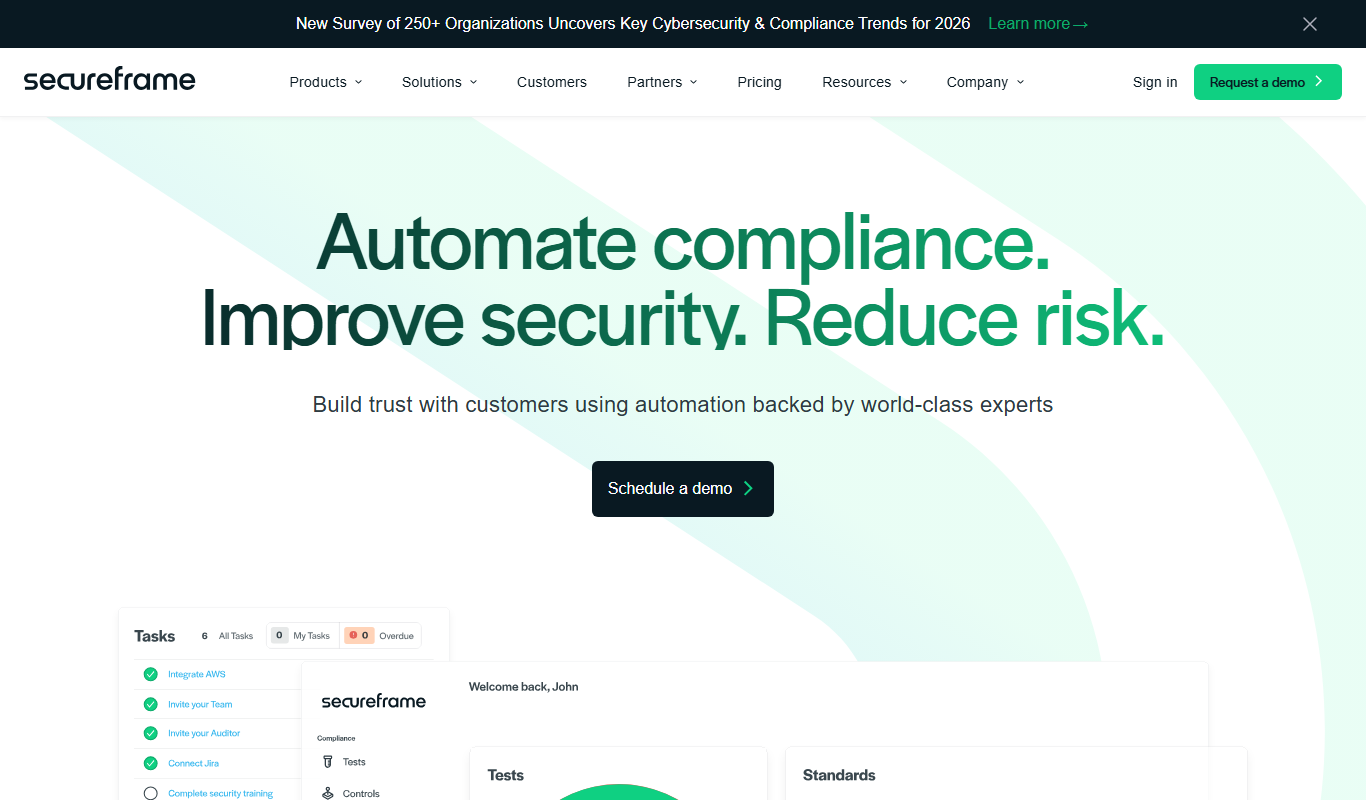
Secureframe
Secureframe is a compliance automation platform that helps businesses achieve and maintain cybersecurity certifications like SOC 2 and ISO 27001 by automating evidence collection, risk assessments, and audit preparation.

Vanta
Vanta is a compliance automation platform that helps businesses automate security monitoring, evidence collection, and audit preparation for standards like SOC 2, ISO 27001, HIPAA, and GDPR.
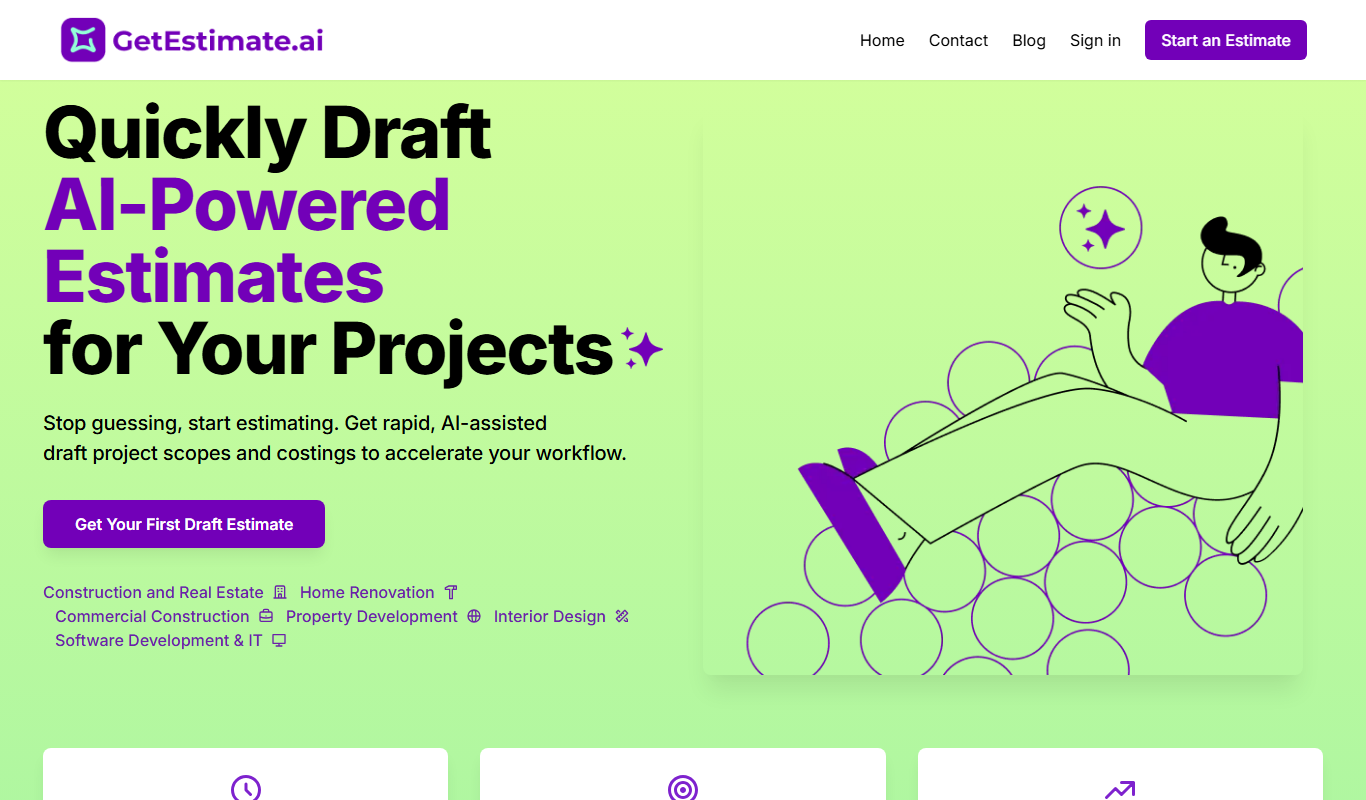
GetEstimate.ai
GetEstimate.ai is an AI agent that analyzes your project, asks targeted questions and generates detailed construction and software estimates, paid per estimate with no subscription.

TenantCloud
TenantCloud is a cloud-based property management software that helps landlords and property managers handle rental listings, tenant screening, rent payments, maintenance requests, and financial reporting efficiently.

ShootProof
ShootProof is a photography client management platform that provides customizable online galleries, client proofing tools, and integrated e-commerce for selling prints and digital downloads.

Duplicate Cleaner Pro
Duplicate Cleaner Pro is a Windows software tool that scans for and removes duplicate files, helping users free up disk space and organize their files efficiently.
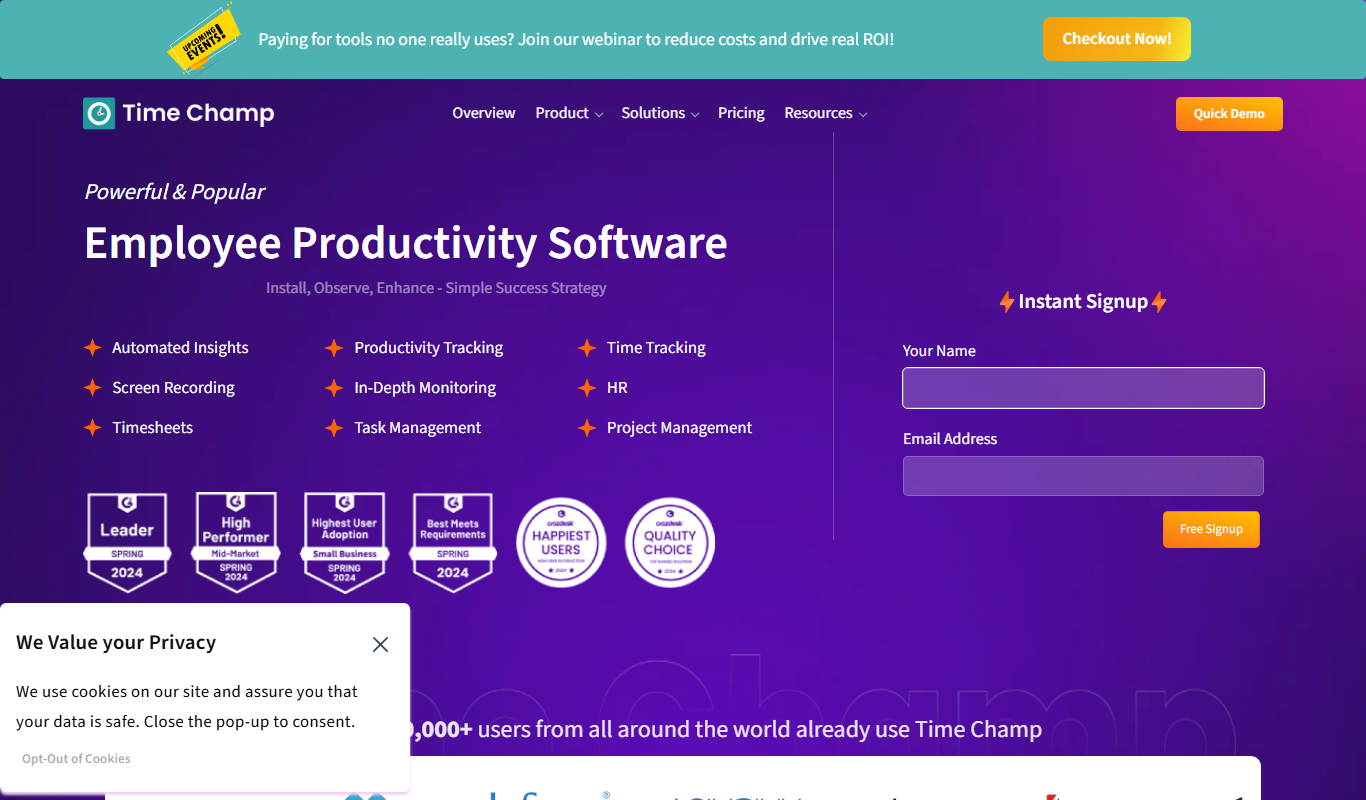
Time Champ
Time Champ is a multi-platform time tracking and employee monitoring software that helps businesses track work hours, manage projects, and analyze productivity with features like automatic tracking, screenshots, and timesheet automation.